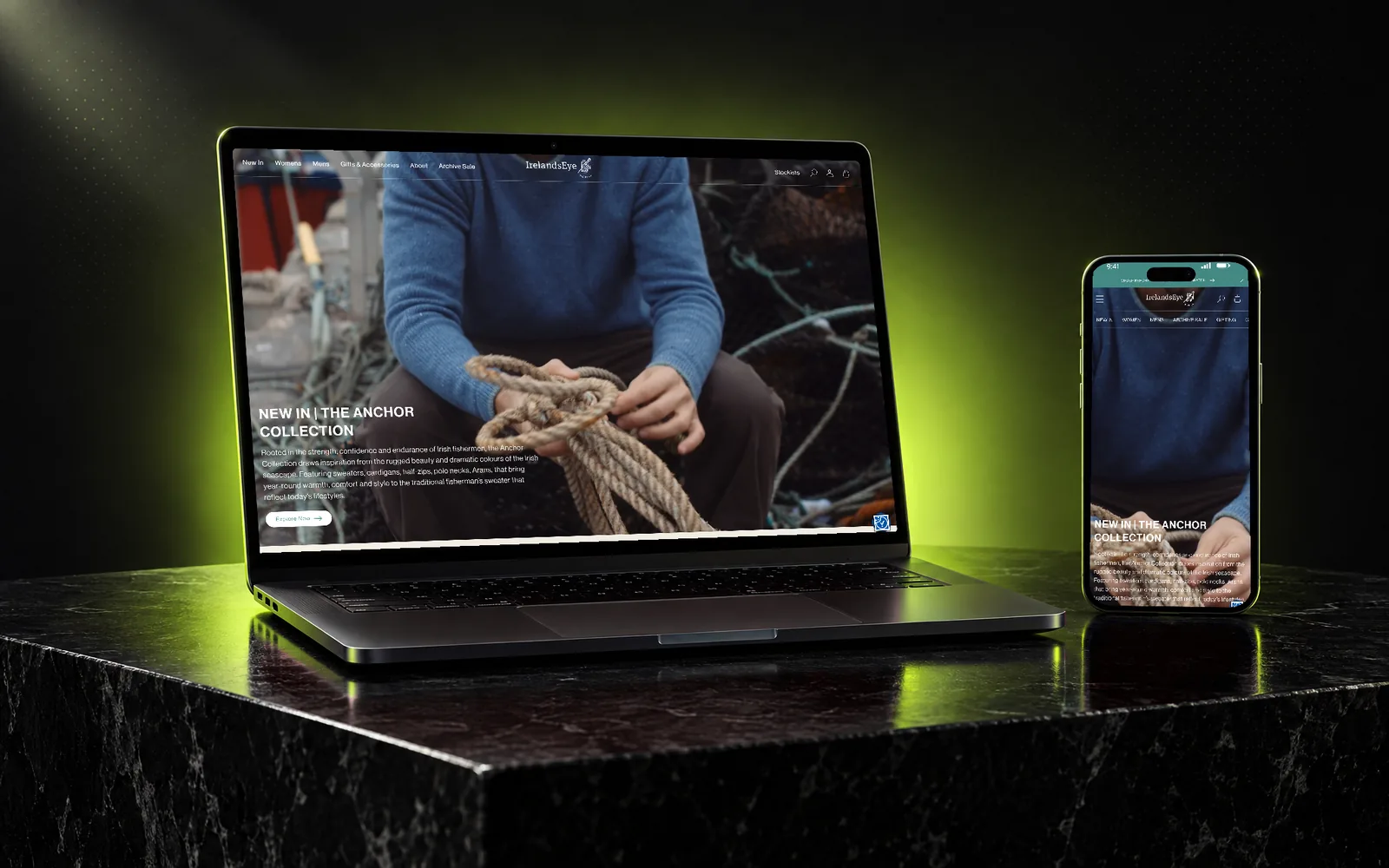
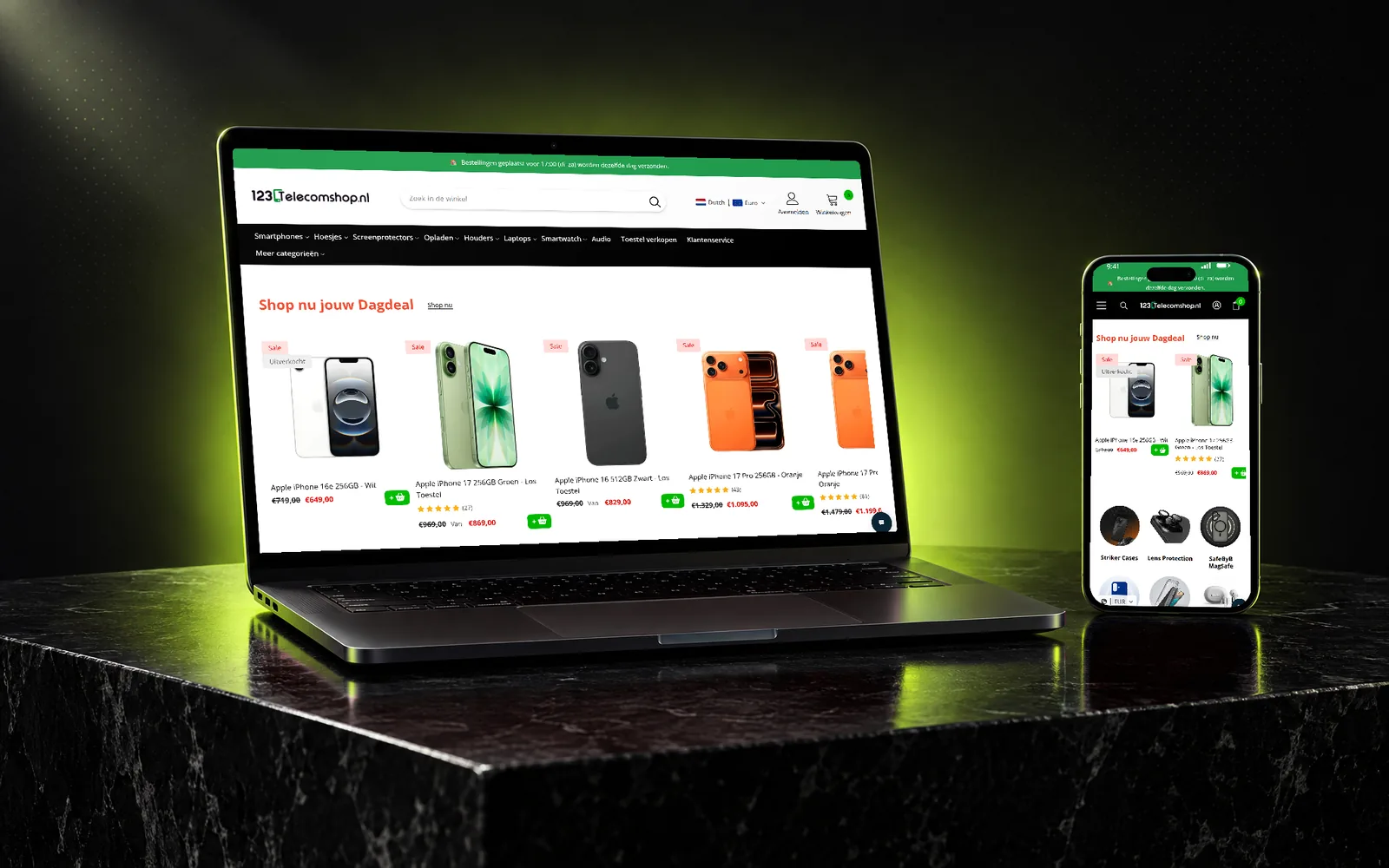
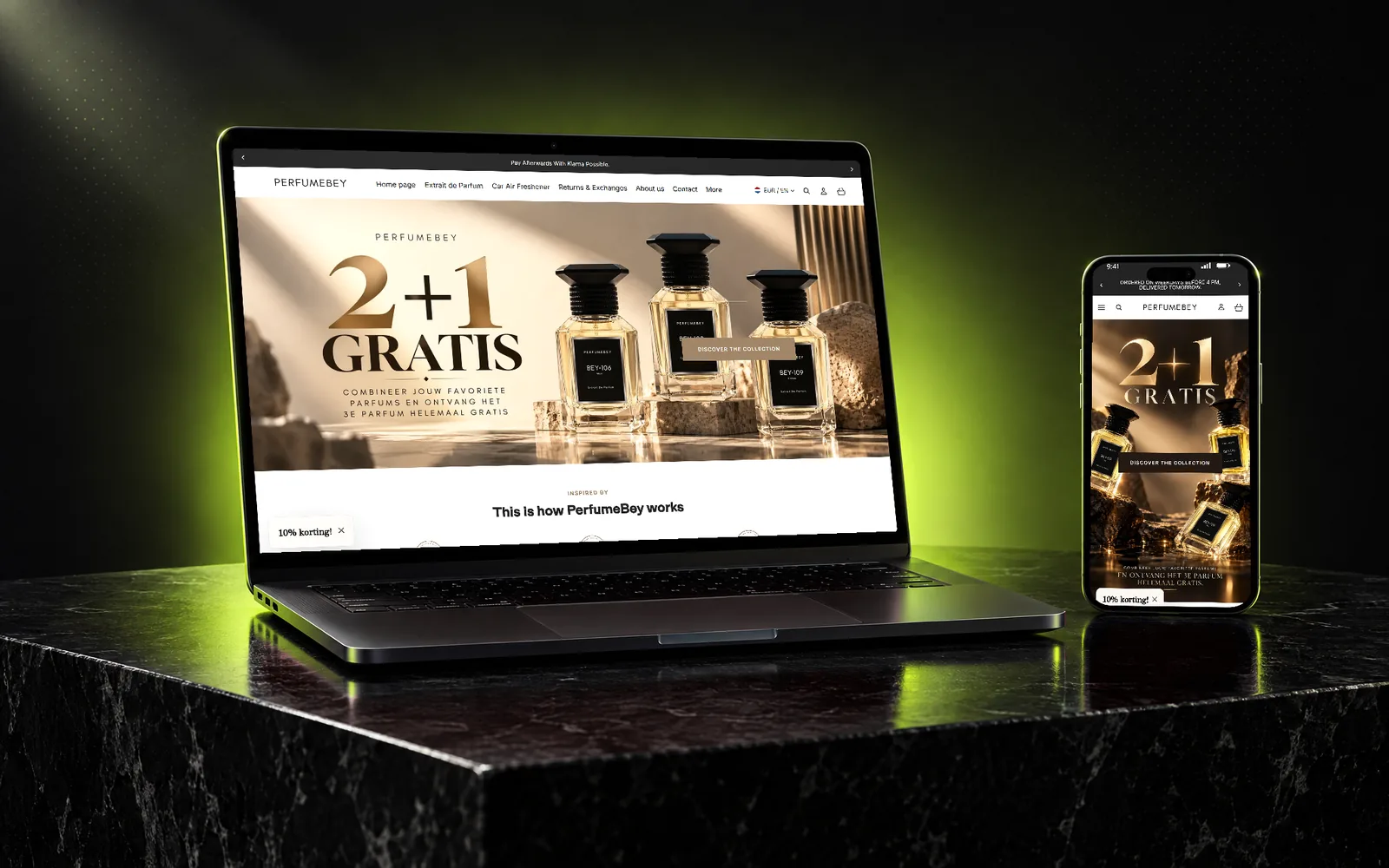
Shopify store design & development

A store should look like your brand and work like your best salesperson.

A good-looking store that does not sell is an expensive brochure. I design and build Shopify stores around what customers need to decide: clear products, honest information, fast pages and a checkout that does not get in the way.

Design is approved in Figma before any code is written, so you see exactly what you are getting. The build uses Online Store 2.0 sections and blocks, so your team can update content without calling a developer.

What’s included

  • Conversion-focused store design and redesign

    Layouts built around buying decisions—product clarity, trust and a short path to checkout—not around decoration.

  • Figma-first approval before development

    You review and approve page designs in Figma before development starts, which avoids expensive rework later.

  • Figma, PSD and XD to Shopify

    Already have designs? I turn them into a pixel-accurate, responsive, editable Shopify theme.

  • Custom Online Store 2.0 themes, sections and blocks

    Reusable sections and blocks your team can rearrange and edit in the theme editor.

  • Shopify Plus, checkout customization, metafields and metaobjects

    Checkout extensions, B2B features and structured content models for complex catalogues.

  • Theme customization, bug fixes and ongoing support

    Improvements to your existing theme, fixes when something breaks, and support after launch.

Signs you need this

  • Your store looks dated next to competitors, or does not match the brand any more.
  • Simple content changes still require a developer.
  • The theme is patched together from apps and custom code nobody wants to touch.
  • You are moving to Shopify Plus or adding B2B and need the store to support it.

How it works

  1. STEP 01

    Discovery

    We agree goals, pages, integrations and what success looks like—commercially, not just visually.

  2. STEP 02

    Design in Figma

    Key pages are designed and approved in Figma, mobile and desktop.

  3. STEP 03

    Build

    The theme is developed on a duplicate or development store, using sections and blocks your team can edit.

  4. STEP 04

    Launch & support

    Cross-device QA, a careful launch, and support while you settle in.

Questions about Store design & development.

Specific answers to what clients usually ask about this service.

Ask me about your store
Can my team edit the store after launch?

Yes. Pages are built from Online Store 2.0 sections and blocks, so text, images, collections and most layout changes can be made in the Shopify theme editor without code. I also walk you through it before handover.

Do you build custom themes or customize existing ones?

Both. If a well-built theme already covers 80% of what you need, customizing it is usually faster and cheaper. When your brand, catalogue or features need something different, a custom theme is the better long-term choice. I'll recommend one approach and explain why.

Can you work from my designer's files?

Yes—Figma, PSD and XD files all work. If something in the design will be hard to use on mobile or will slow the store down, I'll flag it before building rather than after.

Want to know what is costing your store sales?

Send your Shopify store URL. I’ll review it before we talk and send you three practical opportunities to improve the buying experience.

yourstore.comYour 3-point review
  1. 01Product page clarityHigh impact
  2. 02Cart & checkout frictionQuick win
  3. 03Mobile speed & trustMeasurable
  1. Send your store URL
  2. I review it on mobile & desktop
  3. You get 3 clear opportunities

Prefer a quick chat?

Get your free review

Takes about a minute. No obligation.

Free

Main challenge

Monthly sessions

Your details are used only to reply to your request—no newsletter, never sold. Privacy note.