CompareCompare8 min read
Shopify Freelancer vs Agency: Who Should Build Your Store?
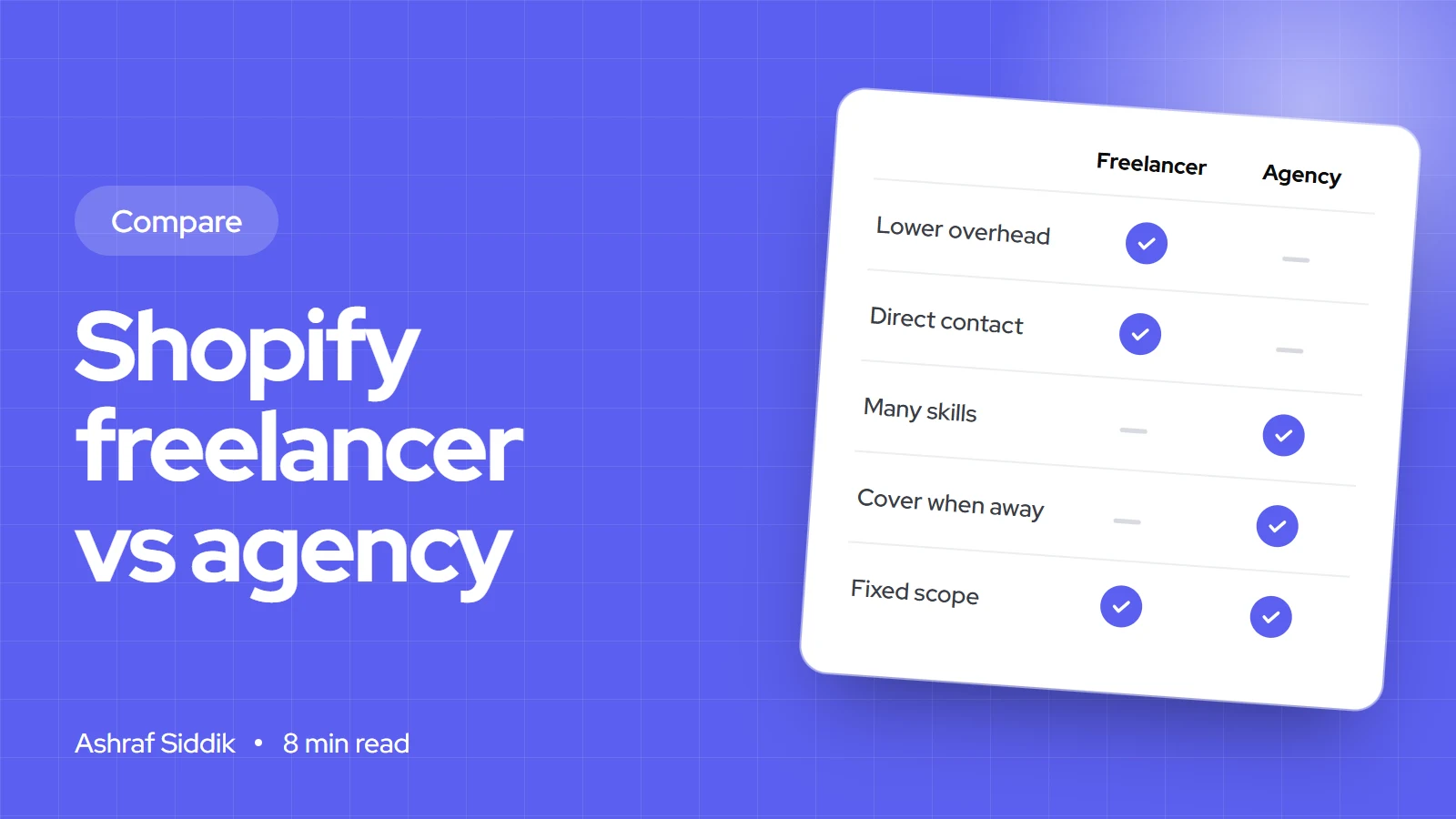
Freelancers are leaner, agencies cover more ground, and a specialist team sits in between. Here is how to match the provider to your project, and the checks that matter more than the label.
Key takeaways
- A good freelancer is usually the best value for a defined job with a clear brief: one person, direct contact, no layers.
- An agency earns its higher price on large, multi-skill projects that need project management, several people working at once and cover when someone is away.
- A specialist team led by one senior person sits between them: you deal with the lead directly, and the right specialist joins for each part of the work.
- Whoever you hire, the same checks protect you: reviews and real work, a fixed written scope, collaborator access instead of your login, and work done on a copy of your theme.
- Who it is for
- Store owners hiring Shopify help
- Time needed
- 10 minutes to read
- What you need
- A one-page brief and a budget range
Shopify agency vs freelancer is a question I can't answer from the sidelines, so here is my position upfront. I run a specialist team, led by me, which is neither a solo freelancer nor a traditional agency. That gives me a reason to favor the middle option, so I'll be specific about where freelancers and agencies are the better choice, and where my setup isn't the right fit.
I've been building on Shopify for more than 7 years, across more than 1,000 projects, and I'm a Shopify Select Partner. I have also taken over stores from previous freelancers and agencies, and the problems I found were rarely about the type of provider. They were about scope, access and communication. Details of the Shopify Partner Directory and collaborator accounts below were checked on 7 November 2026.
The short answer
| Your situation | Better fit | Why |
|---|---|---|
| A defined job: theme fixes, a new section, speed work, an app setup | Freelancer | Lowest overhead, direct contact, fast to start |
| A full store build or redesign with design, development and CRO | Specialist team or agency | Several skills, one plan, someone accountable for the whole |
| A large replatform with ERP, integrations and a fixed launch date | Agency | Several people in parallel, formal project management |
| Ongoing improvements month after month | Specialist team or a trusted freelancer | Continuity with someone who knows your store |
| Brand, ads, content and development all in one contract | Full-service agency | One supplier for everything, at a higher price |
Shopify agency vs freelancer at a glance
| Factor | Freelancer | Agency | Specialist team, led by one person |
|---|---|---|---|
| Who does the work | The person you hired | A team, often not the people from the sales call | The lead plus specialists brought in per task |
| Who you talk to | The developer directly | An account or project manager | The lead directly |
| Range of skills | Usually one or two | Design, development, strategy and more in-house | Core skills from the lead, others by specialist |
| Speed to start | Days | Often weeks, with discovery | Days to a week or two |
| Cover if someone is away | None | Built in | Partial, depends on the team |
| Overhead in the price | Low | Highest: managers, office, sales | Low to moderate |
How each one prices work
There is no reliable public rate card for Shopify work. The Shopify Partner Directory lets partners show a price range for their services, and the ones I checked ranged from small fixed amounts to "starting from" figures in the thousands, or "Contact for pricing". So compare quotes for your own brief rather than averages.
What you are paying for differs:
- Freelancers usually charge by the hour or a fixed fee per job. Nearly all of it pays for the work itself.
- Agencies charge by project or retainer, often with a minimum budget. Part of the price covers project management, account management, sales and premises. That isn't waste: on a big project, management is part of what keeps it on time.
- A specialist team like mine quotes a fixed price per project. My work starts from $300 for store design and development, $500 for CRO, $800 for custom apps, $200 for SEO, $100 for speed optimization and $600 for AI and automation. There are no packages: every project gets a fixed quote after I've seen the store and the brief.
Worked example: comparing three quotes
Say you send the same brief, a redesign of the home, collection and product pages, to three providers. The numbers below are made up to show the method, not market rates.
| Line | Quote A, freelancer | Quote B, agency | Quote C, specialist team |
|---|---|---|---|
| Price | $2,000 | $9,000 | $3,500 |
| Includes design mockups | No, builds from a theme | Yes | Yes |
| Rounds of revisions | Not stated | 2 | 2 |
| Your own time managing it | About 15 hours | About 5 hours | About 6 hours |
| Support after launch | Not stated | 30 days | 30 days |
If your own time is worth $60 an hour, Quote A really costs about $2,900, Quote B $9,300 and Quote C $3,860. And Quote A leaves design and revisions unstated, which is where disputes usually start. The cheapest quote isn't the cheapest project unless the scope matches. Ask every provider to fill in the same lines before you compare.
What goes wrong with each
Every option has a typical failure. Knowing it tells you what to check.
- Freelancer: a single point of failure. If they get ill, busy or disappear, work stops and nobody else knows your store. Ask how they document their work and who covers emergencies.
- Freelancer: skill gaps. A strong developer may not be a designer or a conversion specialist. Hire them for what they're best at.
- Agency: the bait and switch. Senior people sell the project, junior people build it. Ask who will actually write the code and talk to them before signing.
- Agency: slow small changes. A five-minute fix can take a week through tickets and approvals. Fine for big projects, frustrating for daily tweaks.
- Specialist team: the lead's capacity. Everything depends on one senior person staying involved. Ask how many projects they run at once and how quickly they reply.
The third option: a specialist team, led by me
This is how I work, so you can judge it like the others. You deal with me from first call to handover. I scope the project, write or review the core work and stay accountable for the result. When a project needs a skill outside my core, such as dedicated design or a specific integration, a specialist joins for that part, and I review what they deliver.
What this gives you: direct access to someone with 7+ years and more than 1,000 Shopify projects, a 4.96 rating from 719 reviews on the reviews page, and fixed quotes with no agency layers. What it doesn't give you: ad management, which I don't offer, or a large team running many workstreams in parallel for a big enterprise launch. For that, a larger agency is the honest recommendation.
How to vet any Shopify developer
- Check the Partner Directory. Shopify lists partners in four tiers, Select, Plus, Premier and Platinum, which it says are based on factors including experience and proven success on Shopify. A tier isn't a guarantee, but it's a useful filter.
- Read reviews and look at live work. Open their stores on your phone, add to cart and check speed. My work page lists projects you can test the same way.
- Use collaborator access, never your login. Shopify's collaborator accounts let a partner request access with a code you give them. You choose the permissions, and you can remove access at any time. Collaborators don't count towards your staff limit.
- Insist on a theme copy. Changes should be built on a duplicate of your live theme and published only when you approve. Shopify allows up to 20 themes in your admin, so there's always room for a working copy.
- Get a fixed written scope with pages, features, revisions, timeline and what happens after launch.
- Agree ownership. Theme code and custom apps built for you should be yours, with access to the code.
Hiring across countries
Most Shopify work is done remotely, so location matters less than overlap hours and local knowledge.
- United States. Check that the developer knows sales tax settings and US carriers. Aim for at least two overlapping working hours.
- United Kingdom. VAT display, Royal Mail and courier setup and Clearpay are details a UK-aware developer gets right first time. More on that on my UK page.
- Netherlands and EU. BTW/VAT, iDEAL, Bancontact and PostNL setup matter, as do translations for Markets.
- Australia. GST, Afterpay and Australia Post integration. Time zones are the bigger challenge, so agree response times in writing.
When to choose which
Match the provider to the project
- Small scope, one-offFreelancerA defined fix or feature with a clear brief. Hire for the specific skill.
- Small scope, ongoingTrusted freelancer or specialist teamRegular improvements from someone who already knows your store.
- Large scope, one-offSpecialist team or agencyBuilds and redesigns that need design, development and testing under one plan.
- Large scope, ongoingAgency or in-house hireMany workstreams at once, every week. At this size, compare an agency with hiring your own developer.
How to decide in four questions
Freelancer, specialist team or agency?
- 1
Can you describe the job in one paragraph, with one main skill needed?
Yes: a freelancer with that skillNo: next question
- 2
Does it need several people working at the same time to hit a fixed date?
Yes: an agencyNo: next question
- 3
Do you want brand, ads and development from one supplier?
Yes: a full-service agencyNo: next question
- 4
Do you want one senior person accountable, with specialists as needed?
Yes: a specialist teamNo: shortlist one of each and compare quotes line by line
Whichever you pick, the vetting steps above matter more than the label.
Switching from one developer to another
- Get a handover list: theme changes, custom code, apps installed for the project and any outside accounts.
- Duplicate and download your live theme before anything changes, so you have a clean backup.
- Collect custom app code and the app's access, if one was built for you.
- Remove the old collaborator account in
Settings > Users, and change any passwords that were shared. - Give the new developer collaborator access with only the permissions the first job needs.
- Start with a small paid task, so you see how they work before handing over the big project.
What to do next
Write a one-page brief: what you want changed, why, by when and your budget range. Send the same brief to two or three providers and compare their answers line by line. If you'd like me to be one of them, the hire a Shopify developer page explains how I work, or ask for a free review of your store first.
Free tools
Check your own store
Free, no sign-up. Each one runs a part of this guide for you.
Frequently asked questions
Is a Shopify freelancer cheaper than an agency?
Usually per hour, because there is less overhead in the price. But compare the whole project: what the quote includes, how many revisions, support after launch and how much of your own time it takes to manage.
When is an agency worth the extra cost?
On large projects that need several skills and people working at once, with a fixed launch date, and where you want project management and cover built in. For a defined single job, an agency's overhead rarely pays off.
How do I check a Shopify developer is legitimate?
Look them up in the Shopify Partner Directory, read reviews, test live stores they've built and ask who will write the code. Give access through a collaborator account, not your own login.
What is a collaborator account?
It is how Shopify Partners access your store. You give the partner a request code, approve only the permissions they need and can remove access at any time. Collaborators don't count towards your staff account limit.
Should the developer work on my live theme?
No. Changes should be built on a duplicate of your live theme and published only after you approve them. Shopify allows up to 20 themes in your admin, so there's room for a working copy.
What is a specialist team led by one person?
It is a setup where one senior developer scopes, leads and stays accountable for each project, and brings in specialists for specific parts such as design or integrations. You deal with the lead directly rather than through an account manager.
Sources
- Shopify Partner Directory, Shopify
- Partner Directory services, Shopify
- Collaborator accounts, Shopify Help Center
- Duplicating themes, Shopify Help Center
Related services and work

I'm a Shopify developer and CRO specialist. I have built and improved Shopify stores since 2018, completed more than 1,000 projects, and hold a 4.96 average rating across 719 client reviews.
More guides
-
Why Shopify Stores Lose Sales on Mobile: A Practical CRO Checklist
Mobile visitors decide fast, with one thumb and plenty of distractions. Here is how to find the leaks on a Shopify store and fix them in the right order.
-
Shopify CRO Audit Checklist for DTC Brands
The checklist I use to audit DTC Shopify stores, from checking that the data can be trusted to deciding which fixes to ship first.
-
When to Build a Custom Shopify App Instead of Adding Another Subscription
Another subscription is the quickest fix, until you are paying for five apps that still don't match how your business works. Here is how to decide.
-
How to Find Out What Theme a Shopify Store Uses
Every Shopify store names its theme in the page code. Here is where to look, how to read what you find, and what it means for your own theme choice.
-
How to See What Apps a Shopify Store Uses
Apps leave traces in a store's page code: scripts from their own servers, app embed folders and pixel settings. Here is how to read them, and what to do with the list.
-
How to Name a Shopify Store (and Check the Name Is Free)
A store name has to be easy to say, free as a domain and a handle, and clear of other brands. Here is the process I use with clients, and what Shopify lets you change later.





