Shopify migration
Squarespace to Shopify migration
I move your Squarespace store to Shopify, rebuild by hand what Squarespace won't export, and redirect every old URL so customers and search engines find the new pages.
Working to a budget? Tell me what you can spend and I’ll fit the scope to it. For first-time clients, the consultation and plan are free. Discuss your budget
- Shopify Select Partner
- 4.96 average from 719 reviews
- 1,000+ Shopify projects delivered
- Redirects and SEO handled
Pricing
Fixed quote
Overview
What Squarespace won't hand over
Squarespace builds good-looking sites, and the store side is usually where the limits show: fewer payment options and apps, simpler inventory, and less room to grow into wholesale or several countries. I'm a Shopify developer and CRO specialist and a Shopify Select Partner, so I lean towards Shopify. My Shopify vs Squarespace comparison covers the cases where staying put is the better call.
The exports are what make this migration different. As checked on 7 November 2026, Shopify's Squarespace guide says the product CSV covers up to 10,000 physical and service products but leaves out featured images, variant images and alt text, and Shopify's Store Migration app doesn't list Squarespace as a source. So I reformat the product file to Shopify's template, converting weights to grams and sale prices to compare-at prices, then attach every image and its alt text.
Blog posts and pages take the most work. Squarespace exports them only as a WordPress XML file that holds a single blog page, and Shopify can't import that file. My team moves posts and pages across with headings, images and meta descriptions. Customer reviews can't be exported at all, so they're rebuilt in a review app. Contacts move as a CSV, though Squarespace leaves out notes and saved addresses beyond the latest order's. Passwords never transfer, and order history needs an app.
Then the URLs. Squarespace product pages usually sit under your store page, often with /p/ in the path, while Shopify uses /products/ and /collections/. I map each old URL to its new page and import the 301 redirects before the domain moves. If the domain is registered at Squarespace, I check for a transfer lock first, because a locked domain can't move until the lock ends. Every migration gets a fixed quote after a free 3‑point review.
Signs it's time to move
- You need a payment method or app Squarespace doesn't support.
- Variants, stock or shipping rules have turned into workarounds.
- You want to sell in several countries with local prices.
- You're opening a physical shop and want POS on the same system.
- Wholesale customers need their own prices and terms.
What the migration includes
Product rebuild from CSV
Products and variants reformatted to Shopify's template, with weights, sale prices and stock mapped correctly, then checked one by one.
Images and alt text
Featured and variant images reattached to the right products and variants, with alt text, since Squarespace's CSV leaves them out.
Blog and page transfer
Posts and pages moved by hand with headings, images and meta descriptions, because the XML export can't be imported.
Customers and orders
Contacts imported with email consent as it stands, and order history brought over with a migration app if you need it.
301 redirects and SEO
Every old URL redirected, page titles and meta descriptions kept, and the new sitemap submitted in Search Console.
Theme, reviews and domain
A Shopify theme styled to your brand, reviews rebuilt in a review app, and your domain moved or connected at the right moment.
Benefits
What working with me means
Your design, rebuilt
Squarespace owners care how a store looks. I rebuild your look on Shopify and use the move to fix layouts that cost sales.
The fiddly parts by hand
Images, alt text, blog posts and reviews don't export cleanly. My team moves them by hand and checks each one.
Search traffic planned for
Redirects, titles and meta descriptions are in the quote, not an extra, so search visitors land on the new pages.
How it works
How the migration works
- 1
Free 3‑point review
Send your Squarespace URL. I check products, content and traffic and tell you the three things your move depends on.
- 2
Plan and fixed quote
You get a written list of what moves, what's rebuilt by hand and what changes, with a fixed quote and timeline.
- 3
Build on Shopify
My team builds the theme, imports and checks your data and rebuilds content, while Squarespace keeps selling.
- 4
Switch and verify
Redirects go live, the domain moves, test orders go through, and I check Search Console for errors after launch.
Is it a fit?
Is this migration right for you
A good fit
- Your Squarespace store sells well and has outgrown its commerce features.
- Your blog or content brings in search traffic you want to keep.
- You want the new store to look as good as the old one.
- You'd rather hand over the whole move to one person.
Not the right fit
- Your site is mostly content with a small shop, and Squarespace's design tools matter more to you than store features.
- You want a quick copy with no redirects or content checks.
- You prefer one Squarespace bill and can live with its limits.
Comparison
What moves, and what changes
| Aspect | On Squarespace | On Shopify |
|---|---|---|
| Products | Up to 10,000 in export | Reformatted CSV, checked |
| Images | Not in product CSV | Reattached with alt text |
| Blog | WordPress XML only | Moved post by post |
| Product URLs | Under the store page | /products/name, redirected |
| Reviews | Not exportable | Rebuilt in a review app |
| Customers | Contacts CSV, no notes | Imported, consent kept |
| Domain | May be transfer-locked | Connected or transferred |
Reporting
What you get at handover
Redirect map
Every old Squarespace URL listed next to its Shopify page, so any link can be checked in seconds.
Content check
Products, images, posts and pages counted on both sides, with anything rebuilt by hand marked.
SEO baseline
Top pages and queries recorded before launch, so traffic after the move is compared against real numbers.
Admin walkthrough
How to add products, write posts, run discounts and edit the theme in your new Shopify admin.
Recent Shopify work
Shopify stores I’ve built.

Ricrac Shop
- Furniture & home
- Egypt · EN / AR
- Full build · CRO · SEO & speed
Built start to finish for an Egyptian-made furniture and home brand: a bilingual English/Arabic store with room- and product-led navigation and a ‘Ready to Ship’ range. Product pages put installments, delivery estimates, warranty, returns and reviews where buyers decide. I also handled the speed and SEO work.
View the Ricrac Shop case study
Wood Tech
- Industrial machinery
- Australia · trade & B2B
- Full build · CRO · SEO & speed
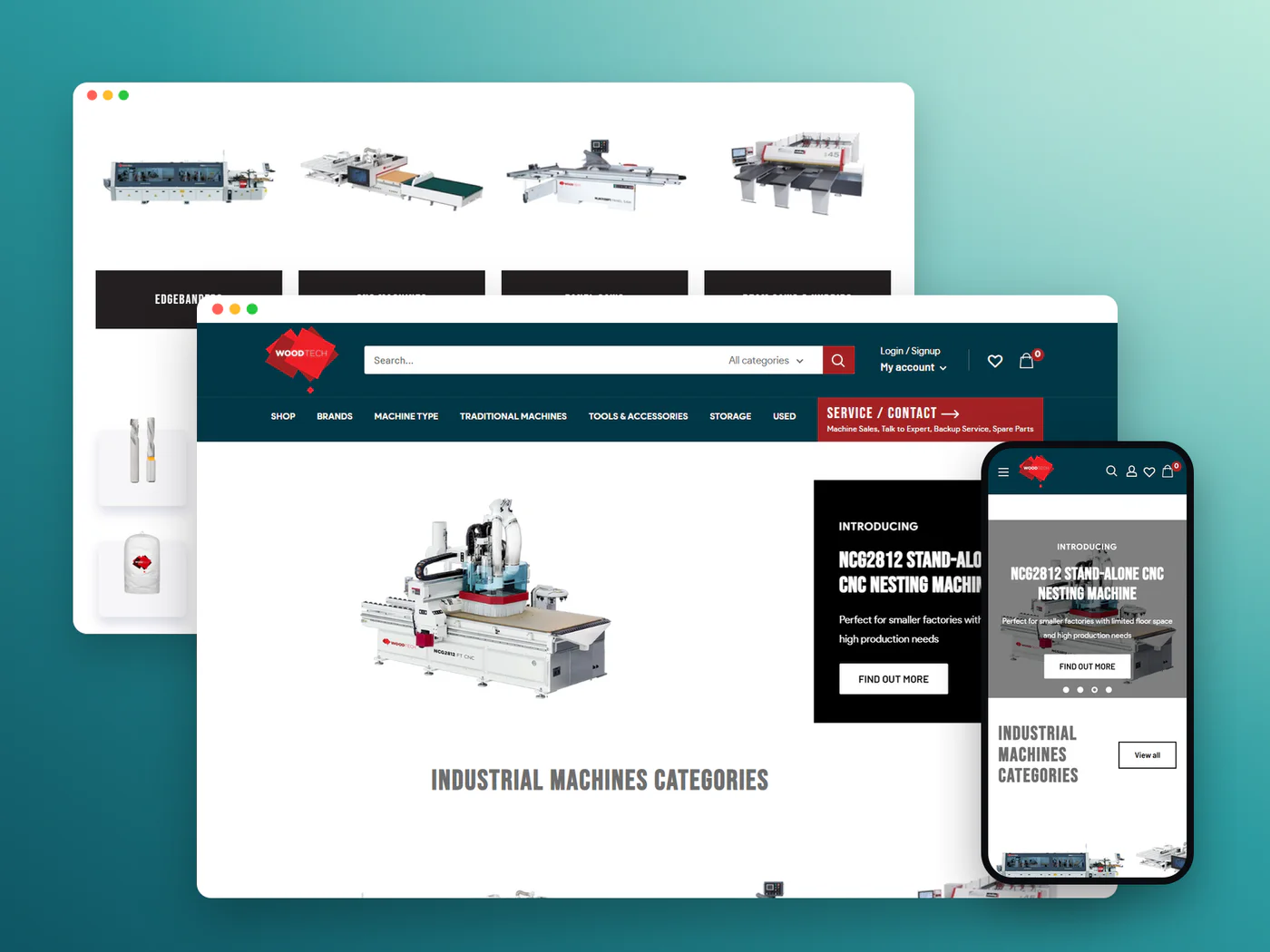
Built start to finish for an Australian woodworking-machinery distributor: CNC machines, edgebanders, panel saws and tooling, with brand, machine-type and used-machinery routes. Machine pages lead with ‘Enquire Now’, specs, brochures and videos to turn high-ticket visits into sales calls. I also handled the CRO, speed and SEO work.
View the Wood Tech case study

IrelandsEye Knitwear
- Fashion & knitwear
- Ireland · ships internationally
- Shopify Partner listing
Dublin knitwear brand selling sweaters, cardigans and knitwear staples, with multi-currency shopping for customers across Europe and beyond.
View the IrelandsEye Knitwear case study
123TelecomShop
- Consumer electronics
- Netherlands · Dutch
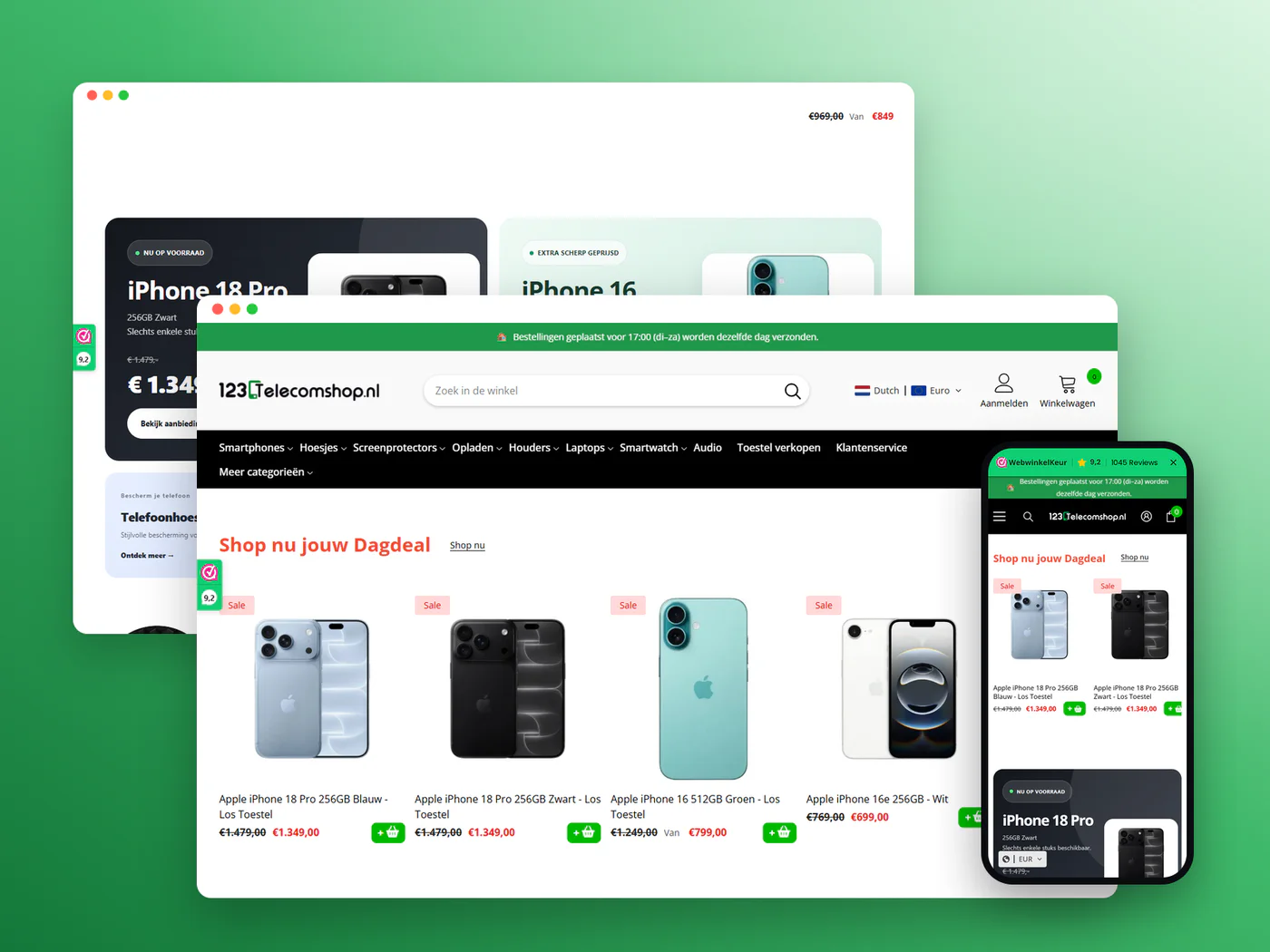
Electronics retailer selling smartphones, cases and accessories, with daily deals and a device trade-in route.
View the 123TelecomShop case study

PerfumeBey
- Beauty & fragrance
- Netherlands · NL / EN
Extrait de parfum brand with a ‘2+1 gratis’ bundle offer, pay-later messaging and a bilingual storefront.
View the PerfumeBey case studyWhy work with me
Why brands choose to work with me.

A specialist team, led by me
I lead every project personally, and a team of Shopify specialists helps me deliver faster across CRO, design, development, apps and automation.
Decisions backed by data
Changes start from customer behaviour, analytics and recordings, not guesswork.
Built around revenue
Design and code are judged by what they do for conversion and order value.
Direct communication
You work with me directly, with working-hour overlap with the US, UK and Europe.
Shopify Select Partner
Listed at Select tier in the Shopify Partner Directory, with 7+ years on the platform.
Trusted by brands in 35 countries
355+ clients and a 4.96 average rating from 719 reviews.
Client reviews
What store owners say.
Ashraf S is a top-notch website developer! His code expertise and attention to detail are impeccable, and his professionalism shines through in every task. Working with him was a breeze due to his quick responsiveness and deep understanding; he truly went ABOVE AND BEYOND. If you need web development on Shopify, look no further! 👏
Shopify Store Design & Redesign
kaseyyoungs

Australia
I would be very surprised if there are better options than Ashraf; he does everything exactly as you want, makes changes when you provide feedback, responds quickly and kindly, and does everything but make a fuss about revisions. If you are looking for someone to perfect your Shopify website, look no further and contact Ashraf!
TShopify Custom Coding & CROtorbenvl
Belgium
I really like working with Ashraf. ive been working with for a while now and its been always great in terms of cominucation, what i like to have worked on & the proffecionalism. Thank you ashraf for your work always. definitely recommend Ashraf to everyone who like to have good work done on there ecommerce business.
DShopify Custom Coding & CROdanora_store
United States
FAQ
Migration questions, answered.
What store owners ask before moving to Shopify.
Ask me about your storeHow much does a Squarespace to Shopify migration cost?
There's no set price. You get a fixed quote after a free 3‑point review, based on products, variants, images, blog posts and the features to rebuild. Squarespace's exports leave more to do by hand than most platforms, and the quote shows exactly where.
Do my product images transfer?
Not through the CSV. Shopify's guide says Squarespace's product export doesn't include featured images, variant images or alt text. My team attaches each image to the right product and variant and adds alt text, then checks every product page.
Can you move my Squarespace blog?
Yes, by hand. Squarespace exports blog posts only to a WordPress XML file that holds one blog page, and Shopify can't import it. Posts are rebuilt with their headings, images and meta descriptions, and each old URL is redirected.
Will I lose my search rankings?
A short dip can happen after any move. Lasting losses usually come from broken links and missing content, so I redirect every old URL with a 301, keep titles and descriptions, and watch Search Console after launch. I don't promise rankings.
My domain is registered with Squarespace. Can it move?
Yes. You can point it to Shopify or transfer it. Squarespace may lock a domain after registration or a contact change, and a locked domain can't transfer until the lock ends, so I check this in the review.
Can my customers keep their passwords?
No. Passwords can't be migrated from any platform. Customers set a new one, or sign in with a one-time email code on Shopify's new customer accounts. Their names, emails and latest order address can move.
What about my Squarespace orders?
Squarespace exports orders as a CSV, but Shopify has no direct order import for it, so Shopify's guide points to apps such as EZ Importer. I import past orders when you need them, with staff order emails switched off first.
Does my Squarespace site stay live during the move?
Yes. The Shopify store is built on a temporary address while Squarespace keeps selling. The switch happens on a day you choose, after redirects and test orders are done.
Keep exploring