Shopify guideGuide8 min read
Shopify GST in Australia: How to Set It Up Correctly
Australian GST is one 10% rate and one threshold, but Shopify stores still get the details wrong. Here is every setting that touches GST, plus the tax invoice rules your order emails need to meet.
Key takeaways
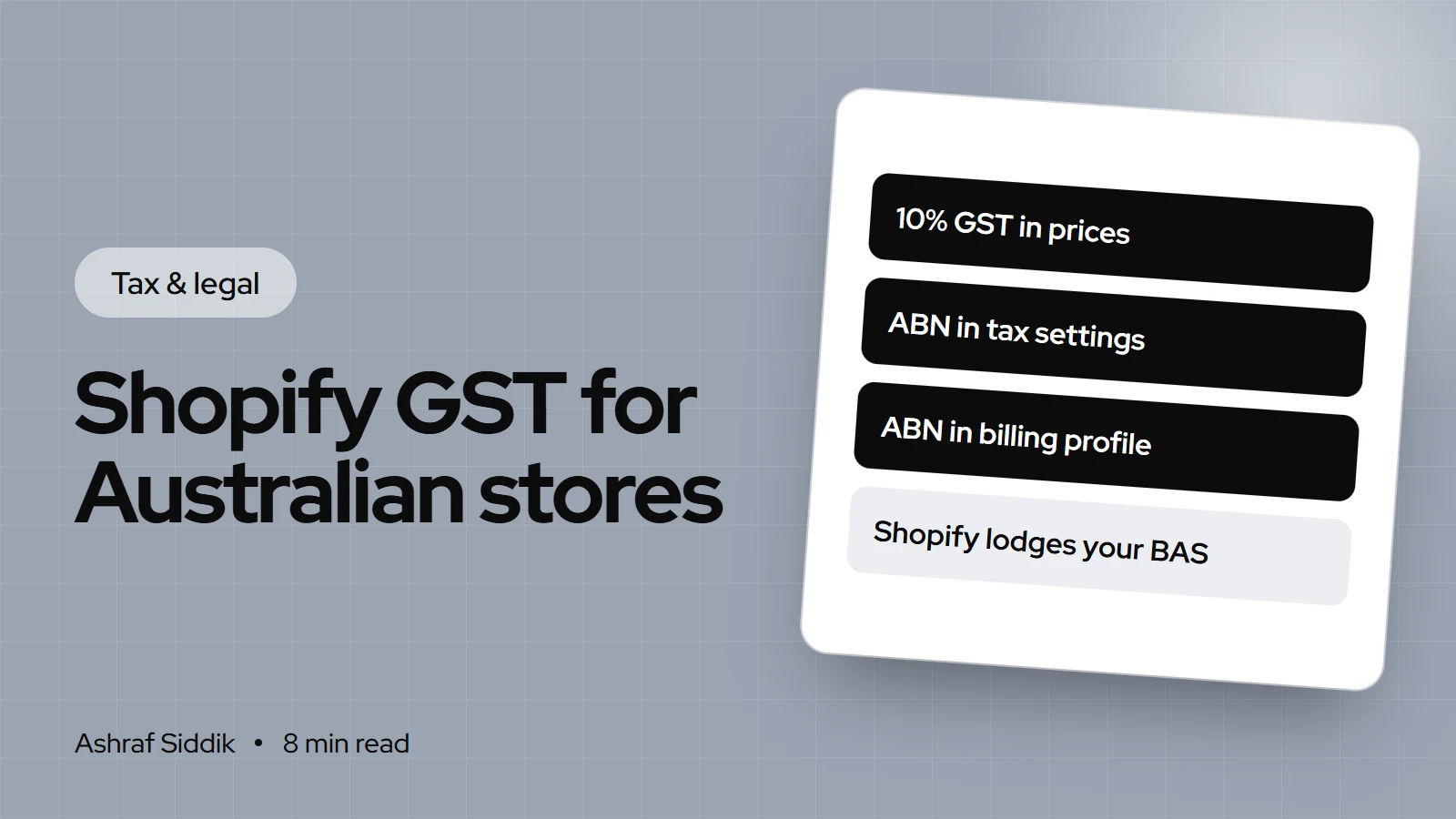
- GST in Australia is 10% on most goods and services. You must register once your GST turnover reaches $75,000 ($150,000 for non-profits), within 21 days of realizing you'll pass it.
- In Shopify, add your ABN under
Settings > Taxes and duties: click Australia, clickCollect sales tax, enter it as theTax numberand clickCollect tax. Then turn on tax-inclusive prices. - Add your ABN under
Settings > Billing > Billing profiletoo, so Shopify stops charging you 10% GST on your subscription and shipping labels. It only applies to invoices issued after you add it. - GST-registered sellers must give a tax invoice for taxable sales over $82.50 including GST, and within 28 days whenever a customer asks. Shopify's built-in invoices cover the UK and EU only, so Australian stores need their own template or an app.
- Who it is for
- Australian store owners and overseas sellers
- Time needed
- About 30 minutes in Shopify
- What you need
- Your ABN and GST registration
Australian GST is simpler than VAT in Europe: one 10% rate, one national threshold and one tax office. What catches Shopify owners out is the detail around it. The store charges GST but the prices don't include it, the ABN is in the tax settings but not the billing profile, or a customer asks for a tax invoice and the order confirmation doesn't qualify.
This guide walks through registration, every Shopify setting that touches GST, tax invoices and the rules for overseas sellers. The rules come from the Australian Government's business.gov.au and the Shopify settings from Shopify's Help Center, all as checked on 7 November 2026. Amounts in this guide are in Australian $.
When you need to register for GST
- Businesses: once your GST turnover is $75,000 or more. Registration is optional below that, and some small stores register early so they can claim GST credits on what they buy.
- Non-profits: once GST turnover is $150,000 or more.
- Timing: register within 21 days of realizing your turnover will go over the threshold.
- How: you need an ABN first. Then register through the ATO's Online services for business, by phone on 13 28 66, or through a registered tax agent.
GST turnover covers your whole business, not just your Shopify store, so a brand that also sells at markets, wholesale or on marketplaces needs to count those sales too. Once registered, you generally include GST in the prices of most things you sell and lodge activity statements reporting your sales, the GST you collected and the GST credits you claim.
How Shopify handles GST
Australia uses Shopify's Basic Tax service. Shopify applies default rates that it updates regularly, and you're responsible for checking they're right for your products. Two things Shopify won't do in Australia: file your BAS or pay the ATO for you. Its automated filing isn't offered for Australia, so you or your agent still lodge.
| Task | Where in Shopify | Who does it |
|---|---|---|
| Charge 10% GST at checkout | Settings > Taxes and duties | Shopify, once set up |
| Show GST-inclusive prices | Settings > Taxes and duties | You, one setting |
| Stop GST on Shopify's bill | Settings > Billing | You, add your ABN |
| Tax invoices for customers | Notifications or an app | You |
| Lodge the BAS and pay | – | You or your agent |
How to set up GST in Shopify, step by step
- Open tax settings. In your Shopify admin, go to
Settings > Taxes and duties. - Choose Australia. In the
Manage sales tax collectionsection, click Australia. - Start collecting. Click
Collect sales tax. - Enter your ABN. Type your 11-digit ABN in the
Tax numberfield. If your GST registration is still being processed, you can leave it blank and add it when you have it. - Save. Click
Collect tax. - Include GST in prices. Back in
Settings > Taxes and duties, selectInclude sales tax in product price and shipping rateand clickSave. Once registered, you generally have to include GST in your prices, and an extra 10% appearing at checkout is a fast way to lose a sale anyway. - Check each product. On taxable products, keep
Charge tax on this productticked so GST is included in the shown price. - Test it. Create a draft order with an Australian address and a shipping method. On a $110 product, the tax line should show $10 of GST included, which is one-eleventh of the price.
What a $110 sale looks like once you're registered
- Price the customer pays$110Shown on the product page, GST included.
- GST you owe the ATO$10One-eleventh of the GST-inclusive price.
- Your sale before GST$100What counts as your revenue.
- Tax invoice needed?YesOver $82.50 including GST.
If you register partway through, check your prices on the day it starts. Keeping a $100 price and absorbing GST means you now earn about $90.91 per sale. Raising it to $110 keeps your margin. Run both through the profit margin calculator before you decide.
Stop paying GST on your Shopify bill
Australian stores pay 10% GST on their Shopify subscription and any shipping labels bought through Shopify. Once you're GST-registered, you can stop that:
- Go to
Settings > Billing. - Click
Billing profile. - In
Tax registration, selectYes, I'm GST registered. - Enter your ABN and click
Add ABN.
The exemption only applies to invoices issued after you add the ABN. Bills that are pending or unpaid at that moment still carry GST, so do this the day your registration comes through.
GST-free products and overrides
Not everything you sell has to carry GST. If some of your products are GST-free, Shopify's default 10% will overcharge your customers unless you tell it otherwise. Use a tax override: group those products in a collection, then set a different rate for that collection in your Australian tax settings. Confirm with your tax agent which of your products are GST-free before you change anything, because getting it wrong in the other direction leaves you owing GST you never collected.
Tax invoices for Australian customers
A GST-registered business must issue a tax invoice for taxable sales over $82.50 including GST. If a customer asks, you have 28 days to provide one, whatever the amount. Most consumer orders never need one, but business buyers will ask.
| The invoice must show | Under $1,000 | $1,000 or more |
|---|---|---|
| The words "tax invoice" | Yes | Yes |
| Your business name and ABN | Yes | Yes |
| Date of issue | Yes | Yes |
| Items, quantities and prices | Yes | Yes |
| GST amount, if any | Yes | Yes |
| Buyer's identity or ABN | – | Yes |
Shopify's automatic VAT invoices only work for UK and EU orders, so there's nothing to switch on for Australia. You have two practical options:
- Edit your order confirmation. In
Settings > Notifications > Customer notifications, edit the order confirmation template so it shows "Tax invoice", your business name and ABN, the date, each item and the GST included. Then every customer gets a valid document automatically. - Use an invoice app. If you sell to businesses, an invoice app from the Shopify App Store can produce PDFs with the buyer's details for orders of $1,000 or more.
Keep business records for at least 5 years. Shopify keeps your order history, but download your sales and tax reports each quarter so your agent isn't relying on admin access.
Selling to Australia from overseas
If your store is based outside Australia and ships to Australian consumers, GST can still apply to you. GST covers most retail sales of low value imported goods, meaning goods with a customs value of $1,000 or less, where customs value excludes transport and insurance. An overseas business must register once its GST turnover from sales connected with Australia reaches $75,000.
A few points for overseas Shopify stores:
- Sales to Australian GST-registered businesses buying for business use aren't charged GST under these rules, so ask business buyers for their ABN.
- If your only sales are through an electronic distribution platform, such as a marketplace that handles GST, you may not need to register. Your own Shopify store is a separate channel, so its sales still count.
In Shopify, an overseas store sets up Australian collection the same way, under Settings > Taxes and duties, using your Australian registration number.
Common mistakes
- Prices that exclude GST. Australian shoppers expect the price they see to be the price they pay.
- ABN in tax settings but not billing. You keep paying 10% GST on Shopify's own bill.
- Waiting to register. The 21 days start when you realize you'll pass $75,000, not at the end of the financial year.
- Counting only Shopify sales. Markets, wholesale and marketplace sales count towards GST turnover too.
- Treating the default order email as a tax invoice. Without "tax invoice", your ABN and the GST amount, it doesn't qualify.
- Charging GST on GST-free lines. Check with your agent and set overrides.
- Assuming Shopify lodges your BAS. It doesn't in Australia.
GST checklist for Shopify stores
- ABN in place and GST registration confirmed.
- Australia set to collect tax, with your ABN as the tax number.
- Prices include GST.
Charge tax on this productticked on taxable products.- Overrides set for GST-free products, confirmed with your agent.
- ABN added in
Settings > Billing > Billing profile. - Order confirmation edited to work as a tax invoice.
- Draft order tested with a shipping method.
- Quarterly sales and tax reports downloaded for your agent.
- Records kept for at least 5 years.
Next steps
Once GST is right, look at the rest of your costs. My Shopify fees explained guide covers every fee line, and if you also sell to the UK or Europe, my VAT guide for Shopify stores covers VAT there.
If you'd like your tax setup and invoice template checked, my Shopify developer page for Australia explains how I work with Australian brands. Editing a notification template is a small job, and store development starts from $300 with a fixed quote.
Free tools
Check your own store
Free, no sign-up. Each one runs a part of this guide for you.
Frequently asked questions
Does Shopify charge GST in Australia?
Shopify charges 10% GST on your subscription and shipping labels if your store is based in Australia. If you're GST-registered, add your ABN under Settings > Billing > Billing profile to stop it on future invoices. Separately, Shopify can charge GST to your customers once you set up Australia in Settings > Taxes and duties.
When do I need to register for GST?
You must register once your GST turnover reaches $75,000, or $150,000 for a non-profit, within 21 days of realizing you'll pass it. You need an ABN first. Registration below the threshold is optional.
How do I add GST to my Shopify store?
Go to Settings > Taxes and duties, click Australia in Manage sales tax collection, click Collect sales tax, enter your ABN as the Tax number and click Collect tax. Then select Include sales tax in product price and shipping rate so prices show GST included.
Does Shopify create tax invoices for Australian customers?
Not automatically. Shopify's built-in invoices cover UK and EU orders only. Edit your order confirmation under Settings > Notifications so it shows the words tax invoice, your ABN, the date, the items and the GST, or use an invoice app.
Does Shopify lodge my BAS?
No. Shopify calculates and collects GST at checkout, but its automated filing isn't offered for Australia. You or your registered agent lodge the activity statement and pay the ATO.
Do overseas Shopify stores have to charge Australian GST?
They can. GST applies to most retail sales of imported goods worth $1,000 or less to Australian consumers, and an overseas business must register once its Australian GST turnover reaches $75,000. This is general information, not tax advice, so check your position with a tax professional.
Sources
- Register for goods and services tax (GST), business.gov.au, Australian Government
- Invoicing, business.gov.au, Australian Government
- International tax, business.gov.au, Australian Government
- Setting up tax collection, Shopify Help Center
- Taxes in Australia, Shopify Help Center
- Billing taxes in Australia and New Zealand, Shopify Help Center
Related services and work

I'm a Shopify developer and CRO specialist. I have built and improved Shopify stores since 2018, completed more than 1,000 projects, and hold a 4.96 average rating across 719 client reviews.
More guides
-
Why Shopify Stores Lose Sales on Mobile: A Practical CRO Checklist
Mobile visitors decide fast, with one thumb and plenty of distractions. Here is how to find the leaks on a Shopify store and fix them in the right order.
-
Shopify CRO Audit Checklist for DTC Brands
The checklist I use to audit DTC Shopify stores, from checking that the data can be trusted to deciding which fixes to ship first.
-
When to Build a Custom Shopify App Instead of Adding Another Subscription
Another subscription is the quickest fix, until you are paying for five apps that still don't match how your business works. Here is how to decide.
-
How to Find Out What Theme a Shopify Store Uses
Every Shopify store names its theme in the page code. Here is where to look, how to read what you find, and what it means for your own theme choice.
-
How to See What Apps a Shopify Store Uses
Apps leave traces in a store's page code: scripts from their own servers, app embed folders and pixel settings. Here is how to read them, and what to do with the list.
-
How to Name a Shopify Store (and Check the Name Is Free)
A store name has to be easy to say, free as a domain and a handle, and clear of other brands. Here is the process I use with clients, and what Shopify lets you change later.





