Shopify guideGuide7 min read
How to Write an About Us Page That Builds Trust (With Examples)
Shoppers open your About page to check you're real before they pay. Here's the structure, template and examples I use to make that page earn trust.
Key takeaways
- An About page is a trust page. Shoppers open it to check that a real business with real people stands behind the store before they hand over card details.
- The strongest About pages answer five questions: who you are, why the store exists, what makes the product different, how you work, and how to reach you.
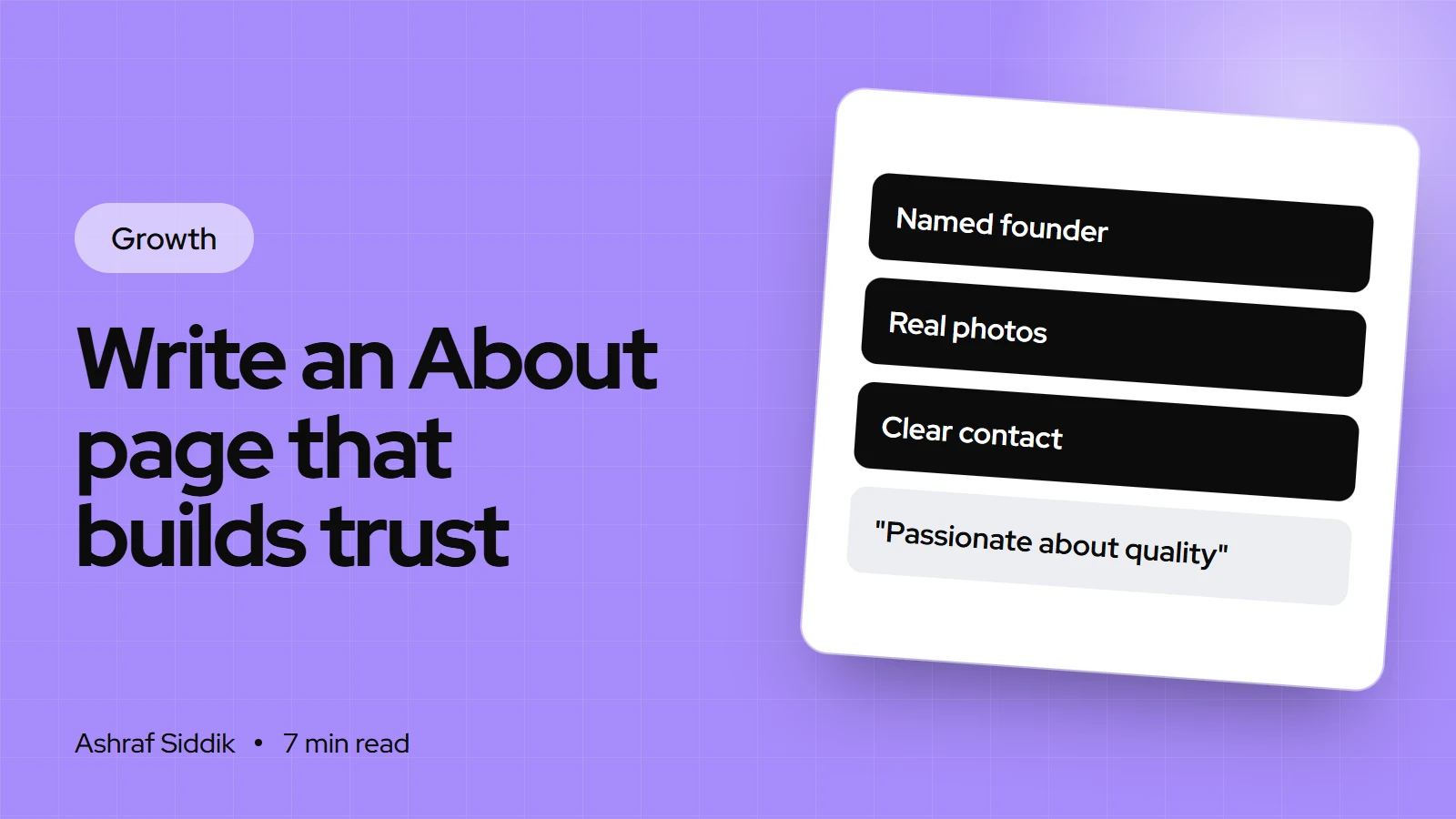
- Proof beats adjectives. A photo of your workshop, a named founder and a returns promise do more than "passionate", "quality" and "premium".
- In Shopify, create it under
Online Store > Pages, set its search listing, and link it from your menus underContent > Menus.
- Who it is for
- Store owners writing or fixing an About page
- Time needed
- Two to three hours
- What you need
- Your story, a real photo, contact details
When I review a store, I always open the About page early. It tells me in a few seconds whether a shopper will believe the rest of the site. Too often I find three lines of stock copy ("We're passionate about quality") under a stock photo of a laptop. That page is doing active harm, because a doubtful shopper went there looking for reassurance and found none.
Baymard Institute's checkout research, updated 28 October 2026, found that 19% of shoppers who abandoned a checkout did so because they didn't trust the site with their card details. Your About page is one of the few places you can answer that doubt directly. This guide gives you a structure, a worksheet, a fill-in template and examples, then shows exactly how to publish it in Shopify.
What an About page actually does
Most visitors don't read an About page from top to bottom. They scan it to answer one question: "Is this a real, trustworthy business?" They're looking for signals:
- A named person or team, with faces.
- A place: where you're based, where products are made or shipped from.
- A reason the store exists that isn't "to sell things".
- Specific details only a real business would know.
- A way to reach a human.
Google's guidance on helpful content asks similar questions of every page: who made it, how, and why. Pages that clearly show who's behind them, and why they're qualified, meet that bar. An About page is where your store answers "who" for the whole site.
The five sections every About page needs
| Section | Question it answers | Best proof |
|---|---|---|
| Who we are | Is there a real person here? | Named founder, real photo |
| Why we started | Why should I care? | The specific problem you hit |
| What's different | Why buy here, not elsewhere? | Materials, process, sourcing |
| How we work | What happens after I order? | Where you ship from, returns promise |
| Get in touch | Can I reach someone? | Email, response time, address |
Order them in that sequence. Lead with people, because a face is the fastest trust signal, and end with contact details, because that's where a convinced reader goes next.
How to write your About page, step by step
- Answer the raw questions first. Before you write a single sentence of copy, jot rough answers to: Who started this? When, and where? What frustrated you enough to start? What do you do differently, specifically? What do customers thank you for most often?
- Mine your reviews and emails. Copy the phrases customers use about you. If three people say "it actually fits", that's a better line than anything you'll invent.
- Find your one specific detail. Every good About page has one detail that makes it real: "We test every batch of wax in our garage in Leeds before it ships." Find yours.
- Draft each section in two or three sentences. Use the table above. Keep the whole page to roughly 300 to 600 words.
- Cut every adjective you can't prove. "High quality", "passionate", "best" and "premium" go, unless the next sentence proves them.
- Add proof elements. A real photo of you or your team, your workspace, your product being made, a review or two, and any genuine certifications.
- Read it on a phone. Break long paragraphs, put the key line of each section first, and make sure the contact link is easy to tap.
A fill-in-the-blank About page template
Use this as a first draft, then rewrite it in your own voice.
- Opening: "Hi, I'm [name]. I started [store] in [year] in [town] because [specific frustration]."
- The turn: "I couldn't find [product] that [did the thing you wanted], so I [what you did about it]."
- What's different: "Every [product] is [specific process or material]. We [one detail that proves it]."
- How we work: "We pack and ship from [place], usually within [time]. If something isn't right, [returns promise in plain words]."
- Close: "Questions? Email me at [address]. I reply to every message, usually within [time]."
About us page examples for online stores
These are short illustrative examples I've written to show the structure in action. They aren't real businesses.
- A coffee roaster. "We're Sam and Priya. We roast every bag in small batches in a converted garage in Portland, on Mondays and Thursdays, and ship within two days of roasting. We started because supermarket beans were roasted months before anyone opened them. Every bag shows its roast date. Questions about grind or brewing? Email Sam."
- A children's clothing brand. "I'm Hannah, a mom of two who got tired of buying clothes that shrank after one wash. Every piece is organic cotton, pre-washed and tested in our own washing machine twenty times before we sell it. If it shrinks, we replace it. I answer every email myself from our studio in Bristol."
- A B2B parts supplier. "We've supplied replacement parts to repair workshops since 2009, from a warehouse in Ohio that keeps thousands of lines in stock. Orders placed by 2pm ship the same day. Every part has a datasheet, and our team can check fitment if you send a model number."
Notice what they share: a name, a place, one specific process detail, a promise, and a human contact. None of them uses the word "passionate".
Build the About page in Shopify
- Create the page. Go to
Online Store > Pagesand click Add page. Use a plain title such as "About us" or "Our story". - Add your content. In the Content section, add text, images and video. For a richer layout with image-and-text blocks, assign a page template built in the theme editor.
- Set visibility. Keep Visible selected to publish when you save, or choose Hidden while you're drafting.
- Edit the search listing. In Search engine listing preview, click the pencil icon and set the page title, meta description and URL handle. Shopify warns that titles over 70 characters and descriptions over 160 may be cut off. A handle like
/pages/aboutis fine. - Link it in your menus. Go to
Content > Menus, open your main or footer menu, add an item, choose Pages as the link type, pick your About page and save. - Fill in your brand assets. Under
Settings > General, add your slogan and short description in Brand assets, so apps and channels use the same story. My guide to building a brand style guide covers what to put there.
Then link to the About page from places where doubt happens: the footer, the contact page, and a short "Who we are" line on the homepage.
Add trust signals that back up the story
The About page makes a promise. The rest of the store has to keep it. Check that these match what the page says:
- Your returns and shipping policies use the same promises, in the same words.
- Your contact page shows the email and response time you mention.
- Your reviews are real and recent. See Judge.me vs Okendo if you need a review app.
- Your business details, such as company name and address, appear in the footer or policies where your country requires them.
An About page that says "we reply within a day" next to a contact form that takes a week is worse than no promise at all.
Common mistakes
- Stock photos. They signal "there's nobody here". A slightly imperfect real photo wins every time.
- All mission, no detail. "We believe in a better world" says nothing a shopper can check.
- Writing about "we" with no names. Name at least one person.
- Too long. A 2,000-word life story loses scanners. Keep the core under 600 words and link to more if you have it.
- Hidden in the footer only. Put it in the main menu if your brand is new and trust is your biggest hurdle.
- Never updated. If it still mentions your launch year's team or products, refresh it.
About page checklist
- A named founder or team, with a real photo.
- Where you're based and where you ship from.
- The specific reason the store exists.
- At least one concrete process or sourcing detail.
- A plain-words promise on delivery or returns.
- Direct contact details and a response time.
- No adjectives you can't prove.
- Search listing title and description set.
- Linked from the main or footer menu, and from the contact page.
- Read and checked on a phone.
Next steps
Fill in the worksheet answers today, draft the page with the template, and publish it before you polish it. A real, slightly rough About page beats a perfect one that's still in your notes. For a sense of how I present myself, my own About page follows the same structure. If you'd like feedback on yours as part of a wider trust check, send me your store for a free review.
Free tools
Check your own store
Free, no sign-up. Each one runs a part of this guide for you.
Frequently asked questions
What should an about us page include?
Five things: who you are, with a name and photo; why the store exists; what makes your product different; how you work, such as where you ship from and your returns promise; and how to contact a real person.
How long should an about us page be?
For most online stores, 300 to 600 words is enough. Shoppers scan it for trust signals, so lead each section with its key line and keep paragraphs short on mobile.
How do I add an about us page in Shopify?
Go to Online Store, then Pages, and click Add page. Add your title and content, set the search listing, then link it from a menu under Content, then Menus, by choosing Pages as the link type.
Does an about us page help SEO?
It helps indirectly. Google's guidance asks who created content and why, and a clear About page answers that for your whole store. It can also rank for your brand name and searches about your story.
Should I write my about page in first person?
For small and founder-led stores, yes. "I" or a named "we" feels more real than an anonymous company voice. Larger brands can use "we", but should still name the people behind it.
What makes an about us page trustworthy?
Specific, checkable details: real names, real photos, a location, a process detail only you would know, and promises that match your policies. Generic claims like "passionate about quality" do the opposite.
Sources
- Adding and editing webpages, Shopify Help Center
- Editing menus, Shopify Help Center
- Creating helpful, reliable, people-first content, Google Search Central
- Cart abandonment rate statistics, Baymard Institute
- Managing brand assets, Shopify Help Center
Related services and work

I'm a Shopify developer and CRO specialist. I have built and improved Shopify stores since 2018, completed more than 1,000 projects, and hold a 4.96 average rating across 719 client reviews.
More guides
-
Why Shopify Stores Lose Sales on Mobile: A Practical CRO Checklist
Mobile visitors decide fast, with one thumb and plenty of distractions. Here is how to find the leaks on a Shopify store and fix them in the right order.
-
Shopify CRO Audit Checklist for DTC Brands
The checklist I use to audit DTC Shopify stores, from checking that the data can be trusted to deciding which fixes to ship first.
-
When to Build a Custom Shopify App Instead of Adding Another Subscription
Another subscription is the quickest fix, until you are paying for five apps that still don't match how your business works. Here is how to decide.
-
How to Find Out What Theme a Shopify Store Uses
Every Shopify store names its theme in the page code. Here is where to look, how to read what you find, and what it means for your own theme choice.
-
How to See What Apps a Shopify Store Uses
Apps leave traces in a store's page code: scripts from their own servers, app embed folders and pixel settings. Here is how to read them, and what to do with the list.
-
How to Name a Shopify Store (and Check the Name Is Free)
A store name has to be easy to say, free as a domain and a handle, and clear of other brands. Here is the process I use with clients, and what Shopify lets you change later.





