Shopify questionAnswer3 min read
Why Is My Bounce Rate So High?
A high bounce rate is a symptom, not a diagnosis. Here is how to find out what's really behind it.
Key takeaways
- In Google Analytics 4, bounce rate is the percentage of sessions that were not engaged.
- A session counts as engaged if it lasts longer than 10 seconds, has a key event or has two or more page views.
- Shopify's analytics also lists bounce rate, but doesn't publish its formula on that page, so expect its figure to differ from GA4's.
- There's no universal "good" bounce rate. Compare pages, devices and traffic sources with each other.
- Who it is for
- Store owners reading analytics
- Time needed
- 4 minutes to read
- What you need
- Access to GA4 or Shopify Analytics
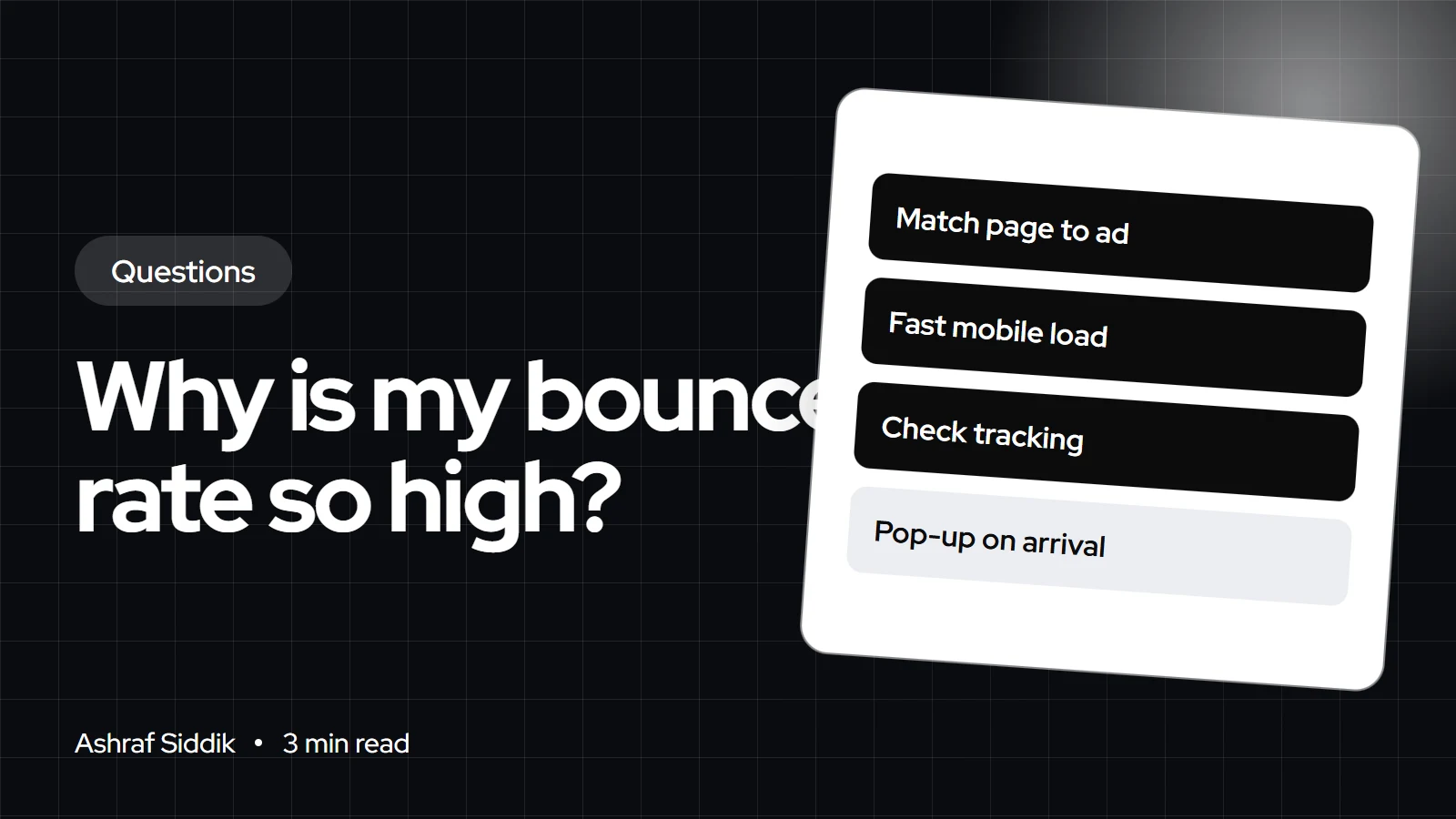
A high bounce rate means many visitors leave without engaging, and on an online store that usually comes down to one of four things: the wrong traffic, a page that doesn't match what they clicked, a slow or broken mobile page, or a tracking problem. In Google Analytics 4, a bounce is any session that isn't engaged, which means it lasted 10 seconds or less, had no key event and had only one page view. Compare bounce rates between pages and traffic sources to find which one is the cause.
I see "our bounce rate is terrible" in a lot of store review requests. Often the store is fine and one traffic source is the problem. Here's how to tell.
What bounce rate means now
Google's definition changed with GA4. Google says bounce rate is "the percentage of sessions that were not engaged", the inverse of engagement rate. An engaged session is one that lasts longer than 10 seconds, has a key event, or has two or more page or screen views. So a visitor who reads your product page for 30 seconds and leaves isn't a bounce in GA4, even though they only saw one page.
Shopify's own analytics lists bounce rate among its session metrics too, but the help page doesn't give its formula. Don't expect Shopify and GA4 to show the same number.
Common causes and how to spot them
| Cause | How to spot it | First fix |
|---|---|---|
| Wrong traffic | One source far worse | Fix targeting or the source |
| Message mismatch | Ad landing pages bounce most | Match page to the ad |
| Slow mobile pages | Mobile much worse than desktop | Cut heavy images and scripts |
| Pop-up on arrival | Worse after adding a pop-up | Delay or shrink it |
| Broken tracking | Rate near 0% or 100% | Check tags and consent |
| Answer found | Blog posts bounce most | Add a clear next step |
The last row isn't always a problem. Someone who finds the answer on your blog post and leaves has been served well; give them a reason to look at a product, but don't panic about the number.
Find the cause in three cuts
- By landing page. Find the pages with the most sessions and the worst bounce rate. Those are where to start.
- By traffic source. If paid social bounces at twice the rate of email, the store isn't the main problem; the ad or audience is.
- By device. If mobile is much worse than desktop, the mobile page is the problem.
Then watch real sessions. My guide to using heatmaps to improve your store shows how session recordings reveal what people see in their first ten seconds.
Speed and the first screen
A visitor who waits for a blank page doesn't engage. Shopify's theme performance guide names too much JavaScript, loaded at the wrong time, as a main cause of delayed loading of the main content. Check your top landing pages with my Shopify speed checker. Then check what the first screen shows: if the product, price and a clear next step aren't visible without scrolling on a phone, fix that before anything else. My guide to designing a high-converting Shopify homepage covers the first screen.
By country: cookie consent changes the numbers
In the UK and EU, including the Netherlands, many stores show a cookie banner, and visitors who decline analytics cookies may be tracked partly or not at all. That can make bounce rates jump or drop after a consent change, without any real change in behavior. If your bounce rate moved sharply on the day you changed your banner, check the setup first. My guide to setting up cookie consent on Shopify explains the options.
What to do next
- List your top ten landing pages with their bounce rates by source and device.
- Fix the worst page with the most traffic first.
- Test it on your own phone on mobile data, not office Wi-Fi.
- Want a full review? My Shopify CRO service starts from $500.
Free tools
Check your own store
Free, no sign-up. Each one runs a part of this guide for you.
Frequently asked questions
What is a high bounce rate?
There's no universal threshold. A rate is high when it's well above your other pages or sources. Compare landing pages, devices and traffic sources rather than using a single benchmark.
How does Google Analytics 4 define bounce rate?
Google defines it as the percentage of sessions that were not engaged. A session is engaged if it lasts longer than 10 seconds, has a key event or has two or more page views.
Why is my bounce rate different in Shopify and GA4?
The two tools track sessions differently, and Shopify's help page doesn't publish its bounce rate formula. Pick one tool and track the trend there.
Is a high bounce rate bad for SEO?
I wouldn't chase bounce rate for SEO. Treat it as a sign of whether a page meets visitors' needs, which is what matters for both sales and search.
Can pop-ups increase bounce rate?
Yes, if they cover the page the moment someone arrives. Delay them or use a small banner, then compare bounce rates before and after.
Why is my bounce rate 0% or 100%?
That usually points to a tracking problem, such as a tag firing twice or not at all. Check your analytics setup and cookie consent configuration.
Sources
- Engagement rate and bounce rate, Google Analytics Help
- Behavior reports, Shopify Help Center
- Theme performance best practices, Shopify.dev
Related services and work

I'm a Shopify developer and CRO specialist. I have built and improved Shopify stores since 2018, completed more than 1,000 projects, and hold a 4.96 average rating across 719 client reviews.
More guides
-
Why Shopify Stores Lose Sales on Mobile: A Practical CRO Checklist
Mobile visitors decide fast, with one thumb and plenty of distractions. Here is how to find the leaks on a Shopify store and fix them in the right order.
-
Shopify CRO Audit Checklist for DTC Brands
The checklist I use to audit DTC Shopify stores, from checking that the data can be trusted to deciding which fixes to ship first.
-
When to Build a Custom Shopify App Instead of Adding Another Subscription
Another subscription is the quickest fix, until you are paying for five apps that still don't match how your business works. Here is how to decide.
-
How to Find Out What Theme a Shopify Store Uses
Every Shopify store names its theme in the page code. Here is where to look, how to read what you find, and what it means for your own theme choice.
-
How to See What Apps a Shopify Store Uses
Apps leave traces in a store's page code: scripts from their own servers, app embed folders and pixel settings. Here is how to read them, and what to do with the list.
-
How to Name a Shopify Store (and Check the Name Is Free)
A store name has to be easy to say, free as a domain and a handle, and clear of other brands. Here is the process I use with clients, and what Shopify lets you change later.





