Shopify questionAnswer3 min read
What Happens to Your Data When You Delete a Shopify App?
Your Shopify data stays, but the app's own data can be erased after 48 hours. Here is what happens, what to export, and how to uninstall cleanly.
Key takeaways
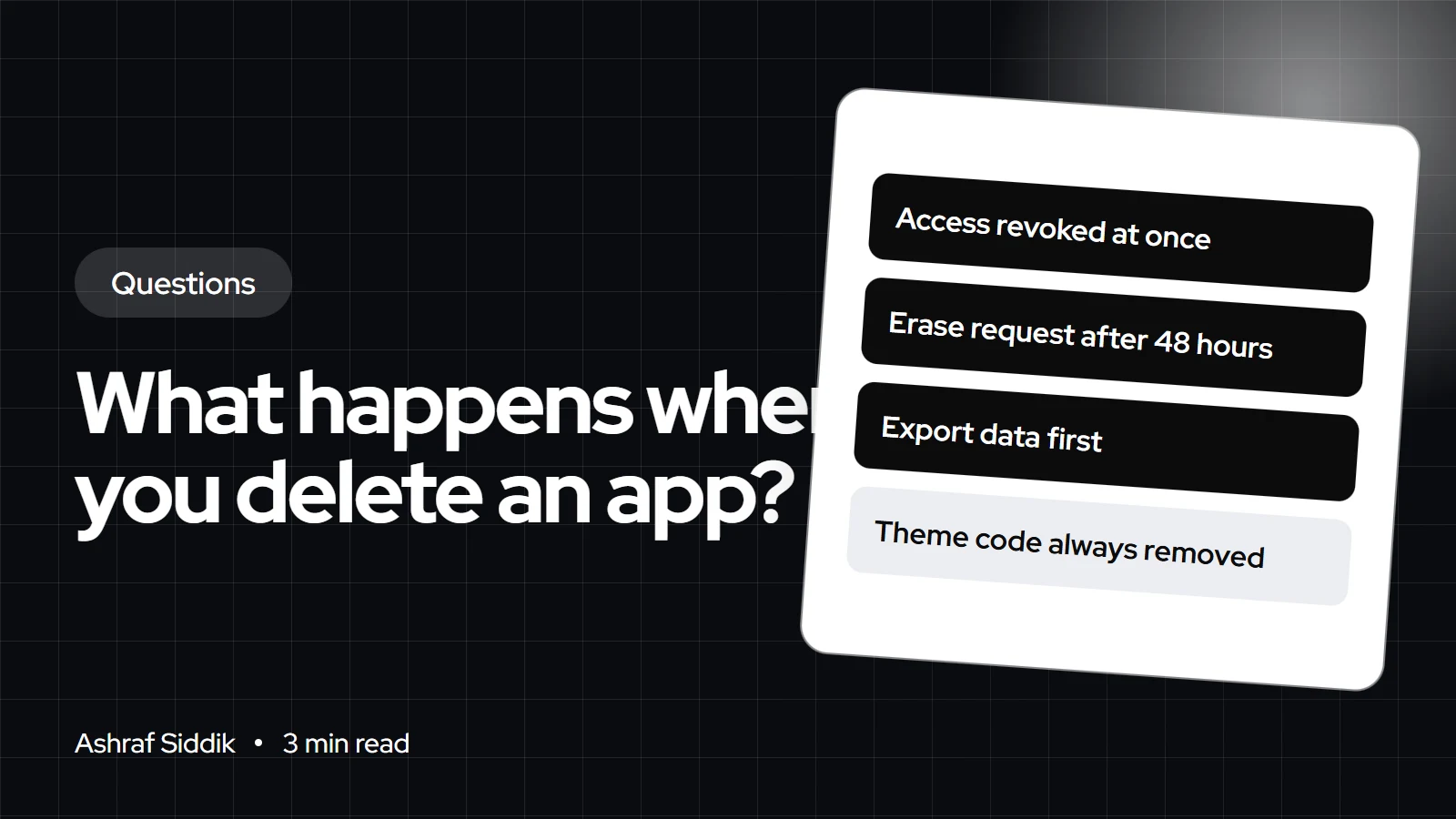
- Uninstalling revokes the app's access straight away. 48 hours later, Shopify sends the developer a request to erase your store's data.
- Your Shopify data, such as products, orders and customers, stays. What you can lose is data the app kept itself, such as reviews, loyalty points or form entries.
- Shopify warns that "some apps store data that you can't recover after uninstalling," so export first.
- Some apps leave code in your theme, and uninstalling doesn't cancel charges billed outside Shopify.
- Who it is for
- Store owners removing apps
- Time needed
- 3 minutes to read
- What you need
- Admin access and app exports
When you delete a Shopify app, it immediately loses access to your store, and 48 hours later Shopify asks the developer to erase the data they hold for your store. Your products, orders and customers in Shopify are not touched. Anything the app stored on its own servers, such as reviews, loyalty balances or subscriber lists, can be gone for good, so export it before you uninstall.
I remove apps from client stores regularly as part of speed and cost clean-ups. Rules below come from the Shopify Help Center and Shopify's developer documentation, as checked on 7 November 2026.
What happens, and when
| When | What happens | Your action |
|---|---|---|
| Before uninstalling | Nothing yet | Export app data |
| At uninstall | Access revoked, future charges stop | Remove leftover code |
| After 48 hours | Developer asked to erase store data | Confirm with the developer |
| Next invoice | Current cycle may still be billed | Ask for a refund before uninstalling |
Shopify's developer docs say that "48 hours after a store owner uninstalls your app, Shopify sends a payload on the shop/redact topic," so the developer can erase that store's data. Developers have 30 days to act on data requests. Shopify's help center adds that you should check with the developer to confirm deletion.
What stays and what can go
- Stays: products, collections, orders, customers, pages and anything else stored in Shopify itself.
- Can go: reviews, loyalty points, quiz answers, wishlists, form submissions, email templates and settings held by the app.
- Subscriptions: uninstalling a third-party subscription app deletes most subscription data after 48 hours, but subscription contracts and customer payment details are kept.
- Reinstalling: most apps can be reinstalled from the Uninstalled tab, but previous settings or data might not come back.
How to uninstall a Shopify app safely
- Export data. Download reviews, subscribers, loyalty balances or anything else the app holds.
- Check removal steps. Read the app's listing or help docs for steps to remove its code.
- Ask about refunds. If you want a refund for the current cycle, contact the developer before uninstalling.
- Uninstall. Go to
Settings > Apps, click the menu icon next to the app, then Uninstall. - Remove leftovers. Remove app blocks and turn off app embeds in the theme editor, and check theme code for snippets the app added.
- Cancel outside billing. If the app billed you directly, cancel there too.
Leftover code and speed
Shopify says some apps add code to your theme that "isn't automatically removed when you uninstall the app." Blocks and embeds an app added through the theme editor are easy to remove there, but older apps may have edited theme files directly. Leftover scripts can keep loading and slow every page. My guide to auditing and removing unused apps shows how to find them, and the app detector shows which apps a store still loads.
Uninstall rules at a glance
- Data erase request48 hoursAfter uninstall, sent to the developer.
- Developer deadline30 daysTo act on data requests.
- Future chargesStopCurrent cycle may still be billed.
- External chargesContinueCancel with the developer.
A note for UK and EU stores
Under UK GDPR and GDPR, the app developer is processing customer data for you. Shopify's 48-hour erasure request covers the store's data, but if the app held customer data, ask the developer to confirm deletion in writing and keep the reply. My GDPR guide for Shopify stores covers your obligations.
What to do next
List the apps you no longer use, export their data, and uninstall them one at a time while checking the storefront. If you want a clean-up done for you, speed optimization starts from $100.
Free tools
Check your own store
Free, no sign-up. Each one runs a part of this guide for you.
Frequently asked questions
How do I uninstall a Shopify app?
Go to Settings > Apps, click the menu icon next to the app, choose Uninstall, and confirm. On mobile, go to Menu > Settings > Apps.
Does uninstalling an app delete my products or orders?
No. Products, orders, customers and other Shopify data stay. Only data the app stored itself can be lost.
What happens to my data after I uninstall an app?
The app loses access immediately. After 48 hours, Shopify sends the developer a request to erase your store's data, and developers have 30 days to act on data requests.
Will I still be charged after uninstalling?
Future recurring charges stop, but you might still be billed for the current cycle. Charges billed outside Shopify must be cancelled with the developer.
Why is the app still showing on my store after I uninstalled it?
Some apps add code to your theme that isn't removed automatically. Remove app blocks and embeds, then check theme files or ask the developer.
Can I get my data back if I reinstall the app?
Sometimes not. Shopify says previous settings or data might not return after reinstalling, so export before uninstalling.
Sources
- Uninstalling apps, Shopify Help Center
- Privacy law compliance, Shopify.dev
- Subscriptions, Shopify Help Center
Related services and work

I'm a Shopify developer and CRO specialist. I have built and improved Shopify stores since 2018, completed more than 1,000 projects, and hold a 4.96 average rating across 719 client reviews.
More guides
-
Why Shopify Stores Lose Sales on Mobile: A Practical CRO Checklist
Mobile visitors decide fast, with one thumb and plenty of distractions. Here is how to find the leaks on a Shopify store and fix them in the right order.
-
Shopify CRO Audit Checklist for DTC Brands
The checklist I use to audit DTC Shopify stores, from checking that the data can be trusted to deciding which fixes to ship first.
-
When to Build a Custom Shopify App Instead of Adding Another Subscription
Another subscription is the quickest fix, until you are paying for five apps that still don't match how your business works. Here is how to decide.
-
How to Find Out What Theme a Shopify Store Uses
Every Shopify store names its theme in the page code. Here is where to look, how to read what you find, and what it means for your own theme choice.
-
How to See What Apps a Shopify Store Uses
Apps leave traces in a store's page code: scripts from their own servers, app embed folders and pixel settings. Here is how to read them, and what to do with the list.
-
How to Name a Shopify Store (and Check the Name Is Free)
A store name has to be easy to say, free as a domain and a handle, and clear of other brands. Here is the process I use with clients, and what Shopify lets you change later.





