Shopify questionAnswer4 min read
How Long Do Shopify Payouts Take in the UK?
UK Shopify Payments payouts follow a 3-business-day schedule, then your bank adds its own time. Here is the timeline and what slows it down.
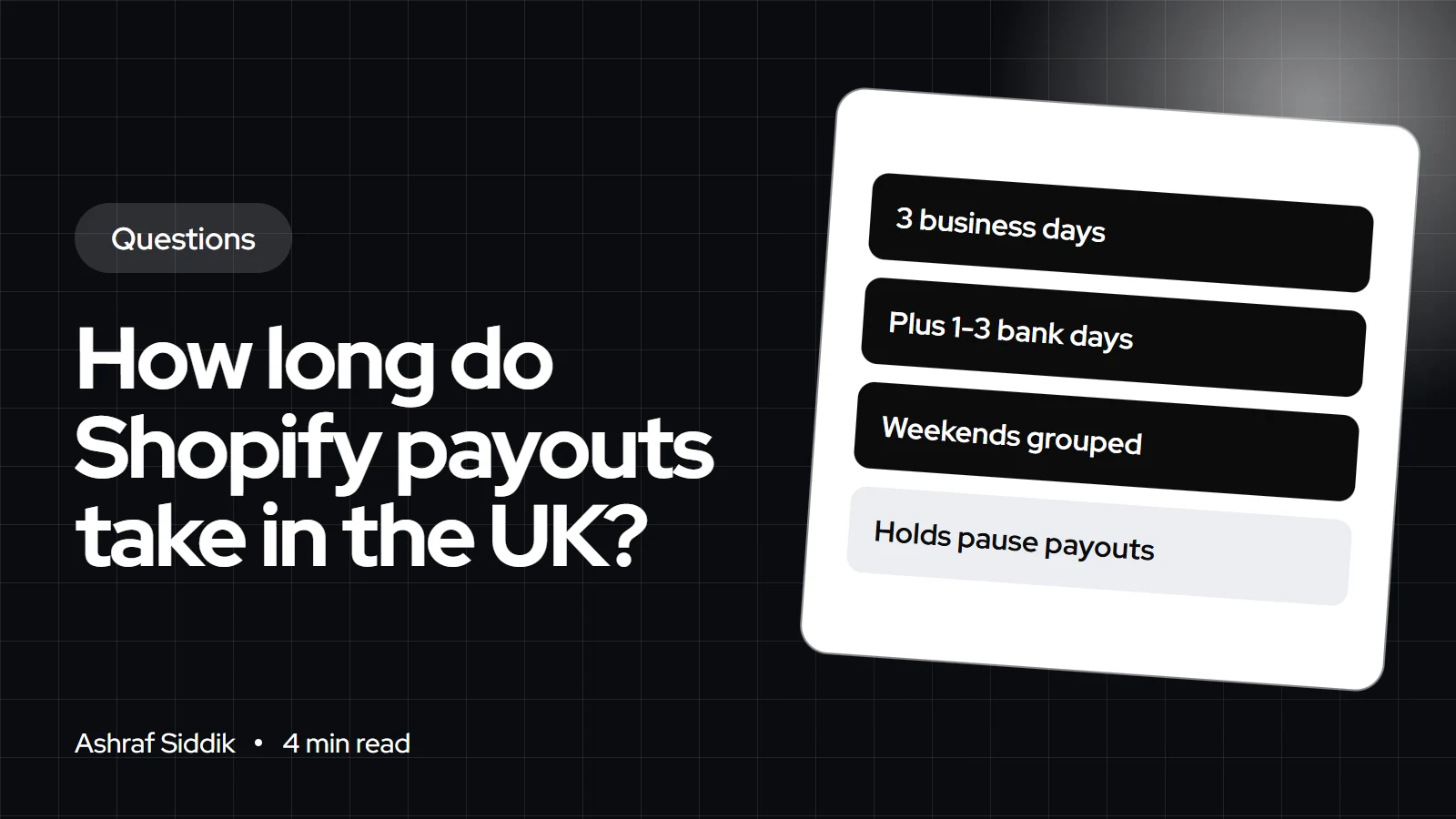
Key takeaways
- Shopify Payments in the UK has a minimum settlement time of 3 business days.
- Once a payout is sent, Shopify says it can take another 1 to 3 days to show in your bank account.
- Weekends and bank holidays don't count, and sales captured Friday to Sunday are grouped into one payout.
- Higher-risk accounts can be put on a custom schedule of 5 to 20 business days, and holds or reserves can pause or reduce payouts.
- Who it is for
- UK store owners on Shopify Payments
- Time needed
- 4 minutes to read
- What you need
- Access to Payouts in your Shopify admin
In the UK, Shopify Payments pays out on a minimum 3-business-day schedule, so a sale captured on a Monday is normally sent on Thursday. Your bank can then take another 1 to 3 days to show it. Weekends and bank holidays don't count, and higher-risk accounts can be moved to a longer custom schedule of 5 to 20 business days.
I set up Shopify Payments for UK stores and get asked about payout timing on almost every launch. The figures below come from Shopify's help center, checked on 7 November 2026.
The UK payout timeline
| Sale captured | Payout sent | In your bank |
|---|---|---|
| Monday | Thursday | 1 to 3 days later |
| Tuesday | Friday | 1 to 3 days later |
| Friday to Sunday | One grouped payout | 1 to 3 days later |
| Before a bank holiday | Next business day | 1 to 3 days later |
Shopify counts business days only. A payout that would fall on a weekend or public holiday goes out on the next business day. The last step, from payout to your account, depends on your bank and is outside Shopify's control.
Why a payout says pending
A scheduled or pending payout is normal. Shopify describes it as being processed and "batched together with other transactions". It becomes a problem only when it stays that way past the usual date. The common reasons:
- Account review. Shopify can pause payouts while it reviews an account, for example after a new bank account is added.
- A hold. Missing information, wrong bank details or a product eligibility check stops payouts until it's fixed. My answer on why a Shopify payout is on hold covers each type.
- Failed payout. Wrong account details or a bank account in the wrong currency make the payout fail.
- Bank change mid-transit. A payout already sent still goes to your old account.
Why a payout is lower than your sales
Your payout is sales minus everything Shopify deducts in that period. Refunds, chargebacks with their £10 UK fee, processing fees, adjustments, a reserve, or a negative balance carried over can all shrink it. If you sell in other currencies but take payouts in £, conversion fees apply too. My guide to reconciling Shopify payouts shows how to match a payout to its orders.
Finance > Payouts. It shows Pending funds and, if you have one, a Reserve balance. Open any payout to see its transactions and fees.Your first payout and cash flow
Shopify doesn't publish a separate, longer timeline for a first UK payout. The same 3-business-day settlement applies, provided your identity, business and bank details are complete. In practice, the first payout is where delays show up, because that's when missing details get checked. Finish the Shopify Payments setup fully before launch day, not after the first order.
Plan stock purchases and ad spend around a lag of about a week between a sale and the money in your account. A launch weekend, for example, arrives as one grouped payout the following week. If you run a sale over a bank holiday weekend, expect it to land a day later again.
PayPal and other payment methods
Only Shopify Payments sales (cards, Apple Pay, Google Pay and Shop Pay) arrive in your Shopify payout. UK stores take PayPal through PayPal Express Checkout, so those payments go to your PayPal account on PayPal's own timing. Count both when you check the month's takings.
How the UK compares
Shopify lists minimum settlement times by country. The UK, US and Netherlands are all on 3 business days. Australia is quicker at 2 business days. Where Shopify Balance is available, Shopify says payouts can arrive within 1 business day of processing, though new merchants can wait up to 5. For a UK store, the main ways to speed things up are correct bank details from day one and answering any verification request quickly. If you'd like help with the setup itself, see my Shopify developer services for UK stores.
What to do next
- Check
Finance > Payoutsfor the scheduled date of your next payout. - Answer any Shopify email asking for information. Holds stay until it's provided.
- Confirm your bank details and currency before your first big sales day.
Free tools
Check your own store
Free, no sign-up. Each one runs a part of this guide for you.
Frequently asked questions
How long do Shopify payouts take in the UK?
Shopify Payments has a minimum settlement time of 3 business days in the UK, then your bank can take another 1 to 3 days to show the money.
Does Shopify pay out at weekends?
No. Weekends and public holidays don't count as business days. Charges captured Friday, Saturday and Sunday are grouped into one payout.
Why are my Shopify payouts pending?
Pending usually just means the payout is batched and scheduled. If it stays pending past the usual date, check for an account review, a hold or a bank verification request.
Why is my payout less than my sales?
Refunds, chargebacks and their fees, processing fees, adjustments, reserves and any negative balance are deducted before the payout is sent.
Can I get Shopify payouts faster?
Keep bank details correct and respond quickly to verification requests. Shopify says Shopify Balance payouts can arrive within 1 business day where it's available.
How long are Shopify payouts in Australia and the US?
Shopify lists 2 business days for Australia and 3 for the US and the Netherlands, plus your bank's own processing time.
Sources
- Understanding Shopify Payments payout timing, Shopify Help Center
- Lower or missing payouts, Shopify Help Center
- Shopify Payments account holds, Shopify Help Center
- Overview of reserves in Shopify Payments, Shopify Help Center
Related services and work

I'm a Shopify developer and CRO specialist. I have built and improved Shopify stores since 2018, completed more than 1,000 projects, and hold a 4.96 average rating across 719 client reviews.
More guides
-
Why Shopify Stores Lose Sales on Mobile: A Practical CRO Checklist
Mobile visitors decide fast, with one thumb and plenty of distractions. Here is how to find the leaks on a Shopify store and fix them in the right order.
-
Shopify CRO Audit Checklist for DTC Brands
The checklist I use to audit DTC Shopify stores, from checking that the data can be trusted to deciding which fixes to ship first.
-
When to Build a Custom Shopify App Instead of Adding Another Subscription
Another subscription is the quickest fix, until you are paying for five apps that still don't match how your business works. Here is how to decide.
-
How to Find Out What Theme a Shopify Store Uses
Every Shopify store names its theme in the page code. Here is where to look, how to read what you find, and what it means for your own theme choice.
-
How to See What Apps a Shopify Store Uses
Apps leave traces in a store's page code: scripts from their own servers, app embed folders and pixel settings. Here is how to read them, and what to do with the list.
-
How to Name a Shopify Store (and Check the Name Is Free)
A store name has to be easy to say, free as a domain and a handle, and clear of other brands. Here is the process I use with clients, and what Shopify lets you change later.





