Shopify questionAnswer3 min read
Why Was My Customer's Payment Declined on Shopify?
Most declines come from the customer's bank, not Shopify. Here is how to find the reason, which of your settings can cause it, and what to tell the customer.
Key takeaways
- A card decline usually means the customer's bank or card issuer rejected the payment, and many banks return only a generic reason.
- A failed payment usually creates no order. Look in
Orders > Abandoned checkoutsand open the payment event in the Timeline. - Your own fraud settings can decline payments that fail CVV or postal code checks, and Shopify Payments can block high-risk attempts.
- "Too many attempts" is temporary rate limiting; the customer should wait a few minutes before trying again.
- Who it is for
- Store owners with a declined payment
- Time needed
- 3 minutes to read
- What you need
- Access to Orders in your Shopify admin
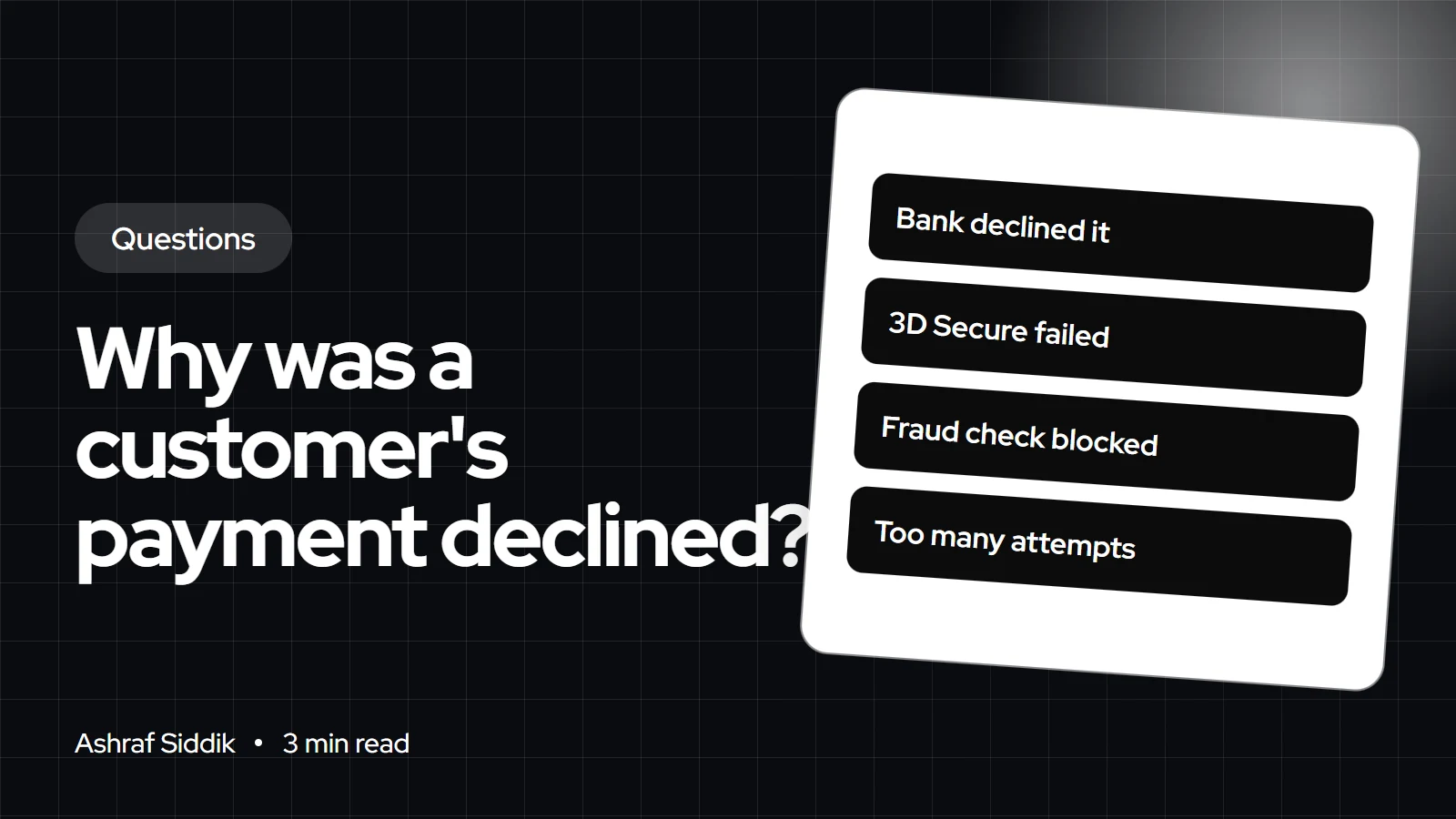
In most cases, the customer's bank declined the payment, not Shopify. Banks decline cards for low funds, fraud-check flags, wrong card details or a failed 3D Secure check, and they often send back only a generic reason. Less often, your own CVV or postal code settings, or Shopify's fraud screening, stopped it before an order was created.
Declines are one of the first things I check when a store's checkout conversion drops. Everything below comes from Shopify's help center, checked on 7 November 2026.
Where to find the decline reason
A failed payment usually doesn't create an order, so don't look in your orders list. Go to Orders > Abandoned checkouts, open the customer's checkout and find the failed payment event in the Timeline. The Message field shows whatever decline information the bank returned. Shopify says it shows "as much information as we receive from your customer's bank", but most declines are generic.
What each message usually means
| What you see | Likely cause | What to do |
|---|---|---|
| Card declined | Bank decision | Customer calls their bank or uses another method |
| Failed 3D Secure | Verification not completed | Retry and approve in the bank app |
| Blocked, high fraud risk | Shopify Payments screening | Review it in the Blocked view |
| Too many attempts | Temporary rate limit | Wait a few minutes |
| Postal code mismatch | Your AVS setting | Check billing address and settings |
| Gift card declined | Missing billing info or balance | Contact the gift card provider |
For a 3D Secure failure, the Timeline message starts with "The customer failed 3D Secure authentication." If the customer closed the window, no charge was made. For high-risk blocks, open the Blocked view in Abandoned checkouts. Shopify notes the payment might go through if the customer tries again with different payment or billing details. Clearing the browser cache doesn't reset the "too many attempts" limit.
Settings that can cause declines
Shopify Payments has two optional fraud checks: "Decline charges that fail CVV verification" and "Decline charges that fail AVS postal code verification". To see them, go to Settings > Payments, click Manage under Shopify Payments, then open Reduce credit and debit card fraud under Fraud prevention. You have to turn off Use automated settings to change them.
What to tell the customer
Keep it short and practical. Shopify's advice is for the customer to contact their bank, ask why, and ask for future charges to be accepted, or to try another payment method. A message I'd send: "Your bank declined the payment, and they don't share the reason with us. A quick call to them usually clears it, or you can pay with PayPal, Apple Pay or another card." Offering wallets gives customers a second route; my guide to enabling Apple Pay, Google Pay and Shop Pay shows how. You can also offer PayPal on Shopify.
If every customer is being declined
One decline is the bank. Many in a row is your store. Check the Shopify Status page, place a test order yourself, try a private browser window, and review recent changes to fraud settings, apps or checkout customizations. My guide to optimizing your Shopify checkout covers what else to test.
Country notes
UK and EU: banks often ask customers to approve card payments in their banking app. If the approval times out, it shows as a failed 3D Secure check. US: postal code checks matter more, so an AVS setting set too strictly causes more false declines. Australia: the same Timeline messages apply. Everywhere, the customer's bank holds the full reason.
What to do next
- Open the abandoned checkout and read the Timeline message.
- Send the customer a short note with another way to pay.
- Review your fraud settings if declines keep happening, and read my guide to preventing fraud before loosening them.
Free tools
Check your own store
Free, no sign-up. Each one runs a part of this guide for you.
Frequently asked questions
Why was my customer's card declined on Shopify?
Usually because their bank declined it, for reasons such as low funds, a fraud flag or wrong details. Banks often return only a generic reason, so the customer needs to ask their bank.
Where do I see why a payment failed?
Go to Orders > Abandoned checkouts, open the checkout and check the payment event in the Timeline. The Message field shows the decline information the bank returned.
Can Shopify block a payment?
Yes. Shopify Payments can block attempts it sees as high risk of fraud before an order is created. You'll find them in the Blocked view of abandoned checkouts.
What does 'too many attempts' mean?
It's temporary rate limiting. The customer should wait a few minutes before trying again, and changing browser or clearing the cache doesn't reset it.
Do CVV and postal code checks cause declines?
They can. If you turn on the options to decline charges that fail CVV or AVS postal code verification, any attempt that fails is declined and no order is placed.
Can I see the full decline reason from the bank?
Only what the bank shares. Shopify displays everything it receives, but most banks send a generic decline, so the customer has to contact their bank for details.
Sources
- Declined payments, Shopify Help Center
- Troubleshooting checkout payments, Shopify Help Center
- Configuring Shopify Payments, Shopify Help Center
Related services and work

I'm a Shopify developer and CRO specialist. I have built and improved Shopify stores since 2018, completed more than 1,000 projects, and hold a 4.96 average rating across 719 client reviews.
More guides
-
Why Shopify Stores Lose Sales on Mobile: A Practical CRO Checklist
Mobile visitors decide fast, with one thumb and plenty of distractions. Here is how to find the leaks on a Shopify store and fix them in the right order.
-
Shopify CRO Audit Checklist for DTC Brands
The checklist I use to audit DTC Shopify stores, from checking that the data can be trusted to deciding which fixes to ship first.
-
When to Build a Custom Shopify App Instead of Adding Another Subscription
Another subscription is the quickest fix, until you are paying for five apps that still don't match how your business works. Here is how to decide.
-
How to Find Out What Theme a Shopify Store Uses
Every Shopify store names its theme in the page code. Here is where to look, how to read what you find, and what it means for your own theme choice.
-
How to See What Apps a Shopify Store Uses
Apps leave traces in a store's page code: scripts from their own servers, app embed folders and pixel settings. Here is how to read them, and what to do with the list.
-
How to Name a Shopify Store (and Check the Name Is Free)
A store name has to be easy to say, free as a domain and a handle, and clear of other brands. Here is the process I use with clients, and what Shopify lets you change later.





