Shopify glossaryGlossary3 min read
What Is CAC (Customer Acquisition Cost)? How to Calculate It for Your Shopify Store
Customer acquisition cost is what you spend, on average, to win one new customer. Here is the formula, what to include, and how to read it for a Shopify store.
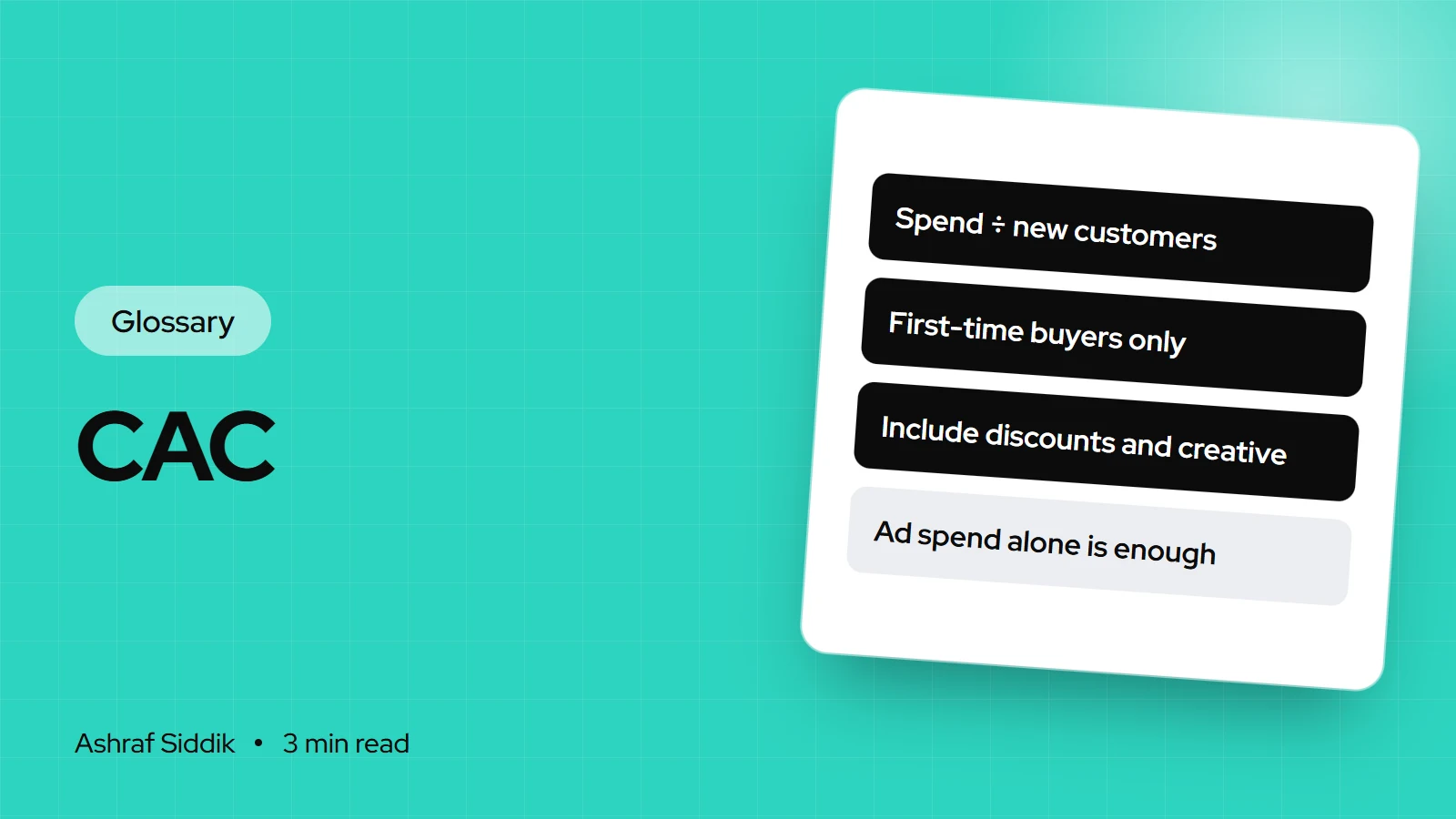
Key takeaways
- CAC (customer acquisition cost) is your total spend on winning new customers in a period divided by the number of new customers you gained in that period.
- Count only first-time customers in the denominator. Returning buyers make CAC look lower than it is.
- Shopify's New customers over time report gives you the denominator. The spend comes from your ad accounts, tools, discounts and creative costs.
- CAC only means something next to what a customer is worth, which is why it's paired with lifetime value in the LTV:CAC ratio.
- Who it is for
- Stores spending on acquisition
- Time needed
- 3 minutes to read
- What you need
- Spend and new customer counts
Customer acquisition cost (CAC) is the average amount you spend to win one new customer. You add up everything you spent on acquisition in a period and divide it by the number of first-time customers who bought in that same period.
When I audit a store that says its ads "stopped working", CAC is usually where the story shows up first. Sometimes the ads are fine and the store converts worse than it did, so each customer costs more. The definitions here were checked against Shopify's pages on 7 November 2026.
The CAC formula
CAC = total acquisition spend ÷ number of new customers, both measured over the same period.
Shopify's own guide uses a simple case: $500 of marketing spend that brings in 10 new customers gives a CAC of $50. Its list of costs to include is wider than most store owners expect:
- Ad spend on search, social and any offline channels
- The value of discount codes and offers used to win first orders
- Marketing software such as email and analytics tools
- Marketing staff, freelancers and agencies
- Content and creative production
A worked example
One month for a small skincare brand on Shopify. All figures are illustrative.
| Cost line | Amount | Note |
|---|---|---|
| Paid social ads | $6,000 | From the ad account |
| Influencer product seeding | $800 | Product cost plus postage |
| Creative production | $1,200 | Photos and short videos |
| First-order discount codes | $600 | Value of codes redeemed |
| Email tool share | $100 | Part spent on new subscribers |
| Total spend | $8,700 | – |
Blended vs paid CAC (illustrative)
- Blended CAC$60$8,700 ÷ 145 new customers from every channel.
- Paid CAC$100$6,000 ÷ 60 new customers the ad platform claims.
Both numbers are useful. Blended CAC tells you whether the business can afford its growth. Paid CAC tells you whether a specific channel is pulling its weight. Ad platforms tend to claim credit generously, so I trust the blended figure more for budget decisions.
Where to find the numbers in Shopify and GA4
- New customers. In Shopify, go to
Analytics > Reports, filter to the Customers category and open New customers over time. New vs returning customers shows the split for the same period. - Discount value. The Sales by discount codes report shows how much your first-order codes cost.
- Channel split. In GA4, the Traffic acquisition report under Reports shows which channels bring sessions and purchases. Use it to sanity-check what each ad platform claims.
- Spend. Pull ad spend from each ad account and add your tools and creative costs from your accounts.
Common mistakes
- Dividing by all customers. Including repeat buyers can halve your CAC on paper. Only first-time customers count.
- Counting ad spend only. Leaving out creative, discounts and staff makes paid growth look cheaper than it is.
- Mismatched periods. Spend in one month and customers from another give a meaningless number.
- Fixing CAC only with ads. A better landing page lowers CAC too. If your conversion rate doubles at the same spend, CAC halves.
Related terms
- LTV:CAC ratio: how many times a customer's lifetime value covers what you paid to win them.
- Contribution margin: the profit per order that has to repay CAC.
- CAC payback period: how many months of a customer's purchases it takes to earn back their CAC.
- CPA (cost per acquisition): cost per conversion of any kind, not only new customers.
What to do next
- Work out last month's blended CAC using the table above as a template.
- Compare it with first-order profit. If CAC is higher than the contribution margin on a first order, you need repeat purchases to break even.
- Check conversion before raising budgets. A store that converts poorly makes every channel look expensive.
Free tools
Check your own store
Free, no sign-up. Each one runs a part of this guide for you.
Frequently asked questions
What is customer acquisition cost (CAC)?
CAC is the average amount you spend to win one new customer. It is total acquisition spend in a period divided by the number of first-time customers in the same period.
How do you calculate customer acquisition cost?
Add up ad spend, first-order discounts, marketing tools, creative and marketing staff costs for a period, then divide by the number of new customers in that period. $500 of spend and 10 new customers gives a $50 CAC.
What is the difference between blended CAC and paid CAC?
Blended CAC divides all acquisition spend by all new customers. Paid CAC looks at one channel, such as paid social, and divides its spend by the new customers it brought in.
Where can I see new customers in Shopify?
Go to Analytics, then Reports, and filter to the Customers category. New customers over time and New vs returning customers give you the count for any period.
How can I lower my CAC without cutting ads?
Raise your conversion rate. If the same traffic produces more first orders, each customer costs less. Product pages, mobile checkout and trust signals are where I usually start.
Sources
- Customer Acquisition Cost (CAC): Calculate and Reduce It, Shopify
- Customers reports, Shopify Help Center
- Sales reports, Shopify Help Center
Related services and work

I'm a Shopify developer and CRO specialist. I have built and improved Shopify stores since 2018, completed more than 1,000 projects, and hold a 4.96 average rating across 719 client reviews.
More guides
-
Why Shopify Stores Lose Sales on Mobile: A Practical CRO Checklist
Mobile visitors decide fast, with one thumb and plenty of distractions. Here is how to find the leaks on a Shopify store and fix them in the right order.
-
Shopify CRO Audit Checklist for DTC Brands
The checklist I use to audit DTC Shopify stores, from checking that the data can be trusted to deciding which fixes to ship first.
-
When to Build a Custom Shopify App Instead of Adding Another Subscription
Another subscription is the quickest fix, until you are paying for five apps that still don't match how your business works. Here is how to decide.
-
How to Find Out What Theme a Shopify Store Uses
Every Shopify store names its theme in the page code. Here is where to look, how to read what you find, and what it means for your own theme choice.
-
How to See What Apps a Shopify Store Uses
Apps leave traces in a store's page code: scripts from their own servers, app embed folders and pixel settings. Here is how to read them, and what to do with the list.
-
How to Name a Shopify Store (and Check the Name Is Free)
A store name has to be easy to say, free as a domain and a handle, and clear of other brands. Here is the process I use with clients, and what Shopify lets you change later.





