Cost guideCost7 min read
What It Costs to Sell Internationally on Shopify
Shopify Markets is free on every plan, but selling abroad adds currency, duty and translation costs. Here are the rates Shopify lists, and a worked example of what they add per month.
Key takeaways
- Shopify Markets is included on every plan, with no separate subscription. The costs of selling abroad come from the fees around it, as listed by Shopify on 7 November 2026.
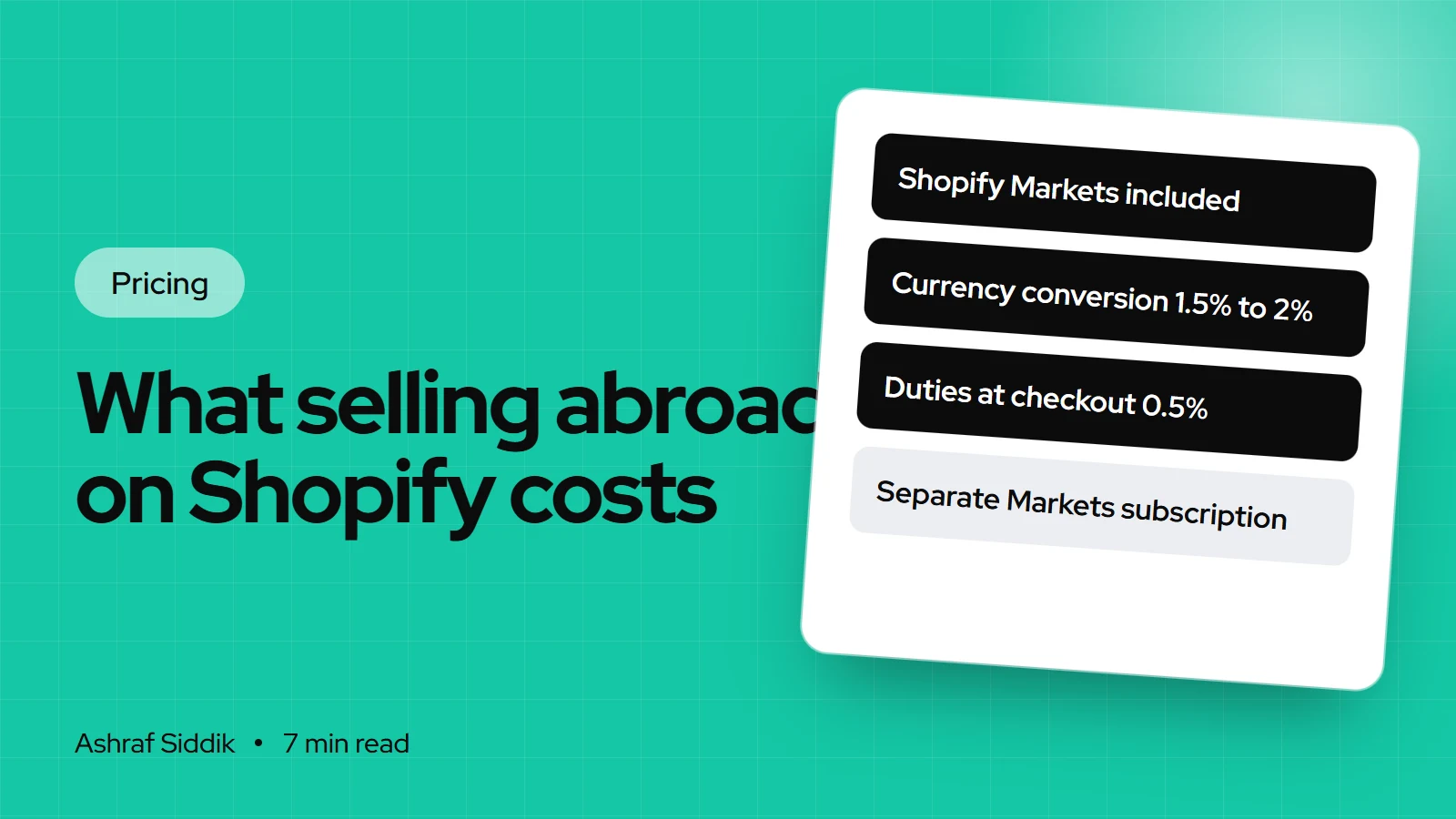
- Showing local currencies through Shopify Payments carries a currency conversion fee of 1.5% for US stores and 2% for stores in other countries.
- Calculating duties and import taxes at checkout costs 0.85% per order with Shopify Payments or 1.5% without, temporarily lowered to 0.5% for all merchants.
- Translation can be free: Shopify's Translate & Adapt app auto-translates up to 2 languages. Paid apps such as Weglot start at $17 a month.
- Who it is for
- Stores starting or growing sales abroad
- Time needed
- 8 minutes to read
- What you need
- Your international sales by country and your margin
Shopify Markets costs nothing on its own. It comes with every plan, and you can switch on a second country in an afternoon. The money goes on what happens around each international order: converting the shopper's currency, calculating duties at checkout, translating the store and taking local payment methods. On a store with a lot of cross-border sales, those fees can add more to the bill than the plan does.
All rates below come from Shopify's pricing page, its Markets pricing page and its help center, and app prices from the Shopify App Store, as checked on 7 November 2026. The fees per sale are covered in more detail in Shopify fees explained, so here I focus on what selling abroad adds.
The short answer
| Cost | Rate | When it applies |
|---|---|---|
| Shopify Markets | Included | Every plan |
| Currency conversion | 1.5% (US) or 2% | Shopper pays in another currency |
| Duties at checkout | 0.5% for now | Orders with duties calculated |
| Managed Markets | 3.5%, or 3.25% on Plus | Only if you turn it on |
| Translation | $0, or from $17 a month | Each extra language |
| Local domains | Domain price only | If you buy a domain per country |
What every plan includes
Shopify's pricing page lists Shopify Markets, duty and tax estimation and collection, and local domains as included on all plans. Two features depend on Shopify Payments: showing prices in local currencies and accepting local payment methods. If you use a different payment provider, you lose both, and you pay the third-party transaction fee on top.
That means the plan you need for selling abroad is usually the same one you'd need at home.
For most stores, selling abroad from one store with Shopify Markets is the right setup. It keeps one catalog, one set of apps and one plan. Separate stores per country make sense when the catalog, prices or brand are very different. On Plus, up to 9 expansion stores are included, though each live one needs its own theme license. Below Plus, every extra store is a full extra plan with its own apps. I compare the two approaches in Shopify Markets vs multiple stores.
Currency conversion fees
When a shopper pays in a currency other than your payout currency, Shopify charges a conversion fee. Its help center sets the rate by your store's primary country:
- US stores: 1.5%.
- Stores in other Shopify Payments countries, including the UK, the EU and Australia: 2%.
- PayPal Wallet through Shopify Payments, where offered in the US and France: 3%.
The fee applies whether you use automatic or manual exchange rates. It isn't returned when you refund an order, though no second conversion fee is charged on the refund. If many international orders come back, that adds up.
Duties and import taxes at checkout
Charging duties at checkout means the shopper pays everything upfront and doesn't get a customs bill at the door, which cuts refused parcels. Shopify charges for the calculation:
| Your gateway | Standard fee | Current fee |
|---|---|---|
| Shopify Payments | 0.85% per order | 0.5% per order |
| Other providers | 1.5% per order | 0.5% per order |
Shopify's help center says the fee was temporarily lowered to 0.5% for all merchants from 2 February 2025, and it hasn't said when that ends. The fee applies to every order with duties calculated at checkout, even when the amount works out at zero. It doesn't apply to domestic orders, orders shipped between EU countries or abandoned checkouts.
To use it, your products need HS codes, you can't use Shopify Fulfillment Network, and if you buy labels, your carrier must support DDP labels. Adding HS codes to a large catalog is a real job, so budget time for it.
Shopify Managed Markets
Managed Markets is the option where Shopify handles more of the cross-border work for you. Shopify's Markets pricing page lists its fee at 3.5% per transaction, or 3.25% on Plus, deducted from your payout. In return, the page says duty and import tax calculations are guaranteed at no extra cost, exchange rates are stabilized weekly and locked for up to 30 days on returns, and the conversion fee is built into the price the buyer sees. You still pay standard Shopify Payments processing.
It costs more per order than handling things yourself. It can be worth it for a store selling into many countries without the staff to manage tax registrations and duty questions in each one.
Translation costs
Shopify's free Translate & Adapt app auto-translates into up to 2 languages, or 8 in select countries, and lets you add manual translations. For many stores that is enough. Paid apps add more languages and words. Weglot, as one example:
| Weglot plan | Monthly | Languages | Words |
|---|---|---|---|
| Free | $0 | 1 | 2,000 |
| Starter | $17 | 1 | 10,000 |
| Business | $32 | 3 | 50,000 |
| Pro | $87 | 5 | 200,000 |
Translated words add up across product descriptions, pages and blog posts, so a large catalog fills a plan faster than people expect. Whatever app you use, have a native speaker check the checkout, the main product pages and your returns policy. Machine translation there costs more in lost sales than a proofread costs.
Local payment methods and card fees
Shoppers buy more readily with the payment method they use at home: iDEAL in the Netherlands, Bancontact in Belgium, Afterpay in Australia and the US, Clearpay in the UK. Through Shopify Payments, local methods are switched on in Settings > Payments, and their rates vary by country, so check yours there.
Cards issued abroad usually cost more to process than domestic ones. Shopify's Markets pricing page shows a variable blended processing rate of 3.9% per transaction for international sales, which varies by plan, card type and where the card was issued.
A worked example
A US store selling $10,000 a month abroad, in local currencies
- Currency conversion$1501.5% on every international order.
- Duties at checkout$500.5% now, $85 at the standard 0.85%.
- Translation$32Weglot Business for 3 languages.
- Total added$2322.3% of international sales, before card processing.
The same store on Managed Markets would pay $350 in the Managed Markets fee instead of the duty fee, with conversion built into buyer prices. Price your international products with these percentages in mind. The profit margin calculator shows what's left once you add them, and the fees calculator covers the domestic side.
By country
- US: 1.5% currency conversion, the lowest rate Shopify lists. Sales tax rules at home don't change when you add markets abroad.
- UK: 2% conversion. Selling into the EU, look at the EU's IOSS scheme for VAT on low-value parcels.
- EU and the Netherlands: 2% conversion when a shopper pays in another currency. Orders between EU countries carry no duty fee. iDEAL and Bancontact matter more than a translated blog.
- Australia: 2% conversion. If you buy Australia Post or other labels in Shopify, check the service supports DDP before you turn on duties at checkout.
Ways to spend less
- Start with your two or three biggest countries, not twenty. Turn on others when the data shows demand.
- Use Translate & Adapt first and pay for a translation app only when you need more languages.
- Turn on duties at checkout only for countries where duties apply and parcels get refused.
- Cut return rates with clear size guides and delivery times, since conversion fees aren't refunded.
Next steps
- Check your analytics for which countries already visit and buy.
- Price the fees above against your margin for each of those countries.
- Set up one market, test a real order in the local currency and check the payout.
If you want a second pair of eyes before you launch abroad, send me your store for a free review. Store development work starts from $300, and any international setup gets a fixed quote.
Free tools
Check your own store
Free, no sign-up. Each one runs a part of this guide for you.
Frequently asked questions
How much does Shopify Markets cost?
Shopify Markets is included on every plan, with no extra subscription, as listed on Shopify's pricing page on 7 November 2026. The costs come from fees on international orders: currency conversion, duties at checkout, Managed Markets if you use it, and translation apps.
What is Shopify's currency conversion fee?
Shopify's help center lists 1.5% for stores whose primary country is the US and 2% for other Shopify Payments countries. It applies when a shopper pays in a currency other than your payout currency, and it isn't returned on refunds.
What does Shopify charge to collect duties at checkout?
The standard fee is 0.85% per order with Shopify Payments and 1.5% with other providers. Shopify says it has been temporarily lowered to 0.5% for all merchants since 2 February 2025. It applies even when the calculated duty is zero.
What does Shopify Managed Markets cost?
Shopify's Markets pricing page lists 3.5% per transaction, or 3.25% on Plus, on top of standard Shopify Payments processing. Duty calculations are included at no extra cost and currency conversion is built into the buyer's price.
Is there a free way to translate a Shopify store?
Yes. Shopify's Translate & Adapt app is free and auto-translates into up to 2 languages, or 8 in select countries, with unlimited manual translations. Paid apps such as Weglot start at $17 a month for more words.
Do I need Shopify Payments to sell internationally?
Not to sell abroad, but you do to show local currencies and accept local payment methods, according to Shopify's pricing page. With another provider, shoppers pay in your currency and you pay the third-party transaction fee.
Sources
- Shopify pricing, Shopify
- Shopify Markets pricing, Shopify
- Fees and costs, Shopify Help Center
- Collecting duties and import taxes at checkout, Shopify Help Center
- Translate & Adapt, Shopify App Store
- Weglot, Shopify App Store
Related services and work

I'm a Shopify developer and CRO specialist. I have built and improved Shopify stores since 2018, completed more than 1,000 projects, and hold a 4.96 average rating across 719 client reviews.
More guides
-
Why Shopify Stores Lose Sales on Mobile: A Practical CRO Checklist
Mobile visitors decide fast, with one thumb and plenty of distractions. Here is how to find the leaks on a Shopify store and fix them in the right order.
-
Shopify CRO Audit Checklist for DTC Brands
The checklist I use to audit DTC Shopify stores, from checking that the data can be trusted to deciding which fixes to ship first.
-
When to Build a Custom Shopify App Instead of Adding Another Subscription
Another subscription is the quickest fix, until you are paying for five apps that still don't match how your business works. Here is how to decide.
-
How to Find Out What Theme a Shopify Store Uses
Every Shopify store names its theme in the page code. Here is where to look, how to read what you find, and what it means for your own theme choice.
-
How to See What Apps a Shopify Store Uses
Apps leave traces in a store's page code: scripts from their own servers, app embed folders and pixel settings. Here is how to read them, and what to do with the list.
-
How to Name a Shopify Store (and Check the Name Is Free)
A store name has to be easy to say, free as a domain and a handle, and clear of other brands. Here is the process I use with clients, and what Shopify lets you change later.





