Shopify guideGuide10 min read
EU OSS VAT for Shopify Stores: How the One-Stop Shop Works
Once your sales to consumers in other EU countries pass €10,000 a year, you charge their local VAT. OSS lets you declare it all in one return at home, and this guide shows how to register and set it up in Shopify.
Key takeaways
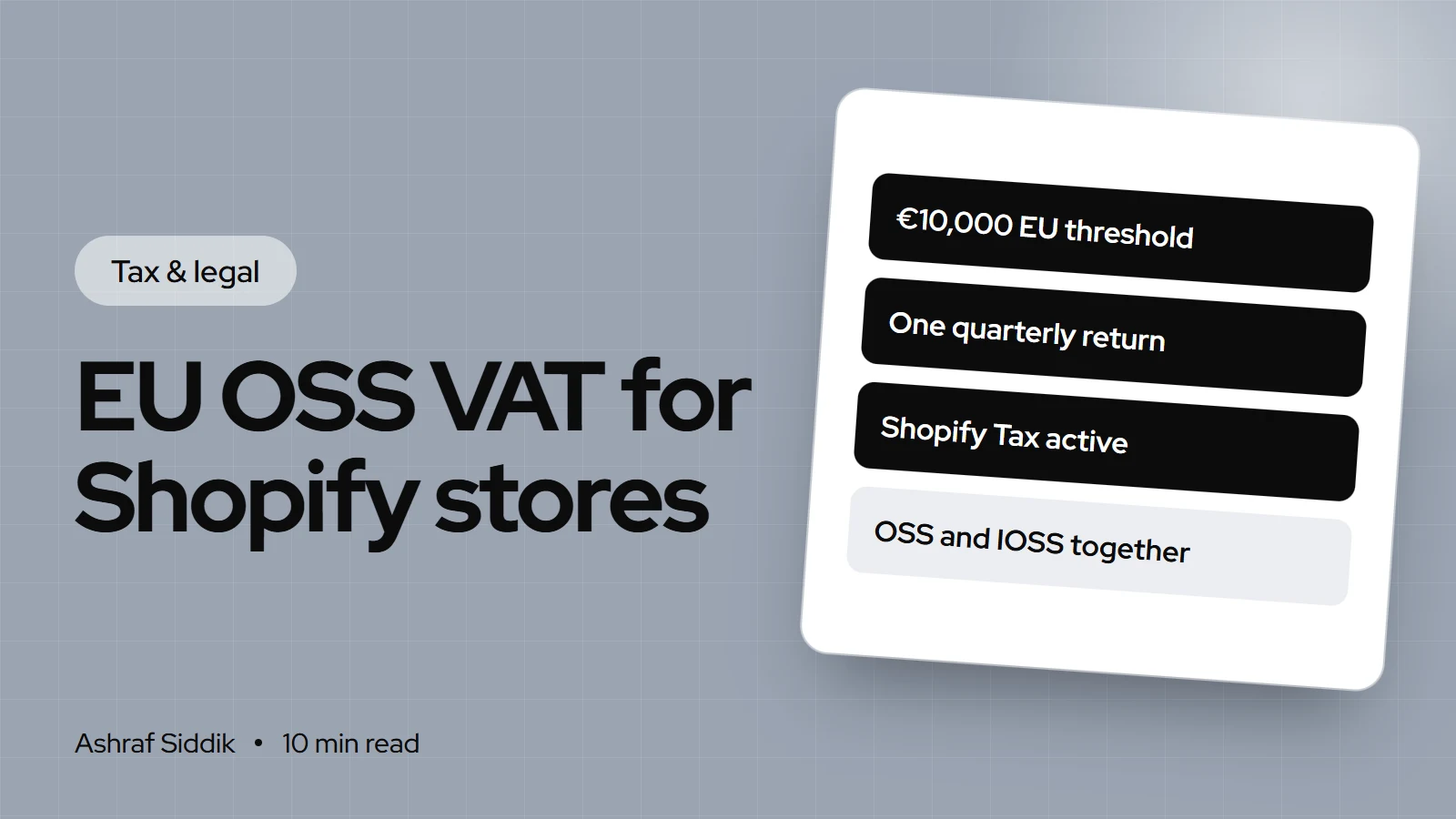
- Once your cross-border sales of goods to consumers in other EU countries pass €10,000 a year, you charge VAT at each customer's local rate. OSS (in Dutch, the btw-eenloketsysteem) lets you declare all of it in one quarterly return at home.
- In Shopify, OSS goes under
Settings > Taxes and duties > European Union: chooseCollect using a One Stop Shop (OSS) registrationand enter your VAT number. It only works with Shopify Tax or Basic Tax. - OSS returns are due by the last day of the month after each quarter, even in a quarter with no OSS sales. In the Netherlands, records have to be kept for 10 years.
- IOSS is a separate scheme for imports of €150 or less. Shopify can't run OSS and IOSS together, and IOSS can't be active at checkout at the same time as Shopify's duties feature.
- Who it is for
- EU-based stores selling to other EU countries
- Time needed
- About an hour in Shopify, after registration
- What you need
- Your VAT number and OSS registration
The number that matters is €10,000. Below it, an EU-based store can charge its own country's VAT rate on sales to consumers anywhere in the EU. Above it, a Dutch store selling a jacket to a customer in Germany has to charge German VAT, and a sale to Belgium needs Belgian VAT. Without OSS, that would mean registering for VAT in every one of those countries. With it, you file one return in your home country and pay the total there.
I set this up for Dutch and other European Shopify stores, and most of the problems I see come from the Shopify side rather than the tax office: the wrong registration type, a missing tax service, or IOSS switched on next to OSS. This guide covers both. The rules come from the European Commission and the Dutch Belastingdienst, and the Shopify steps from Shopify's Help Center, all as checked on 7 November 2026.
What OSS is, in plain terms
OSS stands for One-Stop Shop. Since 1 July 2021, it has covered distance sales of goods between EU countries and certain services to consumers. You register in one EU country, called your Member State of identification, and report VAT for all the other EU countries in one return there. That country passes the money on to the others.
Three points trip people up:
- It's only for sales to consumers. Sales to VAT-registered businesses in other EU countries normally fall under the reverse charge and stay out of OSS.
- It doesn't replace your normal VAT return. Sales in your own country still go on your domestic return. OSS covers the cross-border consumer sales.
- Once you join, it covers everything in scope. The European Commission says that when you opt in, the scheme applies to all your relevant sales in all EU countries. You can't use it for Germany and register locally for France for the same kind of sale.
The three schemes, and which one is yours
| Scheme | Dutch name | Who uses it | Returns |
|---|---|---|---|
| Union OSS | Unieregeling | EU businesses selling goods to consumers in other EU countries | Quarterly |
| Non-Union OSS | Niet-Unieregeling | Businesses with no EU establishment selling services to EU consumers | Quarterly |
| Import OSS (IOSS) | Invoerregeling | Sellers shipping goods of €150 or less into the EU | Monthly |
Most Shopify stores based in the Netherlands, Belgium or any other EU country that ship from their own warehouse need the Union scheme. A UK or US store that ships parcels directly to EU consumers is usually looking at IOSS instead. Non-EU businesses can also use the Union scheme for goods already inside the EU, for example stock held in an EU fulfillment center, which is a question for your accountant.
Do you need OSS yet?
The €10,000 threshold is one figure for the whole EU, not per country. It counts your cross-border sales of goods to consumers in other EU countries, plus certain digital services, excluding VAT, in the current and the previous calendar year. It only applies to businesses established in a single EU country.
Do you need to register for OSS?
- 1
Is your business established in an EU country, shipping from inside the EU?
Yes: next questionNo: look at IOSS or local registration with your accountant
- 2
Did consumer sales to other EU countries pass €10,000 this year or last year?
Yes: charge local VAT and register for OSSNo: next question
- 3
Will you pass €10,000 soon, or would you rather charge local rates now?
Yes: register for OSS earlyNo: keep charging your home rate
Track the threshold from your first cross-border sale. Crossing it mid-year changes the VAT on the very next order.
Below the threshold, Shopify calls this the micro-business exemption: you keep charging your home VAT rate on cross-border sales and report them on your normal return. If you use Shopify Tax, Settings > Taxes and duties > European Union shows whether each registration is below, approaching or over a threshold, and Shopify sends monthly notifications about possible liabilities.
How to register for OSS in the Netherlands
Every EU country runs OSS through its own tax office. For a Dutch business, that's the Belastingdienst:
- Log in to Mijn Belastingdienst Zakelijk with your business login.
- Go to
btw > E-commerce > Registratieand register for the Unieregeling (or the Invoerregeling if you import goods of €150 or less). - Wait for approval. Under the Unieregeling you can start from the first day of the quarter after you register. Invoerregeling users get a separate IOSS number.
- Note your start date and tell whoever handles your bookkeeping, because sales from that date onward go on the OSS return, not the domestic one.
In other EU countries the steps are similar but the portal differs. Your accountant or local tax office will know where to register.
How to set up OSS in Shopify, step by step
Do this once your OSS registration is confirmed, or on the day you cross the threshold if your registration is still being processed.
- Check your tax service. OSS only works with Shopify Tax or Basic Tax. Basic Tax is only available in the EU for stores already collecting tax there before 13 May 2026, so most new stores use Shopify Tax. With manual tax settings you'd have to maintain every country's rate yourself.
- Check your EU location and shipping. In
Settings > Locations, confirm your warehouse is listed with its EU address. InSettings > Shipping and delivery, make sure you have an EU shipping zone, because the EU tax region appears once you do. - Add your home registration. Go to
Settings > Taxes and duties > European Union. UnderCollect VAT in an EU country, clickCollect VAT, select your country and enter your VAT number. This covers sales to customers in your own country. - Add the OSS registration. Under
Collect VAT cross-border, clickCollect VAT, selectCollect using a One Stop Shop (OSS) registration, choose the country where you registered for OSS, enter your VAT number and clickCollect VAT. - Check prices. If you show VAT-inclusive prices, check how prices behave in each market. With one price for all EU customers, your margin changes with each country's rate.
- Test an order. Create a draft order to a customer in another EU country with a shipping method selected, and check the tax line uses that country's standard rate.
Still below the threshold? In step 4, choose Collect using your home country registration instead. That's the micro-business option, and Shopify charges your home rate on cross-border sales.
IOSS for stores shipping from outside the EU
If your stock sits in the UK, the US or elsewhere outside the EU, OSS isn't the scheme for those parcels. IOSS lets you charge VAT at checkout on consignments of €150 or less, so the customer doesn't pay import VAT on delivery. Sellers outside the EU usually need an EU-based intermediary to use it, and IOSS returns are monthly.
Three Shopify rules matter here:
- OSS and IOSS can't run together. When OSS is in use, Shopify disables IOSS collection on orders shipped from outside the EU. If you have locations both inside and outside the EU, Shopify recommends OSS.
- IOSS and Shopify's duties feature are exclusive at checkout. If you activate duties and import taxes for the EU, that feature handles all EU taxes and your IOSS registration is no longer used at checkout.
- Duty on low-value parcels changed on 1 July 2026. Shopify's guidance says the EU began removing the €150 customs duty exemption, with a flat €3 duty per tariff code in a parcel, not per parcel. VAT rules didn't change. Add HS codes under each product's
Shipping > Customs informationso duties calculate properly.
Filing and paying the OSS return
For the Dutch Unieregeling, the Belastingdienst says the return and payment must arrive by the last day of the month after each calendar quarter. You can't file before the quarter has ended.
Union OSS deadlines for each quarter
- January to March30 AprilReturn and payment must have arrived.
- April to June31 JulyReturn and payment must have arrived.
- July to September31 OctoberReturn and payment must have arrived.
- October to December31 JanuaryReturn and payment must have arrived.
- File even when there's nothing to report. A return is required for a quarter with no OSS sales. Miss three consecutive quarters and the Belastingdienst excludes you from the scheme for 2 years.
- Pay on time. Three consecutive reminders that aren't paid within 10 days also lead to a 2-year exclusion.
- One payment, in €. You report and pay in € in one payment covering all countries. If you sold in another currency, convert at the European Central Bank rate for the last day of the period.
- Keep records for 10 years. OSS records must be kept for 10 years after the end of the year of the sale, longer than the usual 7, and provided digitally if asked.
- Corrections. Fix a mistake in an earlier quarter through the tax office of the country where you filed.
Common mistakes
- Waiting until the end of the year. The threshold counts as you go. Once you pass €10,000, the next cross-border sale needs the customer's local VAT.
- Using manual tax settings. OSS in Shopify needs Shopify Tax or Basic Tax. Manual rates for 27 countries go out of date.
- Putting OSS sales on the domestic return. They go on the OSS return. Only sales to customers in your own country stay on the domestic one.
- Running IOSS next to OSS. Shopify won't support both, so pick the one that fits where your stock ships from.
- Skipping nil returns. Three missed quarters means 2 years out of the scheme.
- Forgetting B2B customers. Business sales with a valid VAT number in another EU country are normally reverse-charged and stay out of OSS.
- Pricing with your home rate in mind. A VAT-inclusive price earns you less in a country with a higher rate. Check your margins with the profit margin calculator.
OSS checklist for Shopify stores
- Cross-border consumer sales tracked against €10,000 from the first sale of the year.
- Registered for the right scheme in your Member State of identification.
- Shopify Tax (or Basic Tax) active for the EU.
- EU location and EU shipping zone set up.
- Home country VAT number added under
Collect VAT in an EU country. - OSS registration added under
Collect VAT cross-border. - IOSS off if OSS is on, and duties settings checked for non-EU shipping.
- Draft order tested to at least two other EU countries.
- Quarterly export and filing date in the calendar, including nil quarters.
- Records kept for 10 years.
Next steps
OSS is only one part of VAT on Shopify. My VAT guide for UK and EU Shopify stores covers VAT invoices, customer VAT numbers and prices. If you're deciding how to sell across Europe, the Shopify Markets vs multiple stores comparison explains how one store handles several countries, and my international store cost guide covers the budget.
For Dutch stores, my Shopify developer page for the Netherlands explains how I work with Dutch brands. Store development starts from $300, with a fixed quote after a free review.
Free tools
Check your own store
Free, no sign-up. Each one runs a part of this guide for you.
Frequently asked questions
What is OSS btw?
OSS btw is the Dutch name for VAT under the EU One-Stop Shop, called the btw-eenloketsysteem by the Belastingdienst. It lets a Dutch business declare VAT on sales to consumers in other EU countries in one quarterly return through Mijn Belastingdienst Zakelijk, instead of registering in each country.
When do I have to use OSS?
If your business is established in one EU country and your cross-border sales of goods to consumers in other EU countries pass €10,000 a year (excluding VAT, counting this year and last year), you must charge the customer's local VAT. OSS is the optional, simpler way to declare it. The alternative is registering for VAT in each country.
How do I set up OSS in Shopify?
Go to Settings > Taxes and duties > European Union. Under Collect VAT cross-border, click Collect VAT, select Collect using a One Stop Shop (OSS) registration, choose your OSS country and enter your VAT number. Your store must use Shopify Tax or Basic Tax for this to work.
When is the OSS return due?
For the Dutch Unieregeling, the return and payment must reach the Belastingdienst by the last day of the month after each quarter: 30 April, 31 July, 31 October and 31 January. You must file even if you had no OSS sales that quarter.
What is the difference between OSS and IOSS?
OSS covers sales of goods between EU countries and certain services, with quarterly returns. IOSS covers goods of €150 or less imported into the EU from outside it, with monthly returns. Shopify doesn't support using both at once.
Does Shopify file my OSS return?
No. Shopify calculates and collects VAT at checkout, but you or your accountant file and pay the OSS return. This is general information, not tax advice, so have an accountant check your registration and first returns.
Sources
- One Stop Shop, European Commission
- Btw melden via het eenloketsysteem (OSS), Belastingdienst
- Unieregeling: btw melden en betalen, Belastingdienst
- Setting up EU taxes, Shopify Help Center
- EU tax reference, Shopify Help Center
- Tax services in the EU, Shopify Help Center
Related services and work

I'm a Shopify developer and CRO specialist. I have built and improved Shopify stores since 2018, completed more than 1,000 projects, and hold a 4.96 average rating across 719 client reviews.
More guides
-
Why Shopify Stores Lose Sales on Mobile: A Practical CRO Checklist
Mobile visitors decide fast, with one thumb and plenty of distractions. Here is how to find the leaks on a Shopify store and fix them in the right order.
-
Shopify CRO Audit Checklist for DTC Brands
The checklist I use to audit DTC Shopify stores, from checking that the data can be trusted to deciding which fixes to ship first.
-
When to Build a Custom Shopify App Instead of Adding Another Subscription
Another subscription is the quickest fix, until you are paying for five apps that still don't match how your business works. Here is how to decide.
-
How to Find Out What Theme a Shopify Store Uses
Every Shopify store names its theme in the page code. Here is where to look, how to read what you find, and what it means for your own theme choice.
-
How to See What Apps a Shopify Store Uses
Apps leave traces in a store's page code: scripts from their own servers, app embed folders and pixel settings. Here is how to read them, and what to do with the list.
-
How to Name a Shopify Store (and Check the Name Is Free)
A store name has to be easy to say, free as a domain and a handle, and clear of other brands. Here is the process I use with clients, and what Shopify lets you change later.





