Shopify questionAnswer4 min read
How Do I Connect Shopify to Xero?
Xero's own Shopify integration is free on every Xero plan. Here is how to connect it, which posting style to pick, and when A2X is worth paying for.
Key takeaways
- Xero makes its own Shopify integration. It is free on all Xero plans and syncs sales, payouts, fees and taxes, including Shopify POS sales, as checked on 7 November 2026.
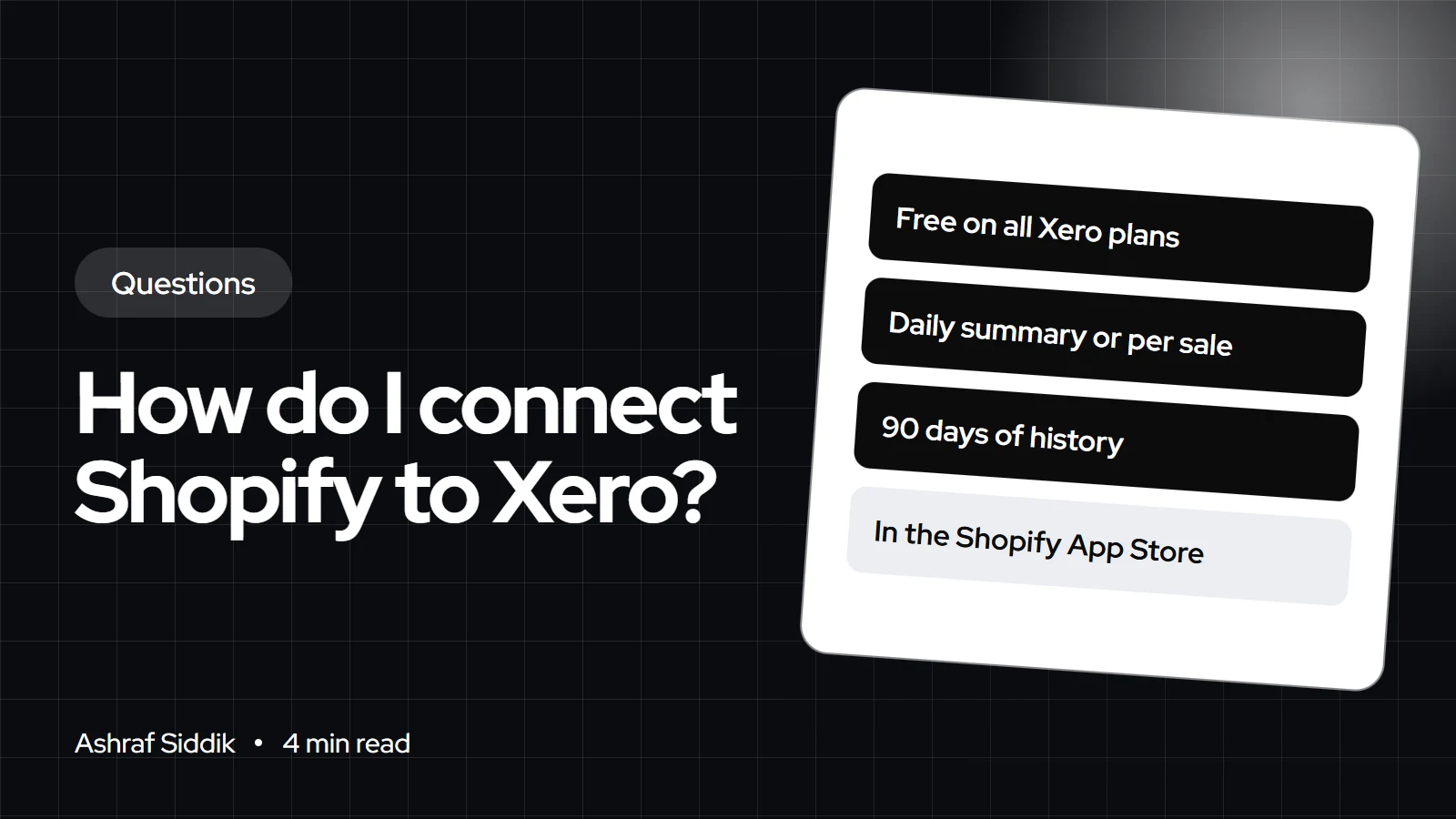
- You choose between a daily summary or one transaction per sale, and it can import up to 90 days of history.
- It is listed for the US, UK, Australia, Ireland, Canada, New Zealand and other countries. You install it from the Xero App Store, not the Shopify App Store.
- A2X is the main paid alternative, from $29 a month for up to 200 orders, posting one summary per Shopify payout.
- Who it is for
- Stores using Xero for bookkeeping
- Time needed
- 4 minutes to read
- What you need
- Xero login and your accountant
To connect Shopify to Xero, install the free "Shopify by Xero" integration from the Xero App Store, log in to your Shopify store, and choose whether sales post as a daily summary or as individual transactions. Then map Shopify payments, fees and taxes to your Xero accounts and tax rates. If you need payout-level summaries across several channels, A2X is the usual paid option.
Xero is more common than QuickBooks among my UK and Australian clients, so this is a setup I see often. Details below come from the Xero App Store and the Shopify App Store, as checked on 7 November 2026. Agree the account mapping with your accountant.
Your options
| Option | Price | Posting | Best for |
|---|---|---|---|
| Shopify by Xero | Free on all Xero plans | Daily summary or per sale | Most small and mid stores |
| A2X | From $29 a month | Payout summaries | Multi-channel or high volume |
| Manual import | Free | Spreadsheet | Very low volume only |
One thing confuses people: searching the Shopify App Store for "Xero" shows a listing marked as not currently available. Xero's integration is installed from Xero's own App Store, where it had 4.8 stars from 80 reviews and is described as "the new Shopify integration by Xero."
How to connect Shopify to Xero
- Prepare Xero. Set up your tax rates and the accounts you want for sales, shipping, fees and refunds. Add your Shopify Payments clearing account if your accountant uses one.
- Find the integration. In the Xero App Store, open Shopify by Xero and click to connect.
- Log in to Shopify. Approve the connection to your store.
- Pick a posting style. Choose a daily summary to keep Xero lighter, or separate transactions per sale for customer and line-item detail.
- Map taxes and accounts. Map Shopify taxes to Xero tax rates or liability accounts, and set accounts for fees and refunds.
- Import history if needed. The integration can sync up to 90 days of past data. Confirm the start date with your accountant so nothing is counted twice.
- Reconcile a payout. Match the next Shopify Payments payout against your bank feed before you trust the setup.
Daily summary or per sale
Daily summaries suit most stores. Your accountant sees one entry per day, split by account and tax rate, and reconciliation stays fast. Per-sale posting is useful if you invoice B2B customers through Xero or need customer-level detail there, but it creates a lot of records. Shopify already keeps every order, so you rarely need them twice.
Shopify by Xero at a glance
- PriceFreeOn all Xero plans.
- History90 daysMaximum historical sync.
When A2X is worth paying for
A2X groups each Shopify payout into sales, fees, taxes, refunds and gift cards, so every entry matches one deposit. It also handles Amazon and PayPal and costs $29 a month for up to 200 orders, $45 for 500, $79 for 2,000 and $115 for 5,000. I suggest it when a store sells on several channels, uses multiple currencies, or when the bookkeeper is spending hours each month matching deposits. For why payouts and sales never match, see my payouts and reconciliation guide.
By country
- UK: map each VAT rate you charge to a Xero tax rate. My VAT guide for Shopify stores covers the Shopify side.
- Australia: map GST correctly, and treat sales to overseas customers as GST-free where that applies. See Shopify and Australian GST.
- EU and the Netherlands: One Stop Shop sales need splitting by country and rate. Check the mapping supports that before you rely on it.
- US: map collected sales tax to a liability account, and file state returns from Shopify's own tax reports rather than from Xero totals.
What to do next
- Agree the method. Decide summary or per-sale posting with your accountant.
- Connect and test. Reconcile one full payout before importing history.
- Review after a month. Compare Shopify's finance reports with Xero for the first month.
Free tools
Check your own store
Free, no sign-up. Each one runs a part of this guide for you.
Frequently asked questions
Is the Shopify Xero integration free?
Yes. Xero says the Shopify by Xero integration is free on all Xero plans, as checked on 7 November 2026.
Where do I find the Xero app for Shopify?
In the Xero App Store, listed as Shopify by Xero. The Xero listing on the Shopify App Store shows as not currently available.
Does Shopify sync inventory with Xero?
Xero's integration focuses on sales, payouts, fees and taxes. If you need inventory or cost of goods in Xero, look at a tool that lists it, such as A2X's cost of goods matching on its paid plans.
How far back can I import Shopify sales into Xero?
Shopify by Xero can sync up to 90 days of historical data, according to its listing.
Should I use daily summaries or individual sales?
Daily summaries for most stores, because reconciliation is faster and Xero stays lighter. Individual sales suit stores that need customer detail in Xero.
What is the difference between Shopify by Xero and A2X?
Shopify by Xero is free and posts daily or per sale. A2X costs from $29 a month and posts one summary per payout, across Shopify, Amazon and PayPal, which many accountants find easier to reconcile.
Sources
- Shopify by Xero, Xero App Store
- Xero, Shopify App Store
- A2X: QuickBooks and Xero, Shopify App Store
Related services and work

I'm a Shopify developer and CRO specialist. I have built and improved Shopify stores since 2018, completed more than 1,000 projects, and hold a 4.96 average rating across 719 client reviews.
More guides
-
Why Shopify Stores Lose Sales on Mobile: A Practical CRO Checklist
Mobile visitors decide fast, with one thumb and plenty of distractions. Here is how to find the leaks on a Shopify store and fix them in the right order.
-
Shopify CRO Audit Checklist for DTC Brands
The checklist I use to audit DTC Shopify stores, from checking that the data can be trusted to deciding which fixes to ship first.
-
When to Build a Custom Shopify App Instead of Adding Another Subscription
Another subscription is the quickest fix, until you are paying for five apps that still don't match how your business works. Here is how to decide.
-
How to Find Out What Theme a Shopify Store Uses
Every Shopify store names its theme in the page code. Here is where to look, how to read what you find, and what it means for your own theme choice.
-
How to See What Apps a Shopify Store Uses
Apps leave traces in a store's page code: scripts from their own servers, app embed folders and pixel settings. Here is how to read them, and what to do with the list.
-
How to Name a Shopify Store (and Check the Name Is Free)
A store name has to be easy to say, free as a domain and a handle, and clear of other brands. Here is the process I use with clients, and what Shopify lets you change later.





