Shopify questionAnswer4 min read
How Many Keywords Should a Product Page Target?
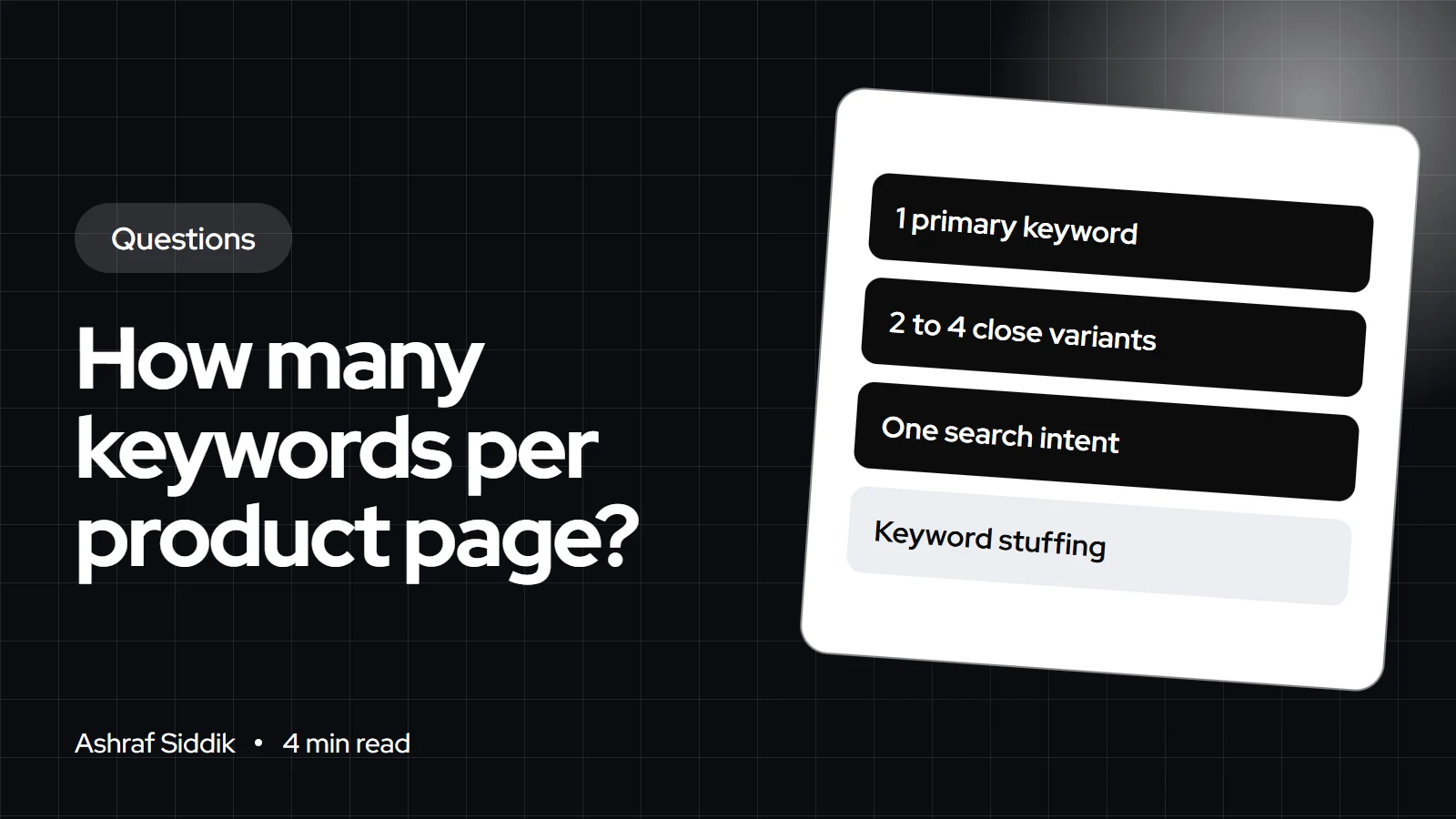
One primary keyword and a few close variants is the right target for most product pages. The bigger decision is which page each search belongs to.
Key takeaways
- Target one primary keyword per product page, plus 2 to 4 close variants that mean the same thing to the shopper.
- Google publishes no ideal number. Its SEO starter guide says its language matching can connect a page to queries even without the exact words.
- If two keywords need different pages to satisfy them, they belong on different pages. Broad terms usually belong on a collection, not a product.
- Place the primary keyword in the product title, SEO title, URL handle and first lines of the description. Repeating it more doesn't help, and Google treats keyword stuffing as spam.
- Who it is for
- Store owners writing product pages
- Time needed
- 5 minutes to read
- What you need
- A product list and a keyword tool
A product page should target one primary keyword and a handful of close variants, usually 3 to 5 phrases in total. The rule that matters more than the number is intent: every phrase on the page should describe the same product for the same shopper. If a keyword would be better answered by a different page, give it that page.
I do SEO for Shopify stores alongside development, and "how many keywords" is usually the wrong first question. The better one is "which page should rank for this search". Google's and Shopify's guidance below was checked on 7 November 2026.
Why one primary keyword per page works
A search engine ranks pages, not stores. Each page has one title, one H1 and one URL, and those signals can only be about one main thing. Splitting a product page between "running shoes" and "trail running shoes for women" makes it a weaker match for both.
Google's SEO starter guide doesn't give a count. It says to think about the words a user might search for, and that Google's language matching is sophisticated enough to relate a page to queries that don't use your exact terms. That is why variants come for free when the copy is written naturally around one main phrase.
How to pick the keywords for a product page
- Start with what the product is called by buyers. Use the term shoppers type, not your internal SKU name. "Merino wool beanie" beats "Alpine Knit 3".
- Add the qualifiers that match this exact item. Material, size, gender, use or compatibility, if people search for them.
- Collect 2 to 4 variants. Synonyms and word-order changes ("wool beanie hat", "merino beanie") that Google would treat as the same need.
- Check intent in the results. Search the phrase. If page one shows category pages, the term belongs on a collection. If it shows single products, a product page can win it.
My Shopify keyword research guide walks through finding volumes and mapping terms to pages across a whole catalog.
Where the keywords go on a Shopify product page
| Spot | What to use | Shopify field |
|---|---|---|
| Product title (H1) | Primary keyword, read naturally | Title |
| SEO title | Primary first, 60 characters or fewer | Search engine listing |
| Meta description | Primary plus one variant | Search engine listing |
| URL handle | Short primary phrase | Search engine listing |
| Description | Primary early, variants where natural | Description |
| Image alt text | Describe the image, keyword if accurate | Edit alt text |
Shopify's help center recommends titles of 60 characters or fewer with the most important keywords near the start. The field accepts 70, but longer titles tend to be cut off in results. My guide to writing SEO titles and meta descriptions has formulas that work for products.
A worked example
Take a women's waterproof trail shoe in one colorway.
- Primary: women's waterproof trail running shoes
- Variants: waterproof trail shoes women, women's trail runners waterproof
- Product-specific term: the model name, if people search for the brand
- Not on this page: "trail running shoes" (broad, belongs on the collection) and "how to choose trail shoes" (a guide topic for the blog)
That gives four phrases with one intent, which is about right for most products.
Mistakes that cost product pages rankings
- Stuffing. The starter guide says excessive repetition, even in variations, is tiring for users and that keyword stuffing is against Google's spam policies.
- Several products chasing the same term. Ten near-identical products all titled "black hoodie" compete with each other. Differentiate each one by the attribute that makes it different.
- Manufacturer copy. The same description on hundreds of stores gives Google no reason to pick yours.
- Broad terms on products. A single product rarely outranks a strong collection for a category term. Put that effort into the collection page instead.
Regional wording: US, UK, EU and Australia
The number of keywords doesn't change by country, but the words do. US shoppers search "sneakers" and "color", UK and Australian shoppers often type "trainers" and "colour", and Dutch shoppers search in Dutch. If you sell to several markets from one store, pick the primary keyword for your main market and use translations or regional content for the others, rather than cramming every spelling into one English page.
What to do next
- Pick your top 20 products by revenue and write down one primary keyword and up to 4 variants for each.
- Move broad terms to collections and question-style terms to blog posts.
- Update titles, handles and descriptions using my product page SEO guide. If you change a handle, keep the redirect Shopify offers.
- Watch Search Console for 6 to 8 weeks to see which queries each page starts to show for.
- Want it done for you? My Shopify SEO service starts from $200, with a fixed quote after a free review.
Free tools
Check your own store
Free, no sign-up. Each one runs a part of this guide for you.
Frequently asked questions
How many keywords per page is best for SEO?
For a product page, one primary keyword plus 2 to 4 close variants that share the same intent. Google doesn't publish an ideal number, and its language matching can rank a page for related queries without exact wording.
Can one page rank for multiple keywords?
Yes, often for dozens of related queries. It happens when the page is clearly about one topic and the copy is written naturally. Trying to target unrelated terms on one page weakens it for all of them.
Should I use the same keyword on several product pages?
Avoid it. Similar products competing for the same phrase split your signals. Give each product the attribute that sets it apart, and target the shared broad term with a collection page.
Does keyword density matter?
Not as a target. Google's starter guide warns that repeating words excessively is tiring for users and that keyword stuffing is against its spam policies. Use the primary keyword in the key spots and write the rest naturally.
Do I need to fill in a meta keywords field on Shopify?
No. Google states that Google Search doesn't use the keywords meta tag, so filling it in has no effect on Google rankings.
Where do I edit a product's SEO title in Shopify?
Open the product in the admin, scroll to the search engine listing section and click edit. There you can set the page title, meta description and URL handle.
Sources
- SEO Starter Guide, Google Search Central
- Adding keywords to improve SEO, Shopify Help Center
- How to specify a canonical URL, Google Search Central
Related services and work

I'm a Shopify developer and CRO specialist. I have built and improved Shopify stores since 2018, completed more than 1,000 projects, and hold a 4.96 average rating across 719 client reviews.
More guides
-
Why Shopify Stores Lose Sales on Mobile: A Practical CRO Checklist
Mobile visitors decide fast, with one thumb and plenty of distractions. Here is how to find the leaks on a Shopify store and fix them in the right order.
-
Shopify CRO Audit Checklist for DTC Brands
The checklist I use to audit DTC Shopify stores, from checking that the data can be trusted to deciding which fixes to ship first.
-
When to Build a Custom Shopify App Instead of Adding Another Subscription
Another subscription is the quickest fix, until you are paying for five apps that still don't match how your business works. Here is how to decide.
-
How to Find Out What Theme a Shopify Store Uses
Every Shopify store names its theme in the page code. Here is where to look, how to read what you find, and what it means for your own theme choice.
-
How to See What Apps a Shopify Store Uses
Apps leave traces in a store's page code: scripts from their own servers, app embed folders and pixel settings. Here is how to read them, and what to do with the list.
-
How to Name a Shopify Store (and Check the Name Is Free)
A store name has to be easy to say, free as a domain and a handle, and clear of other brands. Here is the process I use with clients, and what Shopify lets you change later.





