Shopify questionAnswer3 min read
How Do I Change Fonts on My Shopify Store?
Changing fonts takes about two minutes in the theme editor. Choosing fonts that stay readable and fast is the part worth thinking about.
Key takeaways
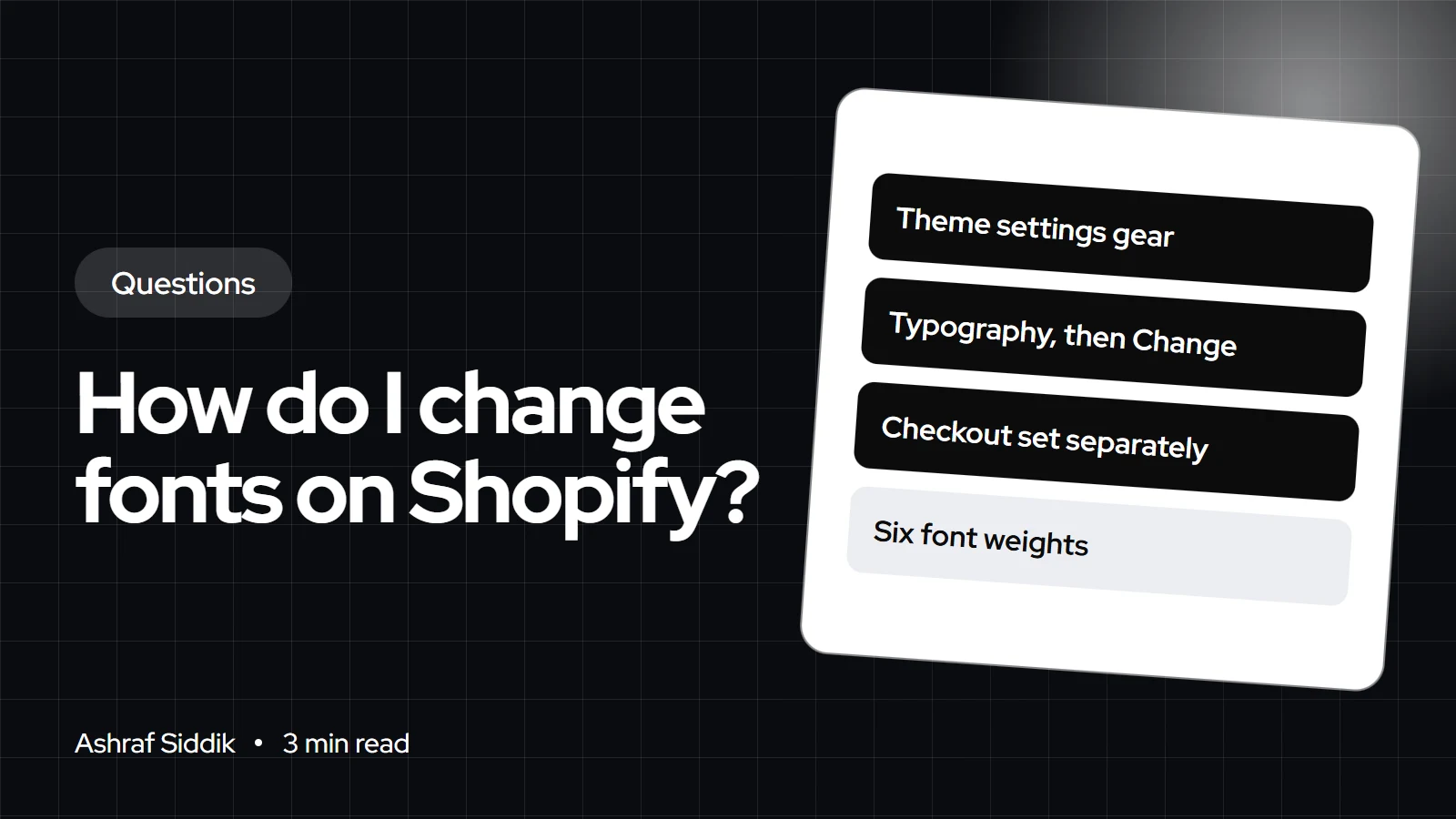
- Open the theme editor, click the Theme settings gear, choose Typography, then click Change under Headings or Body.
- Shopify's free themes use fonts from Shopify's font library. Which fonts you see depends on your theme's developer.
- System fonts load fastest, because they're already on the shopper's device.
- Checkout fonts are set separately in the checkout editor, and a font outside the library needs a code change.
- Who it is for
- Store owners styling a theme
- Time needed
- 4 minutes to read
- What you need
- Access to the theme editor
To change fonts on your Shopify store, go to Online Store, open the theme editor with Edit theme, click the Theme settings gear and choose Typography. Under Headings or Body, click Change, pick a font, click Select and save. The new font applies across your whole theme, and you can adjust the size with the font size scale.
The steps follow Shopify's help center, as checked on 7 November 2026. Menu names vary slightly between themes, but every Online Store 2.0 theme has typography settings.
Step by step
- Duplicate your theme first, from
Online Store, so you can compare and roll back. - Open the theme editor on the copy.
- Click the Theme settings gear, then Typography.
- Click Change under Headings, search or browse, then click Select.
- Repeat for Body text.
- Adjust the font size scale if needed. It runs from 100% to 150%.
- Save, then check the store on a phone before publishing the copy.
Where Shopify fonts come from
All free Shopify themes use fonts from Shopify's font library, which includes many open-source typefaces and system fonts. Paid themes may offer their own selection, because the fonts available depend on the theme's developer. Library fonts are picked straight from the theme editor, with no files to upload.
| Font type | Speed | Setup | Best for |
|---|---|---|---|
| System font | Fastest | Pick in Typography | Body text, speed |
| Library font | Fast | Pick in Typography | Most stores |
| Custom font | Depends on file | Upload and code | Strict brand fonts |
Adding a custom font
If your brand uses a font that isn't in the library, you'll need to upload the font file and load it in the theme code with CSS. Check your font license allows web use first, since desktop licenses often don't. Use the WOFF2 format, load only the weights you use, and keep a fallback in case the file fails. This is a small code job, but it's easy to slow a store down by loading six weights of a font when two would do.
When the font doesn't change
If you change the font and some text stays the same, the usual causes are easy to spot. Apps such as review widgets, pop-ups and chat often load their own fonts, so check each app's settings. Custom CSS added by a previous developer can override the theme setting. And a few themes set separate fonts for buttons or navigation in their own section of Theme settings. Check those three places before assuming the setting is broken.
Checkout fonts
Your checkout doesn't follow the theme's fonts. Go to Settings > Checkout, click Edit on your checkout configuration, open the settings with the gear icon and use the Typography section to choose heading and body fonts from Shopify's list. Pick the closest match to your theme so the jump to checkout doesn't feel like a different site.
Choosing good Shopify fonts
- Two fonts at most: one for headings, one for body text. Many great stores use one family for both.
- Readable body text: a plain sans-serif or a sturdy serif, never a script font.
- Test on a phone: thin weights that look elegant on a large screen can be hard to read on mobile.
- Match your brand: write the choice into a style guide so apps and emails follow it.
My theme editor tutorial covers the other theme settings, and my answer on using your own logo and brand covers colors and logos.
What to do next
- Pick one heading and one body font and set them in Typography on a theme copy.
- Match the checkout fonts in the checkout editor.
- Check speed with my Shopify speed checker. If fonts or apps slow you down, my speed optimization work starts from $100.
Free tools
Check your own store
Free, no sign-up. Each one runs a part of this guide for you.
Frequently asked questions
How do I change the font on Shopify?
Open the theme editor, click the Theme settings gear, choose Typography, click Change under Headings or Body, pick a font, click Select and save.
What fonts are available on Shopify?
Free Shopify themes use Shopify's font library, which includes many open-source fonts and system fonts. Paid themes may offer different fonts, depending on the developer.
Can I upload my own font to Shopify?
Yes, but it needs a code change. Upload the font file, load it with CSS in the theme, and make sure your license allows web use.
How do I change the font size on Shopify?
In Theme settings, Typography, use the font size scale under Headings or Body. It runs from 100% to 150%.
Can I change the checkout font on Shopify?
Yes. In Settings > Checkout, edit your checkout configuration and choose heading and body fonts in the Typography section.
Do fonts slow down a Shopify store?
They can. System fonts are fastest. Library and custom fonts add files to load, so keep to two fonts and only the weights you use.
Sources
- Theme settings, Shopify Help Center
- Checkout style settings, Shopify Help Center
- Duplicating themes, Shopify Help Center
Related services and work

I'm a Shopify developer and CRO specialist. I have built and improved Shopify stores since 2018, completed more than 1,000 projects, and hold a 4.96 average rating across 719 client reviews.
More guides
-
Can I Sell Handmade Products on Shopify?
Yes. Shopify suits handmade sellers well once you have steady sales, and it handles made-to-order, personalized and one-off pieces. Here's how to set it up and when Etsy is still the better start.
-
Do I Need to Tell HMRC About My Shopify Income?
If your Shopify store is a business and your sales top £1,000 in a tax year, yes. Here's how the trading allowance, Self Assessment and the platform reporting rules fit together.
-
Do I Need a Website If I Sell on Etsy or Amazon?
You can sell on Etsy or Amazon without a website. The question is whether you want to keep renting someone else's customers or start building your own.
-
Should You Migrate Your Store or Rebuild From Scratch?
For most stores the answer is both: migrate the data, rebuild the design. Here is what moves to Shopify, what doesn't, and the cases where a clean start really is better.