Shopify guideGuide8 min read
The Best Shopify SEO Apps in 2026, Compared
Shopify already covers more SEO than most store owners realize, so the best SEO app is the one that does the work Shopify doesn't. Here are nine worth considering, what they cost and how to pick one.
Key takeaways
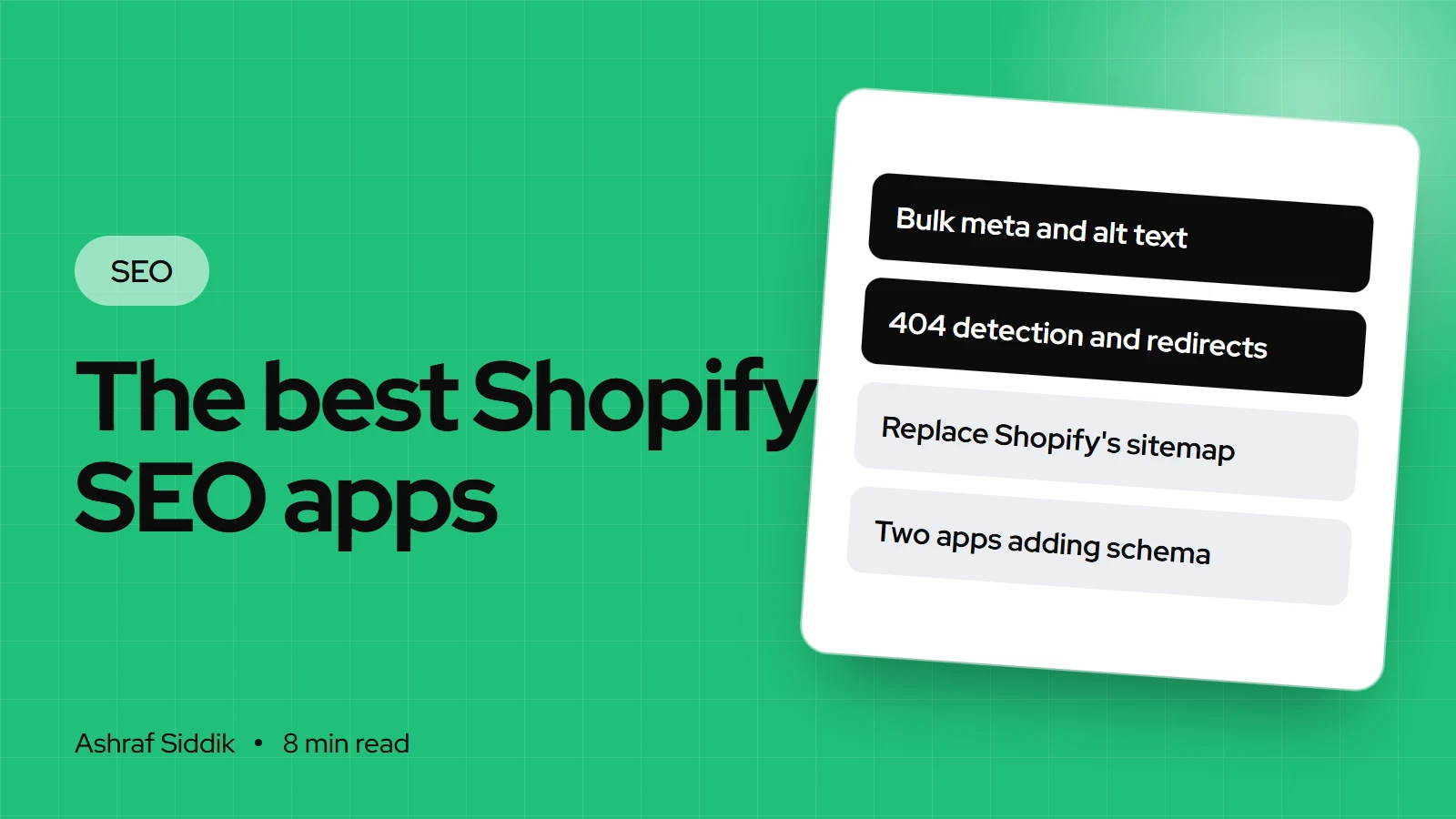
- Shopify already handles sitemaps, robots.txt, canonical tags, SSL and basic product structured data. An SEO app should save you time on work Shopify doesn't do, such as bulk editing, alt text and broken-link redirects.
- For an all-in-one app with a free plan, Smart SEO, TinySEO, Avada SEO and SearchPie all cover meta tags, image alt text, structured data and 404 fixes. Their cheapest paid plans range from $14 to $39 a month.
- For audits and bulk fixes, Plug in SEO (from $4.99 a month) and SEO Manager (from $9 a month) are long-standing choices. For structured data only, JSON-LD for SEO is a specialist app at $399 a year.
- Run one SEO app, not three. Two apps writing structured data or meta tags on the same page create duplicates that cancel out the benefit.
- Who it is for
- Store owners choosing an SEO app
- Time needed
- About an hour to test one properly
- What you need
- A duplicate theme and a speed baseline
I get asked "which SEO app should I install?" more than almost any other SEO question. My honest answer is usually "fewer than you think". Many stores I review have two or three SEO apps installed, each adding its own structured data and scripts, and the store would be better off with one, or none.
So this isn't a list of every SEO app. It's the shortlist I'd consider, what each one is good at, what Shopify already gives you free, and how to choose without slowing your store down. Prices, ratings and features are from each app's Shopify App Store listing as I checked them on 7 November 2026, all in $ billed monthly unless noted. They change often, so check the listing before you install.
What Shopify already does without an app
Before you pay for anything, know what's built in. Shopify adds canonical tags automatically, generates sitemap.xml and robots.txt, turns on SSL by default, and lets you edit the page title, meta description and URL handle on every product, collection, page and blog post. Shopify's themes include product structured data, which can show price, availability and reviews in search results. With Shopify Markets, hreflang tags are added automatically too.
What Shopify doesn't do well on its own is bulk work and monitoring:
- Writing titles, descriptions and alt text across hundreds of products at once.
- Finding 404 errors and turning them into redirects as they happen.
- Adding structured data beyond what your theme outputs, such as FAQ or breadcrumb markup.
- Scanning the store for missing tags and broken links on a schedule.
If you have 30 products and time to edit them by hand, you may not need an app at all. If you have 3,000, a good app pays for itself in hours saved.
The shortlist at a glance
| App | Free plan | Paid from | Best for |
|---|---|---|---|
| Smart SEO | Yes | $14.99 a month | All-round, good value |
| TinySEO | Yes | $14 a month | Image-heavy stores |
| Avada SEO | Yes | $34.95 a month | Image and on-page fixes together |
| SearchPie | Yes | $39 a month | Schema plus Search Console help |
| StoreSEO | Yes, 25 products | $14.99 a month | Small catalogs, keyword tracking |
| App | Free plan | Paid from | Best for |
|---|---|---|---|
| Plug in SEO | – (7-day trial) | $4.99 a month | Audits and bulk editing |
| SEO Manager | – (7-day trial) | $9 a month | Meta control and 404 redirects |
| Yoast SEO | – (14-day trial) | $19 a month | Teams used to Yoast on WordPress |
| JSON-LD for SEO | – (7-day trial) | $399 a year | Structured data only, done well |
All-in-one apps with a free plan
Smart SEO AI & Image Optimizer (Sherpas Design) is rated 5.0 from 959 reviews and carries the Built for Shopify badge. Plans run Free, Pro at $14.99, Business at $24.99 and Premium at $49.99 a month, with about 17% off yearly. It covers AI-written meta tags and alt text, image compression and renaming, JSON-LD structured data, broken link detection, noindex tags and sitemap control, plus IndexNow. It's the one I'd look at first for a typical store that wants one tool for the basics.
TinySEO AI SEO Image Optimizer, formerly TinyIMG, is rated 5.0 from 2,583 reviews. The free plan includes 50 image optimizations a month, and paid plans are $14 (Beginner), $23 (Advanced) and $49 (Expert) a month. Its strength is images: compression, resizing, alt text and file names, alongside 404 redirects, JSON-LD and site audits. Good for fashion, home and other catalogs with lots of product photography.
Avada AI SEO Image Optimizer has the most reviews here, 4.9 from 4,687. Pro is $34.95 and Enterprise is $99 a month. It combines image optimization, an SEO audit that applies a checklist across pages, meta titles, alt text, broken link detection, sitemaps and structured data.
SearchPie: AI SEO & Schema (PieLab) is rated 4.9 from 2,459 reviews. Premium is $39 and Enterprise $99 a month. It adds product JSON-LD, FAQ and breadcrumb schema, 404 fixes, and help with Google Search Console and Merchant Center issues, which suits stores that also sell through Google Shopping.
StoreSEO (Storeware) is rated 5.0 from 772 reviews. The free plan covers 25 products, and paid plans run from $14.99 (100 products) to $249.99 a month (10,000 products). It includes keyword tracking slots and Google Search Console and Analytics reporting. Because plans are capped by product count, check the price at your catalog size.
Audit, bulk-edit and specialist apps
Plug in SEO (Plug in Useful) is rated 4.6 from 678 reviews, has the Built for Shopify badge, and runs from $4.99 to $79.99 a month with a 7-day trial. It's built around an SEO scanner that finds missing tags and broken schema, plus bulk editing of alt text, URLs, titles and descriptions. A sensible choice if you want an audit you can work through yourself.
SEO Manager (venntov) is rated 4.6 from 488 reviews, with plans at $9, $29 and $59 a month. It manages metadata across products, collections, pages and blog posts, monitors broken links and handles 404 redirects. The Essential plan adds out-of-stock redirects.
Yoast SEO is rated 4.3 from 174 reviews, at $19 a month for Premium or $45 for AI+, with a 14-day trial. It adds product structured data, AI suggestions for titles and descriptions, and llms.txt generation. Teams who already know Yoast from WordPress find the interface familiar. Read the recent reviews before installing, since some mention theme settings changing after updates.
JSON-LD for SEO (Ilana Davis) is rated 4.9 from 441 reviews and costs $399 a year with a 7-day trial. It does one job: structured data for products, reviews, blogs, breadcrumbs, FAQs, video and more, connected to the fields Google Merchant Center uses. Pick it if rich results matter to you and your theme's markup is incomplete. Pair it with a separate tool for meta tags if you need one, and switch off overlapping schema elsewhere.
How I choose an SEO app for a store
Which kind of SEO app do you need?
- 1
Do you have more products than you can edit by hand?
Yes: you need bulk editing, go to question 2No: edit in Shopify, maybe no app at all
- 2
Are images your biggest gap (alt text, huge files)?
Yes: an image-led app such as TinySEO or AvadaNo: next question
- 3
Do you mainly want an audit to work through?
Yes: Plug in SEO or SEO ManagerNo: an all-rounder such as Smart SEO
If rich results are the priority and your theme's markup is thin, add a structured data specialist and switch off schema in the other app.
Whichever you pick, test it the same way:
- Duplicate your theme first in
Online Store > Themes, so you can compare before and after. - Record your speed on a product page with the web performance reports or the free speed checker.
- Install and turn on one feature at a time. Start with the job you installed it for.
- Check the page source. Search for
application/ld+jsonandname="description". You want one product schema block and one description tag, not two. - Run Google's Rich Results Test on a product page to confirm the structured data is valid.
- Measure speed again. Apps with the Built for Shopify badge must not lower the storefront Lighthouse score by more than 10 points, but you want to see the real effect on your store.
Features worth paying for, and ones to skip
- Worth it: bulk meta and alt text editing, automatic 404 detection with redirects, scheduled audits, and structured data your theme lacks.
- Nice to have: AI drafting of titles and descriptions. Useful as a first draft, but read every line before it goes live.
- Little value for Google: IndexNow. It notifies Bing, Yandex and a few other engines, and Google isn't part of it. Fine to have, not a reason to choose an app.
- Skip: anything that promises to "submit your store to search engines" or replace Shopify's sitemap. Shopify's sitemap already exists and can't be replaced.
Common mistakes with SEO apps
- Stacking apps. Two apps adding product schema, or an app adding hreflang on top of Shopify's automatic tags, creates duplicates. Pick one owner for each job.
- Leaving code behind. Some apps add code to your theme that isn't removed when you uninstall. Ask the developer for cleanup steps before you remove one.
- Trusting the score. An app's "SEO score" of 100 means you ticked its boxes. It doesn't mean your pages answer what people search for.
- Auto-publishing AI text. Hundreds of near-identical AI descriptions published without review is exactly what Google's spam policies call scaled content abuse.
SEO app checklist
- You've listed the jobs Shopify doesn't already do for you.
- One app per job: one for meta tags, one source of structured data.
- Theme duplicated and speed measured before installing.
- Page source shows one schema block and one description tag per page.
- Rich Results Test passes on a product page.
- Speed checked again after the app is live.
- Old SEO apps uninstalled and their leftover code removed.
Next steps
Check what's already running on your store with the free Shopify app detector, and remove any SEO app that duplicates another. Then pick one app from the shortlist for the job you actually need done. If you're unsure what that job is, start with the common Shopify SEO problems guide.
An app is a tool, not a strategy. If you'd like someone to set the strategy and do the fixing, my Shopify SEO work starts from $200.
Free tools
Check your own store
Free, no sign-up. Each one runs a part of this guide for you.
Frequently asked questions
What is the best SEO app for Shopify?
It depends on the job. For an all-in-one app with a free plan, Smart SEO, TinySEO, Avada SEO and SearchPie are strong choices. For audits and bulk edits, Plug in SEO and SEO Manager. For structured data only, JSON-LD for SEO. Run one, not several.
Do I need an SEO app for Shopify?
Not always. Shopify generates the sitemap, robots.txt and canonical tags, includes product structured data in its themes and lets you edit titles and descriptions on every page. An app is worth it when you have too many products to edit by hand, or need 404 monitoring and extra structured data.
Are there free Shopify SEO apps?
Yes. Smart SEO, TinySEO, Avada SEO, SearchPie and StoreSEO all had free plans when I checked on 7 November 2026. Free plans usually limit how many products or images you can optimize, so check the limits against your catalog.
Can SEO apps slow down my Shopify store?
They can, if they load scripts on the storefront. Apps with the Built for Shopify badge must not reduce the storefront Lighthouse performance score by more than 10 points. Measure your speed before and after installing any app.
Can I use two SEO apps at once?
I don't recommend it. Two apps writing structured data or meta tags on the same page create duplicates, which makes your markup harder for Google to read. Give each job to one app and switch the overlapping feature off in the other.
Does IndexNow help my Shopify store rank on Google?
No. IndexNow notifies search engines such as Bing and Yandex about new or changed URLs, but Google isn't one of the participating engines. Google finds your pages through your sitemap and links.
Sources
- Shopify SEO overview, Shopify Help Center
- Built for Shopify requirements, Shopify.dev
- Smart SEO AI & Image Optimizer, Shopify App Store
- Plug in SEO, Shopify App Store
- Ilana's JSON-LD for SEO, Shopify App Store
- Spam policies for Google web search, Google Search Central
Related services and work

I'm a Shopify developer and CRO specialist. I have built and improved Shopify stores since 2018, completed more than 1,000 projects, and hold a 4.96 average rating across 719 client reviews.
More guides
-
The Complete Shopify SEO Guide for UK Stores
Shopify handles the technical basics of SEO, so UK stores win or lose on the rest: keywords, page content and tidy URLs. Here is the order I work through it, from setup to a quarterly audit.
-
Technical SEO for Shopify: The Complete Checklist
Shopify sets up canonicals, sitemaps, robots.txt and hreflang for you. This checklist is how I make sure apps, theme edits and migrations haven't broken them.
-
Shopify SEO Checklist: Free 2026 Checklist for Store Owners
A free Shopify SEO checklist you can work through in order, from indexing to links. Every check comes with the reason it matters and where to find it in your Shopify admin.
-
How to Fix Common Shopify SEO Problems
Most Shopify SEO issues come from how a store was set up, not from the platform, and a few aren't problems at all. Here is how to find the real ones and fix each in your admin.