Shopify guideGuide8 min read
How to Get Your First Customers: Finding Your First 100 for a Shopify Store
Your first 100 customers rarely come from one big channel. They come in stages: people who know you, places where buyers already gather, then channels that keep working. Here is the plan, with the Shopify setup for each stage.
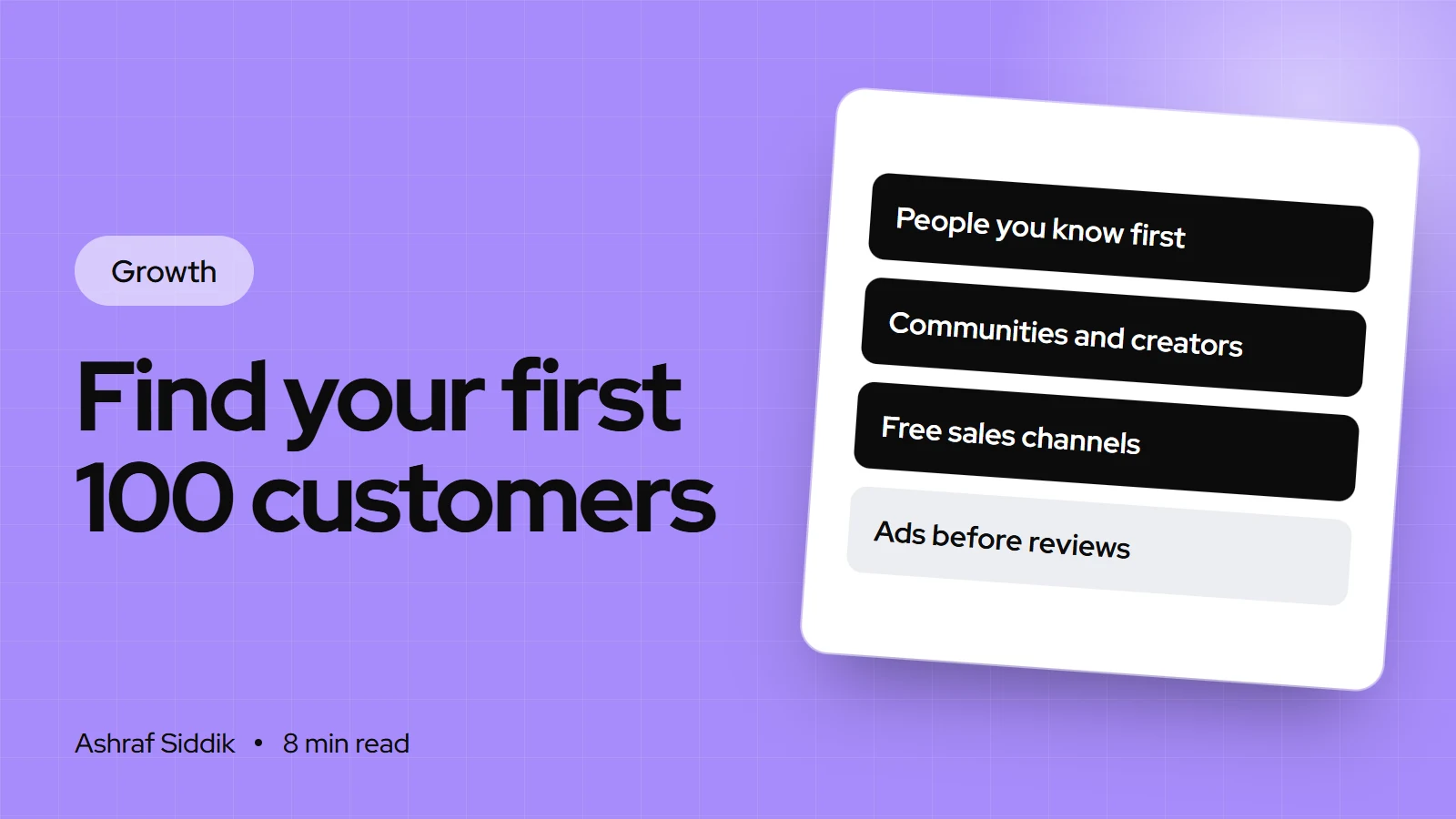
Key takeaways
- Split the first 100 customers into stages: about 10 from your own network, 40 from communities and creators, and 50 from channels that keep running, such as free product listings, social shops and email.
- Google's free listings, Meta's Facebook and Instagram shops and TikTok Shop all connect through Shopify sales channels, each with its own eligibility rules.
- Since 26 August 2025, Facebook and Instagram shoppers are sent to your online store to check out, so your product pages do the selling.
- Record where every early customer came from. With 100 orders, you can see which two channels deserve your time next.
- Who it is for
- New Shopify stores with few or no sales
- Time needed
- A few weeks of daily effort
- What you need
- A live store, a launch code and free sales channels
A hundred customers sounds like a marketing problem. In practice it's about ten small jobs done in the right order. The stores I see stall after launch usually did one thing, often paid ads to a store with no reviews, and stopped when it didn't work. The stores that get going work through stages, each one making the next easier.
This is the plan I'd give anyone asking how to get first customers for a new Shopify store. I'm a Shopify developer and CRO specialist, so I'll be specific about the setup in Shopify and the pages that need to convert, and honest about what each channel takes. Sales channel requirements were checked in the Shopify Help Center on 7 November 2026.
The first 100, in four stages
| Stage | Rough target | Main channels | Your effort |
|---|---|---|---|
| 1. Ready to sell | 0 | Store, trust and test order | A few days |
| 2. People you know | About 10 | Network, launch offer | A week |
| 3. Where buyers gather | About 40 | Communities, creators, markets | Daily, for weeks |
| 4. Channels that keep running | About 50 | Free listings, social shops, email | Setup, then weekly |
The targets are a planning guide, not a forecast. Some products sell almost entirely through one channel. The point is to try each stage, not to hit an exact number.
Stage 1: get the store ready to sell
Every channel below sends people to your product pages. If those pages don't build trust, every channel looks like it failed.
- Write clear product pages. Real photos, a plain description of who the product is for, the price with shipping costs easy to find, and delivery times.
- Publish your policies. Returns, shipping, privacy and contact details. TikTok Shop, for example, requires a return policy page on your online store.
- Add an About page. New stores have no reviews, so who you are matters more than usual.
- Place a real test order. Then refund it. My guide to testing a Shopify store before going live lists everything to check.
- Run a quick audit. The Shopify store checker flags common problems on your homepage and product pages.
Stage 2: the first 10 from people you know
Friends, family, colleagues and past clients are not a vanity audience. They give you your first orders, first reviews and first honest feedback on delivery and packaging.
- Make a launch code. In
Discounts, create a code with a usage limit and an end date, and one use per customer. - Message people one by one. A personal message with a link gets far more replies than a single post.
- Ask for a review and a photo a week after delivery. Ten honest reviews change how strangers see your store.
- Ask what nearly stopped them buying. Their answers are your first conversion fixes.
Stage 3: go where buyers already gather
Your next 40 customers already spend time somewhere: a subreddit, a Facebook group, a forum, a local market, a club. Your job is to be useful there before you sell there.
- List five communities where people discuss the problem your product solves.
- Read their rules. Many ban self-promotion outside set threads. Breaking that rule burns the community for good.
- Answer questions for two weeks without linking to your store. Mention what you make only where it's allowed and relevant.
- Sell in person if you can. A market stall or pop-up gets direct feedback fast. Shopify POS keeps those sales in the same stock count.
- Gift to small creators. Send products to 10 creators whose audience matches yours, each with their own code. My guide to influencer marketing on a small budget covers the setup and the disclosure rules.
Stage 4: free sales channels that keep running
These take an afternoon each to set up, then work in the background. All three connect through Shopify sales channels, but each has rules about who can use it.
| Channel | What you get | Key requirement |
|---|---|---|
| Google & YouTube | Free listings in the Shopping tab | US for free listings, eligible countries otherwise |
| Facebook & Instagram | A shop on your Page and profile | Business Page, professional Instagram account |
| TikTok Shop | Sales from videos, LIVE and your profile | Supported country, return policy page |
Google & YouTube
The channel syncs your products to Google Merchant Center. For eligible stores selling in the United States, synced products can appear in Google Shopping tab listings for free. The channel is available only for certain countries and currencies, so check eligibility when you install it. Good product titles and accurate prices matter here, because Google matches listings to what people search.
Facebook & Instagram
The channel is free on all Shopify plans, subject to store eligibility. You need a published Facebook Page connected to a business portfolio, an Instagram professional account linked to it, an online store that isn't in private mode, and products available to buy from your verified domain. Since 26 August 2025, checkout on Meta is no longer available for new orders: shoppers are sent to your online store to pay, and you're responsible for collecting sales tax on those orders.
TikTok Shop
TikTok Shop through Shopify was available in the United States, the United Kingdom, Spain, Ireland, France, Italy, Germany, Mexico, Japan and Brazil when I checked. You need a verifiable address in your Locations settings, an online store, a TikTok for Business account and a return policy page, and your products must meet TikTok's product guidelines for your region. Orders sync back to Shopify, so you fulfill them in one place. If you still need a handle, the TikTok username generator helps.
Capture emails from day one
Most first-time visitors won't buy on their first visit. An email address gives you a second chance.
- Add a sign-up form. Shopify Forms is a free app for pop-up and inline forms. Offer something useful, such as a small first-order discount or early access to new products.
- Send a welcome email that tells your story and links to your bestsellers.
- Keep costs at zero for now. Shopify Messaging, formerly Shopify Email, includes the first 10,000 emails each month free, according to its App Store listing on 7 November 2026.
If you test paid ads, test the page first
I don't run ad campaigns, but I see what happens when ad traffic lands on a new store. Before you spend anything, make sure three things are right: the landing page matches the ad (send people to the product, not the homepage), the offer is clear above the fold on a phone, and purchase tracking records each order once. A small test with those in place teaches you more than a large one without them.
Track where every customer came from
- Tag your links. Add UTM parameters to every link you share: community posts, creator links, emails.
- Check the reports. Go to
Analytics > Reportsand open Performance by marketing channel and Sales attributed to marketing. - Ask at checkout or after. A "How did you hear about us?" question catches word of mouth that no link can.
- Keep a simple sheet. One row per order for the first 100: source, product and whether they came back.
- Watch repeat buyers. The New vs returning customers report shows whether early buyers come back, which tells you if the product itself is working.
After 100 orders, which channel next?
- 1
Did one channel bring more than a third of your orders?
Yes: double your time on itNo: next question
- 2
Did visitors arrive but rarely buy?
Yes: fix product pages before adding trafficNo: next question
- 3
Did early buyers come back for a second order?
Yes: invest in email and referralsNo: talk to them about the product
The first 100 orders are research as much as revenue. Let them decide where the next 1,000 come from.
Common mistakes
- Paying for traffic before the store converts. Get reviews and clear pages first.
- Posting links in communities on day one. Be useful first, and follow each group's rules.
- Trying every platform at once. Pick one social platform to post on daily.
- No email capture. Visitors who leave without buying are gone for good.
- Not asking for reviews. Early buyers are usually happy to help if you ask.
- Not tracking sources. Without them, you can't tell what worked.
First 100 customers checklist
- Store ready. Clear product pages, policies, About page, test order.
- Launch code live. With a usage limit and an end date.
- Network messaged. One personal message each, with a review request after delivery.
- Five communities chosen. Rules read, two weeks of helpful answers.
- Ten creators gifted. Each with their own code.
- Sales channels connected. Google & YouTube, Facebook & Instagram, and TikTok Shop where eligible.
- Email form live. With a welcome email.
- Sources tracked. UTM links, reports and a simple sheet.
Next steps
Work through stage 1 this week, even if you think the store is ready. Then message your first ten people. Review your sheet at 25, 50 and 100 orders and move your time to whatever is working.
If visitors arrive but don't buy, that's a conversion problem, and fixing it makes every channel above work harder. Shopify CRO starts from $500, and every project gets a fixed quote after a free review.
Free tools
Check your own store
Free, no sign-up. Each one runs a part of this guide for you.
Frequently asked questions
How do I get my first customers on Shopify?
Start with people you know, using a launch code and a personal message, then become useful in communities where your buyers already gather and gift products to a few small creators. Alongside that, connect free sales channels such as Google & YouTube, Facebook & Instagram and TikTok Shop where you're eligible.
How long does it take to get 100 customers?
It depends on your product, price and how much time you put in, so there's no reliable average. Working through the stages in this guide every day gives you the best chance, and tracking each order's source shows you what to do more of.
Do I need paid ads to get my first sales?
No. Your network, communities, creators and free sales channels can bring your first orders. If you do test ads, make sure the landing page, offer and purchase tracking are right first, or the test teaches you very little.
Is selling on Facebook and Instagram free with Shopify?
The Facebook & Instagram channel is free on all Shopify plans, subject to store eligibility. Since 26 August 2025, shoppers check out on your online store rather than on Meta, and you collect sales tax on those orders.
Which countries can use TikTok Shop with Shopify?
As checked on 7 November 2026, Shopify listed the United States, the United Kingdom, Spain, Ireland, France, Italy, Germany, Mexico, Japan and Brazil. You also need a verifiable store address, a TikTok for Business account and a return policy page.
What should I do after my first 100 customers?
Look at where the orders came from and how many customers came back. Put more time into the channel that brought the most orders, fix product pages if visitors aren't buying, and build email and referrals if repeat orders are strong.
Sources
- Google & YouTube sales channel, Shopify Help Center
- Facebook and Instagram by Meta, Shopify Help Center
- Requirements and considerations for Facebook and Instagram by Meta, Shopify Help Center
- Setting up TikTok Shop, Shopify Help Center
- Shopify Forms, Shopify App Store
- Shopify Messaging, Shopify App Store
Related services and work

I'm a Shopify developer and CRO specialist. I have built and improved Shopify stores since 2018, completed more than 1,000 projects, and hold a 4.96 average rating across 719 client reviews.
More guides
-
How to Write a Brand Story for Your Online Store
A good brand story is short, true and about your customer. Here's the framework I use with store owners, with examples and where each version goes on Shopify.
-
Black Friday Checklist for Shopify Stores: What to Do and When
Black Friday 2026 falls on 27 November and Cyber Monday on 30 November. This checklist works backwards from those dates, with the Shopify settings to change at each step.
-
How to Price Your Products for Profit (Step by Step)
Most pricing mistakes come from costs that arrive after the product does. Here's the step-by-step method I use to price products so every order actually makes money.
-
Christmas Marketing Ideas for Small Businesses: How to Plan Your Store's Christmas Sales
Christmas sales for a small online store are decided by dates: when shoppers start, when your last delivery leaves and what you offer after that. Here is a plan that works backwards from 25 December, with ideas you can set up in Shopify.