Shopify guideGuide9 min read
TikTok Ads for Shopify: How to Run Them So They Convert
Setting up TikTok ads for a Shopify store takes under an hour. Making the traffic convert takes a product page built for a phone and an in-app browser. This guide covers both.
Key takeaways
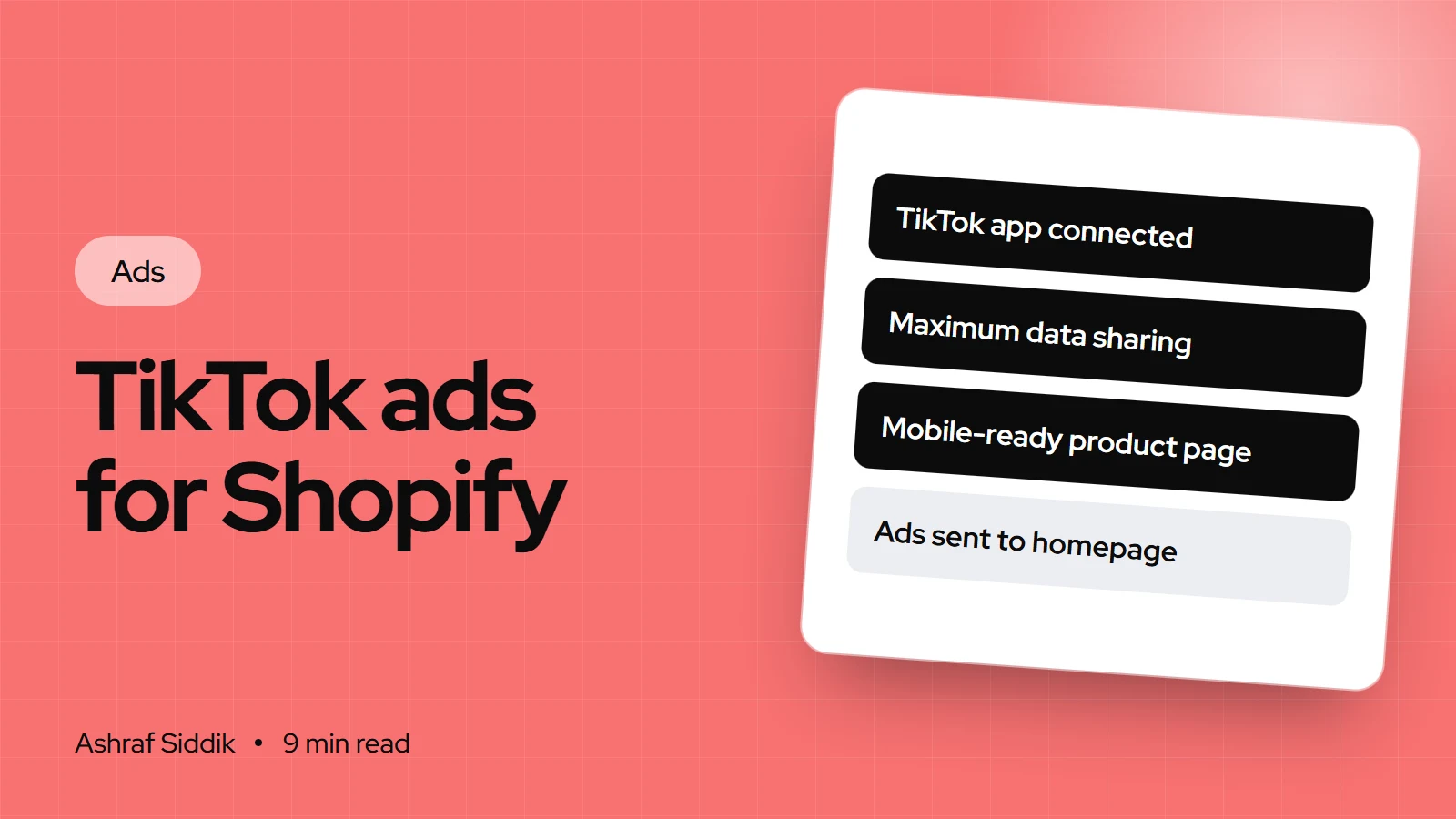
- The free TikTok app for Shopify connects your TikTok For Business account, ad account and pixel, syncs your catalog and lets you create campaigns from the Shopify admin.
- TikTok recommends the Maximum data-sharing level, which adds the Events API and Shopify APIs to the browser pixel, so ad blockers lose fewer events.
- Daily budgets must exceed $50 per campaign and $20 per ad group, and TikTok advises raising budgets by no more than 30% at a time once learning has finished.
- TikTok traffic lands on your product page inside the TikTok app, on a phone, so mobile speed, price clarity and express checkout decide whether it converts.
- Who it is for
- Shopify stores starting TikTok ads
- Time needed
- About an hour to set up, 48 hours to sync
- What you need
- Shopify admin access and a TikTok For Business account
TikTok ads for Shopify are quick to set up and easy to waste. The setup takes under an hour through the TikTok app. The waste happens afterwards, when a video built for the For You feed sends people to a product page built for desktop shoppers who already know the brand.
I don't run TikTok campaigns for clients. My work is the store side: the product pages, tracking and checkout that turn paid visitors into orders. That's what this guide focuses on, alongside the real setup steps in Shopify and TikTok Ads Manager. Every setup step, budget rule and spec below comes from TikTok's Business Help Center and the Shopify App Store, as I checked them on 7 November 2026.
Is TikTok a good fit for your store?
TikTok is a video-first, sound-on, phone-first channel. In my experience, it suits some catalogs far better than others. Use this as a starting point, not a rule:
| Your products | TikTok fit | Why |
|---|---|---|
| Easy to show in use | Strong | A 15-second demo explains the product |
| Impulse-friendly prices | Strong | Shoppers can decide inside one video |
| Beauty, fashion, gadgets, home | Strong | Before and after, try-on and unboxing work |
| High-ticket, long research | Mixed | Good for awareness, slower to convert |
| Hard to show on video | Weak | The ad has nothing to demonstrate |
If you can't picture a short, honest video of someone using your product, start elsewhere. If you can, the setup below gets you live.
Step 1: Install the TikTok app and connect your accounts
Before you start, TikTok asks you to have admin access to the Shopify store, your shop URL ready, and your market, language and currency settings correct for the products you'll sync. If you already advertise on TikTok, note which TikTok For Business account, Business Center, ad account, catalog and pixel you want to use.
- Install the app. Open the Shopify App Store, search for the TikTok app by TikTok, and click
Install. It's free to install, and ad spend is billed by TikTok to your ad account. - Open it. In Shopify admin, go to
Sales channels, thenTikTok. - Start the ads setup. On the TikTok Ads card, click
Set up now. - Log in to TikTok For Business. Use your existing account if you have one. TikTok warns that creating new accounts here can leave your pixel attached to the wrong ad account.
- Connect your Business Center and ad account, or create them if this is your first campaign.
- Choose a data-sharing level, then connect or create a pixel. More on the levels in the next step.
- Enter your business information and finish the remaining setup items.
If you start from TikTok Ads Manager instead, create a campaign with the Sales objective and Website as the destination. At the ad group level, under Data connection, click Create new and choose Shopify. Both routes end in the same connection, so pick one and finish it.
Step 2: Choose the right data-sharing level
This is the setting that decides how much TikTok learns about who buys. TikTok's help center describes three levels:
| Level | What it uses | Trade-off |
|---|---|---|
| Standard | TikTok Pixel only | Browser ad blockers can stop it |
| Enhanced | Pixel, Events API, Advanced Matching | Server events fill browser gaps |
| Maximum | Enhanced plus Shopify APIs | Most complete, recommended by TikTok |
The Events API is a server-to-server connection, so it doesn't depend on the shopper's browser. For a store that wants TikTok to optimize for purchases, Enhanced or Maximum is the sensible choice. Maximum can also include TikTok's In-App Shopify Checkout, which TikTok lists as a beta not open to every advertiser. You can opt out of it in the app.
Consent still applies. Shopify's pixel system runs app pixels only after visitors in consent regions, usually the EEA and UK, grant the permissions the pixel needs. If you sell to Europe, set up your banner first with my guide to cookie consent on Shopify.
Step 3: Sync and check your catalog
Once accounts are connected, product sync starts automatically and can take up to 48 hours. The app syncs a catalog for an eligible market based on your store settings. A few things to check:
- Catalog location. In the TikTok app, open
Settings, thenProduct Catalog. TikTok says the default catalog location can't be changed later, so make sure your main market is right before you connect. - Language and currency. These can be changed, but changing them restarts product sync.
- Product status. Review it on the app's overview page or in TikTok Catalog Manager, and fix rejected products in Shopify, not in TikTok.
- Product data. Clear titles, accurate prices, in-stock variants and clean images. Whatever is weak in Shopify becomes weak in your catalog ads.
Step 4: Create your first campaign
You can create a campaign straight from Shopify:
- Open the TikTok Ads section in the TikTok app and click
Create campaign. - Choose what to promote: a single product, a collection, or your homepage. For a first campaign, a single best-selling product is the easiest to judge.
- Add your creative. Videos must be 500 MB or less, in 9:16, 16:9 or 1:1. Images must be 50 MB or less, in JPG or PNG.
- Select the audience and optimization event. Optimize for purchases once the pixel is recording them.
- Set the budget and click
Submit, orSave as draftto finish later.
Ads Manager gives you more control over targeting, placements and bidding. Many stores start in Shopify and move to Ads Manager once they're testing several videos.
Step 5: Set a budget that can actually learn
TikTok sets minimums for daily budgets: more than $50 at the campaign level and more than $20 per ad group. For a lifetime budget, the ad group minimum is $20 times the number of days, so a 31-day ad group needs at least $620.
The minimum isn't the same as enough. Here's a simple way to check, using illustrative numbers:
Can a $20 a day ad group learn?
- Daily ad group budget$20About $600 over 30 days.
- Break-even cost per purchase$25From your margin, after product and shipping.
- Purchases a week, at break-even5–6$140 a week divided by $25.
If your budget can only buy a handful of purchases a week, consider optimizing for an earlier event such as add to cart at first, or put the whole budget behind one ad group instead of several.
When results are good and you want to spend more, TikTok's own guidance is specific: raise the budget by no more than 40% per change during learning, no more than 30% once learning has finished, and no more often than every two days. My guide to scaling profitable ad campaigns explains the break-even math behind those steps.
Step 6: Make videos that belong on TikTok
TikTok's specs for in-feed ads recommend vertical 9:16 video at 540 x 960 pixels or more. Non-Spark videos can run up to 10 minutes, but short is the norm in the feed. Ad captions appear in a fixed white font and can't include clickable links, @ mentions or hashtags, so the video has to do the selling.
- Show the product in the first seconds. People decide fast whether to keep watching.
- Film it like a post, not a commercial. Phone footage, a real person, natural sound.
- Use the safe zone. TikTok publishes safe zone files, because the caption, buttons and profile cover parts of the screen. Keep text and the product clear of them.
- Consider Spark Ads. These run an existing organic TikTok post as the ad, using its original caption, so a post that already performs can carry your budget.
- Say the price or offer. If the video mentions "under $30", the page had better show it.
Step 7: Get the store ready, and measure results
This is the part that decides your cost per purchase. A TikTok click opens your page in TikTok's in-app browser, on a phone, with the shopper mid-scroll. TikTok even uses your account name as the page heading in that browser. Check the page in exactly those conditions:
- Load speed on mobile data. Oversized images and heavy apps hurt most here. Run the Shopify speed checker on the exact product URL you advertise.
- The product from the video, first. Link to the exact product and variant, with the same color and the same bundle as the video.
- Price, shipping and returns above the fold. TikTok shoppers haven't researched you. Remove the guesswork.
- Video and photo reviews. They match the format that brought the shopper in.
- Express checkout. Shop Pay, Apple Pay and Google Pay save typing card and address details on a small screen.
My Shopify mobile CRO checklist covers the rest of the page.
Measuring results. TikTok Ads Manager, Shopify and GA4 will report different numbers, because each counts a sale differently. Use TikTok's numbers to compare ads with each other, and Shopify's to judge the business. Add UTM parameters to your TikTok ad URLs, for example utm_source=tiktok&utm_medium=paid_social&utm_campaign=slippers_launch, so GA4 files the traffic under Paid Social. My guide to tracking ad performance in GA4 covers the setup.
Common mistakes
- Two pixels. A pixel pasted into the theme and another from the app double-counts events. Use the app's pixel and remove old code.
- Creating new TikTok accounts during setup. Your pixel ends up attached to an empty ad account.
- Splitting a small budget across many ad groups. None of them gets enough results to learn.
- Repurposed TV-style ads. Polished horizontal ads with a logo intro look out of place in the feed.
- Linking to the homepage. The shopper has to find the product from the video again.
- Big budget jumps. Doubling overnight goes far past TikTok's own 30% guidance.
TikTok ads checklist
- App installed and connected to the right TikTok For Business account, Business Center and ad account.
- Data sharing set to Enhanced or Maximum, with one pixel only.
- Consent banner working for EEA and UK visitors.
- Catalog synced to the right market, with no rejected bestsellers.
- Budget above the minimums, and enough for several purchases a week.
- Videos in 9:16, product shown early, text inside the safe zone.
- Landing page fast on mobile, matching the video, with price and shipping clear.
- UTMs on every ad URL.
What to do next
Install the app, connect your existing accounts and set data sharing to Maximum. Then, before you spend anything, open your best-selling product page on your phone inside the TikTok app's browser and check it against step 7.
If that page isn't ready for paid traffic, start there. Send me your store and I'll review it for free, with a short list of fixes in order. My CRO work starts from $500 if you want me to make them.
Free tools
Check your own store
Free, no sign-up. Each one runs a part of this guide for you.
Frequently asked questions
How do I run TikTok ads for my Shopify store?
Install the free TikTok app from the Shopify App Store, open it under Sales channels, and click Set up now on the TikTok Ads card. Connect your TikTok For Business account, Business Center and ad account, choose a data-sharing level and pixel, let the catalog sync, then create a campaign from the TikTok Ads section.
Is the TikTok app for Shopify free?
Yes, it's free to install. You pay for the ads themselves, which TikTok bills to your ad account at the budget you set.
What is the minimum budget for TikTok ads?
TikTok's help center says daily budgets must exceed $50 at the campaign level and $20 at the ad group level. For a lifetime budget, the ad group minimum is $20 times the number of scheduled days.
Which data-sharing level should I choose?
TikTok recommends Maximum. Standard uses only the browser pixel, which ad blockers can stop. Enhanced adds the Events API and Advanced Matching, and Maximum adds Shopify APIs on top.
How long does TikTok catalog sync take?
TikTok says product sync starts automatically after you connect your accounts and can take up to 48 hours. You can check product status in the app or in TikTok Catalog Manager.
Why do TikTok ads get views but no sales?
Often the product page isn't ready for the traffic. TikTok shoppers arrive on a phone, inside the app's browser, without knowing the brand. A slow page, a different product from the video, or hidden shipping costs will lose them.
Sources
- How to set up TikTok Ads for your Shopify store, TikTok Business Help Center
- Data sharing on TikTok app on Shopify, TikTok Business Help Center
- About budgets for ads in TikTok Ads Manager, TikTok Business Help Center
- TikTok auction in-feed ads, TikTok Business Help Center
- TikTok, Shopify App Store
- Pixels overview, Shopify Help Center
Related services and work

I'm a Shopify developer and CRO specialist. I have built and improved Shopify stores since 2018, completed more than 1,000 projects, and hold a 4.96 average rating across 719 client reviews.
More guides
-
Are TikTok Ads Worth It for UK Brands?
TikTok ads can work well for visual products with a steady flow of video. Here's who they suit, what a test costs, and what the store needs.
-
Retargeting Ads for Shopify: The Complete Guide
Retargeting ads bring back shoppers who already looked at your products. Here is how to set them up on Shopify with Meta and Google, how much to spend, and what your store needs so the second visit ends in a sale.
-
Pinterest Ads for Shopify: How to Set Them Up and Make Them Pay
The Pinterest app connects your Shopify catalog, tag and Conversions API in a few minutes. Turning planners into buyers takes the right objective, budget and landing pages. This guide covers all three.
-
Facebook Ads Campaign Structure for Ecommerce Stores
Most stores run too many campaigns and ad sets for their budget. Here is a simple Meta structure that learns faster, and how to match each part to the right page on your store.