Shopify questionAnswer4 min read
Why Is My Shopify Store Getting Traffic but No Sales?
Visitors who never buy are telling you something, and Shopify's own reports show where. Here is how to find the leak before you pay for more traffic.
Key takeaways
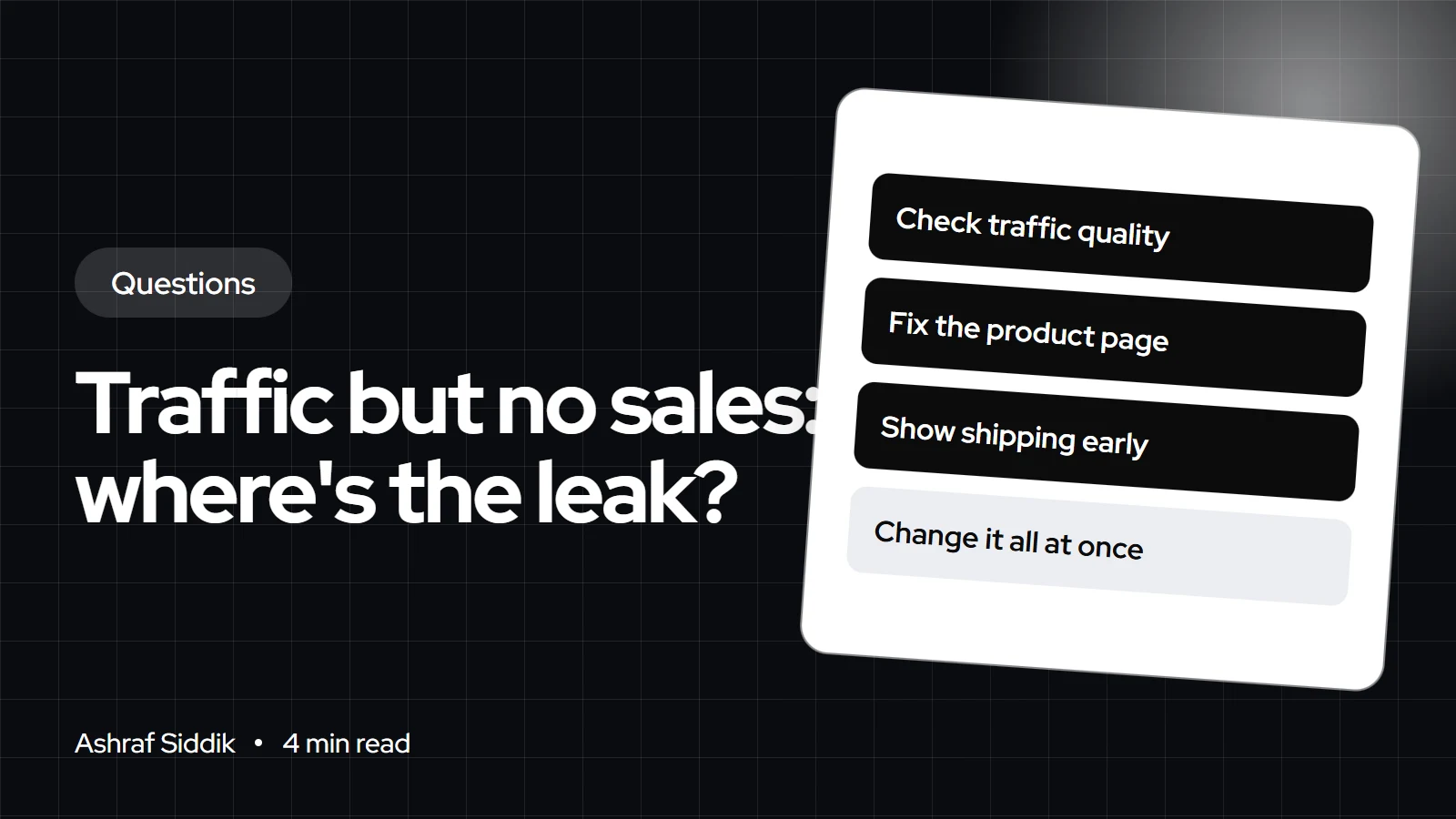
- Traffic without sales comes from three places: the wrong visitors, product pages that don't convince, or friction between cart and checkout.
- Shopify's Conversion rate breakdown report shows sessions, cart additions, checkouts reached and checkouts completed, so you can see where people drop off.
- Shopify filters identified bot sessions out of session reports by default, so check bot traffic before assuming real visitors aren't buying.
- Fix the biggest drop-off first. Changing everything at once makes it impossible to tell what worked.
- Who it is for
- Stores with visitors but few orders
- Time needed
- 5 minutes to read
- What you need
- Access to Shopify Analytics
A Shopify store with traffic but no sales usually has one of three problems: the visitors aren't buyers, the product page doesn't convince them, or something between cart and checkout stops them. Shopify's Conversion rate breakdown report shows exactly which stage loses people, so check it before changing anything. Then fix the biggest leak first, which in the stores I review is most often mobile product pages, shipping costs revealed too late or a lack of trust on a new store.
Find where visitors drop off
Open Analytics > Reports and find the Conversion rate breakdown report. Shopify describes it as a way to visualize the path visitors take through your store and checkout, with four steps: all sessions, sessions with cart additions, sessions that reached checkout and sessions that completed checkout.
| Where it drops | Likely cause | Look at |
|---|---|---|
| Session to cart | Wrong visitors or weak product page | Traffic source, product pages |
| Cart to checkout | Surprise costs or doubts | Shipping info, cart page |
| Checkout to order | Payment or form friction | Payment methods, test order |
| Everywhere | Bots or broken tracking | Bot filter, test order |
Shopify notes that its session measurement rollout ran from 21 to 23 September 2026, and that session numbers may look different afterwards without customer behavior changing. Compare periods on the same side of that date.
Check the traffic is real and relevant
Shopify labels each session as human or bot, and filters identified bots out of session reports by default. If your figures include bots, sales will look terrible against an inflated visitor count. Then open the Sessions by referrer and Sessions by location reports:
- A spike from one referrer with no cart additions is often low-quality or automated traffic.
- Visitors from countries you don't ship to will never buy.
- Search traffic for the wrong terms, such as informational blog visitors, converts slowly by nature.
- Social traffic often browses on a phone and leaves, so it needs a fast mobile page to convert.
If visitors don't add to cart
This is the most common leak I find. Open your top product page on a phone and check what a stranger sees in the first screen: clear photos, the price, the variant picker and the add to cart button. Then check below it for sizing, materials, delivery time and returns, plus reviews. Missing answers send people back to Google. My mobile CRO checklist covers the details.
If they add to cart but don't buy
- Show shipping costs early, on the product page or cart, not first at checkout.
- Offer the payment methods your market expects, including express options like Shop Pay, Apple Pay and Google Pay.
- Place a real test order to make sure checkout, discount codes and shipping rates work.
- Turn on abandoned checkout emails so you recover some of the people who leave.
What conversion rate to expect
Conversion rates vary widely by product price, traffic source and device, so a single "good" number misleads. Compare your store with itself month to month, and with sensible ranges for your type of store. My guide to ecommerce conversion rate benchmarks explains the ranges and what drives them.
Payment and delivery by country
Missing local payment options are a common reason international visitors leave at checkout. Dutch shoppers expect iDEAL, and Belgian shoppers Bancontact. Australian and US shoppers often look for Afterpay, which is called Clearpay in the UK. Show prices in the local currency, and be clear about duties and taxes for cross-border orders, including VAT for the UK and EU and GST for Australia. Delivery expectations differ too: name the carrier shoppers know, such as Royal Mail, PostNL or Australia Post, where you use them.
What to do next
- Open the Conversion rate breakdown report and write down the drop at each step.
- Fix the single biggest drop first, then measure for a few weeks.
- Work through my Shopify CRO audit checklist for the full list of checks.
- Get an outside view. My Shopify CRO service starts from $500, and every project gets a fixed quote after a free review.
Free tools
Check your own store
Free, no sign-up. Each one runs a part of this guide for you.
Frequently asked questions
How much traffic should a Shopify store get before the first sale?
There's no fixed number, because it depends on price, product and traffic quality. If you have a few hundred real sessions and no cart additions at all, the problem is usually the traffic source or the product page.
Why do people add to cart but not buy on my Shopify store?
The usual reasons are shipping costs that appear late, missing payment options, a forced account, or doubts about the store. Place a test order and check the cart and checkout on a phone.
Could bots be inflating my Shopify traffic?
Yes. Shopify labels sessions as human or bot and filters identified bots out of session reports by default. A spike from one source with no cart additions is a common sign of bot or low-quality traffic.
Does SEO traffic convert worse than ads?
It depends on the search. Visitors searching for a specific product convert well, while visitors reading a how-to post convert slowly. Check which landing pages your search visitors arrive on.
Should I lower my prices if I'm not getting sales?
Not first. Check traffic quality, product page content and checkout friction before cutting margin. Price is only the problem if visitors reach checkout and leave once they compare.
How long should I test a change before judging it?
Long enough to collect a meaningful number of sessions and orders, usually a few weeks for a small store. Change one thing at a time so you know what caused any difference.
Sources
- Behavior reports, Shopify Help Center
- Acquisition reports, Shopify Help Center
- Bot filtering in Shopify analytics and reports, Shopify Help Center
Related services and work

I'm a Shopify developer and CRO specialist. I have built and improved Shopify stores since 2018, completed more than 1,000 projects, and hold a 4.96 average rating across 719 client reviews.
More guides
-
Why Did My Shopify Traffic Drop Suddenly?
A sudden drop feels urgent, but the first job is working out which kind of drop it is. Here is how to diagnose a Shopify traffic drop in the right order before you change anything.
-
Why Is My Store Getting Lots of Mobile Visitors but No Sales?
Mobile always converts lower than desktop. But lots of mobile visitors and no sales at all usually means something specific is broken.
-
Why Is My Shopify Store Not Showing on Google?
A store that doesn't appear on Google is usually hidden, too new to be found, or indexed but not ranking. Here is how to tell which, and what to fix.
-
How to Start a Shopify Blog That Drives Sales
A Shopify blog sells when it answers what buyers ask before they purchase and points them to the right product. Here is how to set one up, what to write and how to publish posts that rank.