Shopify guideGuide9 min read
Pinterest Ads for Shopify: How to Set Them Up and Make Them Pay
The Pinterest app connects your Shopify catalog, tag and Conversions API in a few minutes. Turning planners into buyers takes the right objective, budget and landing pages. This guide covers all three.
Key takeaways
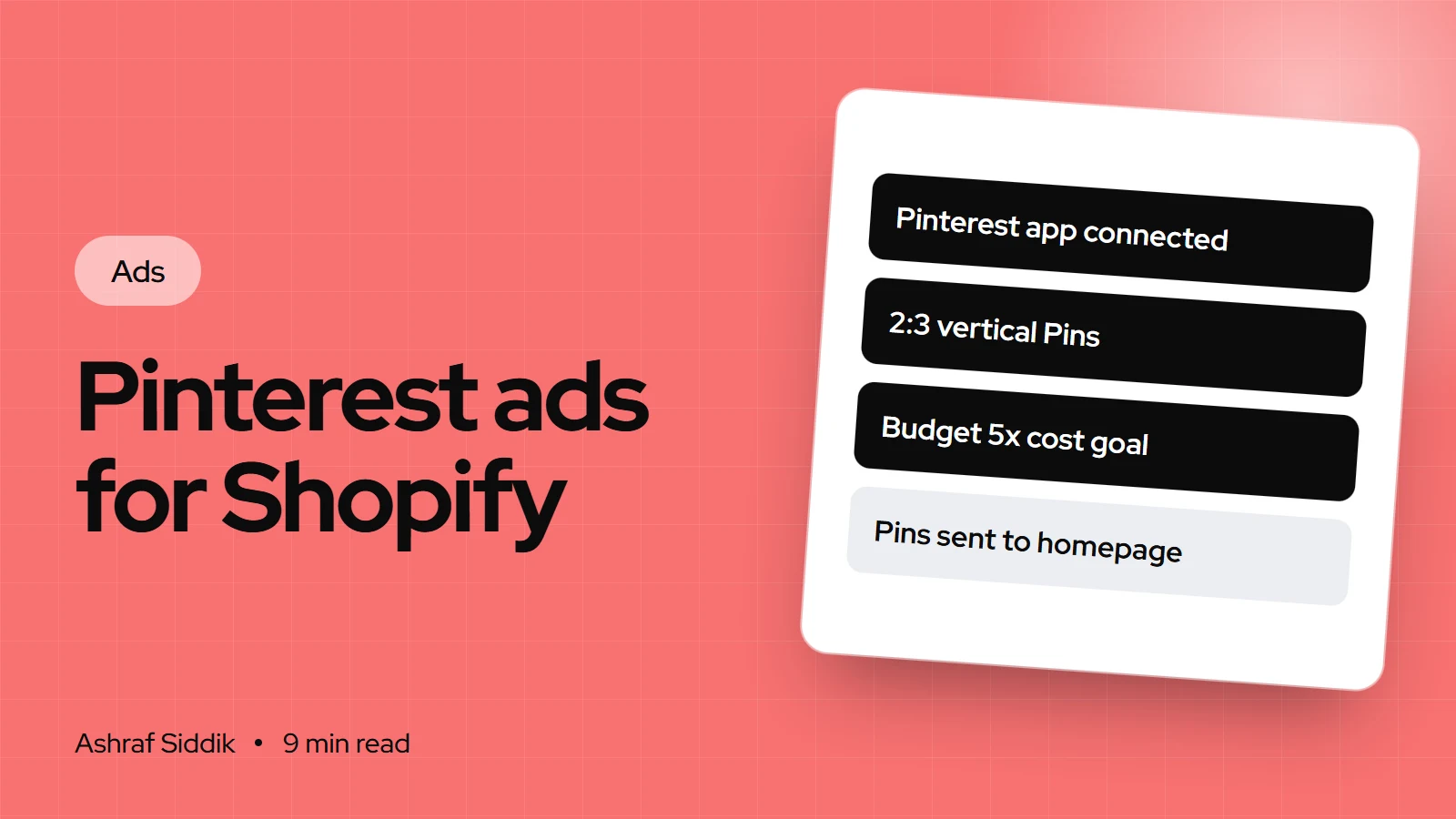
- The free Pinterest app for Shopify claims your website, installs the Pinterest tag and Conversions API, connects your product feed and creates product Pins from it.
- Pinterest now has four objectives: Awareness, Consideration, Leads and Sales. The old Conversions and Catalog sales objectives stay editable until April 30, 2027, then get archived.
- Pinterest says Performance+ Sales campaigns work best with 50 or more conversions a week, and a daily budget of at least five times your cost per result goal. Below that, it suggests starting with Consideration.
- Many Pinterest visitors are planning rather than buying today, so the landing page has to work for someone who saved an idea as well as someone ready to buy.
- Who it is for
- Shopify stores with visual, planned-for products
- Time needed
- An hour to set up, two weeks to learn
- What you need
- Pinterest business and advertiser accounts
Pinterest ads for Shopify behave differently from Meta or TikTok ads. People open Pinterest to collect ideas: a kitchen, a wedding, an outfit, a garden. Your ad appears as one of those ideas. That's a strength for stores whose products are part of a bigger plan, and a challenge for any store whose product pages assume the visitor is ready to buy today.
I approach this from the store side. I don't manage ad accounts. I make sure the pages ads send people to turn visits into orders, and with Pinterest that means pages built for browsing and saving as well as buying. This guide covers the setup through the Pinterest app, campaign choices, budgets, creative specs and the landing page work. Every Pinterest step and figure comes from Pinterest's Business Help Center and the Shopify App Store, as I checked them on 7 November 2026.
Is Pinterest a good fit for your store?
In my experience, Pinterest suits products people plan around. Use this as a guide, then test:
| Your products | Pinterest fit | Why |
|---|---|---|
| Home decor and furniture | Strong | Shoppers save rooms and styles |
| Weddings and events | Strong | Long planning windows, many items |
| Fashion and jewelry | Strong | Outfits and looks get saved |
| Food, recipes, kitchenware | Good | Recipes lead to ingredients and tools |
| Replacement parts, B2B supplies | Weak | Bought from search, not inspiration |
Before you start
Pinterest's help center lists a few requirements, and missing one is the most common reason setup stalls:
- A Pinterest business account and an advertiser account, with you as the account owner. Profiles with only Business Manager permissions can't connect a Shopify store.
- One store, one account. A Shopify store can connect to only one Pinterest business account at a time.
- Your country. The Pinterest app for Shopify isn't available everywhere. In some countries Pinterest says you may need to work with one of its advertising partners to create an ad account first.
- Desktop Chrome. Pinterest recommends doing the connection on a desktop Chrome browser.
- No manual tag. If you added the Pinterest tag by hand or through another app, remove it as part of step 1.
Step 1: Install the Pinterest app and remove old tags
- Log in to your Shopify admin.
- Find the app. Open the Pinterest app by Pinterest in the Shopify App Store. It's free to install. You pay only for the ads you buy.
- Review the permissions and click
Add appif you agree. - Follow the on-screen steps to connect your Pinterest business account and finish setup.
When it's done, Pinterest says four things happen: your website is claimed on Pinterest, the Pinterest tag and Conversions API are installed, your Shopify product feed is connected, and product Pins are generated from that feed. Depending on your location, you may also get an ad credit when you launch your first campaign.
Then remove any old Pinterest tag. A manually added tag and the app's tag together will double-count events. Pinterest's own instructions for removing old code cover three places:
- Base code. Go to
Online Store>Themes, click the three dots next to your theme, chooseEdit codeand opentheme.liquid. Remove thepintrkscript above</head>. - Checkout code. Older setups put a tracking script in the order status page scripts box under
Settings>Checkout. Remove only the Pinterest part. - Add to cart code. Look in your product template files for
pintrk('track', 'addtocart')and delete it.
Also check Settings > Customer events for any custom pixel or third-party app sending Pinterest events.
Step 2: Check your catalog and product Pins
Your product Pins and shopping ads are built from Shopify product data, so weak data makes weak ads. Before you spend, check your best sellers:
- Images. Pinterest recommends a 2:3 aspect ratio, 1000 x 1500 pixels, for standard image ads, and says taller Pins may be cut off in feeds. Square product shots work, but a vertical lifestyle image usually fills more of the screen.
- Titles. Up to 100 characters, but only the first 40 or so may show in feeds, depending on the device. Put the product type and key detail first: "Linen duvet cover, king, sage green".
- Descriptions. Up to 800 characters. Pinterest says descriptions don't show on ads in the home or search feed, but its system uses them to decide relevance. Write them for search: materials, use, style and room.
- Price and stock. These come from Shopify, so out-of-stock variants and wrong prices flow straight into your ads.
The Shopify App Store listing says the app keeps your catalog updated automatically, so fix product data in Shopify and let it sync rather than editing on Pinterest.
Step 3: Pick the objective and build the campaign
Pinterest simplified its campaign objectives. It replaced Conversions and Catalog sales with Leads and Sales, and says existing campaigns on the old objectives remain editable until April 30, 2027, after which they'll be archived.
| Objective | Optimizes for | Use it when |
|---|---|---|
| Awareness | Impressions | Launching a brand or a new range |
| Consideration | Pin clicks or outbound clicks | Few weekly conversions, or building traffic |
| Leads | Non-transactional conversions | Growing an email list |
| Sales | Clicks or transactional conversions | Steady purchases, ready to optimize for them |
Consideration and Sales can use your product catalog as the creative source, which is how you run shopping ads. One naming quirk: in Pinterest's event list, "Checkout" is a completed purchase, separate from "Initiate checkout". Make sure you optimize for the right one.
To build the campaign:
- Open Ads Manager and start a new campaign. Depending on your account, it's under the menu at the top left,
Create campaign, then a manual or custom campaign. - Choose the objective. For Consideration or Sales, pick the creative source:
Product catalogfor shopping ads, orPinsfor standard ads. - Decide on Performance+. Pinterest Performance+ is a toggle at the start of Consideration, Leads and Sales campaigns. It bundles automated bidding, targeting and creative options, and only allows lifetime or flexible daily budgets.
- Add the campaign details: name, status, budget and schedule.
- Set up the ad group: targeting, optimization event and delivery. With a catalog, choose the product group and feed.
- Pick your Pins and launch.
Step 4: Set a budget Pinterest can learn from
Pinterest is unusually specific about this, at least for Performance+:
- Leads and Sales campaigns perform best with 50 or more conversion events a week. Below that, Pinterest suggests starting with Consideration to build interest and on-site conversions.
- If you judge results on cost per action, the daily budget should be at least five times your cost per result goal.
- Increase budgets gradually, by 20–30% based on performance.
- Learning mode takes about two weeks on average. Pinterest advises not changing ads or budgets until the Learning indicator disappears.
Budget check for a $30 cost per purchase goal
- Pinterest's guideline5xDaily budget at least five times the cost per result goal.
- Daily budget$150$30 goal multiplied by five.
- Two-week learning period$2,10014 days at $150, before judging results.
If that's more than you can commit, follow Pinterest's own advice and start with Consideration, optimizing for clicks, while the store builds purchase volume. Note that with Performance+ daily budgets, Pinterest may spend up to 125% of the daily figure on one day, averaging out over the week from Sunday to Saturday.
Step 5: Make Pins that look like Pinterest
Ads that look like ordinary Pins tend to fit the feed. A few rules from Pinterest's specs, plus my own:
- Vertical images, 2:3. Lifestyle shots that show the product in a room, an outfit or a table setting.
- Short video. Pinterest recommends 6 to 15 seconds for video ads, in square or vertical formats.
- Plenty of ads. For Performance+, Pinterest recommends at least 10 ads per ad group, removing weak ones after learning and adding fresh ones.
- A clear text overlay. A few words that say what the idea is: "Small balcony garden ideas", not just your logo.
Step 6: Build landing pages for planners, and measure
This is where Pinterest campaigns are won or lost. Pinterest itself suggests testing different landing pages, product, category and homepage, and reviewing bounce rates. Here's what I look for:
- Match the Pin. If the Pin shows a styled bedroom, link to a collection with those products, not one duvet. If it shows one product, link to that product and variant.
- Show the full look. "Complete the look" sections and bundles suit shoppers furnishing a whole room or outfit. My guide to product bundles on Shopify shows the options.
- Capture the not-yet buyers. Many Pinterest visitors are planning. An email signup with a useful reason, such as a style guide or back-in-stock alerts, keeps them for later.
- Make it easy on a phone. Clear price, delivery times and returns near the add to cart button, and express checkout turned on. The Shopify mobile CRO checklist covers the details.
Measuring results. Pinterest reports conversions through its tag and Conversions API, which the app installs. Like every platform, it will credit sales differently from Shopify and GA4. Add UTM parameters to your ad URLs, such as utm_source=pinterest&utm_medium=paid_social, so GA4 files the visits under Paid Social. My guide to tracking ad performance in GA4 covers the setup. Because many Pinterest visitors are still planning, judge campaigns over weeks, not days.
Common mistakes
- A manual tag left in the theme next to the app's tag.
- Square or horizontal images that look small in a vertical feed.
- Sales campaigns with too few conversions to learn, instead of starting with Consideration.
- Changing budgets during learning, which Pinterest says disrupts optimization.
- Linking inspiration Pins to the homepage. The planner wanted that room, not your whole store.
- Judging after a few days. Learning alone averages about two weeks.
Pinterest ads checklist
- Accounts. Business account and advertiser account, with owner access.
- App installed, website claimed, tag and Conversions API active.
- Old tags removed from the theme, checkout scripts and custom pixels.
- Catalog synced, with 2:3 images and clear titles on bestsellers.
- Objective matched to your weekly conversions.
- Budget at least five times your cost per result goal, or Consideration first.
- At least 10 ads per Performance+ ad group.
- Landing pages that match the Pin, with email capture and a fast mobile layout.
What to do next
Install the Pinterest app, remove any old tag and check how your top five products look as product Pins. Then pick the objective your conversion volume supports and give it two weeks before judging.
If Pinterest sends visitors who browse and leave, the fix is usually on the store. I'll review your landing pages for free and tell you what to change first. My CRO work starts from $500.
Free tools
Check your own store
Free, no sign-up. Each one runs a part of this guide for you.
Frequently asked questions
How do I set up Pinterest ads on Shopify?
Install the free Pinterest app from the Shopify App Store, review the permissions and click Add app, then connect your Pinterest business account. The app claims your website, installs the Pinterest tag and Conversions API and creates product Pins from your feed. Then create a campaign in Pinterest Ads Manager.
Is the Pinterest app for Shopify free?
Yes. It's free to install, and you pay only for the ads you run. Pinterest says some advertisers may get an ad credit when they launch their first campaign, depending on location.
What budget do Pinterest ads need?
For Performance+ campaigns, Pinterest recommends a daily budget of at least five times your cost per result goal and 50 or more conversions a week for Leads and Sales campaigns. With fewer conversions, it suggests starting with the Consideration objective.
What happened to Pinterest's Conversions and Catalog sales objectives?
Pinterest replaced them with the Leads and Sales objectives. Existing campaigns on the old objectives stay editable until April 30, 2027, after which they're archived.
What image size should I use for Pinterest ads?
Pinterest recommends a 2:3 aspect ratio, or 1000 x 1500 pixels, for standard image ads. Titles can be up to 100 characters, though only the first 40 or so may show in feeds.
Why can't I connect my Shopify store to Pinterest?
Check that you're the owner of a Pinterest business account with an advertiser account, since Business Manager permissions alone can't connect a store. The app also isn't available in every country, and a store can link to only one Pinterest business account at a time.
Sources
- Connect your Shopify store to your account, Pinterest Business Help
- Simplified objectives, Pinterest Business Help
- Pinterest Performance+, Pinterest Business Help
- Set up a campaign budget, Pinterest Business Help
- Review ad specs, Pinterest Business Help
- Pinterest, Shopify App Store
Related services and work

I'm a Shopify developer and CRO specialist. I have built and improved Shopify stores since 2018, completed more than 1,000 projects, and hold a 4.96 average rating across 719 client reviews.
More guides
-
What Is CTR (Click-Through Rate)? Formula and Benchmarks for Shopify Ads and Search
Click-through rate is the share of people who see your ad or listing and click it. Here is the formula, what a good CTR means, and how it connects to your store's sales.
-
How to Set Up a Performance Max Campaign for Ecommerce
Performance Max is Google's default campaign type for online stores. Here is how it works, how to set it up for a Shopify store step by step, how to plan the budget, and what to fix on the store so it has sales to learn from.
-
Black Friday Marketing Strategy: How to Plan Ad Budgets for BFCM and Christmas
Black Friday 2026 is on November 27. Here is how to set an ad budget from your sale-price margin, split it across the season, use the Google and Meta tools built for short peaks, and get the store ready for the traffic.
-
UGC Ads: How to Get and Use User-Generated Content
UGC ads borrow the trust shoppers give each other. Here is what they are, how to collect content you are allowed to use, how to run it on Meta and TikTok, and how to carry the same proof onto your product pages.