Shopify guideGuide8 min read
Facebook Ads Campaign Structure for Ecommerce Stores
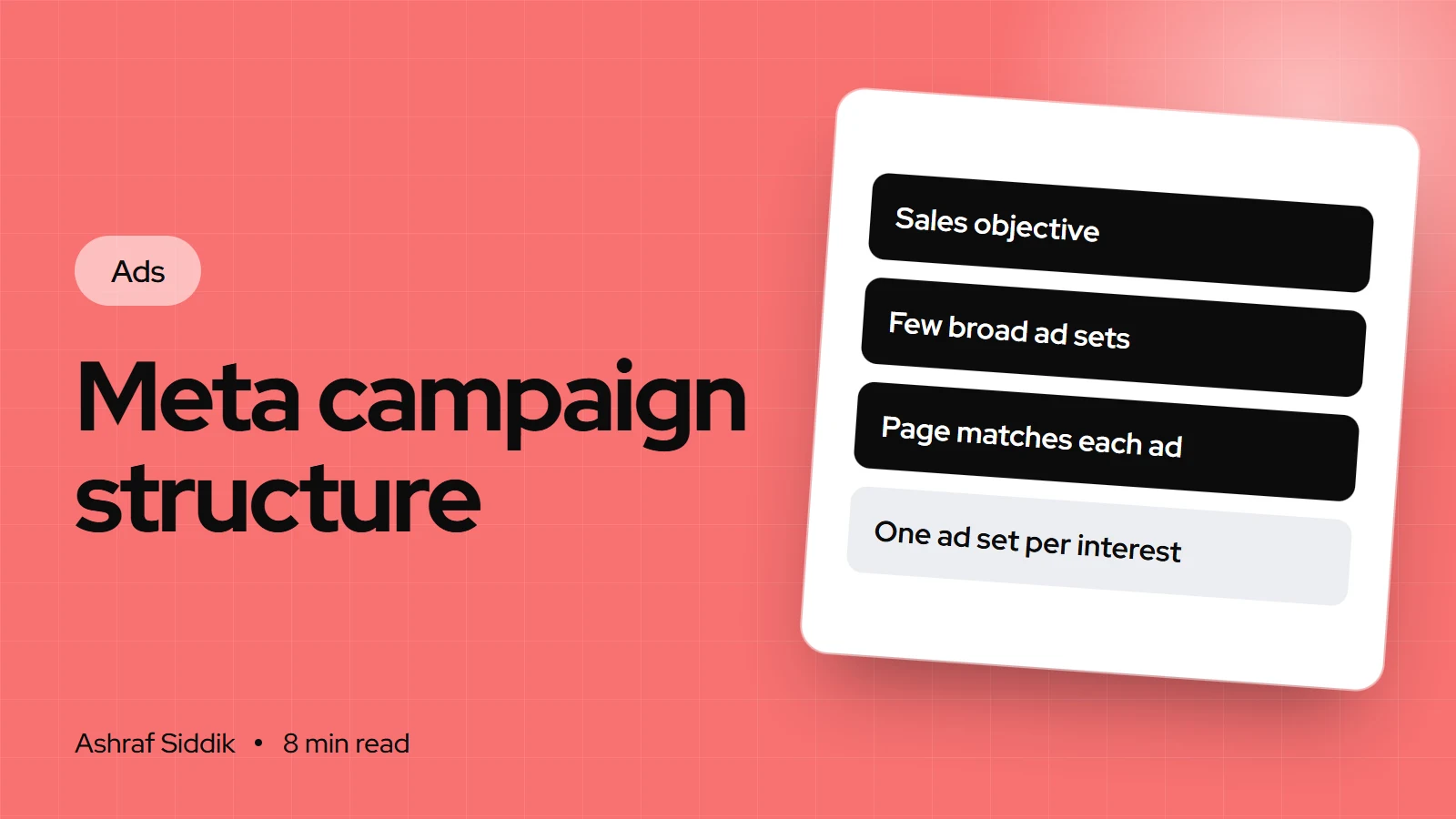
Most stores run too many campaigns and ad sets for their budget. Here is a simple Meta structure that learns faster, and how to match each part to the right page on your store.
Key takeaways
- Meta ads have three levels: the campaign sets the objective and can hold the budget, the ad set sets the audience, placements and optimization event, and the ad holds the creative, copy and link.
- For an online store, the Sales objective is the default choice. Meta merged its old Conversions and Catalog sales objectives into it.
- Fewer ad sets learn faster. Meta says ad sets usually leave learning after about 50 results a week, and advises combining similar ad sets rather than splitting budget thinly.
- Structure should follow your store: each campaign needs a landing page that matches its audience and message, and UTM tags so you can see the results in GA4 and Shopify.
- Who it is for
- Shopify stores running Meta ads
- Time needed
- An afternoon to restructure
- What you need
- Ads Manager access and reliable purchase tracking
A Facebook ads campaign structure is really a set of decisions about where you let Meta choose and where you choose yourself. Every extra campaign, ad set and audience split is a choice you're taking back from the delivery system. Sometimes that's right. Often it just spreads the budget so thin that nothing learns.
I come at this from the store side. I don't manage ad accounts, but when stores ask me to review why paid traffic isn't converting, a messy structure is often part of the story: dozens of ad sets, each with a few purchases, all pointing at the same home page. This guide sets out a simple structure that works for most Shopify stores, why it works, and how to connect each part to the right page on your store. Meta's guidance below was checked on its Business Help Center and developer docs on 7 November 2026.
The three levels, and what each one controls
| Level | What you set | Store-side link |
|---|---|---|
| Campaign | Objective, and the budget if you use Advantage+ campaign budget | The business goal, such as sales |
| Ad set | Audience, placements, optimization event, schedule, attribution | Which customers, and which pixel event |
| Ad | Image or video, copy, headline, website URL, URL parameters | The exact landing page and its UTM tags |
When you choose a structure, you're really choosing how many ad sets to run, because that's where learning happens. Meta's learning phase works at the ad set level.
Step 1: Choose the objective
Meta Ads Manager has six objectives: Awareness, Traffic, Engagement, Leads, App promotion and Sales. Meta's help center says Sales is for finding people likely to buy, such as through an ecommerce site, and that it replaced the old Conversions and Catalog sales objectives.
For a Shopify store, Sales is almost always the right objective, optimized for the Purchase event. Traffic finds people who click, which isn't the same as people who buy. If your pixel records very few purchases, Sales can still optimize for an earlier event such as add to cart while you build volume.
Before choosing anything, make sure the Purchase event is reliable. If you haven't checked your tracking, start with my guide to setting up Meta Conversions API on Shopify.
Step 2: Start with a simple structure
For most stores spending a modest budget, I suggest starting with two or three campaigns, not ten:
| Campaign | Purpose | Landing page |
|---|---|---|
| Main sales | Most of the budget, proven ads, broad audience | Best-selling product or collection |
| Creative testing | New ads and angles, a smaller fixed budget | The page each new angle promises |
| Catalog ads (optional) | Products people viewed, from your synced catalog | The exact product page |
Winning ads graduate from the testing campaign into the main one. Losing ads get switched off. This keeps the main campaign stable while you keep feeding it new creative, which matters because, with broad audiences, the creative does much of the targeting: the people who stop for an ad tell Meta who to show it to next.
Why fewer ad sets win
Meta says ad sets usually exit the learning phase after about 50 results in the week after their last significant edit. Its help center also says that with many ads and ad sets, the delivery system learns less about each one, and recommends combining similar ad sets. Here's what that means in money:
The same $60 a day, structured two ways
- One ad set14Purchases a week, all teaching one ad set.
- Four ad sets3.5Purchases a week each. None gets close to 50.
At small budgets, splitting by age, gender or interest mostly guarantees that every ad set stays in learning, with the higher and less stable costs Meta says come with it. One ad set with a broad audience and several good ads gives the system more to work with.
Step 3: Decide between Advantage+ and manual setup
Advantage+ sales campaigns, formerly called Advantage+ shopping, automate audience, placements and budget in one campaign. Meta's marketing page says its most advanced optimizations switch on when a sales campaign uses Advantage+ audience, campaign budget, placements and destination.
- Advantage+ suits stores with reliable purchase tracking, a catalog or several strong ads, and enough purchases each week for the system to learn from. Meta's developer documentation says these campaigns can test up to 150 creative combinations, against up to 50 in manual campaigns.
- Manual suits stores that need control: a launch aimed at one country, a product that must reach a specific audience, or very low purchase volume where you want to optimize for an earlier event.
If you use Advantage+, add your customer list as "existing customers" and consider an existing-customer budget cap. Otherwise you can't tell whether results come from new buyers or from people who would have ordered anyway.
Step 4: Set the budget at the right level
You can budget at the campaign level with Advantage+ campaign budget, which Meta describes as moving budget in real time to the ad sets with the best opportunities, or at the ad set level. To use Advantage+ campaign budget, all ad sets in the campaign need the same budget type, the same bid strategy and standard delivery.
Campaign budget suits your main sales campaign. Ad set budgets suit creative testing, where you want each test to get a fair, fixed amount rather than all the money flowing to the first ad that does well.
Whatever you choose, remember Meta's daily budgets are weekly targets. On a good day Meta may spend up to 75% over the daily figure, but not more than seven times the daily budget from Sunday to Saturday. Plan cash flow around the weekly number.
Step 5: Name everything and tag every link
A clear structure is useless if you can't read it in your reports. Use one naming pattern for everything, for example sales_broad_us, test_hook_coldfeet_us, and keep it lowercase.
Then tag every ad's link. In the ad, under tracking, add URL parameters. Meta supports dynamic parameters that fill in campaign and ad names automatically, such as {{campaign.name}}. A simple set looks like this:
utm_source=facebook&utm_medium=paid_social&utm_campaign={{campaign.name}}&utm_content={{ad.name}}
The medium matters. GA4's Paid Social channel needs a social source and a medium that matches its paid pattern, which includes values starting with "paid", "cpc" and "ppc". A medium of "social" lands in Organic Social instead, and your ads look like they sold nothing. My guide to tracking ad performance in GA4 explains the rest.
Step 6: Match each campaign to the right page
This is where structure meets conversion rate, and it's the part I spend most time on. Each campaign reaches different people with a different message, so each needs a page that fits:
- Main sales, new customers. A product page or a focused collection, with the promise from the ad in the first screen, reviews close to the add to cart button and shipping costs shown early. A home page is rarely the right destination.
- Creative tests. If a test ad pitches a new angle, such as "gift for dad", send it to a page that talks about gifts. Otherwise you're testing the page, not the ad.
- Catalog ads. These land on product pages from your synced catalog, so the product data in Shopify has to be right: price, stock, variant images and a clear title.
- Returning visitors. If you retarget cart abandoners, the cart and checkout matter most. Express payments and clear costs help more than another discount.
The guide to designing a high-converting product page covers the page itself.
Common structure mistakes
- One ad set per interest. Ten ad sets of $10 a day rarely learn anything.
- Testing inside the main campaign. Every new ad becomes a significant edit to your best performer.
- Campaigns that compete for the same people. Several broad campaigns in one country bid against each other in the same auctions.
- Using the Traffic objective to "save money". Cheap clicks from people unlikely to buy are not a saving.
- No naming or UTM standard. You can't connect ads to Shopify orders later.
- Every ad pointing to the home page, whatever the audience or message.
Campaign structure checklist
- Tracking. Purchase events arrive through the pixel and Conversions API, without duplicates.
- Objective. Sales, optimized for Purchase where volume allows.
- Campaigns. Two or three, each with a clear purpose.
- Ad sets. As few as possible, with broad audiences.
- Ads. Several strong ads per ad set, fresh ones coming from testing.
- Budget. Campaign budget for the main campaign, fixed budgets for tests.
- Naming and UTMs. Lowercase names, paid medium, dynamic parameters.
- Pages. Each campaign sends people to a page that matches its message.
What to do next
Open Ads Manager and count your active ad sets. If several have only a few purchases a week, combine them. Then check the landing page for each campaign on your phone, and ask whether it repeats what the ad promised.
If the account is clean but the store still doesn't convert the traffic, that's the work I do. I'll review your landing pages for free and send a short list of fixes in order of impact. My CRO work starts from $500.
Free tools
Check your own store
Free, no sign-up. Each one runs a part of this guide for you.
Frequently asked questions
What is the best Facebook ads campaign structure for ecommerce?
For most stores, two or three campaigns: a main Sales campaign with broad targeting and proven ads, a creative testing campaign with a smaller fixed budget, and optional catalog ads. Keep ad sets few, so each one gets enough purchases to learn.
How many ad sets should a Facebook campaign have?
As few as your goals allow. Meta says ad sets usually exit learning after about 50 results in a week and recommends combining similar ad sets, so splitting a small budget across many ad sets keeps them all in learning.
Which objective should a Shopify store use on Meta?
Sales, optimized for the Purchase event. Meta's Sales objective replaced the old Conversions and Catalog sales objectives. If purchases are very low, you can optimize for an earlier event such as add to cart while you build volume.
Should I use Advantage+ sales campaigns or manual campaigns?
Advantage+ suits stores with reliable purchase tracking, several strong ads and steady purchase volume. Manual campaigns suit launches, tight targeting needs or very low volume. If you use Advantage+, add your customer list so you can see new versus existing buyers.
What UTM parameters should I use for Facebook ads?
Use utm_source=facebook, a paid medium such as paid_social, and dynamic parameters like {{campaign.name}} for the campaign and {{ad.name}} for the content. A medium of "social" makes GA4 count the visits as Organic Social.
Should all my Facebook ads link to my homepage?
Rarely. Send each ad to the page that matches its message, usually a product page or a focused collection. A shopper who has to find the product again from the homepage is far less likely to buy.
Sources
- How to choose the right ad objective in Meta Ads Manager, Meta Business Help Center
- About the learning phase, Meta Business Help Center
- Meta Advantage+ sales campaigns, Meta for Business
- Meta Advantage+ campaign budget, Meta for Business
- About daily budgets, Meta Business Help Center
- [GA4] Default channel group, Google Analytics Help
Related services and work

I'm a Shopify developer and CRO specialist. I have built and improved Shopify stores since 2018, completed more than 1,000 projects, and hold a 4.96 average rating across 719 client reviews.
More guides
-
Facebook Ads for Shopify: The Complete Guide to Meta Ads
Facebook and Instagram ads connect to Shopify through one free app, but most results are decided after the click. Here is how to set up Meta ads properly, plan a budget from your margin, and get your store ready for the traffic.
-
How to Set Up a Performance Max Campaign for Ecommerce
Performance Max is Google's default campaign type for online stores. Here is how it works, how to set it up for a Shopify store step by step, how to plan the budget, and what to fix on the store so it has sales to learn from.
-
How to Scale Facebook Ads Without Killing Your ROAS
Scaling is arithmetic: raise spend while keeping cost per purchase under what you can afford. Here is how to do that on Meta, and the store fixes that make it easier.
-
Retargeting Ads for Shopify: The Complete Guide
Retargeting ads bring back shoppers who already looked at your products. Here is how to set them up on Shopify with Meta and Google, how much to spend, and what your store needs so the second visit ends in a sale.