Shopify questionAnswer3 min read
Can You Keep Your Domain Name When Switching to Shopify?
Yes. Connect it by changing two DNS records, or transfer it to Shopify later. Here are the exact records, the transfer rules and how to protect your email.
Key takeaways
- Yes, you keep your domain. You either connect it, by pointing its DNS to Shopify, or transfer it so Shopify becomes the registrar.
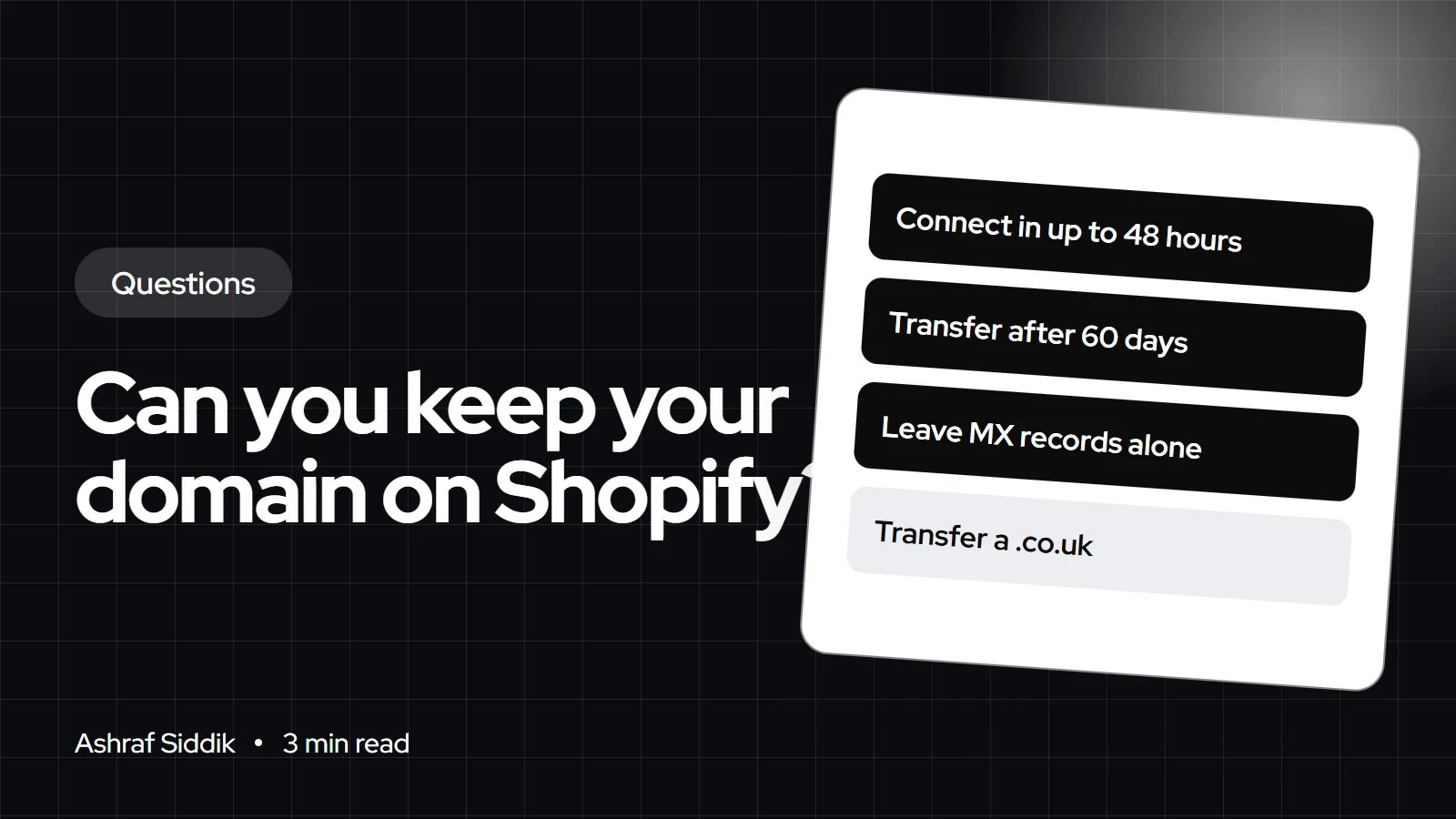
- Connecting needs an A record pointing to 23.227.38.65 and a www CNAME pointing to shops.myshopify.com, and can take up to 48 hours.
- Transfers need the domain to be at least 60 days old with its current registrar, include a 1-year renewal, and can take up to 20 days.
- Some extensions, including .co.uk and .de, can't be transferred to Shopify, but they can be connected.
- Who it is for
- Stores moving to Shopify
- Time needed
- 3 minutes to read
- What you need
- Login to your domain provider
Yes, you can keep your domain name when you switch to Shopify. The simplest route is to connect it: you keep it at GoDaddy, Namecheap or wherever it is registered and point its DNS records to Shopify. You can also transfer it to Shopify later so the domain and store are billed in one place, but connecting is faster and works for every extension.
I move domains as part of every platform migration I do. Steps and records below come from the Shopify Help Center, as checked on 7 November 2026.
Connect or transfer
| Question | Connect | Transfer |
|---|---|---|
| Who is the registrar | Your current provider | Shopify |
| Where you edit DNS | Current provider | Shopify admin |
| Renewal and billing | Current provider | Shopify |
| Time to complete | Up to 48 hours | Up to 20 days |
| Works for .co.uk | Yes | No |
| Cost | No Shopify fee | 1-year renewal |
Shopify's own advice is to connect if you are unsure, because you can always transfer later. Connecting also suits you if your email or other services run through your current provider.
How to connect your domain to Shopify
- Change the A record. At your provider, point the A record for
@to23.227.38.65and delete any other A records. - Change the AAAA record. Point it to
2620:0127:f00f:5::and delete any other AAAA records. - Change the www CNAME. Point
wwwtoshops.myshopify.com., including the trailing dot. - Add it in Shopify. Go to
Settings > Domains, click Connect existing domain, enter the domain without www, and click Connect domain. - Wait and check. It might take up to 48 hours to go fully live. Shopify provisions the SSL certificate for you.
On GoDaddy, these records are under the domain's DNS management page. Leave MX records alone, because they run your email.
If you want to transfer instead
Transfer rules
- Minimum age60 daysSince registering, moving or changing registrar details.
- Renewal1 yearAn ICANN requirement, refunded if the transfer fails.
- TimeUp to 20 daysThe domain keeps working meanwhile.
- Not eligible.co.uk, .deAlso .at, .jp and others: connect them instead.
To transfer, connect the domain first to avoid downtime, back up your DNS records, remove the transfer lock and get the authorization code from your provider, then start the transfer in Settings > Domains. Custom DNS records aren't copied, so re-add MX records afterwards.
Protecting SEO when you switch
Keeping the domain is half of it. Your URLs will change, because Shopify uses fixed paths such as /products/ and /collections/. Set up URL redirects from every old product, category and page URL to its new address before you point the domain, or you lose the rankings those pages earned. My migration service page explains how I plan this.
By country
- UK: .co.uk domains can't transfer to Shopify. Connect them and keep them at your UK registrar.
- Netherlands: .nl isn't on Shopify's list of ineligible extensions, but country-code domains follow their own registry rules, so check with your registrar.
- Australia: .com.au and .au domains also follow their registry's rules. Connecting avoids the question.
- US: .com domains can be connected or transferred once they are 60 days past registration or their last transfer.
What to do next
Log in to your domain provider, note your current DNS records, and connect the domain once your Shopify store is ready to launch. If you are moving a whole store, send me the details for a free review.
Free tools
Check your own store
Free, no sign-up. Each one runs a part of this guide for you.
Frequently asked questions
How do I connect my domain to Shopify?
Point the A record to 23.227.38.65, the AAAA record to 2620:0127:f00f:5::, and the www CNAME to shops.myshopify.com, then add the domain under Settings > Domains. It can take up to 48 hours.
How do I connect a GoDaddy domain to Shopify?
Edit the DNS records in GoDaddy's DNS management page as above, leaving MX records untouched, then click Connect existing domain in Shopify.
Should I connect or transfer my domain to Shopify?
Connect if you are unsure or use your provider for email. Shopify itself recommends connecting first, since you can transfer later.
How long does a domain transfer to Shopify take?
Up to 20 days. The domain keeps working during the transfer, especially if you connect it first.
Can I transfer a .co.uk domain to Shopify?
No. Shopify lists .co.uk among extensions that can't be transferred. You can still connect it.
Will I lose my email if I move my domain to Shopify?
Not if you leave MX records alone when connecting. If you transfer, re-add your MX records, because custom DNS records aren't copied.
Sources
- Connecting a third-party domain manually, Shopify Help Center
- Connect vs transfer, Shopify Help Center
- Transferring a third-party domain to Shopify, Shopify Help Center
Related services and work

I'm a Shopify developer and CRO specialist. I have built and improved Shopify stores since 2018, completed more than 1,000 projects, and hold a 4.96 average rating across 719 client reviews.
More guides
-
Can I Use Shopify Without a Website or Domain?
You can start selling on Shopify before you own a domain. Here is what works on the free address, and when a proper domain starts to matter.
-
Can I Use AI to Write Content for My Store?
Yes, if you check every fact and add what only you know. Here is what Google says, how Shopify's AI works, and where AI writing goes wrong.
-
Can I Build a Shopify Store on My Phone?
The Shopify app does more than most people expect. Here is what you can build from a phone, and the jobs I'd still save for a laptop.
-
What Happens to Your Data When You Delete a Shopify App?
Your Shopify data stays, but the app's own data can be erased after 48 hours. Here is what happens, what to export, and how to uninstall cleanly.