Shopify questionAnswer3 min read
Does Live Chat Increase Sales?
Live chat helps some stores a lot and others hardly at all. The difference is whether your shoppers have questions that stop them buying.
Key takeaways
- Chat helps most where questions block a purchase: sizing, compatibility, delivery dates and higher-priced items.
- Nielsen Norman Group's chat research found common failures: chat that's hard to find, slow replies and answers that sound canned.
- Shopify Inbox is free and includes an Inbox agent that answers questions from your catalog and policies.
- I haven't found an independent, recent study that reliably measures chat's effect on sales, so test it on your own store.
- Who it is for
- Store owners considering live chat
- Time needed
- 4 minutes to read
- What you need
- Your recent customer emails
Live chat can increase sales when it answers the questions that stop people buying, such as sizing, delivery dates or compatibility, quickly and on the product page. It does little for simple, low-priced products, and a slow or hidden chat can do more harm than having none. Most published figures on chat and sales come from chat vendors, so treat them with care and measure the effect on your own store.
I add, tune and sometimes remove chat on Shopify stores as part of CRO work. Here is how I decide.
When chat is worth it
| Store type | Chat value | Why |
|---|---|---|
| Technical or high-priced | High | Questions block the purchase |
| Fit-dependent products | High | Sizing doubts |
| Gifts, time-sensitive | Medium | Delivery date questions |
| Low-priced impulse buys | Low | Few questions to answer |
A quick test: read your last month of customer emails. If many arrived before purchase and asked the same few things, chat will help. If they're mostly "where is my order", fix your shipping emails first.
What the usability research says
Nielsen Norman Group's 2019 study of customer-service chat, with eight participants, is small but specific about what goes wrong:
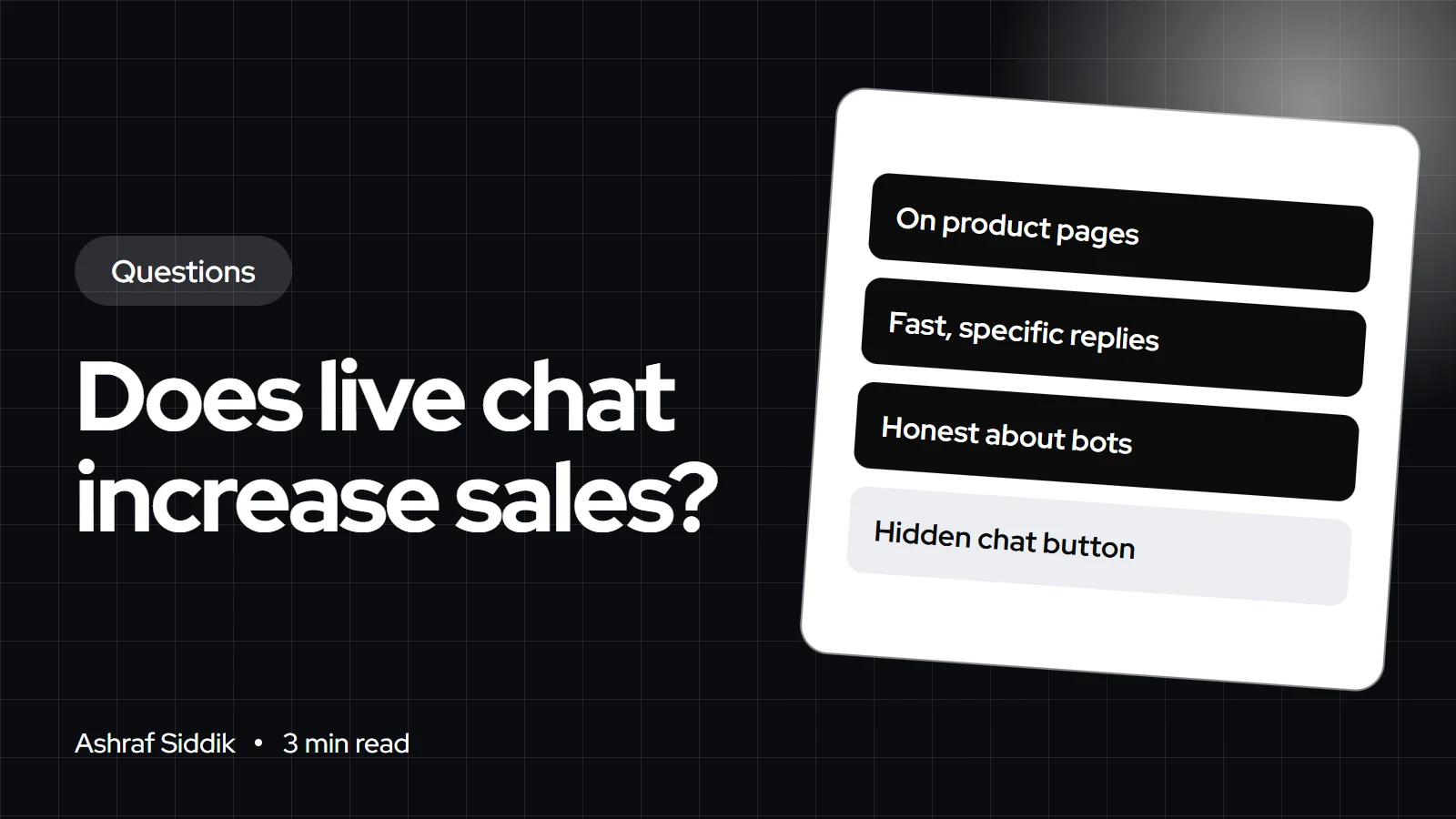
- Chat is hard to find. Hidden behind "Help" labels or a floating button people overlook. Users read hidden chat as a sign the company didn't want contact.
- Waiting feels long. One participant put it simply: "Waiting always bothers me when I am doing it on my phone."
- Answers sound canned. Generic replies made users suspect they were talking to a bot.
Its guidance: label the link "Chat", place it on product and contact pages, state when live chat is staffed, be upfront when the agent is a bot, and give specific answers such as exact shipping costs.
Chat on Shopify with Shopify Inbox
Shopify Inbox is listed as free on the Shopify App Store. It includes an Inbox agent that answers questions about products, delivery, returns, sizing and policies using your catalog, store policies and published content. Your staff can send product links, discount codes and images in a chat, and set availability hours. Outside those hours, Shopify says the customer gets your store's sender email address so they can contact you by email, or the Inbox agent can take those chats if you choose. The app's listing also mentions built-in reporting, including orders assisted, which gives you a starting point for measuring results.
AI agent, human, or both
An AI agent answers instantly at 2am, which suits factual questions about delivery or returns. A person is better for advice, complaints and high-value orders. I usually set the agent to handle chats when staff are unavailable and hand over when the shopper asks for a person. Whatever you choose, follow the research and say clearly when shoppers are talking to a bot. My guide to adding an AI chatbot to Shopify covers the setup.
Mind the speed cost
Many chat widgets load scripts on every page. That can slow the very product pages you're trying to improve. Load chat only where it helps if your tool allows it, and check speed before and after. My answer on whether too many apps slow down a Shopify store explains how to measure it.
By country: hours and language
If you sell in the US, UK, Netherlands and Australia, a single staffed window can't cover every time zone. Set availability hours for your main market and let the agent or an email reply handle the rest. Dutch shoppers may write in Dutch, so decide in advance whether you reply in Dutch or politely in English.
What to do next
- Read a month of pre-sale customer questions to see whether chat would answer them.
- Put the answers on the product page first. My guide to designing a high-converting product page shows where.
- Add chat to product and contact pages with clear hours, then measure orders assisted against a period without it.
- Want help deciding? My Shopify CRO service starts from $500.
Free tools
Check your own store
Free, no sign-up. Each one runs a part of this guide for you.
Frequently asked questions
Does live chat increase conversion rates?
It can, when shoppers have questions that block a purchase. I haven't found an independent, recent study that measures the lift reliably, so test it on your own store.
What is the best live chat for a Shopify store?
For most small stores, Shopify Inbox is a good start: it's free, connects to your catalog and policies, and includes an AI agent. Larger support teams may need a full helpdesk.
Is Shopify Inbox free?
Yes. The Shopify App Store lists Shopify Inbox as free, as checked on 7 November 2026.
Should I use an AI chatbot or a human?
Both, if you can. An AI agent handles instant factual answers and after-hours chats, while a person handles advice and complaints. Always say clearly when shoppers are talking to a bot.
Where should the chat button go?
Nielsen Norman Group recommends labeling it Chat and placing it on product and contact pages. If you use a floating button, keep it in the usual bottom-right position.
Can live chat slow down my store?
Yes, if the widget loads heavy scripts on every page. Check your speed before and after adding it, and load it only where it helps if possible.
Sources
- The user experience of customer-service chat: 20 guidelines, Nielsen Norman Group
- Shopify Inbox, Shopify App Store
- Shopify Inbox, Shopify Help Center
- Availability and first reply, Shopify Help Center
Related services and work

I'm a Shopify developer and CRO specialist. I have built and improved Shopify stores since 2018, completed more than 1,000 projects, and hold a 4.96 average rating across 719 client reviews.
More guides
-
Does a Free Gift With Purchase Increase Sales?
A free gift can lift order value without training customers to wait for discounts. It only works if the maths and the setup are right.
-
Do Trust Badges Increase Sales?
Trust badges are one of the most-installed conversion tweaks and one of the least understood. Here is when they help, and what does more.
-
How to Use Reviews and Social Proof to Increase Sales
Shoppers trust other customers more than they trust you. Here is how to collect reviews and other social proof on Shopify, where to show it so it gets seen, and the rules you have to follow.
-
Why Shopify Stores Lose Sales on Mobile: A Practical CRO Checklist
Mobile visitors decide fast, with one thumb and plenty of distractions. Here is how to find the leaks on a Shopify store and fix them in the right order.