Shopify guideGuide8 min read
How to Add an AI Chatbot to Your Shopify Store
Shopify now ships a free AI agent inside Shopify Inbox, so the first question isn't which chatbot app to buy, but whether you need one at all. Here is how to set up the free option, what the paid apps add, and when a custom build makes sense.
Key takeaways
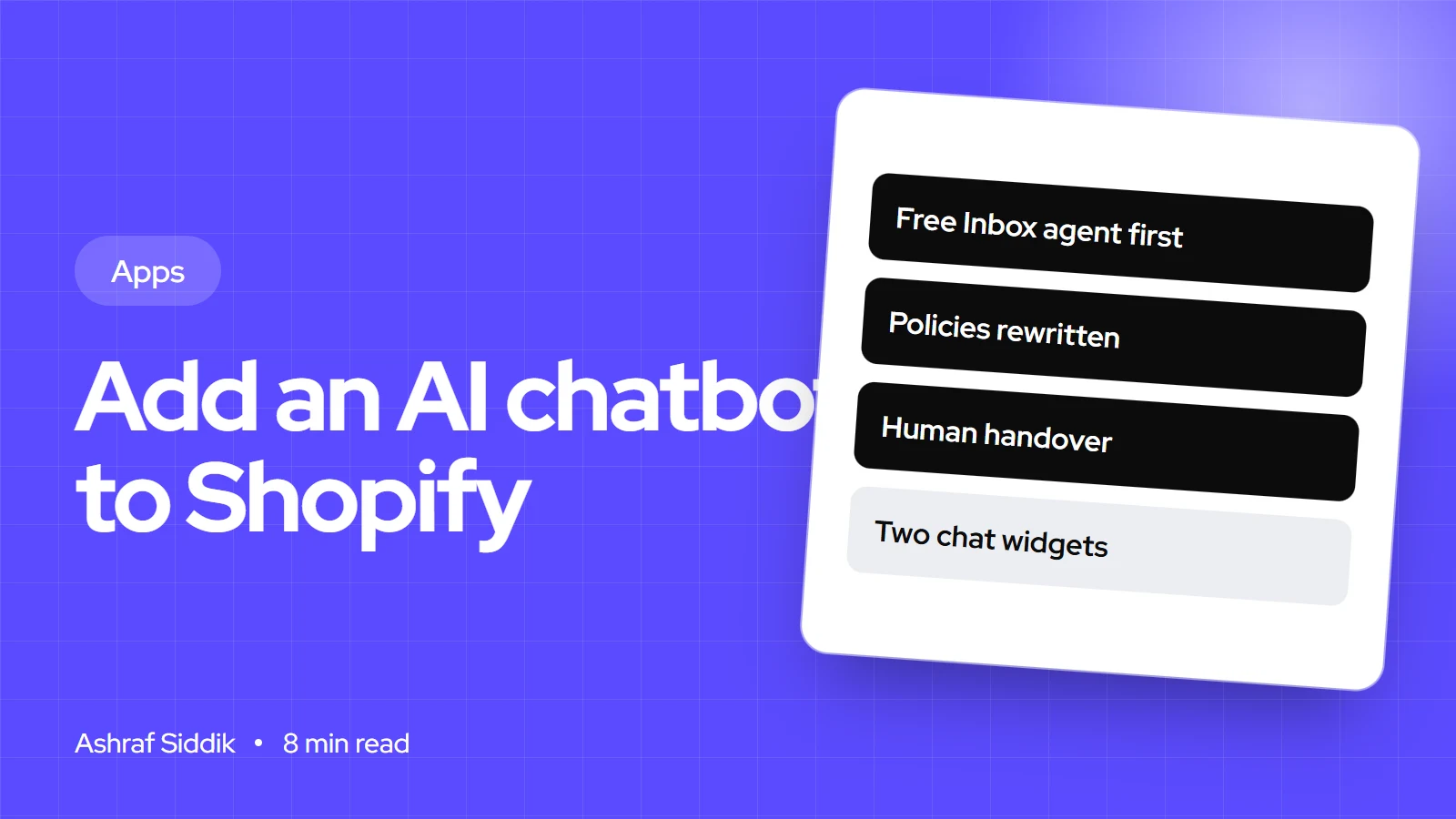
- Shopify Inbox is free and includes an Inbox agent that answers shoppers from your catalog, policies, pages and Knowledge Base. It needs the Basic plan or higher and new customer accounts.
- Third-party chatbot apps add things like ticketing, social channels and order actions. Their prices are mostly metered by conversations, AI replies or visitors.
- A chatbot is only as good as the content it reads. Fix your policies, product descriptions and FAQs before you switch it on.
- A custom chatbot makes sense when answers depend on systems Shopify doesn't hold, such as a 3PL, an ERP or trade pricing.
- Who it is for
- Store owners answering the same questions daily
- Time needed
- About 2 hours to set up and test
- What you need
- Admin access and up-to-date policies
Two years ago, adding an AI chatbot to a Shopify store meant choosing between a dozen apps with very different pricing. That has changed. Shopify's own Inbox app now includes an AI agent that answers shopper questions and recommends products, for free. For a lot of stores that's enough, and a paid app only earns its place when you need more channels, a helpdesk or actions the free agent can't take.
I set up chat and automation for Shopify stores, from the free Inbox agent to custom assistants connected to a client's own systems. This guide follows the order I use: start with the free option, prepare the content it reads, then decide whether an app or a build is worth paying for. App prices and Shopify's requirements were checked on 7 November 2026.
Three ways to add a chatbot to Shopify
| Route | Cost | Best for |
|---|---|---|
| Shopify Inbox agent | Free | Product and policy questions on your store |
| Chatbot app | Free tiers, then metered plans | Several channels, ticketing, order actions |
| Custom build | Fixed project price | Answers that need your own systems |
The free route is the right starting point for most stores, because it shows you what shoppers actually ask. After a month of real conversations, you'll know whether the gaps are about content, channels or data, and each one points to a different fix.
How to set up the free Shopify Inbox agent
Shopify Inbox is free in the App Store. Its listing describes an AI sales associate that answers shopper questions and helps them find products, connected to your catalog, inventory and policies. Shopify's requirements, as listed in its Help Center: the store must be on the Basic, Grow, Advanced or Plus plan, have an active online store and use new customer accounts. Legacy customer accounts aren't supported, so check that first under Settings > Customer accounts. My guide to setting up customer accounts covers the switch.
- Install Shopify Inbox. Add it from the Shopify App Store.
- Turn on the agent. In your admin, go to
Sales channels > Inbox. In the Inbox agent section, turn the agent on. - Choose when it answers. Pick All conversations, Only when your staff is unavailable or Never. I start most stores on "only when staff is unavailable" for the first two weeks, then review the transcripts before widening it.
- Turn on the chat widget. Go to
Online Store, click Edit theme, select App embeds, then Online store chat. Turn it on and click Save. - Style it. In the same embed, set colors, the Button or Message bar style (the message bar needs the agent on), the greeting and whether to show up to 3 featured products.
- Test it. Ask it ten real questions from your inbox history, on a phone, and note every wrong or vague answer.
When a shopper asks for a person, the agent hands over to your staff if they're available, and Shopify says the conversation's context carries over. If nobody is available, it shares your sender email address. The agent reads your product catalog, store policies, pages and Knowledge Base, and can cite web search results as a secondary source for product-adjacent questions.
Shopify chatbot apps compared
If you need more than the free agent, these are the apps I see most often. Prices are from each app's Shopify App Store listing on 7 November 2026, monthly billing:
| App | Free tier | First paid AI plan | Metered by |
|---|---|---|---|
| Shopify Inbox | Free | – | – |
| Tidio | Yes, live chat | Lyro AI Chatbot, $39 a month | Lyro conversations (200) |
| Zipchat | 120 AI replies | Starter, $80 a month | AI replies (750) |
| Rep AI | 100 visitors | Starter, $104 a month | Visitors (up to 10K) |
| Gorgias | – | Starter helpdesk, $10 a month | Tickets; AI agent is an add-on |
Read the metering carefully. A plan priced by conversations gets expensive in a sale week, and a plan priced by visitors charges you for traffic that never opens the chat. Gorgias is a helpdesk first, with an AI agent add-on whose price its listing doesn't show, so it suits stores that already handle a lot of email tickets. Before you install anything, check what your store already runs with the Shopify app detector. Two chat widgets on one page is a mistake I find surprisingly often.
How to choose the best Shopify chatbot for your store
Which kind of chatbot fits
- Low volume, product questionsShopify Inbox agentFree, reads your catalog and policies, hands over to staff.
- Low volume, many channelsChat app with social inboxesOne place for site chat, Instagram, Messenger or WhatsApp.
- High volume, support ticketsHelpdesk with AI agentTicket routing, macros and reporting for a support team.
- Answers need your own dataCustom assistantConnects to a 3PL, ERP or trade price list.
Four questions settle most decisions:
- What do shoppers ask? Export a month of emails and chats. If most questions are about sizing, shipping times and returns, the free agent can answer them once your content is right.
- Where do they ask? If half your messages come through Instagram, a multi-channel app saves your team time.
- Who answers today? A team of three support agents needs ticketing. A founder answering at night needs good out-of-hours answers.
- Does an answer need data Shopify doesn't have? "Where's my order" with a 3PL's tracking, or stock at a supplier, needs an integration.
Prepare the content your chatbot will read
Every AI chatbot answers from what it can read. When a client's bot gives a wrong answer, the cause is nearly always the source content, not the AI. Before you switch one on:
- Rewrite your policies. Go to
Settings > Policiesand make the refund, shipping and contact policies specific: days, costs, countries, exceptions. Vague policies produce vague answers. - Add a shipping and returns page in plain sentences. "Orders to the US arrive in 3 to 5 business days" is easy for a bot to quote. A table image isn't readable at all.
- Fill product data. Sizes, materials, care and compatibility belong in the description or in metafields, not only in images.
- Write an FAQ page or Knowledge Base entries for the 20 questions you answer most. Use the shopper's wording as the question.
- Write down what the bot must never do, such as promise delivery dates, give medical advice or offer discounts, and set those rules in the app.
When to build a custom AI chatbot
A custom assistant is worth it when the answers live outside Shopify. Typical cases I see: order tracking from a 3PL that doesn't sync detailed events back to Shopify, trade customers who need their own price list and stock, product finders that depend on technical compatibility data, and stores that want the bot to create a return or a support ticket in another system.
The usual build has three parts. The chat window is an app embed block in a theme app extension, so it installs without editing theme code and disappears cleanly if the app is removed. A small backend sends the conversation to a language model with your rules and gives it tools: product search through Shopify's APIs, order lookup after the shopper verifies their email, and calls to your other systems. Logs and a review screen let your team see what it said.
One thing has moved recently. Shopify's developer docs say the catalog and cart tools of its Storefront MCP server have been removed, and point merchants who want AI chat without code to the Inbox agent, and developers to the Universal Commerce Protocol. If a guide or agency proposal is built around Storefront MCP, ask how it handles that change.
My AI and automation service starts from $600, and the AI automation cost guide explains what moves the price up or down.
How to measure whether it's working
- Read transcripts weekly. For the first month, read 20 conversations a week. Every wrong answer is a content fix or a new rule.
- Track handover rate. How many conversations end with "talk to a person"? If it stays high, the bot isn't answering the real questions.
- Use the built-in analytics. The Inbox listing includes orders assisted and buyer satisfaction. Paid apps have their own reports.
- Watch support email volume. A good chatbot should reduce "where is my order" and sizing emails within a few weeks.
- Check page speed. Chat widgets load scripts on every page. Compare a product page before and after with the Shopify speed checker.
Common chatbot mistakes
- Switching it on before fixing policies. The bot repeats whatever your policy pages say, including the gaps.
- Running two chat widgets. An old live chat app plus a new bot means two buttons and double scripts.
- No human handover. Shoppers with a complaint should reach a person quickly.
- Letting it offer discounts. Unless you set rules, some bots will promise things you don't honor.
- Choosing on price alone. A cheap plan metered by conversations can cost more in your busiest month than a flat plan.
- Never reading transcripts. The transcripts are the most useful customer research you'll get.
Shopify chatbot checklist
| Step | Check | Done when |
|---|---|---|
| Accounts | New customer accounts on | Inbox agent can be enabled |
| Content | Policies, FAQ, product data | Specific and in plain text |
| Rules | What the bot must never do | Set in the app |
| Widget | One chat embed only | Old widgets removed |
| Handover | Staff hours and fallback email | Tested out of hours |
| Testing | 20-question test set | Run on a phone |
| Review | Weekly transcript reading | Booked for the first month |
Next steps
Install Shopify Inbox, fix your policies and FAQ, and run the free agent out of hours for two weeks. Read every conversation. If the answers are good and the questions stay on product and policy, you may never need a paid app.
If the transcripts show questions only your own systems can answer, or you need the bot to take actions such as creating returns, that's the point to look at an integration. Send me a few real transcripts and I'll tell you which route fits.
Free tools
Check your own store
Free, no sign-up. Each one runs a part of this guide for you.
Frequently asked questions
Does Shopify have a free chatbot?
Yes. Shopify Inbox is free and includes an Inbox agent that answers shopper questions from your catalog, policies, pages and Knowledge Base. It needs the Basic plan or higher, an active online store and new customer accounts.
How do I add a chatbot to my Shopify store?
Install a chat app such as Shopify Inbox, turn on its agent, then enable its app embed in the theme editor under Online Store > Edit theme > App embeds. Test it with real questions before letting it answer all conversations.
What is the best Shopify chatbot app?
It depends on volume and channels. The free Shopify Inbox agent suits most small stores, multi-channel apps like Tidio or Zipchat suit stores with heavy social messaging, and a helpdesk such as Gorgias suits teams handling many tickets.
How much does a Shopify chatbot cost?
Shopify Inbox is free. On 7 November 2026, paid AI plans started at $39 a month for Tidio's Lyro plan, $80 for Zipchat Starter and $104 for Rep AI Starter, each metered by conversations, AI replies or visitors.
Can a Shopify chatbot track orders?
Many chatbot apps include order status answers. If tracking lives in a 3PL or another system that doesn't sync detailed events to Shopify, a custom integration is needed to answer accurately.
Will a chatbot slow down my Shopify store?
Chat widgets load scripts on your pages, so they can add some weight. Use only one chat widget, remove old ones fully, and compare page speed before and after installing.
Sources
- Shopify Inbox, Shopify App Store
- Assigning your AI staff member, Shopify Help Center
- Online store chat settings, Shopify Help Center
- Storefront MCP, Shopify.dev
- Tidio: AI Chatbot and Live Chat, Shopify App Store
- Zipchat AI Chatbot and Live Chat, Shopify App Store
Related services and work

I'm a Shopify developer and CRO specialist. I have built and improved Shopify stores since 2018, completed more than 1,000 projects, and hold a 4.96 average rating across 719 client reviews.
More guides
-
How to Add a WhatsApp Chat Button to Shopify
A free wa.me link added to your menu or theme does the job without an app. Here is the exact format, the steps, and when an app is worth it.
-
Should I Add a Pop-Up to My Shopify Store?
One well-timed pop-up with a real offer is worth adding. Here is when it helps, what Google says, and which free tools to use.
-
What Are Shopify Metafields? How to Add Custom Product Data
Metafields let you add your own fields to Shopify products, customers and orders. Here is how they work, how to add one in the admin, and how to show it on your store.
-
Shopify Checkout Extensibility Explained
Checkout extensibility is the name for the tools that replaced checkout.liquid, additional scripts and Shopify Scripts. Here is what each part does, which plan it needs, and how to move tracking such as Google Tag Manager across.