Shopify glossaryGlossary3 min read
What Is Churn Rate? How Shopify Subscription Brands Measure and Reduce It
Churn rate is the share of customers you lose over a period. Here is how to calculate it, how it works for Shopify subscriptions, and how to bring it down.
Key takeaways
- Churn rate is the percentage of customers who stop buying or cancel during a period, measured against the customers you had at the start.
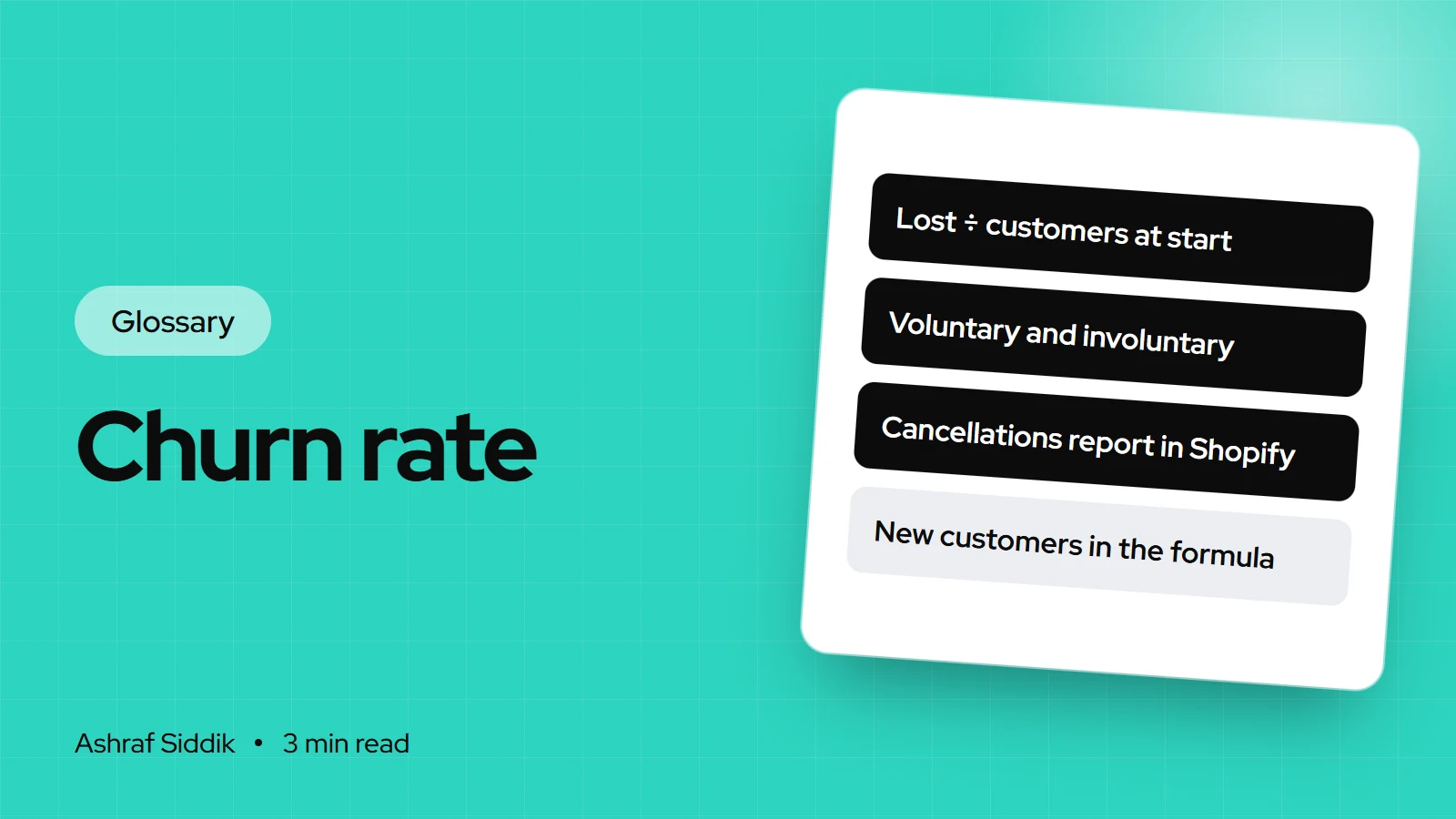
- The basic formula is customers lost ÷ customers at the start of the period × 100. New customers gained during the period are kept out of it.
- Shopify Subscriptions gives you Active subscriptions over time and Canceled subscriptions over time reports, but no ready-made churn percentage.
- Some subscription churn is involuntary, caused by failed payments, and that part is fixable with payment retry settings.
- Who it is for
- Subscription and repeat-purchase brands
- Time needed
- 3 minutes to read
- What you need
- Your subscription reports
Churn rate is the percentage of your customers who stop buying from you, or cancel their subscription, during a set period. If you start the month with 400 subscribers and 24 of them cancel, your monthly churn rate is 6%.
For subscription brands it's the number that decides whether growth sticks. You can win 100 new subscribers a month and still shrink if you lose 120. The formulas and Shopify report names below were checked on 7 November 2026.
How to calculate churn rate
The simplest version:
Churn rate = customers lost during the period ÷ customers at the start of the period × 100
Shopify's churn guide writes the same idea using counts you can read straight from your reports:
(Customers at start − customers at end + new customers in the period) ÷ customers at start
Its example: 100 customers on October 1, 105 on October 31 and 10 new customers during the month. That gives (100 − 105 + 10) ÷ 100 = 5% churn. The new customers are added back so they don't hide the ones you lost.
A worked subscription example
A coffee subscription on Shopify over one month. The figures are illustrative.
| Measure | Count | Note |
|---|---|---|
| Active at start | 400 | Subscribers on day 1 |
| New this month | 60 | From the site and email |
| Canceled by choice | 14 | Voluntary churn |
| Lost to failed payment | 10 | Involuntary churn |
| Active at end | 436 | 400 + 60 − 24 |
The same month in three numbers (illustrative)
- Total churn6%24 lost ÷ 400 at the start.
- Voluntary3.5%14 who chose to cancel.
- Involuntary2.5%10 lost to failed cards.
For reference, Shopify's 2022 churn guide cites Recurly research putting average monthly churn for subscription businesses at about 5%. Treat that as a loose reference point, not a target, since it isn't specific to your category.
Where to find churn data in Shopify
- Subscriptions. If you sell through the Shopify Subscriptions app, go to
Analytics > Reportsand open Active subscriptions over time and Canceled subscriptions over time. Divide cancellations in a period by active subscriptions at its start. - Watch paused contracts. Shopify counts paused contracts and skipped orders as active, so your churn can look lower than the number of people actually receiving orders.
- One-off purchase stores. Use Customer cohort analysis under the Customers category. It groups customers by first-order month and shows how many come back, which is churn seen from the other side.
Shopify's guide suggests one practical rule for non-subscription stores: treat a customer as churned if they haven't reordered within twice your usual repeat-purchase window.
How to reduce churn
- Fix failed payments first. In Shopify Subscriptions you can set how many times a failed payment is retried, the days between attempts, and what happens after the last try.
- Offer pause and skip. A subscriber who has too much coffee will often pause rather than cancel if the option is easy to find.
- Make frequency changes easy. Many cancellations are really "wrong delivery schedule".
- Ask why. A one-question cancellation survey shows whether price, product or delivery is the problem.
My guide to setting up Shopify subscriptions covers these settings, and the one on increasing repeat purchases covers non-subscription stores.
Common mistakes
- Dividing by end-of-period customers. New sign-ups inflate the denominator and hide losses.
- Mixing periods. Monthly and annual churn aren't interchangeable. Always state which you mean.
- Ignoring involuntary churn. Customers who didn't mean to leave are the easiest ones to keep.
Related terms
- Retention rate: the share of customers you keep, roughly 100% minus churn.
- LTV:CAC ratio: churn shortens customer lifetime, which lowers lifetime value.
- Customer acquisition cost: high churn means you pay CAC again to replace lost customers.
What to do next
- Calculate last month's churn from your subscription reports, split into voluntary and involuntary.
- Review your payment retry settings in Shopify Subscriptions.
- Check the cancel flow as a customer would, and make pause and skip easy to find.
Free tools
Check your own store
Free, no sign-up. Each one runs a part of this guide for you.
Frequently asked questions
What is churn rate in simple terms?
Churn rate is the percentage of customers who stop buying or cancel during a period. Losing 24 of 400 subscribers in a month is a 6% monthly churn rate.
How do you calculate churn rate?
Divide the customers you lost during the period by the customers you had at the start, then multiply by 100. Leave out customers who joined during the period.
What is subscription churn rate?
It is the share of active subscriptions canceled in a period. It includes voluntary cancellations and involuntary ones caused by failed payments.
Does Shopify show churn rate?
Not as a ready-made percentage. With the Shopify Subscriptions app you get Active subscriptions over time and Canceled subscriptions over time, and you divide one by the other.
What is a good churn rate for a subscription store?
Lower is better, and it varies by product. Shopify's 2022 guide cites Recurly research putting average monthly subscription churn at about 5%, which is a rough reference rather than a target.
Sources
- Churn Rate in Ecommerce: Calculate and Reduce It, Shopify
- Sales reports (subscription reports), Shopify Help Center
- Customers reports, Shopify Help Center
Related services and work

I'm a Shopify developer and CRO specialist. I have built and improved Shopify stores since 2018, completed more than 1,000 projects, and hold a 4.96 average rating across 719 client reviews.
More guides
-
What Is Conversion Rate (and What's a Good One)?
Conversion rate is the share of store visits that end in a purchase. Here is how Shopify calculates it, what the averages look like and how to read your own number.
-
What Is Contribution Margin? The Profit Metric Shopify Brands Should Track
Contribution margin shows what each order really leaves you after every cost that grows with sales. Here is the formula, the ratio and a worked Shopify example.
-
What Is Average Order Value (AOV)? How to Calculate and Raise It on Shopify
Average order value is what a typical order is worth. Here is the formula Shopify uses, where to find it in your reports, and the changes that raise it without hurting conversion.
-
What Is the LTV:CAC Ratio (and What's a Good One)?
The LTV:CAC ratio compares what a customer is worth with what it cost to win them. Here is the formula, a worked example and how to read the result for a Shopify store.