Shopify questionAnswer4 min read
How to Add a Wishlist to Your Shopify Store
Shopify doesn't include a wishlist, so you add one with an app. Here is how setup works, how two popular apps compare, and how to turn saved items into sales.
Key takeaways
- Shopify has no built-in wishlist, and Dawn's feature list doesn't include one. You add it with a wishlist app from the Shopify App Store.
- Swym Wishlist Plus starts at $29.99 a month and Swish starts at $19 a month, both with 30-day free trials, as listed on 7 November 2026.
- Choose an app with guest wishlists, so shoppers can save items without creating an account first.
- The value is in the follow-up: price-drop and back-in-stock alerts turn saved items into orders.
- Who it is for
- Stores with browsing shoppers
- Time needed
- 4 minutes to read
- What you need
- A wishlist app trial
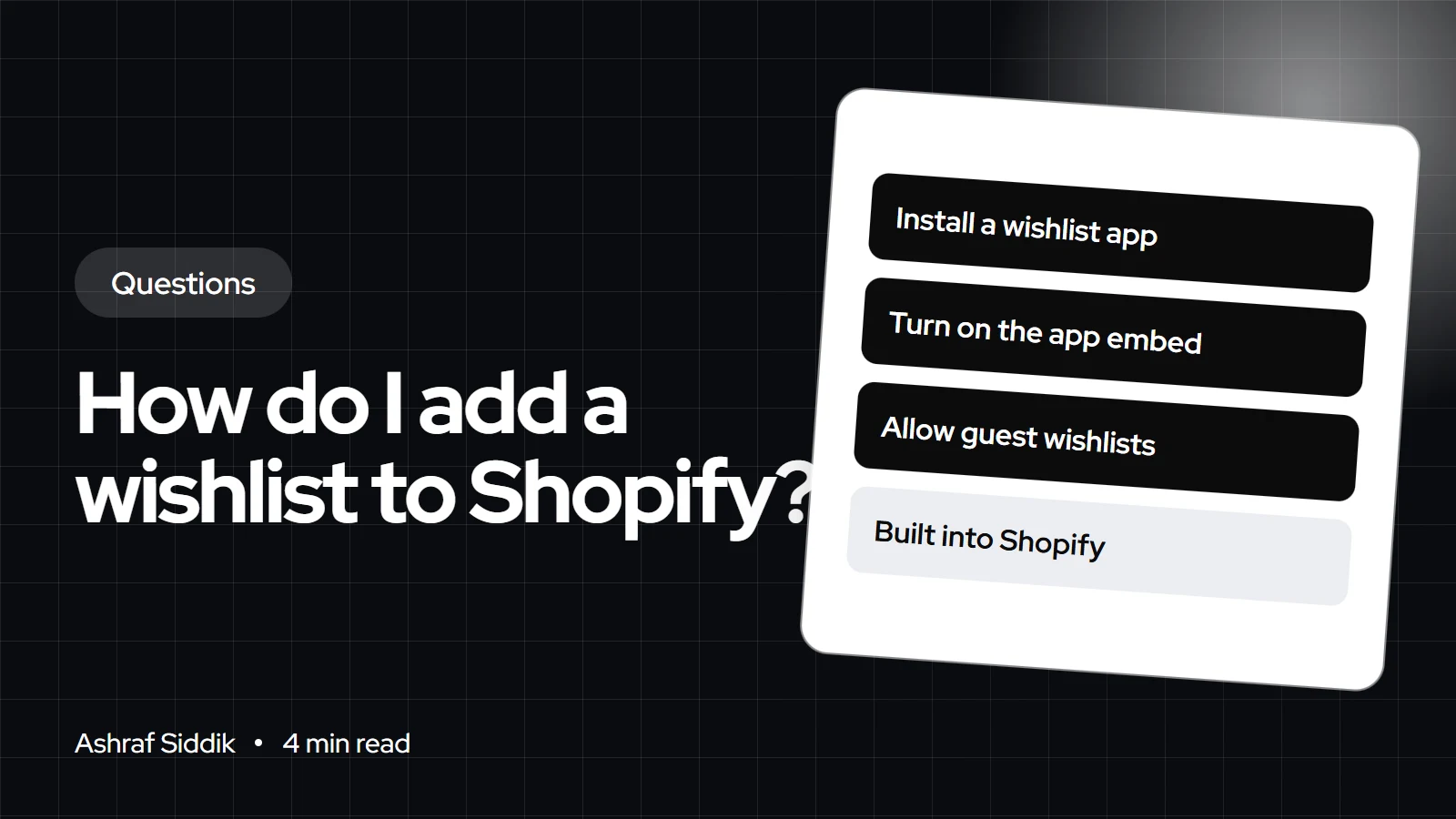
To add a wishlist to Shopify, install a wishlist app from the Shopify App Store, turn on its app embed in the theme editor, and place the heart button on your product pages and collection cards. Shopify doesn't have a native wishlist, so an app is the standard route, and setup takes under an hour for most themes. Pick one that supports guest wishlists and sends alerts when saved items drop in price or come back in stock.
I add wishlists to stores where shoppers browse a lot before they buy: fashion, furniture, jewelry and gifts. App prices and features below come from the Shopify App Store, checked on 7 November 2026.
When a wishlist is worth adding
A wishlist earns its place when shoppers compare and come back. That means larger catalogs, higher prices, gift buying and products that sell out and restock. On a store with ten products and impulse prices, a wishlist mostly adds another app to load, and a clear Add to cart button does more.
Two popular wishlist apps compared
| App | Starts at | Rating | Worth noting |
|---|---|---|---|
| Swym Wishlist Plus | $29.99 a month | 4.7 (1,477 reviews) | Guest lists, sharing, price and stock alerts |
| Swish Wishlist & Accounts | $19 a month | 5.0 (290 reviews) | Built for Shopify, Klaviyo integration |
Both offer a 30-day free trial. Swish's starter plan includes 10,000 website sessions a month with usage charges after that, so check how your traffic fits before you commit. Neither listing shows a free plan.
How to set up a wishlist
- Install the app. Approve its access, then follow its setup screen to choose the button style and icon.
- Turn on the app embed. Go to
Online Store > Themes > Customize, openApp embedsand switch the wishlist on. Save. - Place the buttons. Add the app block next to the Add to cart button on the product template, and turn on the heart icon for collection cards if the app supports it.
- Add a wishlist link. Put a heart icon in the header or a link in your main menu under
Content > Menus, pointing to the app's wishlist page. - Connect your email tool. Send saved-item events to Klaviyo or Shopify Messaging so you can build price-drop and back-in-stock flows.
- Test as a guest and a customer. Save items while logged out, then sign in and check the list carries over.
Features that matter
- Guest wishlists: most shoppers won't create an account just to save a product. Swym lists anonymous wishlists as a feature.
- Account sync: when a guest signs in, their list should follow them. New Shopify customer accounts sign in with a one-time code rather than a password, which makes that step easier.
- Alerts: price-drop, low-stock and back-in-stock messages are where wishlists pay off.
- Sharing: share links help gift buyers and wedding or baby lists.
- Clean loading: an app that runs through an app embed is easier to switch off and leaves less code behind.
When a custom wishlist makes sense
A custom build suits stores with special needs: B2B quote lists, saved room designs, or a wishlist tied to a loyalty program. It removes the monthly fee but costs more up front, so it only pays off when an app can't do the job. My custom app development starts from $800, and I'll tell you honestly if an app from the store is enough.
What to do next
- Start a free trial with one app and run it for a month. Watch how many shoppers save items and how many of those come back.
- Build the follow-up emails. My guide to email flows every Shopify store needs covers price-drop and back-in-stock flows.
- Check your accounts setup. Setting up customer accounts on Shopify explains the new sign-in options.
- Keep your app list lean. See what apps a Shopify store really uses before adding more.
Free tools
Check your own store
Free, no sign-up. Each one runs a part of this guide for you.
Frequently asked questions
Does Shopify have a built-in wishlist?
No. Shopify doesn't include a wishlist feature, and Dawn's feature list doesn't include one. You add a wishlist with an app from the Shopify App Store or with a custom build.
What is the best Shopify wishlist app?
It depends on your traffic and email setup. Swym Wishlist Plus rates 4.7 from 1,477 reviews and starts at $29.99 a month. Swish rates 5.0 from 290 reviews, has the Built for Shopify badge and starts at $19 a month. Both have 30-day trials.
Can guests use a wishlist without an account?
With the right app, yes. Swym lists anonymous wishlists, and Swish offers guest wishlists. The list should then carry over when the shopper signs in.
How do I add a wishlist page to my Shopify menu?
Most wishlist apps create a wishlist page. Add a link to it under Content > Menus in your main menu, or turn on the app's header heart icon in the theme editor.
Do wishlists slow down a Shopify store?
Any app adds some code. Apps that load through an app embed are the easiest to control. Check your speed before and after installing, and remove the app cleanly if you stop using it.
Can I send emails about wishlist items?
Yes, if the app connects to your email tool and the shopper has agreed to marketing. Price-drop and back-in-stock emails are the most useful ones to send.
Sources
- Swym Wishlist Plus, Shopify App Store
- Swish Wishlist & Accounts, Shopify App Store
- Dawn theme features, Shopify Theme Store
- Customer accounts, Shopify Help Center
Related services and work

I'm a Shopify developer and CRO specialist. I have built and improved Shopify stores since 2018, completed more than 1,000 projects, and hold a 4.96 average rating across 719 client reviews.
More guides
-
How Do I Add a Countdown Timer to Shopify?
Shopify has no built-in countdown timer, so you add one through your theme, an app or a small custom section. Here is how each route works and how to keep the timer honest.
-
How Do I Add a Mega Menu to Shopify?
A Shopify mega menu is a nested menu that your theme shows as a wide panel. Here is how to build the menu, switch it on in your theme, and when an app is worth it.
-
How Do I Add a Size Guide to Shopify?
Most free Shopify themes can show a size chart pop-up on product pages with no app at all. It takes a page, a metafield and one block in the theme editor.
-
What Does a High-Risk Order Warning Mean on Shopify?
A high-risk warning means Shopify's fraud analysis thinks the order has a high chance of a fraud chargeback. Here is how to read it and what to do before you ship.