CompareCompare9 min read
Shopify Payments vs Mollie for European Shopify Stores
Mollie's rates look lower, but every Mollie order also pays Shopify's third-party fee. Here is when that fee makes Shopify Payments cheaper, and when Mollie still comes out ahead for a Dutch or Belgian store.

Key takeaways
- Mollie's own rates are lower than Shopify Payments Basic on iDEAL, Bancontact and EEA consumer cards, but every Mollie order also pays Shopify's third-party fee: 2% on Basic, 1% on Grow, 0.6% on Advanced.
- On the Basic plan, that 2% fee wipes out Mollie's saving for most stores. On Grow or Advanced, an iDEAL-heavy store with larger orders can pay less in fees with Mollie.
- Shopify Payments offers iDEAL and Bancontact itself, with one payout, one dashboard and Shop Pay at the lowest rates.
- Mollie adds payment methods Shopify Payments didn't list for Dutch shoppers, such as in3, Riverty and Billie, and charges a flat €0.32 per domestic iDEAL payment.
- Who it is for
- Dutch, Belgian and EU Shopify store owners
- Time needed
- 20 minutes to compare, an afternoon to switch
- What you need
- Last month's orders split by payment method
Dutch and Belgian store owners often assume Mollie is the cheaper way to take payments: it's Amsterdam-based, well known in the Benelux, and its fees look lower at first glance. Shopify Payments now handles iDEAL and Bancontact on its own, though, and Shopify adds a fee when you use another provider. In this Shopify Payments vs Mollie comparison I show the math both ways, because the cheaper option depends on your plan and order mix.
Mollie's rates come from its pricing page. Shopify's rates for eurozone stores come from Shopify's Irish pricing page, which lists card and local payment rates per plan, because the Dutch pricing page didn't show them when I checked. Everything was checked on 7 November 2026. A Dutch store should confirm its own rates in Settings > Payments, since Shopify sets rates per country.
The short answer
| Your situation | Better fit | Why |
|---|---|---|
| You're on the Basic plan | Shopify Payments | The 2% third-party fee usually cancels out Mollie's lower rates |
| On Grow or Advanced, mostly iDEAL, average order above about €75 | Mollie can be cheaper | Mollie's flat iDEAL fee beats a percentage on larger orders |
| You want one payout, one dashboard and Shop Pay | Shopify Payments | Cards, iDEAL, Bancontact and express buttons in one place |
| You need in3, Riverty, Billie or another method Shopify doesn't offer | Mollie, for that method | Mollie's Shopify apps cover a longer list of European methods |
| Shopify Payments isn't available for your business | Mollie | You pay the third-party fee anyway, so Mollie's lower rates count in full |
Shopify Payments vs Mollie rates
Mollie charges per successful transaction, with no monthly fee on its pay-as-you-go plan. Shopify Payments rates fall as your Shopify plan goes up.
| Payment method | Mollie | Shopify Payments Basic | Grow | Advanced |
|---|---|---|---|---|
| iDEAL | Wero, Dutch shopper | €0.32 | 2.2% + €0.25 | 1.9% + €0.25 | 1.6% + €0.25 |
| Bancontact | 1.40% + €0.25 | 2.2% + €0.25 | 1.9% + €0.25 | 1.6% + €0.25 |
| Cards, EEA consumer | 1.80% + €0.25 | 2% + €0.25 | 1.7% + €0.25 | 1.5% + €0.25 |
| Klarna, Dutch or Belgian shopper | 2.99% + €0.45 | 4.99% + €0.35 | 4.99% + €0.35 | 4.99% + €0.35 |
| Shopify third-party fee on top | 2%, 1% or 0.6% by plan | None | None | None |
A few more Mollie rates matter for Dutch stores: EEA commercial cards and American Express cost 2.90% + €0.25, non-EEA cards 3.25% + €0.25, iDEAL from a Belgian bank €0.39, and SEPA bank transfer €0.25. PayPal through Mollie costs PayPal's own fee plus €0.10, so connect PayPal directly to Shopify instead. Mollie's page also lists up to five free payouts a month and €0.25 for each extra one, for businesses processing under €500,000 a year.
Shopify's plans themselves are shown with the same prices on the Dutch site: Basic $25 a month or $19 billed yearly, Grow $65 or $49, Advanced $399 or $299.
The third-party fee decides it: a worked example
Shopify charges a third-party transaction fee on every order paid through a provider other than Shopify Payments. Mollie is a third-party provider, so the fee applies to every Mollie payment, on top of Mollie's own rate.
Monthly payment fees for a Dutch store selling €20,000 from 400 orders
- Shopify Payments, Basic€528€324 iDEAL, €150 cards, €54 Bancontact.
- Mollie on Basic€653€253 Mollie fees plus €400 Shopify fee at 2%.
- Shopify Payments, Grow€468€288 iDEAL, €132 cards, €48 Bancontact.
- Mollie on Grow€453€253 Mollie fees plus €200 Shopify fee at 1%.
On Basic, Mollie costs this store €125 a month more, because the 2% fee (€400) is bigger than everything Mollie saves. On Grow, Mollie comes out €15 a month cheaper. On Advanced, the gap widens: about €414 with Shopify Payments against €373 with Mollie and its 0.6% fee.
Order size moves the result too, because Mollie's iDEAL fee is flat. On a €150 iDEAL order, Shopify Payments Grow charges about €3.10. Mollie charges €0.32 plus a €1.50 third-party fee, about €1.82. On a €25 order, the gap almost disappears. The decision rule I use: on Basic, stay with Shopify Payments. On Grow or above, if most orders are iDEAL and your average order is well above €50, run your own split through this calculation before you decide.
How Mollie works on Shopify
Mollie connects through payment apps from the Shopify App Store. It recommends installing one app per payment method, such as iDEAL, Bancontact or Credit cards, so each shows separately at checkout. There is also a single Payments app with all methods. The setup:
- Create a Mollie account and activate the methods you want in the Mollie web app first.
- Install the app for each method from the Shopify App Store. You need the owner role in both Shopify and Mollie.
- Connect via Mollie, choose your Mollie website profile and activate the method.
Some details matter once you are live:
- Payments settle automatically. Mollie's methods always capture straight away, even if your Shopify store is set to manual capture. If you take pre-orders or check stock before charging, plan for that.
- Klarna through Mollie works differently. Shopify doesn't share complete order details with Mollie, so Mollie may add a fee or discount line in the Klarna order view to make totals match. Klarna capture follows your Shopify capture settings.
- Conflicts with Shopify's own methods. Shopify asks you to deactivate conflicting payment gateways before you activate its iDEAL or Bancontact, so you choose one provider per method.
How Shopify Payments handles iDEAL and Bancontact
With Shopify Payments active, iDEAL | Wero connects automatically for an eligible store. Its rules:
- iDEAL | Wero shows only when the shopper has a Dutch address and checks out in the local currency. Your store must accept the local currency and have the Netherlands set up as an active market.
- Bancontact shows only to shoppers in Belgium paying in the local currency. It needs Shopify Payments to be live, not in test mode, and it isn't available on Shopify POS.
- Refunds on iDEAL are possible within 180 days, and Shopify doesn't return its processing fee when you refund.
- Payouts arrive with the rest of your Shopify Payments money. Shopify lists a minimum settlement time of 3 business days in the Netherlands and Belgium.
The quieter benefit is Shop Pay, Apple Pay and Google Pay on the same account, and one place for refunds, disputes and payouts. For a small team, that saves real admin time every week.
Using both at once
You can run Shopify Payments with one direct third-party card provider at the same time. Shopify's help center sets out how that works: cards go to the third-party provider first, with Shopify Payments as a backup for failed card payments. Shop Pay, local payment methods and wallets the other provider doesn't offer go through Shopify Payments, at the standard rate plus a 1.25% premium.
That premium matters if you were planning to use Mollie for cards and keep Shopify's iDEAL, since your iDEAL orders would then cost 1.25% more. A cleaner split, if you need Mollie at all, is Shopify Payments for cards, wallets and iDEAL, and a Mollie app only for a method Shopify doesn't offer, such as in3 or Billie. Those Mollie orders pay the third-party fee, but the rest of your orders don't. Check how each app appears under Settings > Payments before you go live.
Selling across Europe and beyond
- Netherlands: iDEAL is the method to get right. Both providers offer it. Mollie also offers in3 and Riverty for pay-later at checkout.
- Belgium: Bancontact is expected. Mollie lists KBC/CBC and Belfius buttons as separate apps, which Shopify Payments didn't list.
- Germany, Austria and the Nordics: Klarna matters. Klarna's own documentation says it is switched on by default through Shopify Payments for stores in Austria, Germany and Sweden.
- Poland and Portugal: Mollie has BLIK, Przelewy24, MB Way and Multibanco apps. Shopify Payments supports BLIK, Przelewy24 and MB WAY for some store countries, so check your own list.
- UK and Australia: stores based there can offer Shopify's iDEAL only after processing 100 orders with Shopify Payments.
If you sell across many EU countries, set up each country as a market with local pricing, so local methods appear at checkout.
When to choose which
Choose Shopify Payments when you're on Basic, when most of your orders are by card or Shop Pay, or when you'd rather have one dashboard. Choose Mollie when Shopify Payments isn't available to your business, or when you're on Grow or above, iDEAL-heavy and your numbers show a real saving. Add a single Mollie app when you need a method Shopify doesn't offer.
Signs your setup should change:
- You're on Basic and paying the 2% fee on Mollie orders that Shopify Payments could take.
- You've moved up to Grow or Advanced and haven't re-run the comparison.
- Your average order has grown, which favors Mollie's flat iDEAL fee.
- You need manual capture for pre-orders, which Mollie's methods don't follow.
How to decide in three questions
Shopify Payments or Mollie?
- 1
Is Shopify Payments available for your business?
Yes: next questionNo: Mollie is the natural choice
- 2
Are you on Grow or above, with mostly iDEAL orders and an average order well above €50?
Yes: run the worked example with your numbersNo: Shopify Payments
- 3
Do you need in3, Riverty, Billie or another method Shopify doesn't offer?
Yes: add that one Mollie appNo: keep everything in Shopify Payments
Re-run the sums every time you change plan. The answer flips between Basic and Grow.
Moving from Mollie to Shopify Payments
- Activate Shopify Payments in
Settings > Payments, with your business details, bank account and a published legal notice with your company name, address and contact details, which Shopify requires for iDEAL. - Set up the Netherlands and Belgium as markets with local pricing.
- Deactivate the Mollie iDEAL and Bancontact apps so Shopify's versions can be activated. Keep the Mollie apps installed for now, since deleting them can stop you refunding older Mollie payments.
- Place test orders with each method and refund them.
- Keep your Mollie account open for refunds and chargebacks on older orders.
- Check your next Shopify bill for any remaining third-party fees.
If you'd like a Dutch store's checkout set up properly from the start, see my work as a Shopify developer for the Netherlands. If you also sell outside Europe, my Shopify Payments vs PayPal comparison covers that side.
Free tools
Check your own store
Free, no sign-up. Each one runs a part of this guide for you.
Frequently asked questions
Is Mollie cheaper than Shopify Payments?
Mollie's own rates are lower, for example €0.32 for a Dutch iDEAL payment, when I checked on 7 November 2026. But Shopify adds a third-party fee to every Mollie order: 2% on Basic, 1% on Grow and 0.6% on Advanced. On Basic, Shopify Payments is usually cheaper overall.
Does Shopify Payments support iDEAL?
Yes. iDEAL | Wero shows at checkout for shoppers with a Dutch address paying in the local currency, as long as your store accepts the local currency and has the Netherlands set up as an active market. It connects automatically once Shopify Payments is set up.
Do I pay Shopify's transaction fee if I use Mollie?
Yes. Shopify charges its third-party transaction fee on every payment processed through a provider other than Shopify Payments, and Mollie is a third-party provider. Only Shopify Plus has a fee as low as 0.2%.
Can I use Mollie and Shopify Payments together?
Yes, with care. A common setup is Shopify Payments for cards, wallets and iDEAL, plus one Mollie app for a method Shopify doesn't offer. If you make Mollie your card processor next to Shopify Payments, Shopify charges a 1.25% premium on payments it still processes, such as Shop Pay and local methods.
Does Mollie support manual capture on Shopify?
No. Mollie's documentation says its payment methods always settle automatically, even if your Shopify store is set to manual capture. Klarna through Mollie follows your Shopify capture settings.
Which is better for Belgian shoppers?
Both offer Bancontact. Mollie charged 1.40% + €0.25 against 2.2% + €0.25 on Shopify Payments Basic in the eurozone rates I checked, but the Shopify third-party fee on Mollie orders usually closes that gap on Basic.
Sources
- Mollie pricing, Mollie
- Shopify: set up your checkout, Mollie
- Shopify pricing (Ireland), Shopify
- iDEAL | Wero with Shopify Payments, Shopify Help Center
- Using Shopify Payments with a third-party provider, Shopify Help Center
- Third-party payment providers, Shopify Help Center
Related services and work

I'm a Shopify developer and CRO specialist. I have built and improved Shopify stores since 2018, completed more than 1,000 projects, and hold a 4.96 average rating across 719 client reviews.
More guides
-
Shopify vs Magento (Adobe Commerce) for Growing Brands
Magento is free to download and expensive to run. Here is how it compares with Shopify on real running costs, upgrades and B2B, and when Magento is still the better choice.
-
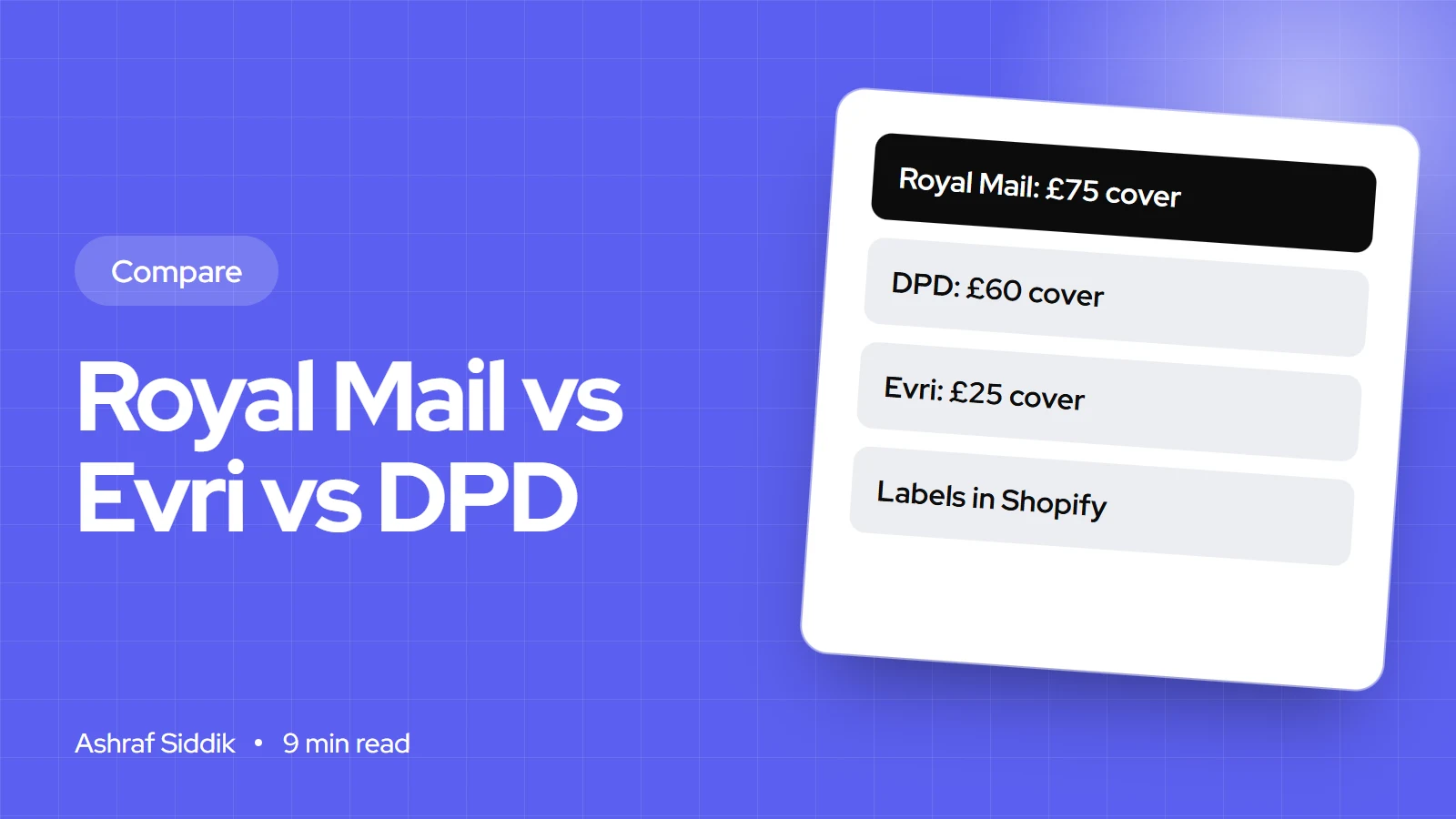
Evri vs Royal Mail vs DPD: Which Carrier for UK Shopify Sellers
All three carriers are available in the Shopify admin for UK stores, but their cover, claim rules and delivery options differ a lot.
-
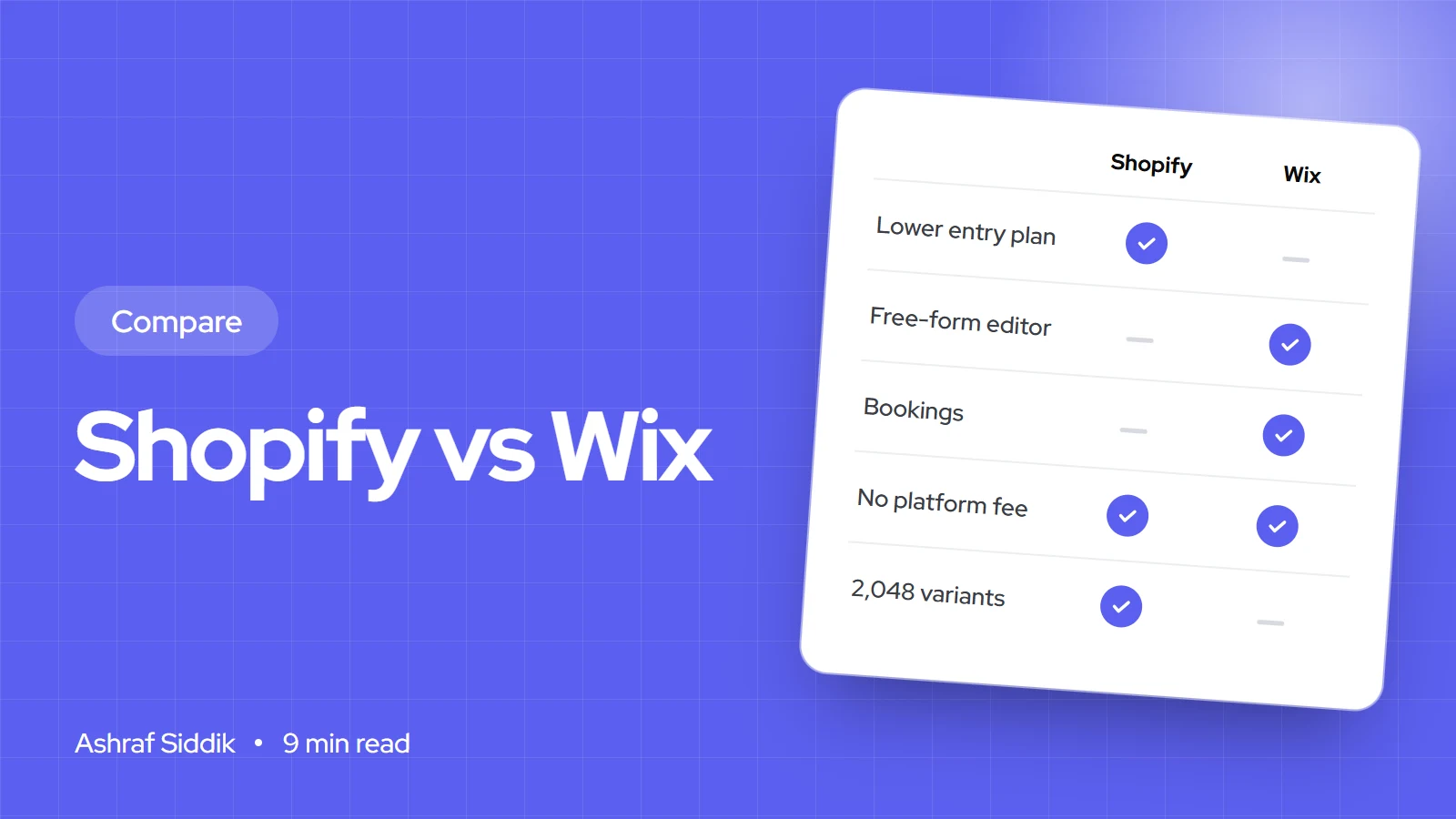
Shopify vs Wix for Selling Online: An Honest Comparison
Wix and Shopify cost almost the same for a small store, so price shouldn't decide it. Here is where each one is stronger, what each really costs, and how to pick.
-
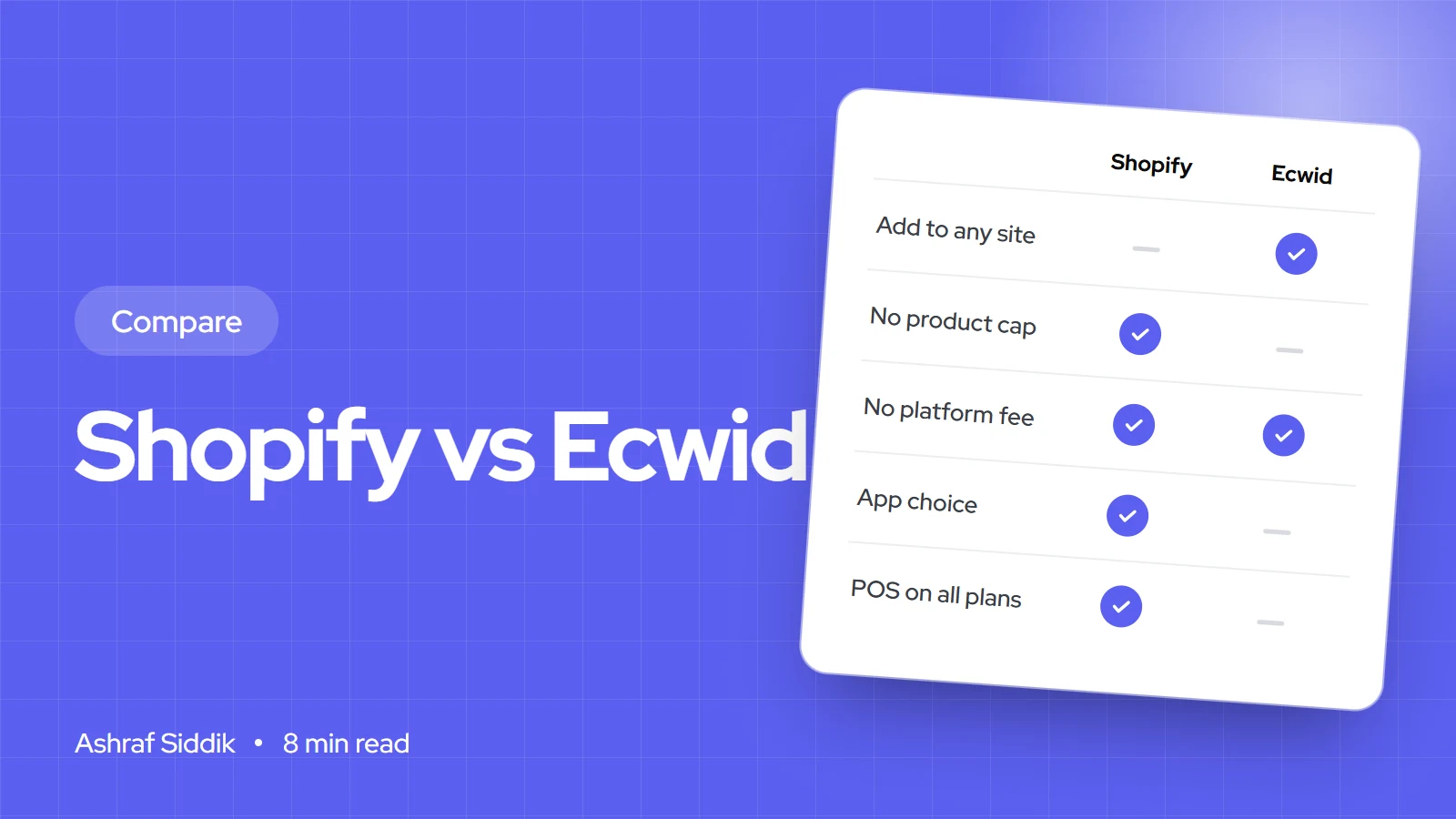
Shopify vs Ecwid: Which Is Right for Your Shop?
Ecwid adds a store to the website you already have. Shopify is the store itself, with far more room to grow.