Shopify guideGuide7 min read
How to Set Up Afterpay on Shopify in Australia
Afterpay connects to Shopify as its own payment app, with its own account and an extra Shopify fee. Here is the full setup for an Australian store and the settings that stop it appearing.
Key takeaways
- Afterpay isn't part of Shopify Payments in Australia. It connects as a separate payment app linked to your Afterpay Business Hub account.
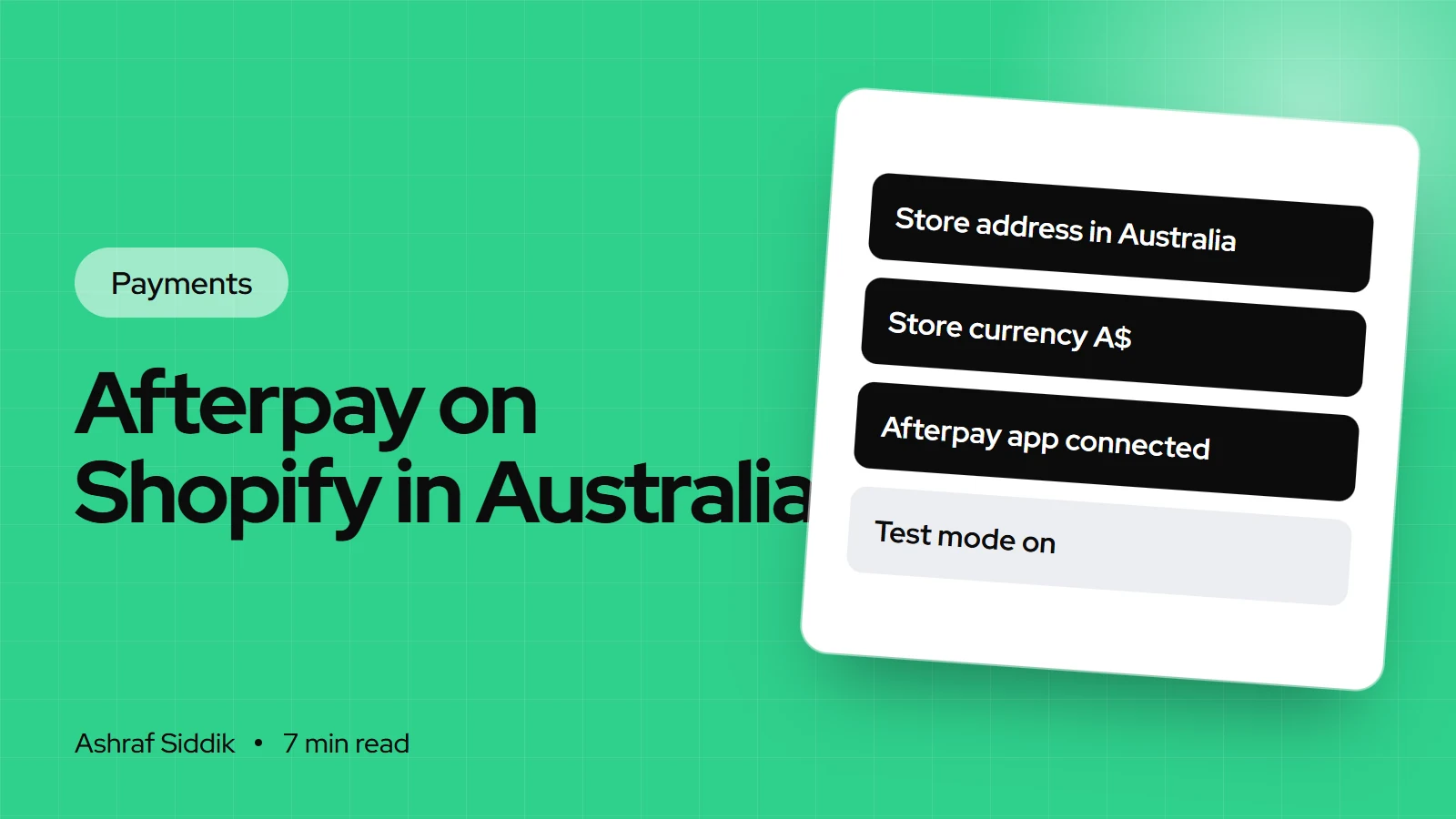
- Your Shopify store address must be in Australia and the store currency set to A$, or Afterpay won't show at checkout.
- Because it's a third-party method, Shopify adds its transaction fee to Afterpay orders: 2% on Basic, 1% on Grow, 0.6% on Advanced and 0.2% on Plus, on top of Afterpay's own merchant fee.
- Afterpay says merchants are paid upfront, with funds arriving in 1 to 2 business days, while shoppers pay in four interest-free installments over six weeks.
- Who it is for
- Australian Shopify stores adding Afterpay
- Time needed
- 30 minutes once your Afterpay account is approved
- What you need
- An Afterpay merchant account and an A$ store
Australian shoppers know Afterpay well, and in my experience fashion, beauty and homewares shoppers often look for it before they commit. Setting it up on Shopify is quick, but it works differently from cards and wallets: it lives outside Shopify Payments, it has its own account and payouts, and it carries an extra Shopify fee that many store owners only notice on their first bill.
This guide covers the full setup for an Australian Shopify store, the settings that stop Afterpay appearing, how to show the installment price on product pages, and how it compares with Shop Pay Installments, Shopify's own option that is now in early access in Australia. Details come from Afterpay's Shopify documentation, Shopify's Help Center and Shopify's Australian pricing page, as checked on 7 November 2026.
How Afterpay works for you and your shoppers
At checkout, the shopper chooses Afterpay and splits the order into four interest-free installments over six weeks. Afterpay checks whether they qualify and collects the payments. Late fees and eligibility criteria apply to the shopper under Afterpay's terms.
For you, Afterpay pays the order upfront, with funds arriving in 1 to 2 business days according to Afterpay. You pay Afterpay a merchant fee per order. Afterpay doesn't publish a standard rate on its business page, so your fee comes from your Afterpay merchant agreement. Afterpay payouts go to the bank account in your Afterpay account, separately from any Shopify Payments payouts.
What Afterpay costs on Shopify
There are two charges on every Afterpay order: Afterpay's merchant fee, and Shopify's third-party transaction fee. The second one applies to all transactions through third-party payment providers, even when Shopify Payments is also active.
| Plan | Billed yearly | Card rate (Shopify Payments) | Fee on Afterpay orders |
|---|---|---|---|
| Basic | A$42 a month | 1.7% + 30¢ | 2% |
| Grow | A$114 a month | 1.55% + 30¢ | 1% |
| Advanced | A$431 a month | 1.35% + 30¢ | 0.6% |
| Plus | From A$3,700 a month | 1.15% + 30¢ | 0.2% |
Shopify's charges on a A$200 order, Basic plan
- Paid by cardA$3.701.7% + 30¢ through Shopify Payments, standard Australian card.
- Paid with AfterpayA$4.00Shopify's 2% transaction fee, before Afterpay's own merchant fee.
That doesn't make Afterpay a bad deal. If it brings in sales that wouldn't happen otherwise, the fees are a cost of those sales. But on the Basic plan with a lot of Afterpay orders, the 2% adds up quickly, and it's one of the few situations where moving to Grow can pay for itself through fees alone.
Before you start: settings to check
- Get an Afterpay merchant account. Apply with Afterpay and wait for approval. You'll need your Business Hub login for the setup.
- Check the store address. Go to
Settings > Generaland confirm the store address is in Australia. Afterpay requires it to match your Afterpay account region. - Check the store currency. In the same page, under
Standards and formats, the currency must be A$. - Check the capture setting. Go to
Settings > Paymentsand findPayment capture method. Afterpay's guide asks forAutomatically at checkoutorAutomatically when order is fulfilled. If you capture manually, follow Afterpay's manual capture steps.
How to set up Afterpay on Shopify, step by step
- Download the Afterpay payment app. Use the install link in Afterpay's Shopify guide for merchants outside the US. There are two Afterpay apps for Shopify, one for the US and one for the rest of the world. Australian stores use the second.
- Install it. When the
Install appscreen appears, clickInstall. Afterpay then shows in your list of apps. - Connect Business Hub. You're redirected to Afterpay Business Hub. Log in, choose the merchant account that matches your Shopify store from the drop-down and click
Connect. - Activate. Back in Shopify, a screen with two toggles and a
More actionsmenu appears. LeaveTest modeoff and clickActivate. - Check checkout. Open your store, add a product to the cart and go to checkout. Afterpay should appear as a payment option.
To change the connected merchant account later, go to Settings > Payments, select the Afterpay payment method, click More actions, then Manage, and connect the new account in Business Hub.
Show Afterpay on product pages
Afterpay at checkout helps the shopper who already decided. Afterpay on the product page helps the one still deciding. Afterpay's free On-Site Messaging app on the Shopify App Store adds the installment message to product and cart pages, with a visual editor and settings for mobile.
- Install the app from the Shopify App Store. You need a working Afterpay merchant account first.
- Add the message in the theme editor. Place it directly under the product price, and save. Some reviewers report the block only appeared after saving the theme.
- Add it to the cart page near the total, and check any cart drawer separately.
- Check variants. Change between variants with different prices and confirm the installment amount updates. If it doesn't, the theme needs a small code change.
Afterpay sets minimum and maximum order amounts for your account, and the messaging app can show them, so shoppers aren't surprised when a very small or very large order can't use Afterpay. For the rest of the mobile product page, my Shopify mobile CRO checklist covers what to check.
Afterpay not showing at checkout: causes and fixes
| Cause | How to spot it | Fix |
|---|---|---|
| Currency mismatch | Store currency isn't A$ | Set A$ under Standards and formats |
| Address mismatch | Store address outside Australia | Update it in Settings > General |
| Account not active | Business Hub shows a pending account | Finish Afterpay onboarding |
| Wrong account connected | Another business selected | Reconnect via More actions > Manage |
| Not activated | Payment method still inactive | Click Activate in Shopify |
| Test mode on | Test mode toggle switched on | Turn it off |
Afterpay or Shop Pay Installments?
Shop Pay Installments, Shopify's own pay-later option powered by Affirm, is now in early access for Australian stores. It runs inside Shopify Payments, so there's no separate account and no third-party transaction fee. Australian shoppers get four interest-free payments every two weeks, or monthly plans, on orders from A$50 to A$30,000. They need a debit card, because credit cards aren't supported, and Affirm may ask about their employment and income.
| Factor | Afterpay | Shop Pay Installments |
|---|---|---|
| Setup | Separate app and account | A setting in Shopify Payments |
| Shopify transaction fee | 2% to 0.2% by plan | – |
| Payouts | From Afterpay, separately | In your Shopify Payments payout |
| Shopper familiarity | Widely known in Australia | Newer in Australia |
| Availability | Approved Afterpay merchants | Early access, eligible stores |
Australian stores also pay 10% GST on the Shop Pay Installments fee. Shopify shows the rate under Settings > Payments, then Manage, Manage payment methods and View payment rates. If your shoppers already ask for Afterpay by name, keep it. If not, Shop Pay Installments is simpler to run. My guide to setting up buy now, pay later on Shopify covers Shop Pay Installments in full, and the Afterpay vs Klarna comparison weighs the main brands.
Common mistakes
- Installing the US Afterpay app. It requires US currency and US shipping. Australian stores need the app for merchants outside the US.
- Store currency left in US currency. A store first set up in US currency and never changed won't show Afterpay until the currency is A$.
- Forgetting the Shopify transaction fee. On Basic, every Afterpay sale costs an extra 2% before Afterpay's fee.
- Messaging on product pages but not in the cart drawer. Shoppers who use the drawer never see the installment price.
- Turning on test mode to "try it". It breaks the integration.
- Reconciling Afterpay with Shopify Payments. Afterpay pays separately, so match its payouts from Business Hub.
Afterpay setup checklist
- Afterpay merchant account approved and active.
- Store address in Australia and store currency set to A$.
- Capture method set to automatic at checkout or on fulfillment.
- Afterpay app for merchants outside the US installed and connected.
- Payment method activated with test mode off.
- Afterpay visible at checkout on a live test.
- On-Site Messaging added under the price and in the cart.
- Shopify transaction fee included in your margin sums.
- Shop Pay Installments early access checked as an alternative.
Next steps
Check your store currency and address first, because that's where most failed Afterpay setups start. Then install, connect and activate, and put the message under your prices. If you'd like help with an Australian store's checkout, my Australian Shopify developer page sets out how I work, and the free store review covers payments, checkout and mobile. CRO work starts from $500 if you want the installment messaging tested properly.
Free tools
Check your own store
Free, no sign-up. Each one runs a part of this guide for you.
Frequently asked questions
Is Afterpay part of Shopify Payments in Australia?
No. Shopify Payments in Australia covers cards, Apple Pay, Google Pay, Shop Pay and some European local methods. Afterpay connects separately through its own payment app and your Afterpay Business Hub account.
How much does Afterpay cost on Shopify?
You pay Afterpay's merchant fee, which comes from your Afterpay agreement, plus Shopify's third-party transaction fee: 2% on Basic, 1% on Grow, 0.6% on Advanced or 0.2% on Plus, as checked on 7 November 2026.
Why is Afterpay not showing on my Shopify checkout?
The usual causes are a store currency that isn't A$, a store address outside Australia, an Afterpay account that isn't fully active, the wrong merchant account connected, or the app not being activated. Test mode being on also breaks it.
When do I get paid for Afterpay orders?
Afterpay says merchants are paid upfront, with funds arriving in 1 to 2 business days. The money comes from Afterpay into the bank account on your Afterpay account, not through Shopify Payments payouts.
How do I show Afterpay on my Shopify product pages?
Install Afterpay's free On-Site Messaging app from the Shopify App Store, then add the message under the product price and in the cart using the theme editor. Check that it updates when shoppers change variants.
Can Australian stores use Shop Pay Installments instead of Afterpay?
Shop Pay Installments is in early access for eligible Australian stores selling in A$ through Shopify Payments. It offers four interest-free payments or monthly plans from A$50 to A$30,000, with no third-party transaction fee, and 10% GST applies to its fee.
Sources
- Afterpay for Shopify: getting started, Afterpay Developers
- Add Afterpay at checkout (Shopify, outside the US), Afterpay Developers
- Afterpay not visible on Shopify checkout, Afterpay
- Shopify pricing (Australia), Shopify
- Shop Pay Installments customer experience, Shopify Help Center
- Third-party payment providers, Shopify Help Center
Related services and work

I'm a Shopify developer and CRO specialist. I have built and improved Shopify stores since 2018, completed more than 1,000 projects, and hold a 4.96 average rating across 719 client reviews.
More guides
-
How to Set Up Shopify Payments in the UK (Step by Step)
Shopify Payments takes about 20 minutes to set up when you have the right details ready. Here is every screen for a UK store, with current rates, the documents Shopify accepts and the settings most owners miss.
-
How to Set Up Buy Now, Pay Later on Shopify
Buy now, pay later helps when price is the hesitation. Here is how to set up Shop Pay Installments and Afterpay on a US Shopify store, how the money works, and where to show the installment price.
-
How to Prevent Fraud and Chargebacks on Shopify
Every Shopify chargeback costs you the product, the payment and a fee, and it stays on your record even if you win. These are the settings, checks and response steps that stop most of them.
-
How to Accept Multiple Currencies on Shopify
Shopify can show prices and take payment in each shopper's currency. Here is how to set it up, how the conversion fee works, and what happens to your payouts and refunds.