Shopify guideGuide9 min read
Influencer Marketing for Small Business: How to Do It on a Small Budget
A small store can run influencer marketing for the cost of some product and postage, if every creator gets a tracked link and code. Here is the playbook I use, from picking creators to measuring each order in Shopify.
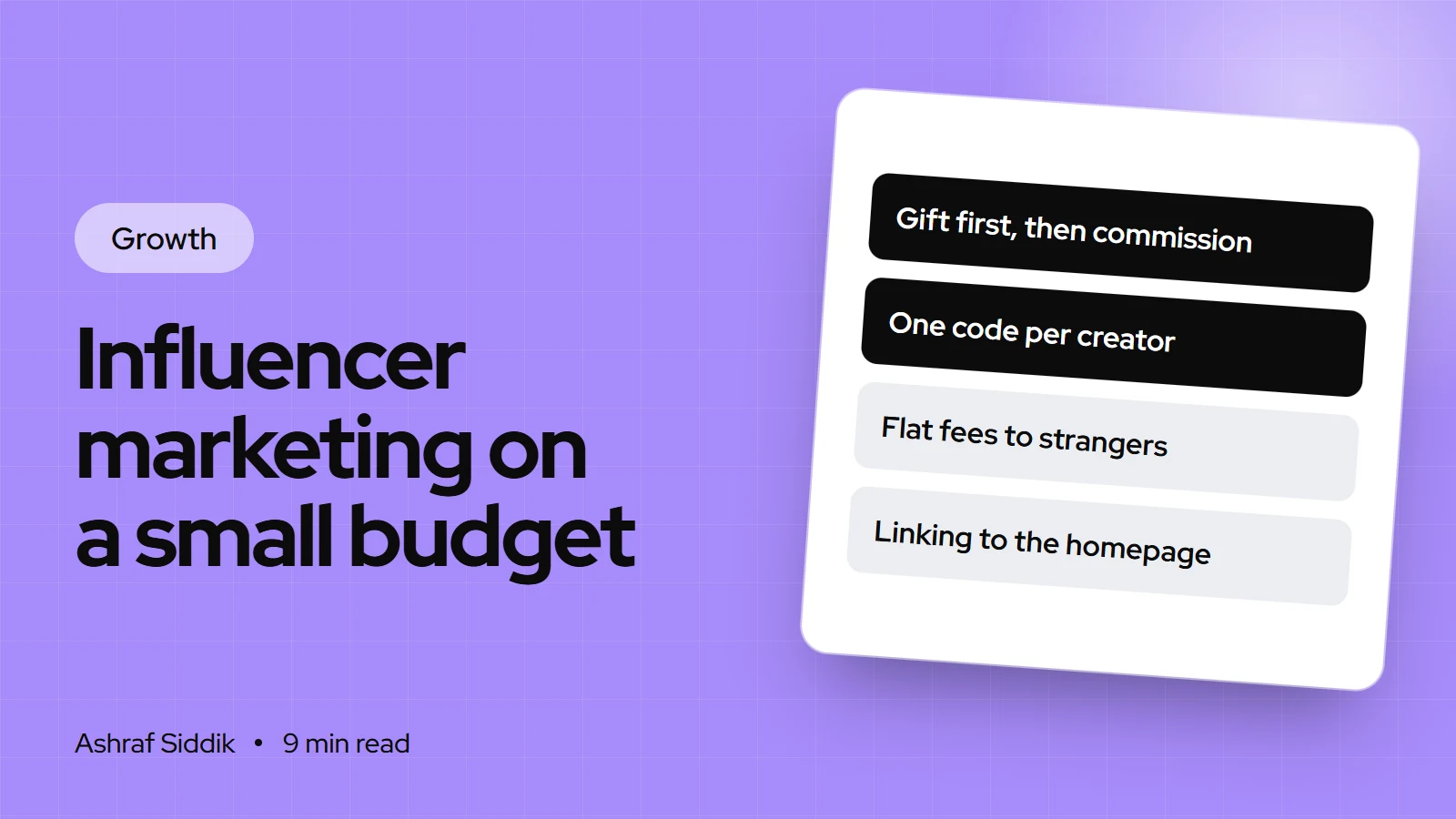
Key takeaways
- On a small budget, start with product gifting and commission, not flat fees. You pay in product and postage first, and in cash only when a sale comes in.
- Shopify Collabs is free to install on every plan except Starter and Retail. It handles creator applications, gifts, affiliate links, discount codes and commission payouts through your Shopify bill, with a 2.9% processing fee on each automatic commission payment.
- Give every creator their own discount code and tracked link, and send them to a product or collection page, never your homepage.
- Gifts count as payment under both US (FTC) and UK (CMA and ASA) rules, so gifted posts must be labeled as ads, and the brand shares responsibility for that.
- Who it is for
- Small stores ready to test creators
- Time needed
- A week to set up, 30 days to judge
- What you need
- Spare stock, a budget and Shopify Collabs or codes
Send one $40 product to 20 creators and you have spent about $800 at retail value, but only what the product cost you plus postage in real money. That is the core of influencer marketing for small business: it can be cheap, but only if you can see which of those 20 posts sold anything. Most small stores I review skip the tracking, see a few likes, and decide influencers "don't work".
This guide is the process I'd follow for a store spending $300 to $1,000 a month on creators. I'm a Shopify developer and CRO specialist, so I come at it from the store side: the setup in Shopify, the page a creator sends people to, and the numbers afterwards. Shopify features and the disclosure rules below were checked on the official pages on 7 November 2026.
What a small budget can buy
Decide your monthly ceiling first, including product cost, postage and any fees. That number decides which model you can use.
| Monthly budget | Best model | What it looks like |
|---|---|---|
| Under $300 | Gifting | 10 to 20 products sent to small creators, each with a code |
| $300 to $1,000 | Gifting plus commission | Gifts to new creators, commission for the ones who post well |
| $1,000 to $3,000 | Small paid posts | A few flat fees to proven creators, plus rights to reuse their videos |
| Any budget | Customer creators | Existing customers who already post about you, on commission |
Flat fees come last because they carry all the risk upfront. Only pay a flat fee to a creator whose gifted or commission posts already sold for you.
Gifting, commission or flat fee
| Model | You pay | Best for | Main risk |
|---|---|---|---|
| Gifting | Product and postage | Testing many creators cheaply | Some never post |
| Commission | A percentage per sale | Creators who already like you | Little effort without a gift |
| Flat fee | A set price per post | Proven creators, launches | Paying for a post that doesn't sell |
| Usage rights | A fee to reuse content | Product pages and ads | Unclear terms on how long |
My default for a new store is gift first, then offer commission to everyone who posts. A gift gets the product into their hands. Commission gives them a reason to mention you again next month.
How to find the right creators
Follower count is the least useful number. A creator with 4,000 followers who all live in your country and buy what you sell beats one with 200,000 followers spread around the world.
- Start with your customers. Export your customer list from
Customersand look for people with public social accounts, or search your brand name and tagged posts on Instagram and TikTok. People who already bought are the easiest yes. - Search the problem, not the product. Look for creators who post about the situation your product fits: "small apartment plants", "sensitive skin routine", "dog training". Their audience is already in buying mode.
- Use Shopify Collabs. Collabs lets you send direct invites, share instant commission offers through an open access program, or put an application page on your store.
- Vet each one in five minutes. Read the comments on their last 10 posts. Real comments ask questions and mention details. Check that past sponsored posts were labeled, because a creator who skips disclosure puts you at risk too.
- Check the audience fits your shipping. If you only ship in the US, a creator whose audience is mostly elsewhere can't send you buyers.
Set it up in Shopify
You can run this with discount codes alone, but Shopify Collabs saves a lot of admin once you have more than a handful of creators. Collabs is "free to install" according to its App Store listing, and commissions are billed through your Shopify bill.
- Install Collabs. Add it from the Shopify App Store, then open
Apps > Collabsand click Get started. Choose your notification email, product category, audience and the countries you want creators from, then click Finish setup. - Fill in your profile. Under Overview, click Edit profile. Add your brand values, up to 4 brand style images and how you work with creators. This is what a creator sees before saying yes.
- Choose how creators find you. An online store page with an application survey suits most small brands, because you approve each person. The open access program shows a commission offer to verified Collabs creators, which brings more volume but less control.
- Set the holding period. Commissions wait in a holding period before they are billed. It defaults to 30 days and can be set from 1 to 90 days. Match it to your return window, so you don't pay commission on returned orders.
- Create a code per creator. If you aren't using Collabs, go to
Discountsand create a code per creator, such asMAYA15. Set an end date, limit it to one use per customer, and decide in the Combinations section whether it can stack with your other offers. - Build a tracked link. Add UTM parameters to each creator's link, for example
?utm_source=instagram&utm_medium=creator&utm_campaign=maya. Shopify's marketing reports can group sales by UTM campaign.
Outreach and the creator brief
Keep the first message short: who you are, why you picked them (mention a specific post), what you'd send and what you'd ask for. Then send a one-page brief to everyone who says yes.
| Brief item | Example |
|---|---|
| The product | Travel-size kit, shade matched to them |
| One key message | Fits in a jacket pocket |
| Code and link | MAYA15, 15% off, ends 30 days after posting |
| Disclosure | "Ad" label at the start, on screen and in the caption |
| Claims to avoid | No health or results claims we can't prove |
| Usage | Whether you may reuse the video, and for how long |
Don't script the post. Creators know what their audience responds to. Give them the facts and the rules, then let them make it their own.
Disclosure rules in the US and UK
This is where small brands get caught out, usually by assuming a free product doesn't count. It does, on both sides of the Atlantic.
| Rule | US (FTC) | UK (CMA and ASA) |
|---|---|---|
| Gifts | Free products count as a material connection | Gifts count as payment, even with no obligation to post |
| Clear labels | "Ad", "advertisement", "sponsored" | "Ad", "advert", "advertising", "advertisement" |
| Not enough | "sp", "spon", "collab", "thanks" alone | "#gifted", "#aff", "#sponsored", "thank you" |
| Placement | With the endorsement, not behind "more" | Immediately visible, no scrolling or clicking |
| Video | In the video itself, repeated on livestreams | At the beginning |
| Who's responsible | The brand is "ultimately responsible" | Everyone involved in the content |
Two details are easy to miss. The UK guidance says tagging a brand, or using a discount code or affiliate link, is not a disclosure on its own. The FTC says a platform's built-in paid partnership tool may not be enough by itself, so ask for the creator's own label as well.
The FTC also expects brands to explain to creators what they can and can't say, to monitor posts, and to require clear disclosure even from creators who only received free products. Put the disclosure rule in your brief, check each post when it goes live, and keep a record. This is general guidance, not legal advice.
Measure cost per order, not likes
Views and likes tell you how a post performed for the creator. Your number is the cost of each order the creator sent you. Shopify gives you three places to find it:
- Discount code usage. Open each code under
Discountsto see how many times it was used. - Marketing reports. Go to
Analytics > Reportsand open Performance by marketing campaign or Sales attributed to marketing. These pick up your UTM campaign names. - Collabs. Collabs tracks affiliate sales per creator and the commission owed.
Example: break-even for a 20-creator gifting round
- Campaign cost$42020 gifts at $15 product cost plus $6 postage.
- Profit per order$33A $60 order at a 55% gross margin.
- Break-even13 orders$420 divided by $33, rounded up.
Count orders over 30 days after each post, not just the first day. Creators who reach break-even get a commission offer and a second gift. Creators who sent nothing get a thank-you and no second round.
Common mistakes
- One shared code for everyone. You'll never know who sold what. One code per creator, always.
- Paying a flat fee to an untested creator. Test with a gift first.
- Linking to the homepage. Send people to the product they saw.
- Codes with no end date. Codes leak onto coupon sites. Set an end date and one use per customer.
- Ignoring disclosure. An unlabeled gifted post is a risk for you, not only the creator.
- Judging after 48 hours. Some orders come days later, from people who saved the post.
- A product page that can't convert. If the page has no reviews, a slow image or unclear shipping costs, creator traffic leaves just like any other traffic.
Small-budget influencer checklist
- Budget set. A monthly ceiling including product, postage and fees.
- Model chosen. Gifting first, commission for those who post.
- Shortlist ready. 20 creators vetted for real comments, audience location and past labeling.
- Tracking in place. One code and one UTM link per creator, or Collabs set up with a holding period that matches your returns window.
- Landing pages checked. Each link goes to a fast, clear product or collection page on mobile.
- Brief sent. Key message, code, disclosure rule, claims to avoid and usage terms.
- Posts checked. Each post reviewed for a clear "Ad" label when it goes live.
- Results logged. Orders and cost per order per creator after 30 days.
- Next round planned. Commission and a second gift for creators who reached break-even.
Next steps
Pick 20 creators this week and send gifts to the best 10. While you wait for posts, fix the page they'll link to, because that page decides how many of their followers buy. If you are still finding your first buyers, my guide to finding your first 100 customers shows where creators fit next to the other free channels.
If creator traffic is arriving but not converting, that's a conversion problem, and it's the work I do. Shopify CRO starts from $500, and every project gets a fixed quote after a free review.
Free tools
Check your own store
Free, no sign-up. Each one runs a part of this guide for you.
Frequently asked questions
How much should a small business spend on influencer marketing?
Start with a monthly ceiling you can afford to lose while you test, such as the product cost and postage for 10 to 20 gifts. Track every creator with their own code, and only increase spend on creators whose posts reached break-even.
Do I have to pay influencers?
No. Many small creators accept a free product, a commission on sales or both. Remember that a free product still counts as payment under US and UK advertising rules, so the post must be labeled as an ad.
Is Shopify Collabs free?
Collabs is free to install on all Shopify plans except Starter and Retail. When you use automatic commission payments, Shopify adds a 2.9% processing fee to each commission payment on your Shopify bill, as listed on 7 November 2026.
What should an influencer disclosure say?
Use a clear label such as "Ad" or "advertisement", placed where people see it without clicking or scrolling, and at the start of a video. Terms like "gifted", "collab", "spon" or a brand tag alone are not enough under the FTC and UK guidance.
How do I track sales from an influencer?
Give each creator a unique discount code and a link with UTM parameters. Shopify shows code usage under Discounts and sales by campaign in Analytics, then Reports, under the marketing reports. Collabs also tracks affiliate sales per creator.
Micro-influencers or big influencers for a small store?
For a small budget, smaller creators with a focused, local audience are usually the better test. You can try many of them for the cost of one larger post, and you learn faster which audience actually buys.
Sources
- Disclosures 101 for Social Media Influencers, Federal Trade Commission
- FTC's Endorsement Guides: What People Are Asking, Federal Trade Commission
- Social media endorsements: being transparent with your followers, Competition and Markets Authority, GOV.UK
- Influencers' guide to making clear that ads are ads, Advertising Standards Authority
- Set up Shopify Collabs, Shopify Help Center
- Pay creators with Shopify Collabs, Shopify Help Center
Related services and work

I'm a Shopify developer and CRO specialist. I have built and improved Shopify stores since 2018, completed more than 1,000 projects, and hold a 4.96 average rating across 719 client reviews.
More guides
-
Christmas Marketing Ideas for Small Businesses: How to Plan Your Store's Christmas Sales
Christmas sales for a small online store are decided by dates: when shoppers start, when your last delivery leaves and what you offer after that. Here is a plan that works backwards from 25 December, with ideas you can set up in Shopify.
-
How to Price Your Products for Profit (Step by Step)
Most pricing mistakes come from costs that arrive after the product does. Here's the step-by-step method I use to price products so every order actually makes money.
-
How to Write a Brand Story for Your Online Store
A good brand story is short, true and about your customer. Here's the framework I use with store owners, with examples and where each version goes on Shopify.
-
Black Friday Checklist for Shopify Stores: What to Do and When
Black Friday 2026 falls on 27 November and Cyber Monday on 30 November. This checklist works backwards from those dates, with the Shopify settings to change at each step.