Shopify guideGuide7 min read
How to Write a Welcome Email Series That Converts
New subscribers read your first emails more closely than anything you send later. Here is the welcome series structure I use, with examples for every email and setup in Shopify or Klaviyo.
Key takeaways
- A welcome email series is the set of automated emails a new subscriber receives right after joining. It is the best moment to win a first order, because interest is at its highest.
- Shopify Messaging has a ready-made "Welcome new subscribers with a discount series": a discount email, two brand-building emails, then a reminder if no purchase has been made.
- Klaviyo recommends three emails over about a week: one immediately, one after 3 days and one 4 days after that, triggered when someone is added to your list.
- Split buyers from non-buyers. Anyone who orders should stop getting discount reminders, which Klaviyo handles with a "Has Placed Order at least once since starting this flow" split.
- Who it is for
- Stores collecting subscribers
- Time needed
- Half a day to write and build
- What you need
- A sign-up offer and an email tool
Someone just gave you their email address. In the next few minutes they will read your first email more closely than almost anything you send them later. Most stores waste that moment with a single "thanks for subscribing, here's your code" and then silence until the next campaign.
A planned welcome series does more. It delivers what you promised, explains why your store is worth buying from, and gives non-buyers a few good reasons over a week or so. This guide covers the structure, email-by-email examples, subject lines, setup in Shopify Messaging and Klaviyo, best practices and how to measure the result. Templates and timings come from Shopify's and Klaviyo's help centers, as checked on 7 November 2026.
The welcome series structure I use
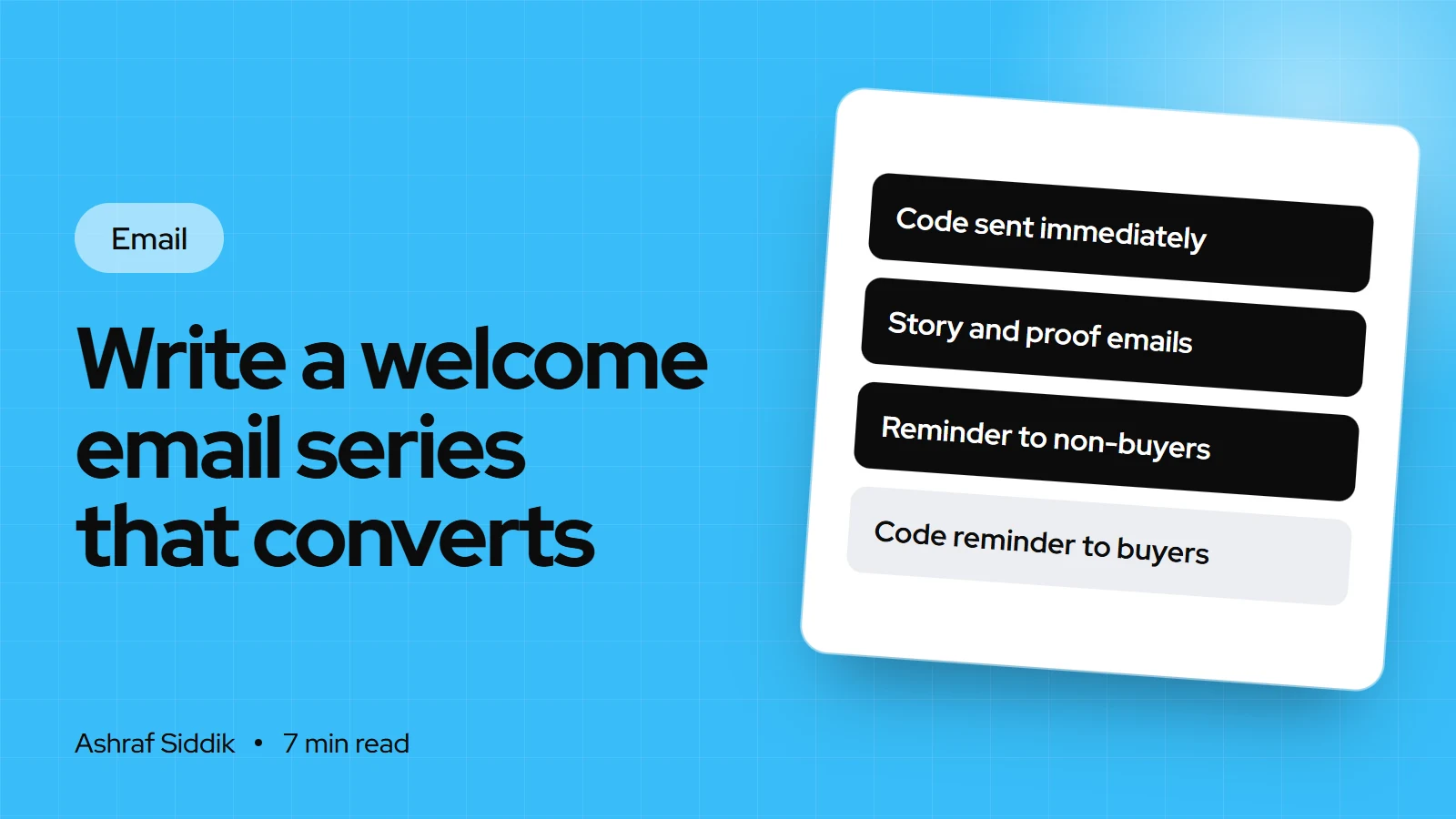
Shopify's and Klaviyo's templates agree on the shape: deliver the offer first, build trust in the middle, and remind non-buyers at the end. I usually write four emails:
| Send | Goal | Main content | |
|---|---|---|---|
| 1. Welcome | Immediately | Deliver the promise | Code, what to expect, best-sellers |
| 2. Why us | Day 2 or 3 | Build trust | Story, how products are made |
| 3. Proof | Day 5 | Remove doubt | Reviews, guarantees, delivery, returns |
| 4. Reminder | Day 7 to 9 | Prompt the first order | Code expiry, top picks |
Emails 2 and 3 match the two brand-building emails in Shopify's discount series. Klaviyo's three-email version uses the second email for social media and the third for best-sellers. Use three emails if you have little to say yet, and five or six if your product needs explaining, such as skincare routines or technical gear.
Welcome email series examples
These are copy structures, not finished text. Fill them with your own products and voice.
Email 1: the welcome
- Subject: "Welcome to [Brand]: your 10% code is inside" or "Here's your code, as promised".
- Top: the code, large and easy to copy, with its expiry and a button to shop.
- Middle: two lines on what subscribers get and how often: "New arrivals first, care tips and the occasional offer, about twice a month."
- Bottom: three best-sellers or three main collections. Nothing else.
Email 2: why us
- Subject: "Why we started [Brand]" or "How your [product] is made".
- Body: a short story told by the founder, in the first person. What problem the products solve and what you refuse to compromise on. One image of the people or process.
- Button: to a story page or a hero product.
Email 3: proof
- Subject: "What [number] customers say about [product]" only if the number is true, or "Our customers' favorites".
- Body: three short reviews with names and products, then the facts that reduce risk: delivery times, free returns window, how to contact you.
- Button: to the reviewed products.
Email 4: the reminder
- Subject: "Your code expires on Sunday" or "Still deciding? Here's what's popular".
- Body: the code again with its real expiry date, and three picks chosen from what the subscriber viewed if your tool supports it.
- Only to non-buyers. Buyers get a thank-you or nothing.
Setting up a welcome series in Shopify Messaging
- Collect subscribers. Add a Shopify Forms popup or inline form, and turn on the checkout opt-in under
Settings > Checkout > Marketing opt-in. The welcome templates trigger when a customer subscribes through an online store form. - Create the discount. Make a single-use or limited code, or let the form create one. Set an expiry that matches your reminder email.
- Open the template. On a desktop, go to
Apps > Messaging > Automations > Create automationand choose "Welcome new subscribers with a discount series". For a single email, choose "Welcome new subscribers with a discount email". Welcome automations are email only and can't be created in the mobile app. - Edit each email. Use the actions menu and
Editto rewrite the template copy with the structure above. - Adjust the timing. Click the automation, then
Edit workflowto change the waits between emails, andApply changes. - Turn it on and test. Click
Turn on automation, then subscribe with a fresh email address and check every email on your phone.
Welcome emails count towards Shopify Messaging's 10,000 free emails a month. Only abandoned checkout emails are exempt.
Setting up a welcome series in Klaviyo
- Find the template. In
Flows, use the Welcome Series card or clickCreate flowand search the library for "welcome series". - Set the trigger. Choose
Added to listand select your main subscriber list. A list-triggered flow only sends to each person once. - Keep double opt-in. Klaviyo lists are double opt-in by default, and Klaviyo recommends leaving it on for your main list. The flow starts after the subscriber confirms.
- Set the delays. Klaviyo's cadence is immediately, after 3 days, then 4 days later. Add a fourth email if you use my structure.
- Add the buyer split. Before the reminder, add a conditional split on "Has Placed Order at least once since starting this flow". Put the code reminder on the NO path only.
- Go live. Set the flow status to Live and test with a new address.
The full integration is in my Klaviyo for Shopify guide.
Shopify Messaging or Klaviyo for your welcome series?
- 1
Do you already pay for Klaviyo?
Yes: build it in KlaviyoNo: next question
- 2
Do you need different emails for different sign-up sources or interests?
Yes: Klaviyo's splits make this easierNo: next question
- 3
Is your list under a few thousand subscribers?
Yes: Shopify Messaging's template is enoughNo: compare costs of both
Whichever you pick, run the welcome series in one tool only, so nobody gets two first emails.
Treat buyers and browsers differently
Some new subscribers buy within days, often with the welcome code. Once they do, the series should change. Buyers move to your post-purchase emails: a thank-you, product tips and a cross-sell. Non-buyers continue through the trust and reminder emails.
In Klaviyo, the conditional split does this. In Shopify Messaging, the discount series sends its reminder only if no purchase is made, and you can adjust the logic in Edit workflow. Without a split, customers who just paid full price for something get a "your code expires" email, which feels like a penalty for buying.
Welcome email series best practices
- Deliver the promise instantly. The code should arrive within a minute of signing up.
- One goal per email. One main button, one message.
- Write from a person. A founder's name in the From line and a monitored reply-to address. Replies are useful feedback.
- Set expectations. Say how often you'll email, then do it.
- Design for phones first. Large text, a button near the top, short paragraphs.
- Don't rely on images. Make sure the email makes sense if images don't load.
- Follow the law in every email. In the US, CAN-SPAM requires a clear opt-out and your physical postal address. In the UK, the ICO requires you to identify yourself and offer a simple opt-out in every message.
- Never invent proof. Use real reviews and real numbers only.
How to measure the welcome series
For each email, look at clicks, orders placed and unsubscribes. For the series as a whole, track the share of new subscribers who place a first order within the series window, and how many of those orders used the welcome code. If almost every order uses the code, test a smaller incentive or a free-shipping offer. If email 2 or 3 gets many unsubscribes, its content isn't what subscribers expected.
Common mistakes
- A single welcome email. It leaves trust-building to random campaigns.
- Code reminders to buyers. Use a split so buyers leave the discount path.
- Two tools sending welcomes. Shopify Messaging and Klaviyo both triggered by the same sign-up.
- A code with no expiry. A deadline gives the reminder email a reason to exist.
- Generic copy. Template text that could be from any store.
- Not testing with a fresh address. List-triggered flows only send once per person.
Welcome series checklist
- Sign-up forms and checkout opt-in feeding one list.
- Discount created with an expiry that matches the reminder.
- Three to four emails written: welcome, why us, proof, reminder.
- Timings set, with the first email sending immediately.
- Buyer split before any discount reminder.
- Opt-out and postal address in every email.
- Tested with a fresh address on a phone.
- Results reviewed monthly: first orders, code use, unsubscribes.
Next steps
Write the four emails this week using the examples above, set them up in one tool, and test them with a new address. Then build the rest of your automations from my guide to essential ecommerce email flows. If you'd like the series written and built for you, automation projects start from $600, with a fixed quote after a free store review.
Free tools
Check your own store
Free, no sign-up. Each one runs a part of this guide for you.
Frequently asked questions
How many emails should a welcome series have?
Three to four suits most stores: a welcome with the promised offer, a story email, a proof email and a reminder for non-buyers. Klaviyo's recommended version is three emails over about a week.
When should welcome emails be sent?
Send the first immediately after sign-up. Klaviyo's cadence then waits 3 days for the second and 4 more days for the third. I send a fourth reminder around day 7 to 9, only to people who haven't ordered.
Can I set up a welcome email series in Shopify without an app?
Yes, with Shopify Messaging, Shopify's free email app. Go to Apps > Messaging > Automations > Create automation and choose Welcome new subscribers with a discount series. It must be created on a desktop.
Should a welcome email include a discount?
If you promised one on your sign-up form, yes, in the first email. Give it an expiry date, and remind only non-buyers before it expires.
What should a welcome email series include?
The promised offer, what subscribers will receive and how often, why your store exists, real reviews and the facts that reduce risk, such as delivery and returns. Every email also needs an opt-out, and in the US your postal address.
Do welcome emails count towards Shopify Messaging's free allowance?
Yes. Shopify Messaging includes 10,000 free emails a month, and marketing automations, including welcome emails, count towards it. Only abandoned checkout emails are exempt.
Sources
- Creating and managing marketing automations, Shopify Help Center
- How to create an email welcome series, Klaviyo Help Center
- Shopify Messaging email pricing, Shopify Help Center
- Collecting customer contact information, Shopify Help Center
- CAN-SPAM Act: A Compliance Guide for Business, Federal Trade Commission
- Electronic mail marketing (Guide to PECR), Information Commissioner's Office
Related services and work

I'm a Shopify developer and CRO specialist. I have built and improved Shopify stores since 2018, completed more than 1,000 projects, and hold a 4.96 average rating across 719 client reviews.
More guides
-
Essential Email Flows Every Shopify Store Needs
Email flows send the right message at the right moment, every day, without anyone pressing send. Here are the flows every Shopify store needs, in the order I build them.
-
How to Build an Abandoned Cart Email Sequence on Shopify
One reminder email wins back some lost carts. A planned sequence of three wins back more. Here is how I build it in Shopify Messaging or Klaviyo, with timings, copy and subject lines.
-
How to Plan a Year of Email Campaigns, with a Free Calendar
An email marketing calendar turns random sends into a plan. Here is a free template for 2027 with the key retail dates, a month-by-month outline and the steps to build your own.
-
How to Grow Your Email List on Shopify
Your email list is the audience you own. Here is how to grow it on Shopify step by step, from the checkout checkbox to popups and offers, without damaging deliverability.