Shopify guideGuide9 min read
Shopify Functions: A Practical Guide for Merchants
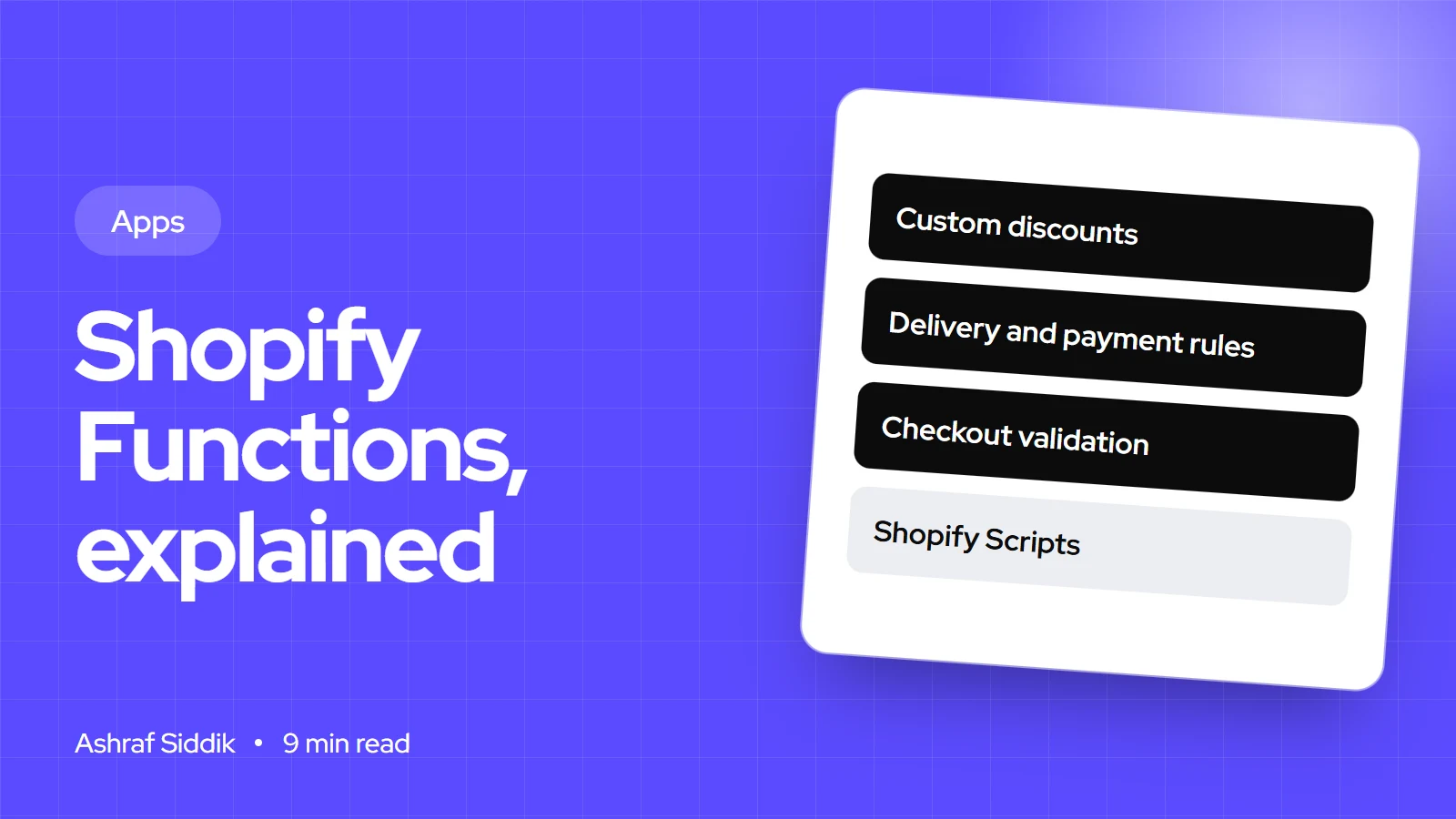
Shopify Scripts stopped running on 30 June 2026, and Shopify Functions now handle custom discounts, shipping rules, payment rules and checkout validation. This is what they are, what each one does and how to get one onto your store.
Key takeaways
- Shopify Functions are small programs that change Shopify's own backend logic: discounts, bundles, delivery options, payment methods and checkout validation.
- Stores on any plan can use public App Store apps that contain functions. Custom apps that contain functions only work on Shopify Plus.
- Shopify Scripts and the Script Editor were retired on 30 June 2026. Any discount, shipping or payment logic that ran on Scripts now needs a function.
- Each function runs inside strict limits, including a 256 KiB compiled size and 11 million instructions for carts up to 200 lines.
- Who it is for
- Merchants replacing Scripts, and junior devs
- Time needed
- 1 to 2 hours to plan, longer to build
- What you need
- Your checkout rules and your Shopify plan
Shopify Functions sit underneath some of the most valuable logic on a store: the tiered discount, the "hide express shipping for heavy items" rule, the "no cash on delivery over $500" rule. Merchants rarely see them directly. They install an app, set a few options and the logic runs at checkout. When an app doesn't exist for the rule they need, that's where a developer comes in.
I build functions for client stores, and most of the questions I get are the same: which plan do I need, can an app do this, and what replaced my old Scripts. This guide answers those first, then shows the developer side for anyone building one. Everything below was checked on shopify.dev and the Shopify Help Center on 7 November 2026.
What Shopify Functions are
A function is a piece of code that Shopify runs at a specific point in its own logic, called a target. It works in three steps:
- Input. The developer writes a GraphQL input query that asks for the data the function needs, such as cart lines, the customer's tags or a product metafield. Shopify sends that data as JSON.
- Logic. The code decides what to do. It's compiled to WebAssembly, and Shopify provides templates for Rust and JavaScript. Shopify strongly recommends Rust for performance on large carts.
- Output. The function returns a JSON list of operations, such as "apply 10% to these lines" or "hide this delivery option". Shopify applies them.
Functions run on Shopify's infrastructure as shoppers move through the cart and checkout. You never call one by URL, and they don't slow your theme down, because they aren't loaded in the browser. They are packaged as extensions inside an app, so every function belongs to an app, whether it's one from the App Store or one built for your store.
The Shopify Functions APIs and what each one does
Each Function API controls one part of Shopify's logic. These are the ones merchants run into most:
| Function API | What it changes | Where you switch it on |
|---|---|---|
| Discount | Line item, order and shipping discounts | Discounts, as an app discount type |
| Cart Transform | Bundles: merges or expands cart lines | Inside the bundle app |
| Delivery Customization | Renames, sorts or hides delivery options | Settings > Shipping and delivery |
| Payment Customization | Renames, sorts or hides payment methods | Settings > Payments |
| Cart and Checkout Validation | Blocks checkout when a rule fails | Settings > Checkout > Checkout rules |
| Fulfillment Constraints | Which items must ship together or from where | Inside the app |
| Order Routing | Which location fulfills an order | Order routing settings |
There are also Pickup Point and Local Pickup Delivery Option Generator APIs for stores that offer pickup. Shopify's Function API reference also sets the order they run in: cart transform first, then line item discounts, fulfillment and routing, then delivery options and delivery discounts, then payment methods, with validation last.
Some limits are per store. You can activate up to 25 delivery customization functions and up to 25 validation functions on each store, which is far more than most stores need.
Which plans can use Shopify Functions
This is the rule that decides most projects:
- Public apps from the App Store that contain functions work on any plan, unless a specific API says otherwise.
- Custom apps that contain functions only work on Shopify Plus. A Basic, Grow or Advanced store can't install a custom-built function, however simple it is.
- Payment customizations in the US and Canada are limited to non-credit-card payment methods on plans below Plus. Customizing the credit card option needs Plus.
Replacing Shopify Scripts with functions
Shopify's Help Center is direct about it: Scripts and the Script Editor app were retired on 30 June 2026, and scripts no longer run on any store. If your store relied on them, the logic stopped on that date. Here's how the old script types map to functions:
| Old script type | Function API now | Typical example |
|---|---|---|
| Line item scripts | Discount, Cart Transform | Buy 3, get 15% off |
| Shipping scripts | Delivery Customization, Discount | Hide express for oversized items |
| Payment scripts | Payment Customization | Hide cash on delivery over a set value |
When I migrate script logic, I don't port it line by line. I list what each script actually did for shoppers, check which rules Shopify's built-in discounts now handle without code, and only build functions for what's left. Built-in automatic discounts and discount combinations cover more than they did when most scripts were written.
App, custom function or built-in feature
Choosing how to add checkout logic
- 1
Can Shopify's built-in discounts or shipping settings do it?
Yes: use the built-in featureNo: next question
- 2
Does an App Store app do exactly this rule?
Yes: install it and test at checkoutNo: next question
- 3
Is the store on Shopify Plus?
Yes: build a custom app with a functionNo: a listed public app or a plan change
Check the plan question early. It's the one that changes the budget.
Plenty of App Store apps are essentially configurable functions: tiered discounts, delivery rules, payment rules. If one fits, it's cheaper than a build. A custom function makes sense when the rule depends on your own data, such as a customer metafield from your ERP, or when you'd otherwise stack two or three apps to get one behavior. My guide to custom apps vs subscriptions walks through the cost comparison.
How to switch on a function in your admin
Installing an app with a function doesn't change anything until you activate it. The path depends on the type:
- Discounts. Go to
Discounts, click Create discount and pick the discount type the app provides. Set its options, combinations and dates, then save. - Delivery rules. Go to
Settings > Shipping and delivery. In Delivery customizations, click Add delivery customization, choose the app's option, configure it and activate it. - Payment rules. Go to
Settings > Payments. In Payment customizations, click Manage, then add, configure and activate the customization. - Validation. Go to
Settings > Checkout. Under Checkout rules, click Add rule, select the validation, then click Activate and save. - Test. Place test orders that should and shouldn't trigger the rule, on desktop and phone, including express checkouts such as Shop Pay.
Every installed function is also listed on the app's page under Settings > Apps, in its extensions and functions section, which is useful when you inherit a store and need to know what's running.
How developers build a Shopify function
For developers, functions are built with Shopify CLI inside an app. The short version:
- Create or open an app. Run
shopify app initfor a new app, or work in an existing one. - Generate the function. Run
shopify app generate extension --template discount --name volume-discountand choose Rust or JavaScript. Other templates cover delivery, payment, validation and cart transform. - Write the input query. Edit the
.graphqlfile so it requests only the fields you need. The query must stay under 3,000 bytes and a calculated cost of 30. - Write the logic. Return operations in the shape the API expects.
- Run it locally.
shopify app devpreviews the app on a development store and prints each function run.shopify app function replayreplays a logged run on your machine so you can debug without placing another order. - Deploy.
shopify app deployreleases a new app version, and the function becomes available to stores with the app installed.
The extension's shopify.extension.toml ties each target to its input query and entry point. For a discount function it looks like this:
[[extensions.targeting]]
target = "cart.lines.discounts.generate.run"
input_query = "src/cart_lines_discounts_generate_run.graphql"
export = "cart_lines_discounts_generate_run"
Settings that merchants change, such as a percentage or a list of collections, are usually stored in a metafield on the discount or customization and read through the input query. That keeps the function itself generic.
Shopify Functions API limits
Limits every function must fit inside
- Compiled size256 KiBThe WebAssembly binary.
- Instructions11 millionPer run, for carts up to 200 lines.
- Input128 kBJSON from the input query.
- Output20 kBOperations returned.
The instruction limit is the one that bites. A JavaScript function that loops over every line and every discount can pass with a 5-item test cart and fail with a 150-item wholesale order. That's why Shopify pushes Rust, and why I test with the biggest realistic cart a store gets.
Common mistakes with Shopify Functions
- Commissioning a custom function on a non-Plus store. It won't install. Check the plan before any build starts.
- Testing only small carts. Test the largest cart you see in your order history.
- Forgetting express checkouts. Validation functions apply to Shop Pay, PayPal, Apple Pay and Google Pay too. Test each one you offer.
- Hiding delivery options for PO boxes with built-in rates. Shopify warns the address data needed may not be available unless rates come from a carrier service or shipping app.
- Two apps changing the same thing. Two delivery customization apps can hide each other's options. Keep one owner per rule.
- Porting every old script. Many old script rules are now built-in discount settings.
Shopify Functions checklist
| Check | Question | Done when |
|---|---|---|
| Old logic | What did Scripts or old apps do? | Every rule written down |
| Built-in | Can native discounts cover it? | Native rules set up first |
| Plan | Plus, or public apps only? | Route chosen |
| Activation | Is each function switched on? | Visible in the right settings page |
| Testing | Large carts and express checkout | Passed on desktop and phone |
| Ownership | One app per rule | No overlapping customizations |
Next steps
List every rule your checkout should enforce, then go through the flow above for each one. Most stores end up with one or two apps and a handful of built-in discounts, and no custom code at all. If you're on Plus and a rule depends on your own data, a custom function is usually a small, contained build.
If you need one built, my Shopify app development service starts from $800, and every project gets a fixed quote. Send me the rule and your plan, and I'll tell you whether an existing app already does it.
Free tools
Check your own store
Free, no sign-up. Each one runs a part of this guide for you.
Frequently asked questions
What are Shopify Functions?
Shopify Functions are small programs, packaged inside apps, that change Shopify's backend logic for discounts, bundles, delivery options, payment methods, fulfillment and checkout validation. They run on Shopify's servers during cart and checkout, not in the shopper's browser.
Do I need Shopify Plus to use Shopify Functions?
No, not for public apps. Stores on any plan can use App Store apps that contain functions. Custom apps that contain functions only work on Shopify Plus.
What replaced Shopify Scripts?
Shopify Functions. Scripts and the Script Editor app were retired on 30 June 2026 and no longer run on any store. Line item, shipping and payment scripts map to the Discount, Delivery Customization and Payment Customization Function APIs.
What languages can Shopify Functions be written in?
Any language that compiles to WebAssembly and meets Shopify's requirements. Shopify provides templates for Rust and JavaScript and recommends Rust for performance.
How many delivery customizations can a store have?
Shopify allows up to 25 active delivery customization functions per store, and up to 25 active cart and checkout validation functions.
How do I test a Shopify function?
Developers run shopify app dev to preview on a development store and shopify app function replay to rerun a logged execution locally. Merchants should place test orders that should and shouldn't trigger the rule, including express checkouts.
Sources
- Function APIs, Shopify.dev
- About Shopify Functions, Shopify.dev
- Customizing payment methods and delivery options, Shopify Help Center
- Shopify Scripts and the Script Editor, Shopify Help Center
- Delivery Customization Function API, Shopify.dev
- app function replay, Shopify.dev
Related services and work

I'm a Shopify developer and CRO specialist. I have built and improved Shopify stores since 2018, completed more than 1,000 projects, and hold a 4.96 average rating across 719 client reviews.
More guides
-
What Is Crawl Budget? Does It Matter for Shopify Stores?
Crawl budget is how much of your site Google can and wants to crawl. Here is how it works, the site sizes where Google says it matters, and what it means for a Shopify store.
-
What Are Core Web Vitals? What They Mean for Your Shopify Store
Core Web Vitals are three Google metrics that score how fast a page loads, how quickly it responds and how stable it stays. Here is what each one means, the pass marks, and how to check them on a Shopify store.
-
Is the Free Dawn Theme Good Enough for Your Shopify Store?
For most new and small stores, yes. Here is what Dawn includes, where it falls short, and when a premium theme or Horizon is the better pick.
-
What Is the Best Reviews App for Shopify?
Judge.me is the best fit for most stores, with a generous free plan and a $15 upgrade. Here is when Loox, Okendo or Yotpo fits better.