Shopify guideGuide7 min read
The Best Free Shopify Themes for Conversion
Shopify offers 24 free themes, and the right one depends on the features you need, not the demo. This guide compares them by what affects sales and shows how to choose and test one safely.
Key takeaways
- The Shopify Theme Store listed 24 free themes when I checked on 7 November 2026, all designed by Shopify. They fall into two families: the newer Horizon family (version 4.4.0) and the Dawn family (version 16.1.1).
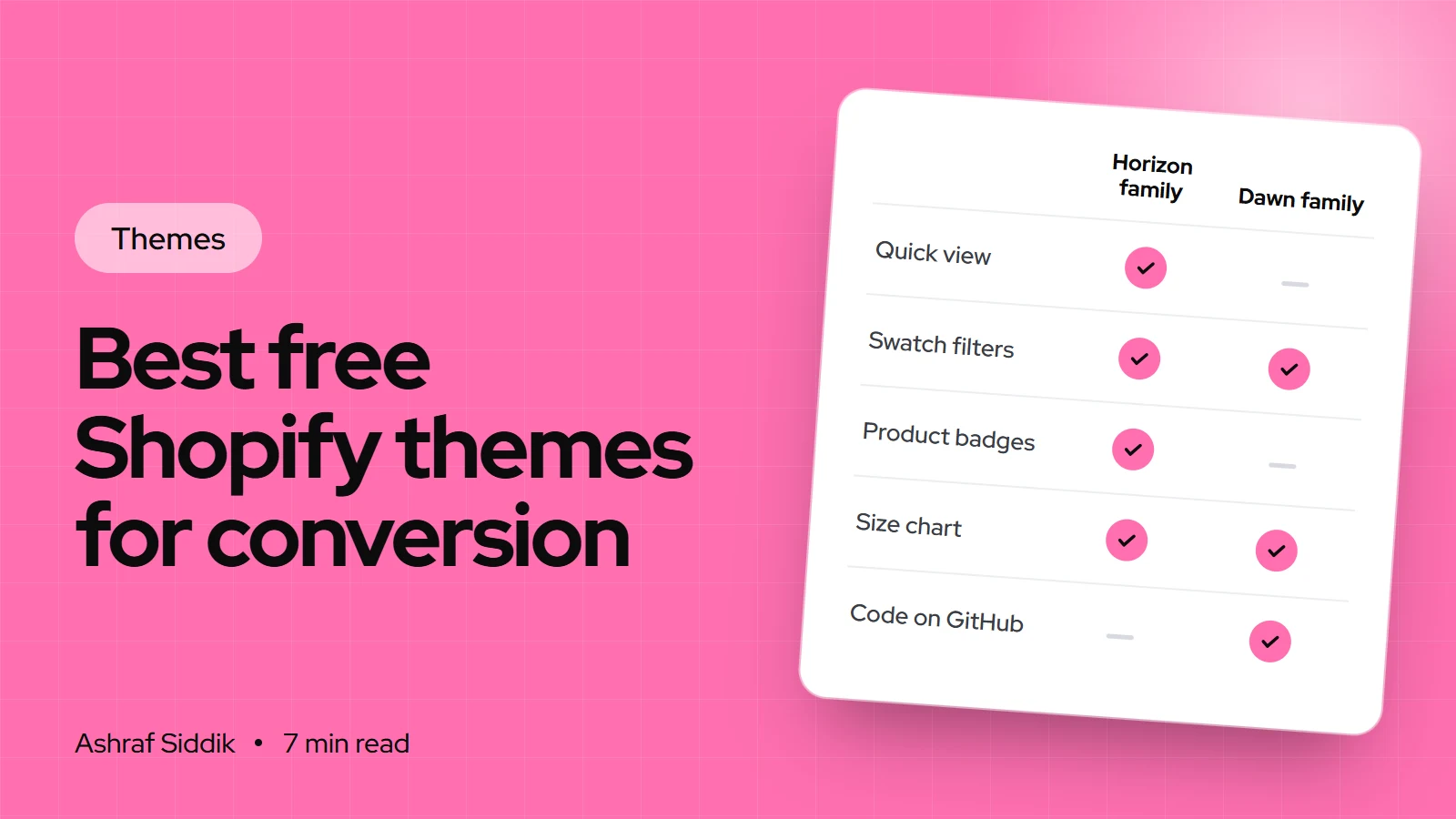
- Horizon-family themes list more built-in sales features, such as quick view, a stock counter, recently viewed products, product badges and pre-orders. Dawn-family themes are lighter and the most familiar to developers.
- No free theme converts better on its own. Conversion comes from how you set it up: product photos, clear product pages, filters, a fast cart and few distractions.
- Every free theme must meet Shopify's Theme Store minimums of a 60 average Lighthouse performance score and 90 for accessibility, and Shopify Support offers up to 60 minutes of free design help on paid plans.
- Who it is for
- Store owners choosing or switching themes
- Time needed
- An afternoon to shortlist and test
- What you need
- Your products loaded and a phone
"Which free theme converts best?" is one of the questions I'm asked most, and the honest answer is that the theme matters less than people hope. I've seen stores do well on Dawn and stores struggle on expensive premium themes. What a theme can do is make the right setup easy or hard: whether it has filters, a slide-out cart, swatches, quick add and the product page blocks you need.
So this isn't a ranking based on vague impressions. It's a comparison of the free Shopify themes by the features that affect sales, taken from each theme's Theme Store listing on 7 November 2026, plus how I'd choose between them.
The two families of free Shopify themes
The 24 free themes on the Theme Store are Dawn, Ritual, Tinker, Ride, Publisher, Colorblock, Fabric, Spotlight, Origin, Trade, Pitch, Savor, Atelier, Studio, Horizon, Heritage, Taste, Refresh, Sense, Rise, Dwell, Craft, Vessel and Crave. Many are close relatives that share the same code with a different look and preset.
- The Horizon family, at version 4.4.0 when I checked, includes Horizon, Atelier and Fabric. These themes use nested theme blocks, so you can build more varied layouts in the editor, and newer releases use color palettes instead of color schemes.
- The Dawn family, at version 16.1.1, includes Dawn, Sense, Refresh, Craft, Spotlight and Trade. Dawn is Shopify's long-standing reference theme, and its code is public on GitHub, so almost every Shopify developer knows it.
Both families are Online Store 2.0 themes: sections on every page, app blocks, metafields through dynamic sources and collection filtering.
Free themes compared by sales features
| Theme | Family | Stand-out features | Good fit |
|---|---|---|---|
| Horizon | Horizon | Quick view, stock counter, back-in-stock alert | Most new stores |
| Fabric | Horizon | Sticky cart, quick view, product badges | Bold, casual brands |
| Atelier | Horizon | Gift wrapping, pre-order, recently viewed | Gift-led catalogs |
| Dawn | Dawn | Lean, mega menu, swatch filters | Stores planning custom work |
| Refresh | Dawn | Slide-out cart, promo banners | Small, colorful catalogs |
| Spotlight | Dawn | Slide-out cart, stock counter | Few-product stores |
| Trade | Dawn | Quick order list, product tabs | Wholesale and B2B |
Every theme here lists product filtering and sorting, color swatches, image zoom, product videos, recommended products, a mega menu and a sticky header. Every one suggests a catalog of "Some (11-100+)" products. The differences are in the extras.
Horizon, Fabric and Atelier: the most built-in features
The Horizon-family listings are the longest. Beyond the shared basics, they include:
- Quick view and a slide-out cart, so shoppers can add products without leaving the collection page.
- Stock counter and product badges, for honest scarcity and sale labels.
- Recently viewed products and in-menu promos.
- Pre-order and Sign in with Shop.
- Infinite scroll on collections.
- EU translations in English, French, Italian, German and Spanish.
- Combined listings, which show related products as one, for Shopify Plus stores.
Horizon itself also lists a back-in-stock alert. Fabric adds a sticky cart, and Atelier adds gift wrapping. If you want the most sales features without apps, start here. Fewer apps usually means a faster store, which matters more for conversion than any single feature.
Dawn and its relatives: lean and familiar
Dawn-family themes list fewer extras, and that's partly the point. Dawn's listing covers the essentials: cart notes, in-store pickup, quick buy, filtering with swatch filters, a mega menu, size chart, lookbooks and recommended products. In the theme editor, it also offers a cart drawer, quick add on collection grids and pop-up blocks for size guides.
Refresh and Spotlight add a slide-out cart to their listings, and Spotlight adds a stock counter. Trade is described as "a professional theme specifically designed for wholesale" and adds a quick order list, product tabs and quick view.
I pick Dawn when a store will need custom sections, because any Shopify developer can extend it quickly. If that's your plan, my guide to customizing Dawn without code covers what it can do before you need a developer.
Best free themes for fashion and for mobile
For fashion, look for color swatches, a size chart, quick view, image zoom and good variant handling. All the themes here list color swatches, and all except Trade list a size chart. The Horizon family adds quick view, recently viewed and combined listings, which suit clothing stores where each color is its own product. Fabric's bold style and sticky cart suit casual and streetwear brands. Dawn works well for minimal fashion brands with strong photography.
For mobile, every free Shopify theme is responsive, and Shopify tests Theme Store themes on mobile as well as desktop. What differs is how easy buying feels on a small screen. I look for a slide-out or sticky cart, quick add on the collection grid, filters in a drawer, and a sticky header that hides while scrolling down. Test with your own products on your own phone, not the demo store.
How to choose in three questions
Which free theme should you start with?
- 1
Do you sell mainly wholesale, with repeat bulk orders?
Yes: TradeNo: next question
- 2
Will a developer add custom sections or features soon?
Yes: DawnNo: next question
- 3
Do you want quick view, stock counters and badges without apps?
Yes: a Horizon-family themeNo: Dawn, Refresh or Spotlight
Then pick the preset whose look is closest to your brand. Style is easy to change. Missing features are not.
How to try free themes without risk
- Add a theme. In your admin, go to
Online Store > Themes. In theDiscover themessection, clickVisit theme store, open a free theme and clickAdd. It appears underDraft themes. - Preview with your products. Open the draft with
Edit theme. Your real products, collections and menus appear in the preview, which tells you far more than the demo store. - Test the buying flow. On your phone, go from home page to collection to product to cart. Count the taps and note anything awkward.
- Compare two or three. Add a couple of candidates and run the same test on each.
- Customize, then publish. Set up the winner fully as a draft. Publish only when it's ready, and keep the old theme as a backup.
Settings that matter more than the theme
Whichever theme you choose, these setup decisions affect sales more than the theme name:
- Turn on filters for collections and set them up in the Search & Discovery app. My guide to setting up product filters shows how.
- Use a cart drawer so shoppers stay on the page after adding a product.
- Show delivery and returns near the add to cart button, using collapsible rows.
- Keep one image ratio on collection grids.
- Turn on dynamic checkout buttons so returning shoppers can use express checkout.
- Remove what you don't need. Every extra section and app widget is something more to load and scroll past on a phone.
Common mistakes when choosing a free theme
- Choosing by the demo store. Demo photos are professionally shot. Preview with your own products.
- Switching themes to fix conversion. If the product pages, photos and pricing are the problem, a new theme won't help.
- Installing apps for features the theme already has. Check the theme's feature list before adding a quick view or badge app.
- Editing theme code heavily on day one. Code edits can complicate updates. Use settings and sections first.
- Forgetting free support. On paid plans, Shopify Support can help with predefined customizations of free themes, up to 60 minutes of design time.
Free theme checklist
- Shortlist two or three themes by features, not looks.
- Add them as drafts and preview with your own products.
- Test the full buying flow on a phone.
- Check filters, cart type, swatches and product page blocks.
- Avoid apps for features the theme includes.
- Customize fully as a draft, then publish.
Next steps
Pick your shortlist with the three questions above and test them this week. If you're weighing free against paid, my comparison of Dawn vs premium Shopify themes covers when a paid theme earns its price. If you'd like a free theme set up properly from the start, store design and development with me starts from $300 with a fixed quote, as explained on my Shopify development page.
Free tools
Check your own store
Free, no sign-up. Each one runs a part of this guide for you.
Frequently asked questions
What are the best free Shopify themes?
It depends on what you sell. Horizon-family themes such as Horizon, Fabric and Atelier list the most built-in sales features, like quick view and stock counters. Dawn is the leanest and easiest for developers to extend, and Trade is designed for wholesale.
How many free themes does Shopify have?
The Shopify Theme Store listed 24 free themes when I checked on 7 November 2026, all designed by Shopify. Several share the same code with different styles, grouped into the Horizon and Dawn families.
Are free Shopify themes good enough for a real business?
Yes. They are maintained by Shopify, must meet the Theme Store's performance and accessibility minimums, and include filtering, swatches and app support. Many growing stores run on them with a few custom sections.
What is the best free Shopify theme for fashion?
Look for swatches, a size chart, quick view and good variant handling. The themes compared here all list color swatches, nearly all list a size chart, and the Horizon family adds quick view, recently viewed and combined listings. Dawn suits minimal fashion brands with strong photography.
What is the best free Shopify theme for mobile?
All free Shopify themes are responsive and tested on mobile. For easier buying on a phone, look for a slide-out or sticky cart, quick add on collection grids and filters in a drawer, then test the full buying flow on your own phone.
Does Shopify support free themes?
Yes. On the Basic plan or higher, Shopify Support can help with certain predefined customizations of free themes, with up to 60 minutes of complimentary design time. It doesn't write custom code or support themes with heavy code changes.
Sources
- Free themes, Shopify Theme Store
- Horizon, Shopify Theme Store
- Dawn, Shopify Theme Store
- Theme Store requirements, Shopify.dev
- Free theme support, Shopify Help Center
- Adding, previewing and buying themes, Shopify Help Center
Related services and work

I'm a Shopify developer and CRO specialist. I have built and improved Shopify stores since 2018, completed more than 1,000 projects, and hold a 4.96 average rating across 719 client reviews.
More guides
-
Shopify Liquid Basics for Store Owners
Liquid is the language every Shopify theme is written in, and you can learn to read it in an afternoon. This guide covers the basics with code examples you can test safely on your own store.
-
How to Customize the Dawn Theme Without Code
Dawn looks plain only when it keeps its default settings. This guide shows how to customize the Shopify Dawn theme area by area in the theme editor, with the real setting names from version 16.1.1.
-
Shopify Theme Editor: The Complete Tutorial
The theme editor is where most Shopify stores are designed, and most store owners only use a fraction of it. This tutorial covers every part of it in the order you will need it, including how to fix it when it won't load.
-
Online Store 2.0 Sections Explained
Online Store 2.0 is the theme architecture behind every current Shopify theme. This guide explains how its templates, sections and blocks work, how to check your theme and how to move from a vintage one.