Shopify guideGuide8 min read
Shopify Accessibility: How to Make Your Store Accessible
Shopify's checkout is built to WCAG 2.2 AA, but your theme, content and apps are up to you. Here is how to audit and fix a Shopify store, starting with the problems that block shoppers most.
Key takeaways
- The US Department of Justice says the ADA applies to what businesses offer on the web. It has no detailed technical rule for private businesses and points to WCAG as helpful guidance.
- Shopify tests its checkout against WCAG 2.2 Level AA, but your theme, content and apps are your responsibility, and that's where most problems sit.
- An accessibility widget or overlay doesn't make a store compliant. In 2025 the FTC ordered accessiBe to pay $1 million over claims that its tool could make any website WCAG-compliant.
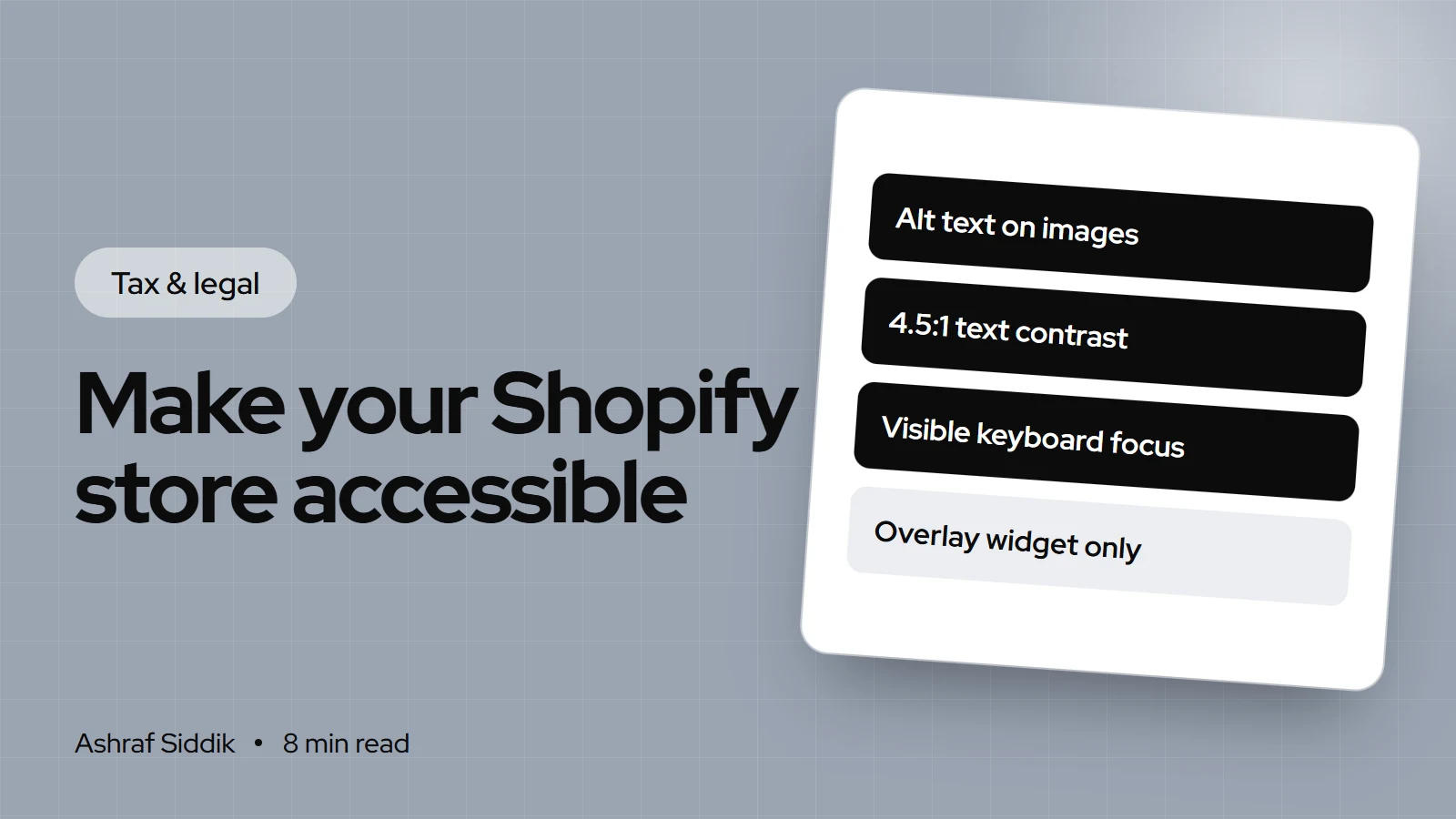
- Most fixes are in the admin and theme editor: alt text, 4.5:1 text contrast, visible keyboard focus, labeled forms, no autoplay and captions on video.
- Who it is for
- Store owners who want an accessible storefront
- Time needed
- An afternoon for content, more for theme code
- What you need
- Admin access, a keyboard and a screen reader
A shopper who uses a screen reader lands on your product page. The product photos are announced as "IMG_4471.jpg". The size selector can't be reached with the Tab key. The "Add to cart" button is pale gray on white. That shopper leaves, and in the US, some of them file complaints. This is the realistic picture of Shopify accessibility: most problems aren't exotic, they're a few dozen small things that a theme, an app or a product upload got wrong.
This guide is the process I use to make a Shopify store accessible, in the order that fixes the most for the least effort. Legal context comes from ADA.gov, the FTC and EU sources, technical standards from W3C, and Shopify paths from its help center and developer docs, as checked on 7 November 2026.
What the law expects
In the US, the ADA's Title III covers businesses open to the public. The Department of Justice's guidance, dated 18 March 2022, says it has held since 1996 that this extends to goods and services offered on the web. It doesn't set a detailed technical standard for businesses. It names WCAG and the federal Section 508 standards as helpful guidance and says businesses have flexibility in how they comply, as long as people with disabilities can use what's offered.
In practice, I build and test to WCAG 2.2 Level AA, the current W3C recommendation. It's the version Shopify uses for its own checkout, and it gives you a clear, testable target.
If you sell to EU consumers, the European Accessibility Act has applied since 28 June 2025 and covers e-commerce services. Microenterprises providing services, defined as fewer than 10 people and annual turnover or balance sheet total of €2 million or less, are exempt from its accessibility requirements.
What Shopify covers and what it doesn't
| Part of the store | Who controls it | Standard reported |
|---|---|---|
| Checkout | Shopify | WCAG 2.2 A and AA (VPAT) |
| Admin | Shopify | WCAG 2.1 A and AA (VPAT) |
| Dawn theme | Shopify, until you edit it | WCAG 2.1 A and AA (v2.4.0 VPAT) |
| Other themes and edits | You and your developer | – |
| Apps, pop-ups, widgets | Each app developer | Varies |
| Images, video, product copy | You | – |
Shopify notes that merchants have complete control over their theme code. A theme can pass a review on day one and fail six months later after a new app, a custom section and a hundred product uploads.
Why an accessibility app alone isn't enough
Search "shopify accessibility app" and you'll find widgets that promise compliance with one install. Be careful. In April 2025, the FTC approved a final order requiring accessiBe to pay $1 million. The FTC said its accessWidget didn't make all user websites WCAG-compliant, and the order bars the company from claiming its automated products can make any site compliant without evidence.
A widget can add useful options, such as text resizing. It can't write meaningful alt text for your product photos, fix a menu that traps keyboard users or relabel a form an app injected. Fix the store itself first, then decide whether a widget adds anything.
Step 1: Audit the pages that sell
- Pick the templates. Home, a collection, a product, the cart, search and your contact page cover most of the store, because each template repeats across many pages.
- Run automated checks. Shopify's developer docs suggest Lighthouse, WAVE and Accessibility Insights for Web. Shopify requires Theme Store themes to average a Lighthouse accessibility score of at least 90 across home, collection and product pages, which is a fair first bar for your own theme.
- Test with a keyboard. Unplug the mouse. Tab through the menu, filters, variant picker, add to cart, cart drawer and pop-ups. You should always see where you are and never get stuck.
- Test with a screen reader. VoiceOver on a Mac or iPhone, or NVDA on Windows. Listen to a product page from top to bottom.
- Write it down. List each issue with the template, the WCAG criterion and whether it's a theme, app or content problem.
The DOJ's guidance makes the same point I would: a clean automated report doesn't guarantee a page is accessible. Automated tools catch what can be measured, like contrast and missing alt attributes. The keyboard and screen reader tests catch what a person experiences.
Step 2: Fix the common problems
| Problem | WCAG criterion | Where to fix it |
|---|---|---|
| Images with no alt text | 1.1.1 Non-text Content (A) | Product media, theme editor |
| Low-contrast text or buttons | 1.4.3 Contrast, 4.5:1 (AA) | Theme settings, colors |
| Faint borders and icons | 1.4.11 Non-text Contrast, 3:1 (AA) | Theme settings or CSS |
| Menus that need a mouse | 2.1.1 Keyboard (A) | Theme code |
| Tiny tap targets | 2.5.8 Target Size, 24 by 24 px (AA) | Theme code |
| Videos without captions | 1.2.2 Captions (A) | Video file or host |
Alt text
For product images, go to Products, open a product, click a media item, then click Add alt text, type the description and click Save alt text. Shopify allows 512 characters and recommends 125 or fewer. Describe what a shopper needs to know, such as "Navy linen shirt, front view, with two chest pockets", not "shirt". Add alt text to banners and other theme images in the theme editor. Purely decorative images should have empty alt text, so screen readers skip them. For a big catalog, alt text can be uploaded by CSV.
Color and type
Shopify's own guidance for merchants sets body and button text at a contrast ratio of at least 4.5:1, headings and large text of 24 px and up at 3:1, and input borders and icons at 3:1. Text over images needs an overlay to keep its contrast. Keep body text at the equivalent of 16 px or larger, avoid justified text, and underline links or mark them some way other than color.
Headings, links and focus
Use headings in order without skipping levels: one H1 per page, then H2s, then H3s. Make link text describe where it goes. Never remove the focus outline when you edit the stylesheet. Shopify's Theme Store rules require a visible focus state on every focusable element and a keyboard focus order that matches the page order.
Motion and media
Turn off autoplay on slideshows and videos in the theme editor. If a background video must autoplay, mute it. Add captions to any video with dialogue, plus a transcript for longer ones, and don't place text or buttons over the captions.
Forms
Every input needs a visible label, linked to the field in code. Error messages should say what went wrong and how to fix it. Check the newsletter pop-up, the contact form and any app forms such as reviews or back-in-stock alerts, because these are often added by apps and rarely tested.
Step 3: Check every app on the storefront
Apps that add pop-ups, reviews, chat, upsells and quizzes inject their own code. One inaccessible pop-up that opens on every page can block a keyboard user from the whole store.
- List the apps that show something on the storefront. The Shopify app detector finds the ones loading on a page.
- Test each one with the keyboard: can you reach it, use it and close it with Escape?
- Ask the developer for their accessibility statement or VPAT. If they can't answer, consider an alternative.
- Remove apps you no longer use. It helps speed as well.
Step 4: Publish an accessibility statement
Add a page under Online Store > Pages that says which standard you aim for, what you've tested, any known issues and how customers can get help or report a problem, by email and phone. Link it from the footer. It shows good faith and gives shoppers a route other than leaving.
Common mistakes
- Installing an overlay and stopping there. It doesn't fix the theme, content or apps.
- Alt text stuffed with keywords. It should describe the image for a person, not repeat the product title.
- Brand colors that fail contrast, especially pale gray text and light buttons.
- Hiding focus outlines because they "look messy".
- Testing only the home page. Product pages, the cart and pop-ups are where shoppers get stuck.
- Treating it as a one-off project. Each new app, section and product upload can undo it.
Shopify accessibility checklist
- Every product image and theme image has meaningful alt text, and decorative images have empty alt text.
- Body text and buttons meet 4.5:1 contrast, and large text, borders and icons meet 3:1.
- The whole store works with a keyboard, with a visible focus state everywhere.
- Headings are in order, links are descriptive and underlined, and body text is at least 16 px.
- Slideshows and videos don't autoplay, and videos have captions.
- Every form field has a label, and errors explain how to fix them.
- Each storefront app has been tested with a keyboard and screen reader.
- An accessibility statement with contact details is linked in the footer.
- I re-test the main templates after every theme update or new app.
Next steps
Start with the keyboard test on your best-selling product page, then fix alt text and contrast, which you can do yourself in an afternoon. Many accessibility fixes also make the store easier for everyone on a phone, which is why they overlap with my mobile CRO checklist. If you're choosing a theme, Dawn vs premium themes helps you start from a better base.
Keyboard support, focus states, tap targets and app fixes usually need theme code. That's part of my Shopify development work, which starts from $300 with a fixed quote. Send me your store for a free review and I'll point out the biggest barriers first.
Free tools
Check your own store
Free, no sign-up. Each one runs a part of this guide for you.
Frequently asked questions
Is Shopify ADA compliant?
Shopify tests its checkout against WCAG 2.2 Level AA and publishes accessibility reports for its checkout, admin and Dawn theme. Your storefront also depends on your theme edits, apps and content, which Shopify doesn't control, so a store isn't accessible just because it runs on Shopify.
Do accessibility widgets make a Shopify store compliant?
No widget can fix missing alt text, keyboard traps or unlabeled forms in your theme and apps. In 2025 the FTC ordered accessiBe to pay $1 million and barred it from claiming, without evidence, that its automated tool can make any website WCAG-compliant.
What WCAG level should a Shopify store meet?
WCAG 2.2 Level AA is the practical target. It is the current W3C recommendation and the level Shopify uses for its checkout. The DOJ doesn't mandate a specific standard for private businesses, but names WCAG as helpful guidance.
How do I add alt text in Shopify?
Go to Products, open the product, click a media item, click Add alt text, type a description and click Save alt text. Shopify allows up to 512 characters and recommends 125 or fewer. Other theme images get alt text in the theme editor.
When should I hire a Shopify accessibility consultant?
When keyboard support, focus states, custom sections or app widgets need code changes, or when you need a full audit to a stated standard. Content fixes such as alt text and color choices you can usually do yourself.
Does the European Accessibility Act apply to my Shopify store?
It covers e-commerce services offered to EU consumers and has applied since 28 June 2025. Microenterprises providing services, with fewer than 10 people and turnover or balance sheet of €2 million or less, are exempt. Check with a lawyer for your exact case.
Is this legal advice?
No. It is general information, checked on 7 November 2026. If you've received an accessibility complaint or demand letter, speak to a lawyer.
Sources
- Guidance on Web Accessibility and the ADA, U.S. Department of Justice, ADA.gov
- FTC approves final order requiring accessiBe to pay $1 million, Federal Trade Commission
- Web Content Accessibility Guidelines (WCAG) 2.2, W3C
- Accessibility, Shopify
- Accessibility in themes, Shopify Help Center
- Theme Store requirements, Shopify.dev
Related services and work

I'm a Shopify developer and CRO specialist. I have built and improved Shopify stores since 2018, completed more than 1,000 projects, and hold a 4.96 average rating across 719 client reviews.
More guides
-
Shopify GST in Australia: How to Set It Up Correctly
Australian GST is one 10% rate and one threshold, but Shopify stores still get the details wrong. Here is every setting that touches GST, plus the tax invoice rules your order emails need to meet.
-
GDPR for Shopify Stores: A Practical Setup Guide
GDPR on a Shopify store comes down to five jobs: tell people what you collect, get consent for marketing, keep data safe, answer requests on time and know what your apps do. Here is how to handle each one in the Shopify admin.
-
How to Set Up Cookie Consent on Shopify (Step by Step)
Shopify's built-in cookie banner takes minutes to switch on, but it only works if your tracking waits for it. Here are the exact admin steps for the UK, EU and US, plus the checks that make consent real.
-
Shopify Sales Tax: How to Set Up US Sales Tax Step by Step
Shopify only collects sales tax in the states you add, and only you can register with them. Here is how to find your nexus, set up each state and use Shopify's reports to file.