Shopify guideGuide7 min read
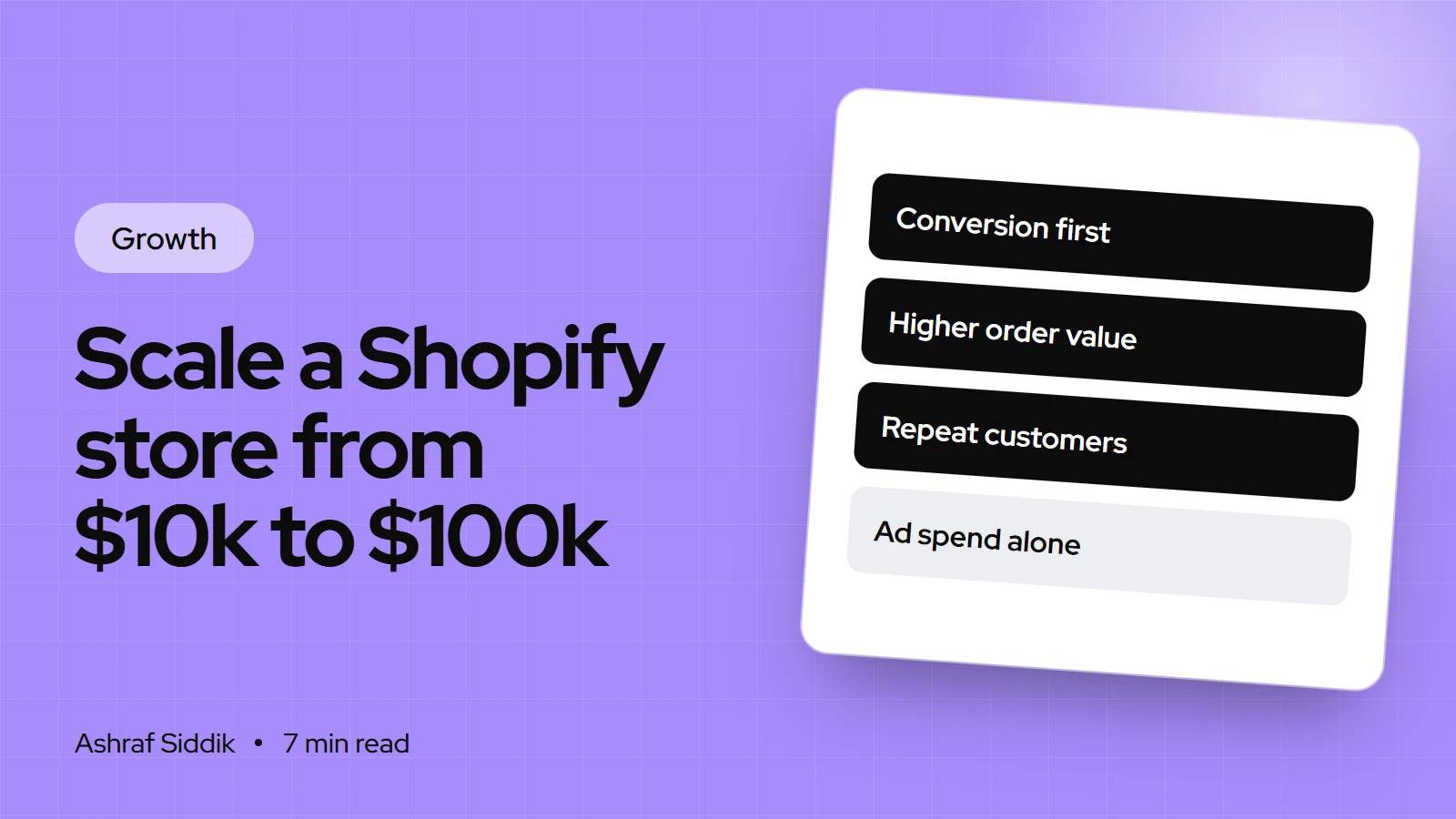
How to Scale a Shopify Store from $10k to $100k a Month
Going from $10k to $100k a month is rarely one big win. It's four numbers growing together, and a store whose operations can handle ten times the orders. Here is how I'd plan it, stage by stage.
Key takeaways
- Monthly revenue is sessions × conversion rate × average order value, plus what returning customers add. A 10x jump usually comes from improving several of these at once, not tripling ad spend alone.
- Fix conversion and order value before buying more traffic. Every visitor you already pay for becomes worth more, and every new one does too.
- Shopify's own reports, under
Analytics > Reports, show where you're losing sales: conversion rate breakdown, sessions by landing page and device, returning customers and cohort analysis. - At 2,000 orders a month, operations become the limit. Shopify Flow is free on Basic, Grow, Advanced and Plus, and plan upgrades add staff accounts and lower card rates.
- Who it is for
- Stores selling about $10k a month
- Time needed
- Months, worked stage by stage
- What you need
- Shopify reports, margin data and time for CRO
At $10k a month and a $50 average order, a store handles about 200 orders. At $100k, with the same order value, it handles 2,000, which is roughly 65 a day. That's a different business: different stock levels, different packing, different customer service, and a store that has to convert far more strangers. So when someone asks me how to scale a Shopify store, I start with the math and the bottlenecks, not with channels.
I'm a Shopify developer and CRO specialist, and I've worked across more than 1,000 Shopify projects. I won't promise a timeline, because it depends on your product, margin and market. What I can give you is the order I'd work in, and the Shopify settings and reports for each step. Plan details were checked on Shopify's pricing page and help center on 7 November 2026.
The math of 10x
One way from $10k to $100k a month
- Sessions10k → 40k4x traffic across several channels.
- Conversion rate2% → 2.5%A modest lift from CRO work.
- Average order$50 → $100Bundles, thresholds and upsells.
- Monthly revenue$10k → $100k40,000 × 2.5% × $100.
The point of the example is that no single number grew tenfold. Traffic grew four times, and conversion and order value did the rest. Doing it with traffic alone would mean ten times the sessions, which usually means ten times the spend on ads at worse and worse prices.
| Lever | Main tools | Where to see it |
|---|---|---|
| Traffic | SEO, creators, email, ads, wholesale | Performance by marketing channel |
| Conversion rate | Product pages, checkout, speed | Conversion rate breakdown |
| Average order value | Bundles, free shipping threshold | Sales reports |
| Repeat purchases | Email flows, subscriptions, loyalty | Returning customers, cohort analysis |
Step 1: find where you're losing sales
Go to Analytics > Reports and work through these, in order. Write down one finding per report.
| Report | What it tells you | Typical action |
|---|---|---|
| Conversion rate breakdown | Where visitors drop out | Fix the weakest step first |
| Sessions by device | Mobile vs desktop traffic | Test the store on a phone |
| Sessions by landing page | Where visitors arrive | Improve the top 5 pages |
| Searches with no results | What people can't find | Add synonyms, products or pages |
| Returning customers | Who comes back | Build post-purchase emails |
| Customer cohort analysis | Repeat rate by month joined | Find what made good cohorts |
The behavior reports also include page speed reports for Largest Contentful Paint, Interaction to Next Paint and Cumulative Layout Shift, by page type. If product pages are slow on mobile, that's a fix that helps every channel at once.
Step 2: lift conversion before buying traffic
Conversion work comes first because it multiplies everything after it. A lift from 2% to 2.5% means 25% more orders from the same visitors.
- Audit the product page template. Clear price and delivery information, reviews near the add to cart button, real photos, and answers to the three questions customers ask most. My Shopify CRO audit checklist walks through every element.
- Check checkout. Show express payment options such as Shop Pay, Apple Pay and PayPal, and remove surprise costs by showing shipping early.
- Fix mobile first. Check the sessions by device report. Most stores I review get most of their traffic from phones.
- Test one change at a time on your highest-traffic pages, and give each test enough orders to mean something.
Step 3: raise average order value
- Free shipping threshold. Set it a little above your current average order, and show progress towards it in the cart.
- Bundles. Group products bought together at a small saving. Shopify's Buy X get Y discounts or a bundles app can do this.
- Tiered offers. "Spend $100, save 10%" lifts baskets without discounting every order.
- Cart and post-purchase offers. One relevant add-on, not a carousel of everything.
- Price and pack sizes. A larger pack or a premium version gives buyers a reason to spend more.
Step 4: build repeat purchases
Repeat customers cost nothing to acquire again, so they're the cheapest part of the jump. Use the Customer cohort analysis and Returning customers reports to see your starting point.
- Post-purchase emails. A delivery follow-up, a how-to-use email and a reorder reminder timed to when the product runs out. Shopify Messaging can run these automations, with the first 10,000 emails each month free according to its App Store listing on 7 November 2026.
- Subscriptions, if your product is used up regularly.
- Segments. Treat first-time buyers, repeat buyers and lapsed customers differently. The RFM customer analysis report helps you group them.
- Customer accounts. Make reordering one click for returning buyers.
Step 5: add traffic channels, one at a time
Once each visitor is worth more, add traffic. Add one channel at a time and give it a few months before judging it.
- Organic search: collection and product pages that match what people search, plus content that answers buying questions.
- Creators: gifting and commission, tracked with codes. See my guide to influencer marketing on a small budget.
- Wholesale: a second revenue line from the same stock. See selling wholesale alongside retail.
- Marketplaces and social shops: Google, Meta and TikTok Shop through Shopify sales channels, where you're eligible.
- Paid ads: I don't manage ads, but I build what they depend on: a landing page per campaign, an offer that's clear on a phone, and purchase tracking that records each order once. Scaling spend on a page that converts poorly just buys more expensive failures.
Step 6: make operations handle 10x
This is where growing stores break. Orders ship late, stock runs out, and the owner spends every day in the inbox.
- Automate the repetitive work. Shopify Flow is a free app on the Basic, Grow, Advanced and Plus plans. It watches for events in your store and runs actions in response, such as tagging orders, alerting you to low stock or routing high-risk orders for review.
- Plan stock from data. Use inventory reports to reorder before bestsellers run out.
- Consider a fulfillment partner once packing takes most of your week. My guide to using a fulfillment center with Shopify covers when it makes sense.
- Add staff accounts. Basic has no extra staff accounts, Grow includes 5, Advanced 15 and Plus unlimited.
- Review your plan. On US plans, Grow costs $65 a month ($49 billed yearly) and Advanced $399 ($299 billed yearly), with Shopify's quoted card rates falling from 2.9% + 30¢ on Basic to 2.7% + 30¢ on Grow and 2.5% + 30¢ on Advanced. Shopify Plus starts at $2,300 a month.
Work out the plan change with your own numbers. At $100k a month, a lower card rate can cover the difference in plan price, but it depends on your order count and payment mix. My Grow vs Advanced comparison shows the calculation.
What to focus on at each stage
| Monthly revenue | Usual bottleneck | Focus |
|---|---|---|
| $10k to $25k | Conversion and product pages | CRO, reviews, email capture |
| $25k to $50k | Order value and repeat rate | Bundles, thresholds, email flows |
| $50k to $75k | Traffic mix | A second and third channel |
| $75k to $100k | Operations and team | Flow, fulfillment, staff, plan review |
Stores don't always follow this order. Use the reports in step 1 to find your own bottleneck and start there.
Common mistakes
- Scaling ad spend first. More traffic to a page that converts poorly costs more and teaches little.
- Ignoring margin. Revenue can grow tenfold while profit stays flat. Track contribution margin per order.
- Adding apps for every problem. Each one adds cost and often slows the store. Review your apps every quarter.
- Running out of bestsellers. Stockouts in a growth month lose sales and ad momentum.
- Doing everything yourself. At 2,000 orders a month, you need automation, help or both.
- Changing too much at once. You won't know which change worked.
Scaling checklist
- Baseline recorded. Sessions, conversion rate, average order and returning customer rate for the last 90 days.
- Reports read. One finding from each report in step 1.
- Product page fixed. Template audited and improved on mobile.
- Order value plan. Free shipping threshold and at least one bundle live.
- Retention flows live. Post-purchase and reorder emails running.
- One new channel. Chosen, tracked and given a few months.
- Automation in place. Flow workflows for stock alerts and order tagging.
- Fulfillment capacity checked. A plan for 10x the orders.
- Plan reviewed. Upgrade worked out against your card fees and staff needs.
Next steps
Record your baseline this week and read the six reports. Pick the weakest number and work on that before anything else. The Shopify revenue estimator in my free tools can help you size up competitors you're chasing.
If conversion is the bottleneck, that's what I do every day. Shopify CRO starts from $500, and every project gets a fixed quote after a free review.
Free tools
Check your own store
Free, no sign-up. Each one runs a part of this guide for you.
Frequently asked questions
How long does it take to scale a Shopify store from $10k to $100k a month?
There's no reliable timeline, because it depends on your product, margin, market and how much you can invest. Stores that grow steadily usually improve conversion, order value and repeat purchases before scaling traffic, and fix operations as they go.
What should I fix first when scaling a Shopify store?
Start with conversion rate and product pages, because every visitor you already have becomes worth more. Use the conversion rate breakdown and sessions by landing page reports in Analytics to find the weakest step.
Do I need Shopify Plus to reach $100k a month?
No. Many stores reach that level on Grow or Advanced. Plus starts at $2,300 a month on US pricing, and it makes sense when you need its specific features, not because of a revenue number.
Should I upgrade my Shopify plan as I grow?
Work it out with your own numbers. Higher plans have lower card rates and more staff accounts, so at higher sales volumes the saving on fees can cover the plan price. Compare your actual monthly fees on each plan before switching.
Which Shopify reports help with scaling?
Conversion rate breakdown, sessions by device, sessions by landing page, searches with no results, returning customers and customer cohort analysis are the most useful. You'll find them under Analytics, then Reports, in your Shopify admin.
Is Shopify Flow free?
Yes. As checked on 7 November 2026, Shopify Flow is a free app on the Basic, Grow, Advanced and Plus plans. It runs actions automatically when events happen in your store, such as tagging orders or sending low-stock alerts.
Sources
- Shopify pricing, Shopify
- Shopify Flow, Shopify Help Center
- Customers reports, Shopify Help Center
- Behavior reports, Shopify Help Center
- Marketing reports, Shopify Help Center
- Shopify Messaging, Shopify App Store
Related services and work

I'm a Shopify developer and CRO specialist. I have built and improved Shopify stores since 2018, completed more than 1,000 projects, and hold a 4.96 average rating across 719 client reviews.
More guides
-
How to Set Up Subscriptions on Shopify (Step by Step)
Subscriptions turn one-off buyers into repeat orders, if the setup is right. Here's how I set them up with Shopify's free app, and when a paid app is worth it.
-
How to Set Up B2B Wholesale on Shopify (Without Plus)
Shopify B2B now works on every main plan, not just Plus. Here's what each plan includes, and the exact setup order I use for wholesale stores.
-
The Ecommerce KPIs Every Store Owner Should Track
Most store dashboards show plenty of numbers and few decisions. Here are the ecommerce KPIs I track, what each one tells you, and where to find it in Shopify.
-
How to Sell Wholesale Alongside Retail on Shopify
Wholesale can sit inside the same Shopify store as your retail sales, with trade prices that only approved buyers see. Here is how to price it, set it up step by step and find your first retailers.