Shopify guideGuide8 min read
How to Sell Wholesale Alongside Retail on Shopify
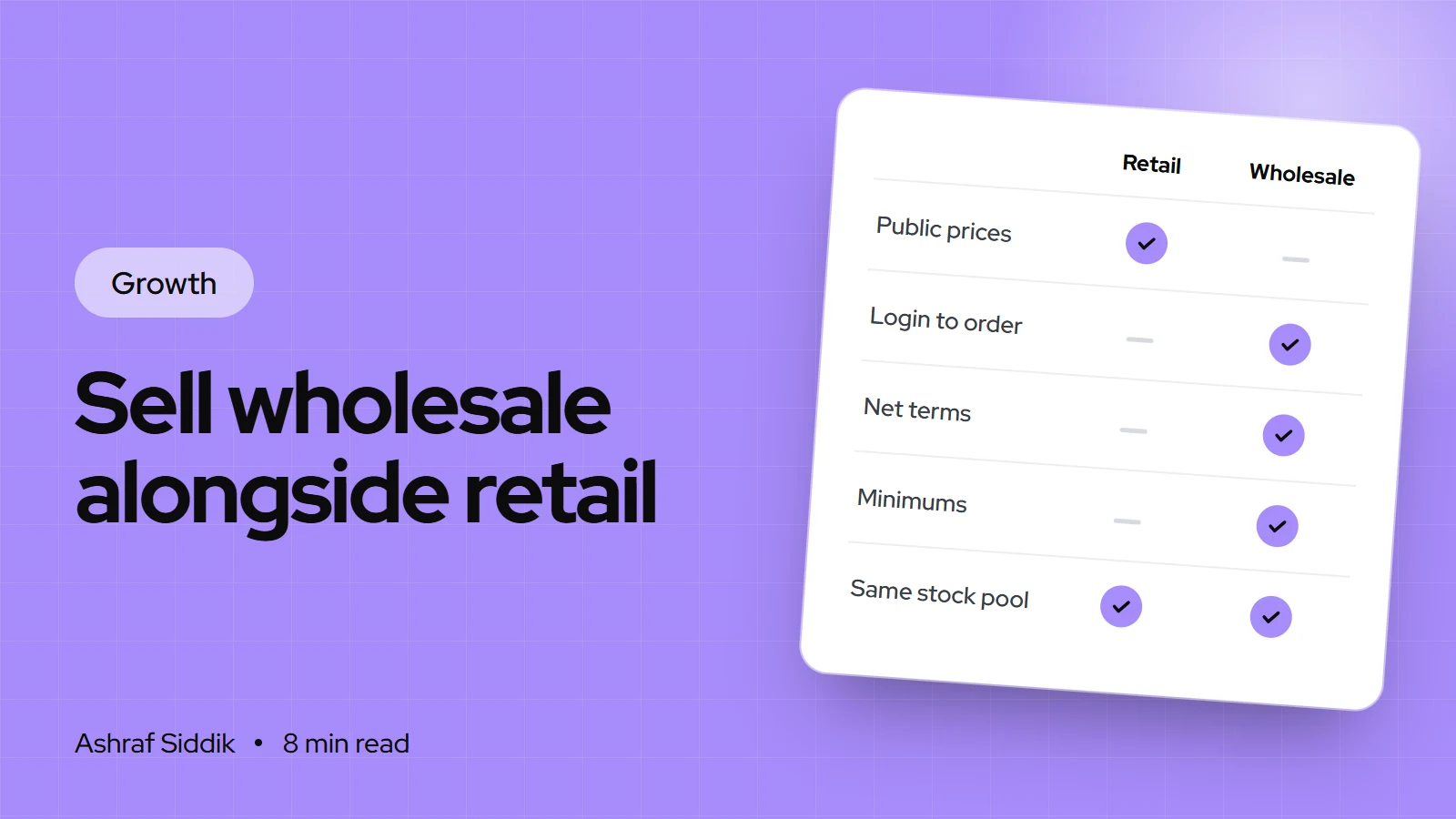
Wholesale can sit inside the same Shopify store as your retail sales, with trade prices that only approved buyers see. Here is how to price it, set it up step by step and find your first retailers.
Key takeaways
- Shopify's built-in B2B features are available on the Basic, Grow, Advanced and Plus plans, not only Plus. They aren't available on Starter or Retail.
- Basic, Grow and Advanced allow up to 3 active catalog assignments to B2B markets, which is enough for most small brands (for example trade, distributor and one export market). Plus has no limit.
- Net terms, quantity rules, volume pricing, draft-order review and PO numbers work on every B2B plan. Deposits and partial payments need Plus.
- Price wholesale from your costs upward, so a retailer can roughly double your price and you still make money on both channels.
- Who it is for
- Retail brands adding trade buyers
- Time needed
- A day to set up, weeks to sign stockists
- What you need
- Costs per unit, written terms and a Shopify plan
Wholesale usually starts with an email: a shop owner likes your product and asks for trade prices. Most small brands reply with a PDF price list, take the order by email and send an invoice by hand. That works for three stockists. It falls apart at twenty, when reorders, stock counts and late payments pile up in your inbox.
The better setup is to sell wholesale online through the same Shopify store: trade customers log in, see their own prices and minimums, and order like any shopper, while retail visitors never see any of it. This guide covers how to sell wholesale as a small business, from pricing to the Shopify setup and finding retailers. Shopify features and plan details were checked in the Shopify Help Center on 7 November 2026.
Price wholesale so both channels make money
Start from your full cost per unit, including packaging and the share of shipping you cover. Then work up, not down from your retail price.
| Price point | Example | Who pays it |
|---|---|---|
| Landed cost | $9 a unit | You |
| Wholesale price | $20 a unit | The retailer |
| Retail price | $40 a unit | The shopper, in their shop and on your site |
| Your margin | $11 wholesale, $31 retail | Before your own selling costs |
Many retailers price at around double what they pay, often called keystone pricing, so ask your first stockists what markup they need. If your wholesale price only works at a markup they can't accept, fix your costs or your retail price before you launch, not after. Check the numbers with the profit margin calculator.
Keep your own retail price the same as the price you suggest to stockists. If you undercut them online, they stop reordering.
Decide your wholesale terms first
Write these down before you build anything in Shopify, because each one becomes a setting.
| Term | Common choice | Shopify setting |
|---|---|---|
| Opening order | A minimum spend or units | Quantity rules or a checked draft |
| Case packs | Sold in 6s or 12s | Quantity rule increments |
| Volume price | Lower price from 48 units | Quantity price breaks |
| Payment | Card first, net 30 once trusted | Payment terms per location |
| Approval | Check each new buyer | Ordering not approved by default |
| Delivery | Free over a set order value | Shipping rates and discounts |
One store or a separate wholesale store
Shopify lets you run B2B and direct-to-consumer sales in one store or in a separate B2B-only store. For most small brands I recommend one store.
- One store keeps one stock count, one product catalog and one admin. Trade buyers log in and see their catalog prices. This is the simplest way to sell wholesale alongside retail.
- A separate B2B store makes sense when the wholesale range, branding or content is very different, or you want the whole site locked to approved buyers. It means a second plan and keeping stock in step between stores.
What each Shopify plan includes for B2B
| Feature | Basic and Grow | Advanced | Plus |
|---|---|---|---|
| Companies and locations | Yes | Yes | Yes |
| Catalog assignments | Up to 3 | Up to 3 | Unlimited |
| Quantity rules, volume pricing | Yes | Yes | Yes |
| Net terms, PO numbers | Yes | Yes | Yes |
| B2B storefront by market | – | Yes | Yes |
| Deposits, partial payments | – | – | Yes |
Sales staff permissions are on Grow and above, and catalogs assigned straight to one company location need Plus. Plan prices are in my Grow vs Advanced comparison, and the B2B and wholesale cost guide covers what a full setup costs.
Set up wholesale in Shopify, step by step
- Create a B2B catalog. Go to
Markets > Catalogsand click Create catalog. Give it an internal title, such as "Trade", and leave it as Draft while you build. - Set trade prices. In Price adjustment, choose Decrease and enter a percentage, such as 50%. Where a product needs a different price, type a fixed price in the Price column. A fixed price overrides the percentage for that product or variant.
- Choose the products. All products are included by default. Exclude anything you don't sell wholesale, and decide whether to turn on Automatically include new products.
- Add the catalog to a B2B market. Click Add a market, select your B2B market, then set both the catalog and the market to Active.
- Add quantity rules and price breaks. Set minimums and case-pack increments per product, and lower prices at higher quantities if you offer volume pricing.
- Create a company for each buyer. Go to
Customers > Companiesand click Add company. Add the main contact (they need an email address), shipping and billing addresses, the catalog and the payment terms. - Choose how orders arrive. Under Orders submission, pick Submit all orders as drafts for review for new buyers, so you can check each order before you accept it, or Automatically submit orders for trusted ones.
- Set taxes. Add the buyer's tax ID and choose Collect tax, Don't collect tax or Collect tax unless exemptions apply. For Shopify Tax stores with UK or EU addresses, the field shows as "VAT number" and is validated.
- Add a trade application form. Install the free Shopify Forms app, go to
Apps > Forms, click Create form and add the Company and customer fields. Company name and email are required for Shopify to create the company record automatically. - Approve applications. New applicants appear under
Customers > Companieson the Ordering not approved tab. They can't order or see trade prices until you click Manage permissions and approve them. - Test it as a buyer. Create a test company with your own second email, log in, check prices and minimums, and place an order.
Payment terms without the cash flow pain
Shopify supports net 7, 15, 30, 45, 60 and 90 day terms, payment due on fulfillment, and a fixed due date on individual draft orders. Set terms per company location under Customers > Companies, or select several companies and click Edit payment terms.
One detail catches people out: Shopify doesn't capture payment automatically when terms expire. Overdue orders are marked Overdue, and you collect manually, for example by charging a saved card. Payment reminders are available on every B2B plan.
My rule for small brands: card payment on the first two orders, then net 30 for buyers who reorder. Deposits on large orders need Plus, so on other plans ask for card payment on big first orders instead.
How to sell wholesale to retailers
The setup only matters once you have buyers. These are the steps I'd follow to find the first ten.
- Make a line sheet. One PDF with photos, SKUs, wholesale and suggested retail prices, case packs, minimums and lead times.
- Build a target list. 30 to 50 independent shops whose existing range sits next to yours. Visit their websites and social pages, and note who buys.
- Send samples to your top ten. A short note, the line sheet and a sample beat a cold email with an attachment.
- Follow up twice. Once a week after the sample arrives, then once two weeks later. Most first orders come from follow-ups.
- Make reordering easy. Once a buyer has an account, the quick order list and easy reorders let them reorder in minutes without emailing you.
Trade shows and wholesale marketplaces can add buyers too. Check their commissions and payment terms carefully, because they change the math in the pricing table above.
Protect your retail channel
- Same stock pool. Wholesale orders take from the same inventory as retail. Set aside stock for your own site before peak periods.
- Consistent prices. Ask stockists to keep to your suggested retail price, and keep yours there too.
- Different discounts. Exclude B2B orders from retail promotions, and check how your discount combinations behave when a logged-in trade buyer adds a retail code.
- Separate reports. Track wholesale and retail sales separately so a strong wholesale month doesn't hide a weak retail one.
Common mistakes
- Pricing wholesale from retail downwards. If 50% off retail doesn't cover your costs with a margin, you lose money on every trade order.
- Net terms on day one. Offer terms to buyers who have paid on time before.
- Using a discount code for trade prices. Codes leak, and they don't enforce minimums. Use catalogs and quantity rules.
- Undercutting stockists. A permanent sale on your site tells retailers not to reorder.
- Forgetting tax settings. Set tax collection per company location from the start.
- Not testing as a buyer. Log in as a test company before you invite real ones.
Wholesale launch checklist
- Costs known. Landed cost per unit, wholesale price and suggested retail price for each product.
- Terms written. Minimums, case packs, payment terms, delivery and returns.
- Plan checked. Your plan supports the B2B features you need.
- Catalog live. Trade catalog active and assigned to an active B2B market.
- Rules set. Quantity rules and price breaks on each wholesale product.
- Application form live. Shopify Forms with company fields, and approvals handled from the companies list.
- Taxes set. Tax IDs and collection settings on each company location.
- Test order placed. As a logged-in test company, from login to confirmation email.
- Line sheet sent. To your first ten target retailers, with samples.
Next steps
Work out your wholesale prices this week, then build the catalog and one test company. Once the test order works, send your first samples.
If you'd rather have the B2B setup done for you, with catalogs, company accounts, a trade theme and the order flow built and tested, that's part of my Shopify development work. Store design and development starts from $300, and every project gets a fixed quote after a free review.
Free tools
Check your own store
Free, no sign-up. Each one runs a part of this guide for you.
Frequently asked questions
Can I sell wholesale on a regular Shopify plan?
Yes. As checked on 7 November 2026, Shopify B2B is available on the Basic, Grow, Advanced and Plus plans. Basic, Grow and Advanced allow up to 3 active catalog assignments to B2B markets, and some features, such as deposits and partial payments, need Plus.
How do I price products for wholesale?
Start from your landed cost per unit and add your margin to reach a wholesale price, then check that a retailer can mark it up to your retail price. Many retailers expect to roughly double what they pay, so ask your first stockists what markup they need.
How do I hide wholesale prices from retail customers?
Use a B2B catalog assigned to a B2B market instead of a discount code. Trade prices only show to logged-in contacts of an approved company, and new applicants can't see them until you approve them.
Can wholesale customers pay on invoice?
Yes. Shopify supports net 7, 15, 30, 45, 60 and 90 day terms, payment due on fulfillment, and fixed due dates on draft orders. Payment isn't captured automatically when terms expire, so you collect overdue amounts yourself.
Should I use a separate store for wholesale?
Usually not for a small brand. One store keeps one stock count and one admin, and trade buyers see their own prices when they log in. A separate store suits brands with a very different wholesale range or a fully gated trade site.
How do I find retailers to sell my products?
Build a list of 30 to 50 independent shops whose range sits next to yours, send your top ten a line sheet and a sample, and follow up twice. Make reordering easy with a trade account so they come back without emailing you.
Sources
- B2B on Shopify, Shopify Help Center
- B2B features by plan, Shopify Help Center
- Customizing B2B pricing using catalogs, Shopify Help Center
- Creating and managing B2B customers using companies, Shopify Help Center
- Payment terms for B2B, Shopify Help Center
- Allowing new B2B customers to request access, Shopify Help Center
Related services and work

I'm a Shopify developer and CRO specialist. I have built and improved Shopify stores since 2018, completed more than 1,000 projects, and hold a 4.96 average rating across 719 client reviews.
More guides
-
How to Sell on Instagram and Facebook Shops with Shopify
Instagram still sells, but the checkout has moved to your own store. Here's how to set up Instagram and Facebook Shops from Shopify, and make the clicks convert.
-
How to Sell on TikTok Shop UK from Shopify
TikTok Shop syncs with Shopify, so you can sell in videos and fulfill from one admin. Here's how to set up TikTok Shop UK step by step, and avoid the common sync errors.
-
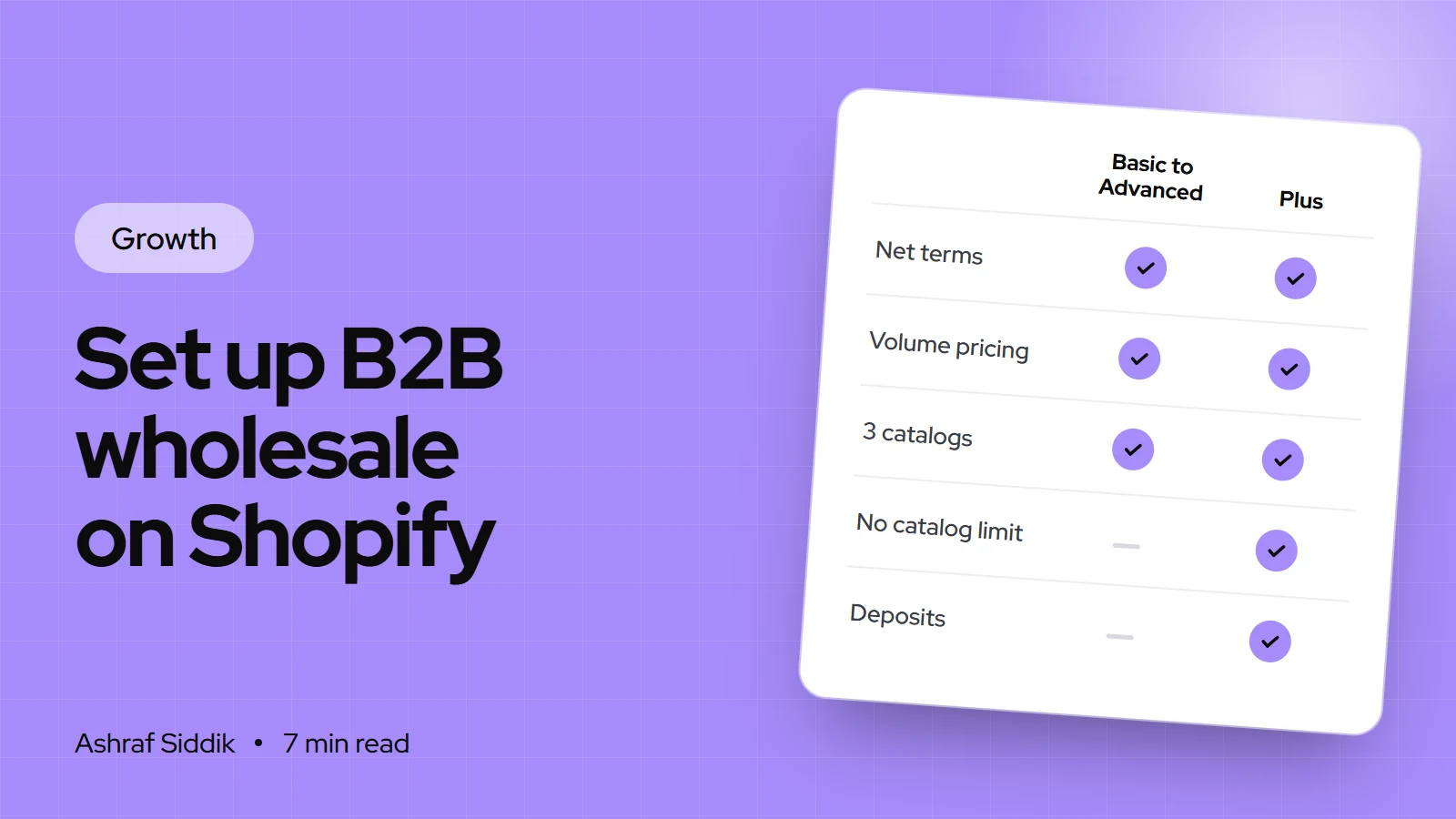
How to Set Up B2B Wholesale on Shopify (Without Plus)
Shopify B2B now works on every main plan, not just Plus. Here's what each plan includes, and the exact setup order I use for wholesale stores.
-
How to Write an About Us Page That Builds Trust (With Examples)
Shoppers open your About page to check you're real before they pay. Here's the structure, template and examples I use to make that page earn trust.