Shopify guideGuide7 min read
How to Sell on TikTok Shop UK from Shopify
TikTok Shop syncs with Shopify, so you can sell in videos and fulfill from one admin. Here's how to set up TikTok Shop UK step by step, and avoid the common sync errors.
Key takeaways
- UK Shopify stores can sell on TikTok Shop through TikTok's free sales channel app, which syncs products, orders and inventory with your Shopify admin.
- Customers buy inside TikTok. Shopify's Help Center says checkout for TikTok Shop is powered by TikTok, and payouts go to the bank account you connect in TikTok's Seller Center.
- Most failed setups trip on the location: your Shopify location needs a verifiable address that matches Google Maps, and a location name of 35 characters or fewer.
- TikTok charges a fee on qualified transactions. Check the current UK rate in Seller Center before you set prices, because it comes out of every order.
- Who it is for
- UK Shopify stores adding TikTok Shop
- Time needed
- An afternoon, plus TikTok verification
- What you need
- UK address, ID and business details
TikTok Shop turns short videos and live streams into a checkout, and UK Shopify stores can run it straight from their admin. The appeal is that you don't need to run a second shop by hand. Products, stock and orders sync both ways, and you fulfill TikTok orders from the same admin as your website orders.
This guide covers how to sell on TikTok Shop UK from Shopify, step by step: the requirements, the exact setup flow, getting your catalog to sync, pricing for TikTok's fees, fulfillment with UK carriers, and the content that sells. Requirements and steps come from Shopify's Help Center and the TikTok app listing on the Shopify App Store, as checked on 7 November 2026.
How TikTok Shop works with Shopify
TikTok Shop lets people buy without leaving TikTok. Shopify lists three ways products appear:
- Shoppable in-feed videos, where a product link sits on your video.
- LIVE shopping, where you sell products during a live stream.
- A product showcase on your TikTok profile.
The TikTok sales channel, made by TikTok and free to install, connects this to Shopify. It syncs products, feeds, orders and inventory, and also handles TikTok ads and the TikTok Pixel. It's rated 4.8 from 15,991 reviews on the Shopify App Store.
The key difference from your website: the sale happens on TikTok. Shopify's Help Center says "Checkout for TikTok Shop is powered by TikTok", and funds go to the bank account you connect in TikTok's Seller Center. You then fulfill the order from your Shopify admin.
What you need before you start
| Requirement | What Shopify asks for | Where to check |
|---|---|---|
| Country | Store in a supported country, including the UK | Your store address |
| Address | A verifiable warehouse address | Settings > Locations |
| Online store | An active Shopify online store | Settings > Sales channels |
| TikTok account | A TikTok for Business account | Create one during setup |
| Return policy | A return policy page on your store | Your store policies |
| Products | Allowed under TikTok's UK rules | TikTok's prohibited products policy |
Shopify's current list of supported countries also includes the US, Spain, Ireland, France, Italy, Germany, Mexico, Japan and Brazil, but this guide focuses on the UK.
Settings > Locations before you install anything.How to set up TikTok Shop UK from Shopify
- Add the channel. In your Shopify admin, go to
Settings > Sales channelsand click Shopify App Store. Search for TikTok, open the sales channel and click Add channel. - Connect TikTok Shop. On the Set up TikTok Shop page, click Connect in the TikTok Shop section.
- Sign in or register. In the Sign Up dialog, click Log in if you have a TikTok for Business account. If not, enter your phone number, email and password, then click Register as merchant.
- Connect to Shopify. Review the Merchant Terms of Service in the Connect to Shopify? dialog and click Connect.
- Verify your shop. In the Shop information section, click Verify.
- Upload documents. Complete the required fields in the Upload Documents dialog and click Next. Shopify doesn't list the documents, so have your photo ID and business registration details to hand, such as your Companies House number if you're a limited company.
- Finish. Click Finish setup.
- Connect your bank account in TikTok's Seller Center so payouts can reach you.
If you see "Your products couldn't be synced to TikTok due to a location address issue", go back to your location name and address. If the error persists, use Get Support in the TikTok channel.
Prepare your catalog for TikTok
TikTok buyers decide in seconds, on a small screen, often with the sound on. Your product data needs to work in that setting.
- Titles: clear and specific, with the product type first. Save the clever names for your website.
- Images: a clean main image, then the product in use, at a consistent ratio.
- Variants: make sure sizes and colors are set up as variants, not separate products, so they sync as one listing.
- Stock: keep inventory tracking on. A video that takes off can empty your stock fast, and overselling means cancelled orders and unhappy buyers.
- Restricted items: check TikTok's UK prohibited products policy before syncing. Some categories need approval, and some aren't allowed.
Publish your best sellers first, rather than the whole catalog. It's easier to fix data issues on ten products than on five hundred.
Price for TikTok's fees
Shopify's Help Center says TikTok Shop "charges a fee on all qualified transactions". TikTok sets the UK rate and it can change by category and over time. I couldn't confirm the current UK rate on a public TikTok page when I checked, so look it up in Seller Center and use it in your sums.
Work out your margin per order on TikTok separately from your website:
- Start with the selling price on TikTok, including VAT if you're VAT-registered.
- Take off TikTok's transaction fee at the rate shown in Seller Center.
- Take off product cost, packaging and shipping.
- Take off any creator commission if you work with affiliates or creators.
- Compare what's left with the same product sold on your website.
If TikTok leaves too little, sell bundles or higher-value items there rather than your cheapest product. The profit margin calculator makes the comparison quick.
Fulfill TikTok orders from Shopify
TikTok Shop orders arrive in your Shopify admin, and you fulfill them the same way as website orders. That means your existing shipping setup carries over, including labels, packing and tracking.
- Carrier choice. Royal Mail, Evri and DPD are the carriers most UK stores compare. My comparison of Royal Mail vs Evri vs DPD covers cost and speed.
- Labels. If you use Royal Mail, connecting Royal Mail Click & Drop to Shopify handles TikTok orders alongside the rest.
- Tracking. Make sure tracking numbers go back with every fulfillment, so the order updates on TikTok.
- Returns. Set your return rules and keep the return policy page accurate, since Shopify lists it as a requirement.
Cash flow is worth planning for. Shopify's Help Center describes a settlement period between payment capture and payout, tracked in the Finance section of Seller Center, so you'll often pay for stock and postage before TikTok pays you.
Content that sells on TikTok Shop
TikTok Shop is driven by video, not by listings. The shops that sell post often and show the product doing its job.
| Video type | What to show | Works for |
|---|---|---|
| Demo | The product solving the problem, in 15 to 30 seconds | Gadgets, cleaning, beauty |
| Before and after | The visible change | Skincare, home, hair care |
| Unboxing | Packaging and first impression | Gifts, premium goods |
| Behind the scenes | Making, packing, the team | Handmade and small-batch brands |
| LIVE | Questions answered in real time | Launches, restocks, bundles |
Use the same handle across TikTok and your store where you can. The free TikTok username generator helps if yours is taken.
UK rules to keep in mind
- VAT in prices. If you're VAT-registered, prices shown to consumers must include VAT, according to Trading Standards guidance on Business Companion.
- VAT returns. TikTok sales are still your sales. Record them in your accounts alongside website orders, using the TikTok orders in your Shopify admin and the payouts in Seller Center.
- Returns. Keep your TikTok return terms in line with your website policy and UK consumer rights, so customers get the same deal wherever they buy.
Common mistakes
- A location that doesn't match Google Maps, which blocks catalog sync.
- Syncing everything at once, then fighting hundreds of data errors.
- Using website prices without checking fees, and losing money on cheaper items.
- Running out of stock after a video takes off.
- Treating it as a listing site. Without regular video, a TikTok Shop sits idle.
- Missing tracking numbers, so orders don't update on TikTok and customers chase you.
TikTok Shop UK checklist
- Location name 35 characters or fewer, address matching Google Maps.
- Return policy page live on your store.
- Products checked against TikTok's UK prohibited products policy.
- TikTok channel added and setup finished, with documents verified.
- Bank account connected in Seller Center.
- Best sellers synced first, with clean titles, images and variants.
- Margin checked at TikTok's current fee rate.
- Fulfillment and tracking flowing through your usual carrier.
- A weekly video plan, including at least one LIVE a month.
Next steps
Check your Shopify location today, then set up the channel and sync five best sellers. Post three demo videos in your first week and watch which one sells. If you're a UK brand and want help making your store and product pages ready for TikTok traffic, see how I work with UK Shopify stores, or send me your store for a free review.
Free tools
Check your own store
Free, no sign-up. Each one runs a part of this guide for you.
Frequently asked questions
How do I set up a TikTok Shop UK with Shopify?
Add the TikTok sales channel from Settings, then Sales channels, click Connect in the TikTok Shop section, log in or register as a merchant, connect to Shopify, verify your shop with the required documents, and click Finish setup.
What do I need to open a TikTok Shop in the UK?
Shopify lists a store in a supported country such as the UK, a verifiable address in Settings, then Locations, an online store, a TikTok for Business account, a return policy page, and products allowed under TikTok's UK prohibited products policy.
Is the TikTok app for Shopify free?
Yes, the TikTok sales channel is free to install. TikTok charges a fee on qualified TikTok Shop transactions, and any ad spend is billed to your TikTok ad account. Check the current UK fee rate in Seller Center.
Who processes payment for TikTok Shop orders?
TikTok does. Shopify's Help Center says checkout for TikTok Shop is powered by TikTok, and funds are paid to the bank account you connect in TikTok's Seller Center after a settlement period.
Why won't my products sync to TikTok Shop?
The most common cause is the location. Shopify says the location name must be 35 characters or fewer, the address must match Google Maps, and the warehouse address and phone must be valid. Fix those, then contact TikTok support if it persists.
Do I fulfill TikTok Shop orders in Shopify?
Yes. TikTok Shop orders appear in your Shopify admin and you fulfill them like website orders, with your usual carrier. Make sure tracking numbers are added so the order updates on TikTok.
Sources
- Setting up TikTok Shop, Shopify Help Center
- TikTok, Shopify Help Center
- Getting paid for TikTok Shop orders, Shopify Help Center
- TikTok, Shopify App Store
- Providing price information, Business Companion (Chartered Trading Standards Institute)
Related services and work

I'm a Shopify developer and CRO specialist. I have built and improved Shopify stores since 2018, completed more than 1,000 projects, and hold a 4.96 average rating across 719 client reviews.
More guides
-
How to Sell on Instagram and Facebook Shops with Shopify
Instagram still sells, but the checkout has moved to your own store. Here's how to set up Instagram and Facebook Shops from Shopify, and make the clicks convert.
-
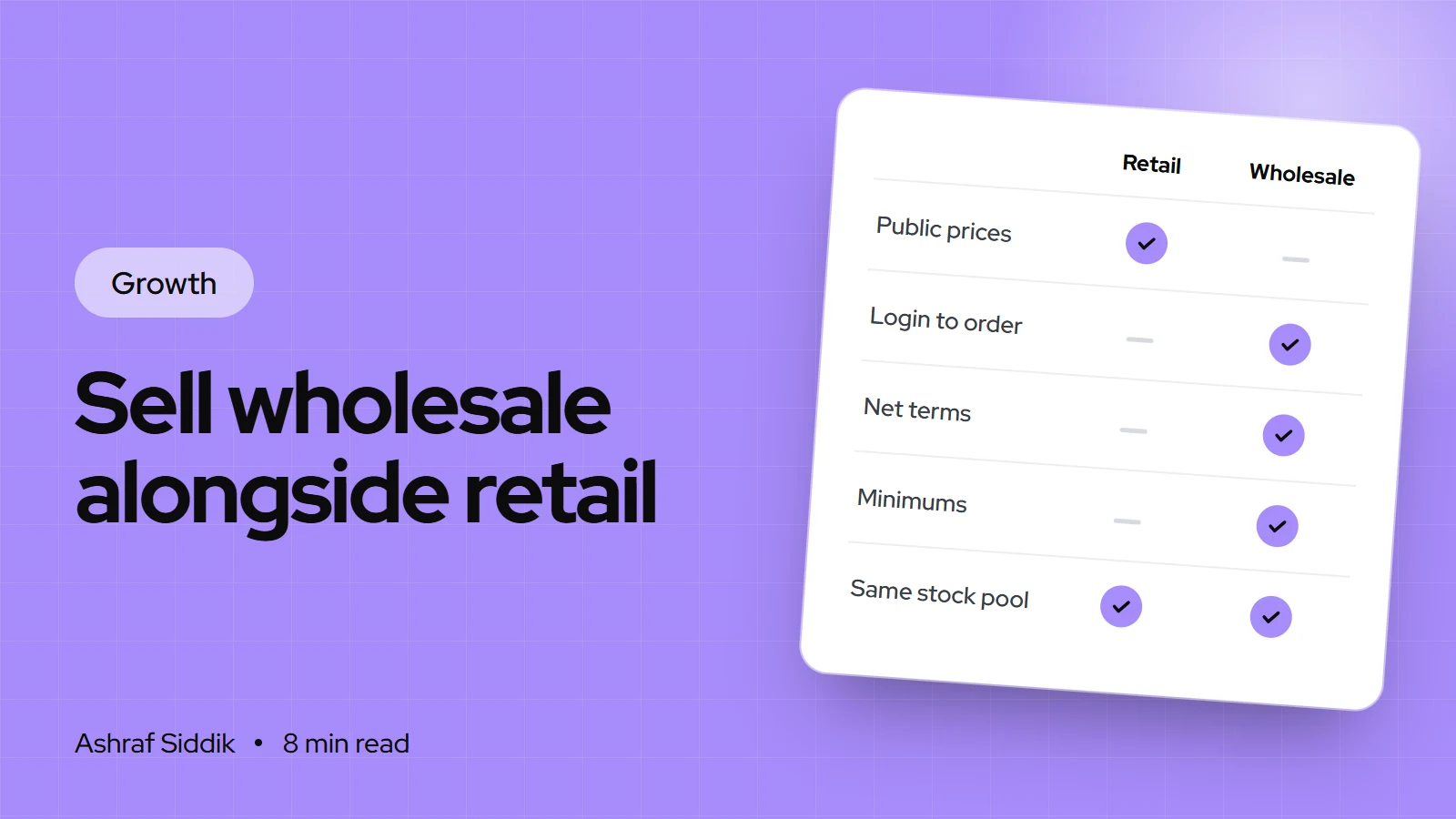
How to Sell Wholesale Alongside Retail on Shopify
Wholesale can sit inside the same Shopify store as your retail sales, with trade prices that only approved buyers see. Here is how to price it, set it up step by step and find your first retailers.
-
How to Launch a New Product on Shopify: A Launch Strategy
Most launches fail before launch day, or never get reviewed after it. Here's the four-phase plan I use to launch new products on Shopify, with the admin steps.
-
How to Scale a Shopify Store from $10k to $100k a Month
Going from $10k to $100k a month is rarely one big win. It's four numbers growing together, and a store whose operations can handle ten times the orders. Here is how I'd plan it, stage by stage.