Shopify guideGuide8 min read
Shopify Plus: When to Upgrade (and When Not To)
Plus removes real limits, but many stores upgrade too early. Here's what it adds over Advanced, what it costs, and the signs that tell me a store is ready.
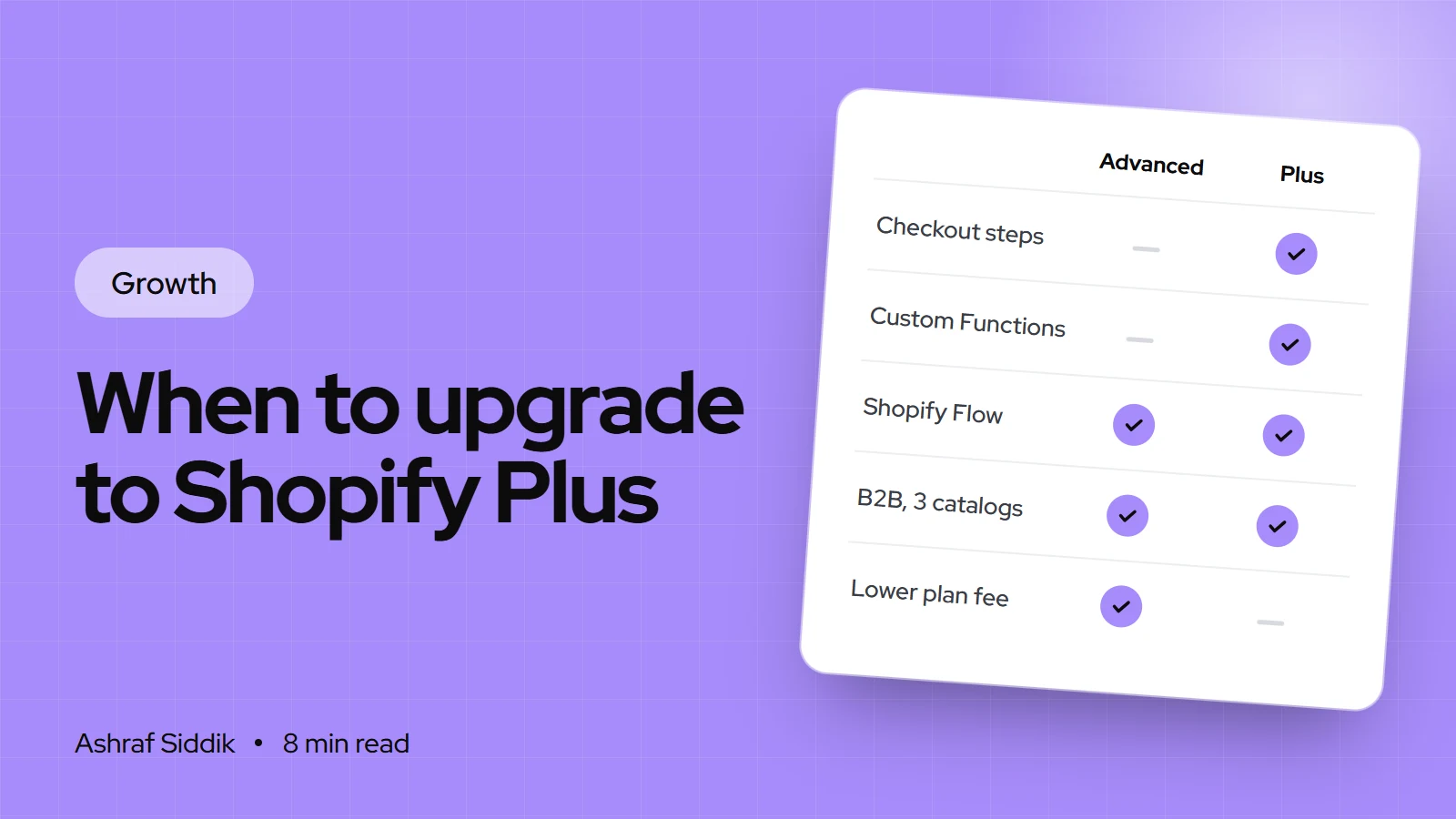
Key takeaways
- Shopify Plus starts at $2,300 a month on a 3-year term, or $2,500 a month on a 1-year term, and higher-volume stores may also pay a variable platform fee that Shopify doesn't publish.
- Several features that used to need Plus now work on every plan, including Shopify Flow, B2B with up to 3 catalogs, and public apps that use Shopify Functions.
- What still needs Plus: checkout apps on the information, shipping and payment steps, custom apps with Shopify Functions, unlimited B2B catalogs, expansion stores and unlimited staff.
- Upgrade when a specific Plus feature solves a problem that is costing you money. Don't upgrade for status, or because revenue crossed a round number.
- Who it is for
- Growing stores on Grow or Advanced
- Time needed
- An hour to decide, weeks to roll out
- What you need
- Your app list and monthly sales
I get asked "should we move to Plus?" more than almost any other question from growing stores. My honest answer is usually "not yet", and occasionally "you should have moved a year ago". The difference has nothing to do with revenue on its own. It comes down to whether you've hit a wall that only Plus removes.
This guide sets out exactly what Plus adds over the Advanced plan, what it costs, the fee math that sometimes pays for it, and the signs that tell me a store is ready. Prices and features come from Shopify's Plus pricing page, Help Center and developer docs, as checked on 7 November 2026. I'm a Shopify Select Partner and I do Plus upgrades, so weigh my view with that in mind. I'll still tell you when Advanced is enough.
What Shopify Plus adds over Advanced
Advanced is the top self-serve plan. Plus is the enterprise tier above it. This table shows the differences that actually change how a store runs.
| Feature | Advanced | Shopify Plus |
|---|---|---|
| Price | $399 a month, $299 billed yearly | From $2,300 a month |
| Staff accounts | 15 | Unlimited |
| Inventory locations | 10 | 200 |
| Expansion stores | – | Up to 9 included |
| B2B catalogs | Up to 3 | Unlimited |
| Checkout step apps | Thank you and order status pages | Every checkout step |
| Custom apps with Functions | – | Yes |
| Fee without Shopify Payments | 0.6% | 0.2% |
A few of these need a word of explanation:
- Checkout customization. On every plan from Basic up, you get the checkout and accounts editor and can install apps that change the thank you and order status pages. Only Plus stores can use apps that change the information, shipping and payment steps, and only Plus gets the Checkout Branding API.
- Shopify Functions. Stores on any plan can use public App Store apps that contain Functions. Only Plus stores can use custom apps that contain them. That matters when you need discount, shipping or payment logic no public app offers.
- Expansion stores. Plus includes up to 9 extra stores for other countries or separate locations, each needing its own theme license if you use a paid theme.
- B2B. Plus adds direct catalogs per company, deposits, partial payments and payment requests per fulfillment, on top of the B2B features every plan now has.
- Launchpad. Plus stores can use Launchpad to schedule and automate sales and promotions.
What Shopify Plus costs
Shopify's Help Center says Plus is priced on a 1-year or 3-year term, billed monthly: $2,500 a month on a 1-year term and $2,300 a month on a 3-year term, with pricing varying by currency. Higher-volume businesses may pay a variable platform fee based on revenue and business model, which differs for B2B and direct-to-consumer stores. Shopify doesn't publish that fee, so ask the Plus team for it in writing before you sign.
The plan fee is only part of the bill. Plan for these as well:
- Apps with Plus-only pricing tiers, which some vendors charge for once they see a Plus store.
- Development to use what you're paying for, such as checkout extensions or custom Functions.
- Theme licenses for any expansion stores you open.
I've broken these down in more detail in what Shopify Plus really costs.
When the fee math pays for Plus
There is one case where Plus can pay for itself on paper: stores that take payments through a provider other than Shopify Payments. Those stores pay Shopify an extra fee on every sale: 0.6% on Advanced and 0.2% on Plus. The 0.4% difference grows with revenue.
Monthly sales where Plus fees match Advanced
- Plus on a 3-year term$500,250$2,300 Plus vs $299 Advanced: a $2,001 gap, covered by 0.4% of sales.
- Plus on a 1-year term$550,250$2,500 Plus vs $299 Advanced: a $2,201 gap, covered by 0.4% of sales.
If you use Shopify Payments, the decision has to rest on features. Shopify doesn't publish standard card rates for Plus in the US, so if you're quoted one, compare it line by line with your Advanced rate of 2.5% + 30¢. You can model your own numbers in the Shopify fees calculator.
Signs you're ready for Plus
These are the situations where I recommend the upgrade. One strong reason is enough. Three weak ones aren't.
- Checkout is the bottleneck. You need custom fields, a delivery date picker, address validation or upsells on the shipping or payment step, and no workaround on the thank you page will do.
- You need custom business logic. Tiered discounts, shipping rules or payment method rules that no public app handles, which means a custom app with Functions.
- B2B has outgrown 3 catalogs. You have more than three price lists for trade customers, or need customer-specific pricing, deposits or partial payments.
- You run several countries or brands. You'd rather run separate stores per region or brand than stretch one store with Shopify Markets, and expansion stores make that cheaper.
- Your team has outgrown 15 staff accounts, or you need more than 10 inventory locations.
- Big launches strain your process. You run flash sales or drops and want Launchpad to schedule them instead of a person clicking buttons at midnight.
When not to upgrade
Shopify has moved a lot down the plans over the last two years. Before you pay for Plus, check whether one of these already solves your problem:
- Automation. Shopify Flow is free on Basic, Grow, Advanced and Plus. Its Send HTTP Request action needs Grow or higher, and only tasks from custom partner apps are Plus-only.
- Wholesale. Since April 2026, Basic, Grow and Advanced include native B2B with companies, payment terms, volume pricing and up to 3 active catalogs. My Shopify B2B setup guide covers it.
- Custom discount and shipping logic. Many public apps built on Shopify Functions work on every plan.
- Checkout branding. Logo, colors and fonts in checkout are available from Basic up in the checkout and accounts editor.
- Conversion problems. If your store converts poorly, Plus won't fix it. Product pages, speed and offers usually matter far more than checkout steps.
Should you upgrade? Four questions
Advanced or Shopify Plus?
- 1
Do you need to change the information, shipping or payment steps of checkout?
Yes: PlusNo: next question
- 2
Do you need custom logic that only a custom app with Functions can provide?
Yes: PlusNo: next question
- 3
Do you need more than 3 B2B catalogs, more than 15 staff, or separate stores per region?
Yes: PlusNo: next question
- 4
Do you sell over about $500,000 a month through a non-Shopify payment provider?
Yes: Plus may pay for itselfNo: stay on Advanced, or Grow
If every answer is no, spend the difference on conversion work instead. If you're unsure between the lower plans, read Grow vs Advanced.
How to upgrade to Shopify Plus, step by step
Plus isn't a self-serve switch like moving from Grow to Advanced under Settings > Plan. Shopify's Help Center points you to the Plus team. The store itself stays the same: products, orders, customers, theme and apps carry over, because it's an upgrade of the same store, not a migration.
- Write down the problem Plus solves. One page: the feature you need, what it's costing you now, and how you'll measure the change.
- Contact the Plus team and ask for the price on both terms, the variable platform fee for your revenue and model, and the card rates if you use Shopify Payments.
- Audit your apps. List every app, check whether its price changes on Plus, and remove the ones you'll replace with Plus features.
- Plan checkout changes. Decide which extensions you'll add, and in what order. Test each one on a development or expansion store first.
- Set up the organization. Plus stores get organization settings for managing several stores, users and security in one place. Add users and turn on extra sign-in security.
- Roll out one change at a time. Launch the feature you upgraded for first, measure it for two to four weeks, then move to the next.
If you'd like help with the switch, my Shopify to Shopify Plus service covers the planning, checkout work and app review.
Common mistakes
- Upgrading on revenue alone. A round number isn't a reason. A blocked feature is.
- Signing a 3-year term without a plan. The lower rate is only a saving if you'll use the features for three years.
- Not asking about the variable fee. Get it in writing before you sign, not after your first invoice.
- Paying for Plus and changing nothing. I've seen stores on Plus for a year with an untouched checkout. That's $27,600 or more spent on a badge.
- Keeping apps Plus replaces. Expansion stores, Launchpad and Functions can retire several subscriptions.
Plus upgrade checklist
- The Plus-only feature you need is written down, with its cost to you today.
- You've checked that Flow, B2B, Functions apps and the checkout editor on your current plan can't do it.
- You have quotes for both terms, the variable platform fee and card rates.
- Every app is checked for Plus pricing.
- Checkout changes are planned and tested on a non-live store.
- Staff, organization users and sign-in security are set up.
- Success measures are defined for the first 90 days.
Next steps
Run the four questions above. If you land on Plus, get the full price in writing and plan the first feature you'll launch. If you land on Advanced, look at what's holding conversion back first, because that is usually the bigger win. For a side-by-side of every plan, see Shopify vs Shopify Plus, or send me your store for a free review and I'll tell you which side of the line you're on.
Free tools
Check your own store
Free, no sign-up. Each one runs a part of this guide for you.
Frequently asked questions
How much does Shopify Plus cost?
Shopify's Help Center lists $2,500 a month on a 1-year term and $2,300 a month on a 3-year term, billed monthly, as checked on 7 November 2026. Higher-volume businesses may also pay a variable platform fee based on revenue, which Shopify doesn't publish, so ask for it in writing.
What is the difference between Shopify Advanced and Shopify Plus?
Plus adds checkout apps on every step, custom apps with Shopify Functions, unlimited staff, 200 inventory locations, up to 9 expansion stores, unlimited B2B catalogs and Launchpad. It also lowers the fee for third-party payment providers from 0.6% to 0.2%.
Can I get B2B without Shopify Plus?
Yes. Since April 2026, Basic, Grow and Advanced include native B2B with companies, payment terms, volume pricing, quantity rules and up to 3 active catalogs. Plus adds unlimited catalogs, direct company catalogs, deposits and partial payments.
At what revenue should I move to Shopify Plus?
There is no revenue threshold. Upgrade when you need a Plus-only feature. On fees alone, Plus only pays for itself if you sell roughly $500,000 or more a month through a payment provider other than Shopify Payments.
Do I need to migrate my store to upgrade to Plus?
No. Upgrading to Plus keeps the same store, with its products, customers, orders, theme and apps. The work is in using the new features, such as checkout extensions or expansion stores, not in moving data.
Is Shopify Flow only on Shopify Plus?
No. Shopify Flow is free on Basic, Grow, Advanced and Plus. The Send HTTP Request action needs Grow or higher, and tasks created by custom partner apps are Plus-only.
Sources
- Shopify Plus pricing, Shopify
- Shopify Plus plan, Shopify Help Center
- Checkout extensibility, Shopify Help Center
- Shopify Functions, Shopify.dev
- Shopify Flow, Shopify Help Center
- Shopify B2B features by plan, Shopify Help Center
Related services and work

I'm a Shopify developer and CRO specialist. I have built and improved Shopify stores since 2018, completed more than 1,000 projects, and hold a 4.96 average rating across 719 client reviews.
More guides
-
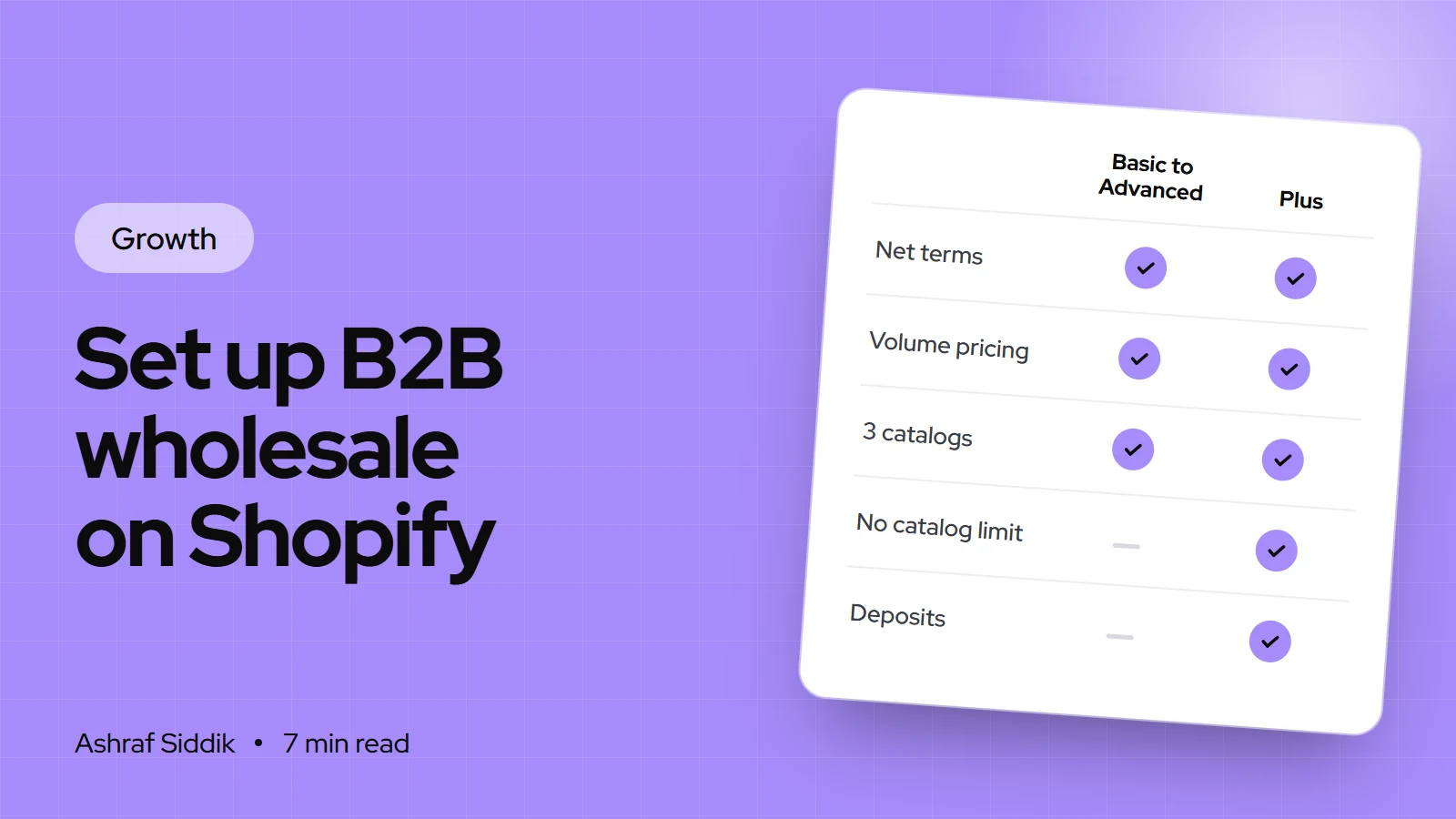
How to Set Up B2B Wholesale on Shopify (Without Plus)
Shopify B2B now works on every main plan, not just Plus. Here's what each plan includes, and the exact setup order I use for wholesale stores.
-
How to Sell on Instagram and Facebook Shops with Shopify
Instagram still sells, but the checkout has moved to your own store. Here's how to set up Instagram and Facebook Shops from Shopify, and make the clicks convert.
-
Black Friday Checklist for Shopify Stores: What to Do and When
Black Friday 2026 falls on 27 November and Cyber Monday on 30 November. This checklist works backwards from those dates, with the Shopify settings to change at each step.
-
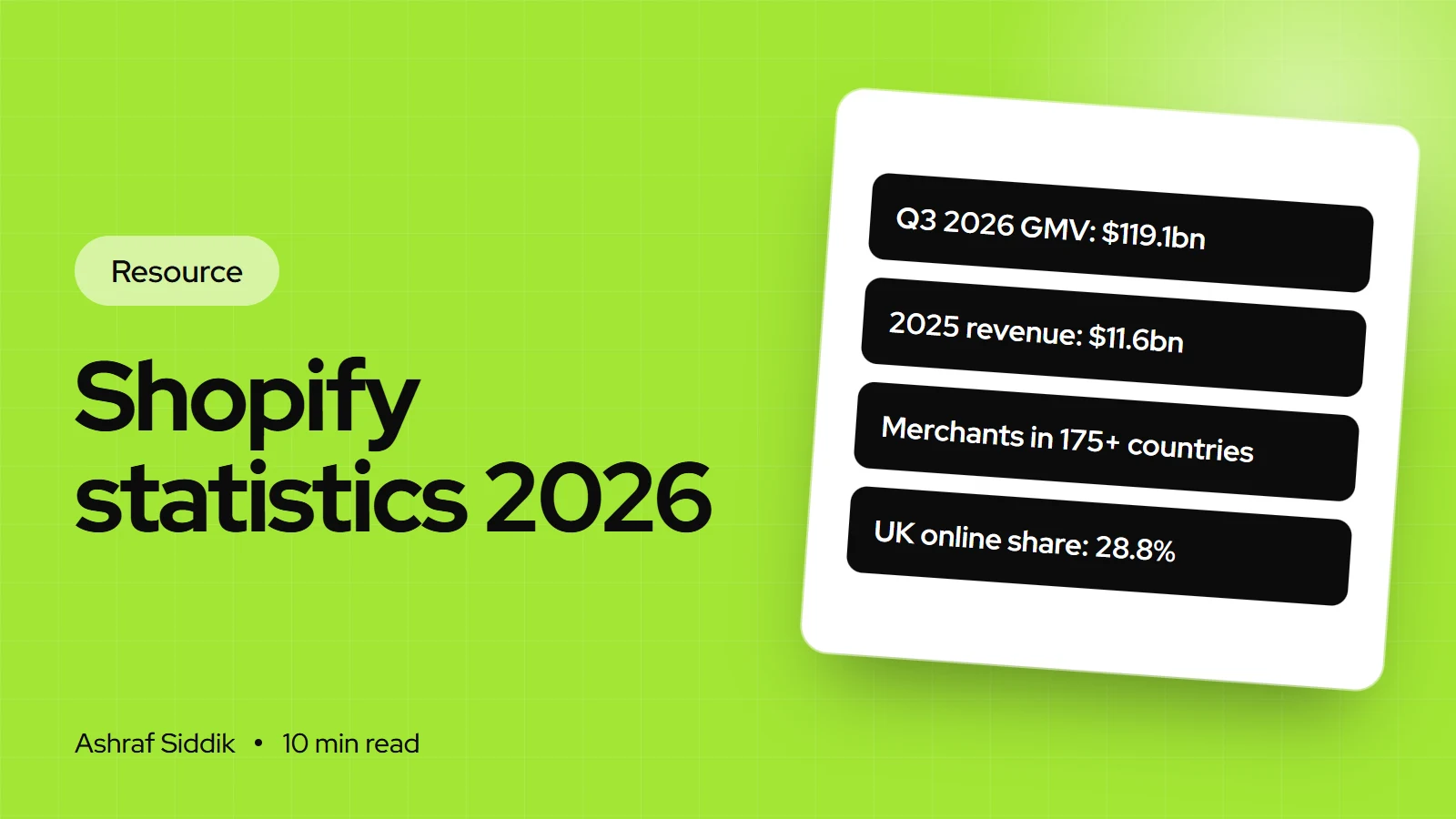
Shopify Statistics 2026: GMV, Revenue, Merchants and UK Data
Shopify's key numbers in one place, each linked to Shopify's filings, its own pages or government statistics. Checked on 7 November 2026, with the UK figures UK store owners ask me about.