Shopify questionAnswer4 min read
What Do I Need Before Building a Shopify Store?
Most store builds stall on missing information, not on Shopify. Have these things ready and the build itself takes days, not months.
Key takeaways
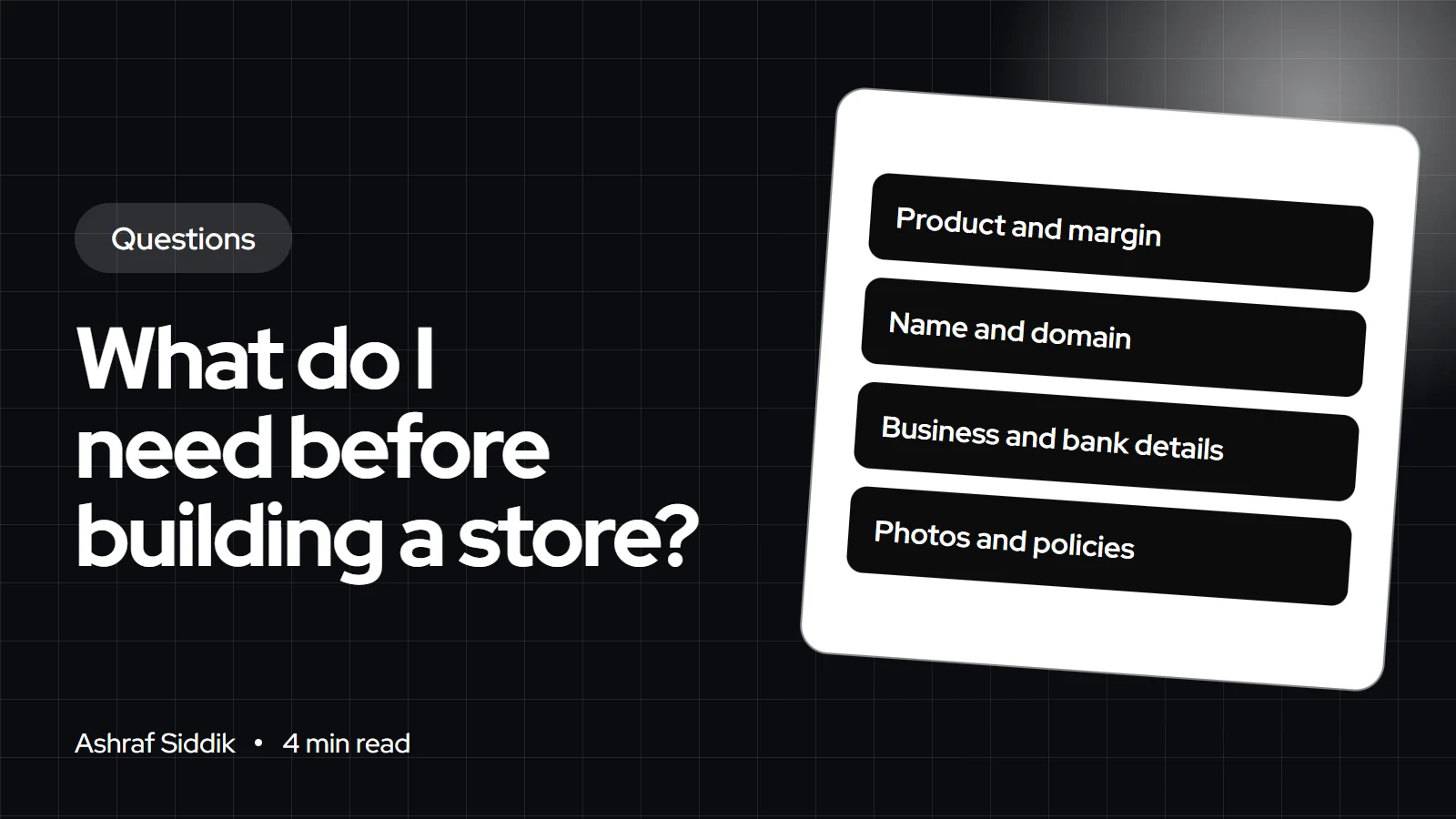
- Before you build, you need a product with a known margin, a name and domain, business and bank details, and photos and copy for your first products.
- Shopify Payments asks for ID, proof of address and business registration documents, depending on your country.
- In the US, the trial is 3 days free, then $1 a month for 3 months, and checkout stays off until you pick a paid plan.
- You also need refund, shipping and privacy policies and a clear idea of your tax obligations before your first sale.
- Who it is for
- People about to start a store
- Time needed
- 5 minutes to read
- What you need
- Your product and cost figures
Before building a Shopify store you need four things ready: a product you know you can sell at a profit, a store name and domain, your business and bank details for payouts, and photos and descriptions for your first products. Add your shipping rates, policies and tax position, and the build itself becomes quick. Shopify's own setup takes an afternoon; gathering this material is the slow part.
I've built a lot of stores where the design was finished and launch waited weeks for product photos or a bank letter. This checklist exists to stop that. Shopify details were checked on 7 November 2026.
The pre-build checklist
| Item | Why you need it | Ready when |
|---|---|---|
| Product and costs | Sets your prices | Margin per order known |
| Name and domain | Brand, email, trust | Domain bought or chosen |
| Business details | Payment setup | ID, address, registration |
| Bank account | Payouts | Account in the business name |
| Photos and copy | Product pages | First 10 products done |
| Shipping plan | Rates at checkout | Box sizes and carrier chosen |
| Policies | Legal and trust | Refund, shipping, privacy |
1. A product and the numbers behind it
Know your cost per unit, packaging, shipping and payment fees, and what's left after all of them. If that number is thin, no store design will fix it. My profit margin calculator does the sum in a minute. If you can, sell a few units to friends, at a market or on a marketplace first.
2. A name and a domain
Pick a name you can get as a domain and as social handles. My guide on how to name a Shopify store has a short process. You can buy the domain through Shopify or connect one you already own.
3. Business details and payments
Shopify Payments is available in the US, the UK, the Netherlands, Australia and many other countries. To activate it you may need personal ID, proof of address and business registration documents, plus a bank account for payouts. Check your business type is eligible before you build around it. Decide too whether you'll trade as a sole trader or a company, because that changes the details you enter.
4. Photos, descriptions and pages
Have clear photos on a plain background plus lifestyle shots, and a description for each product that answers size, material, care and delivery questions. You'll also want an About page and a contact page. Shopify themes look empty without real content, so stock placeholders make design decisions harder.
5. Shipping and policies
Weigh your packed products and decide whether you'll charge flat rates, free shipping over a threshold or carrier rates. Write a refund policy you can afford to honor, a shipping policy with real delivery times, and a privacy policy. These appear in the checkout footer once added.
What the trial lets you do
In the US, Shopify's trial is 3 days free, then $1 a month for 3 months. During the trial you can add products, set up taxes, shipping and payments, and install apps. The store starts in private mode with checkout off. To take real orders you pick a paid plan, which turns checkout on. If the trial ends without a plan, the store is paused and your work is kept.
Tax by country
- US: sales tax depends on where you have nexus. My US sales tax guide explains it.
- UK: VAT registration depends on your turnover. Register with HMRC as self-employed or as a company first.
- EU and the Netherlands: BTW at home, and OSS for sales to consumers in other EU countries.
- Australia: GST registration depends on your turnover.
What to do next
- Fill in the checklist above before you open the theme editor.
- Follow my guide to starting a Shopify store for the build itself.
- Budget properly with my Shopify store cost guide.
- Get it built for you. My store design and development starts from $300, with a fixed quote after a free review.
Free tools
Check your own store
Free, no sign-up. Each one runs a part of this guide for you.
Frequently asked questions
How do I start a Shopify store for beginners?
Get your product costs, name, domain, business details, photos and policies ready first. Then start a trial, pick a free theme, add your first products, set up payments and shipping, and choose a plan to turn checkout on.
Can I start a Shopify store with no money?
You can build during the trial for very little, since US stores pay $1 a month for 3 months after 3 free days. To sell, you need a paid plan, a domain is strongly advised, and you need stock or a supplier.
Do I need a business license to start a Shopify store?
Shopify doesn't issue licenses, but Shopify Payments may ask for business registration documents. Whether you need a license depends on your country, state and products.
Do I need a bank account to sell on Shopify?
Yes, for payouts. Shopify Payments and other providers pay your sales into a bank account, ideally in your business name.
How long does it take to build a Shopify store?
With products, photos and policies ready, a simple store on a free theme can be live in a few days. Without them, it can take weeks.
Can I sell during the Shopify free trial?
No. Checkout is off during the trial. You need to pick a paid plan to take real orders.
Sources
- Free trial, Shopify Help Center
- Shopify pricing, Shopify
- Shopify Payments supported countries, Shopify Help Center
- Return rules and policies, Shopify Help Center
Related services and work

I'm a Shopify developer and CRO specialist. I have built and improved Shopify stores since 2018, completed more than 1,000 projects, and hold a 4.96 average rating across 719 client reviews.
More guides
-
How to Test Your Shopify Store Before Going Live
A store that has never processed an order isn't ready for its first customer. Here is the test routine I run before every launch, with the exact settings and test cards.
-
Shopify Store Launch Checklist: What to Check Before You Go Live
Work through these nine sections in order and your new Shopify store will be ready to take real orders. Each check says why it matters and where to find it in the admin.
-
What Does a High-Risk Order Warning Mean on Shopify?
A high-risk warning means Shopify's fraud analysis thinks the order has a high chance of a fraud chargeback. Here is how to read it and what to do before you ship.
-
How Often Should I Redesign My Store?
There's no fixed schedule. Most stores need a full redesign every few years and small, tested improvements every month. Here are the signs it's time and what to do instead.