Shopify questionAnswer3 min read
How Often Should I Redesign My Store?
There's no fixed schedule. Most stores need a full redesign every few years and small, tested improvements every month. Here are the signs it's time and what to do instead.
Key takeaways
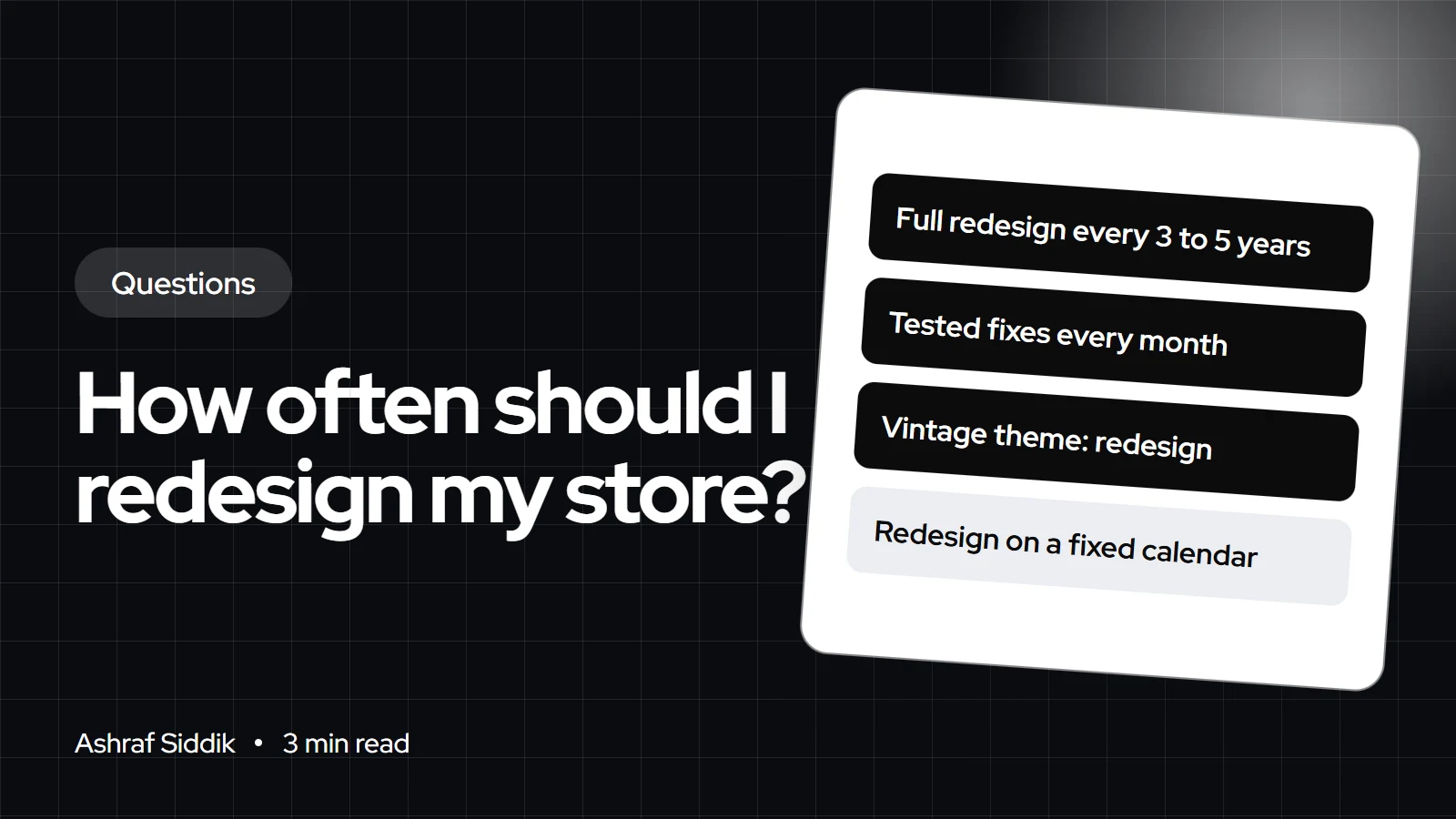
- Redesign when the store holds you back, not on a calendar. In my experience that's every 3 to 5 years for a full rebuild, with steady improvements in between.
- A vintage Shopify theme is a strong trigger: vintage themes lack sections on every page and app blocks, and Shopify's free vintage themes only get security fixes.
- Theme updates aren't redesigns. Shopify adds an updated copy to your drafts, and code edits only carry over if they don't conflict.
- Small changes you can measure usually beat a big-bang relaunch, which resets everything at once and makes results hard to read.
- Who it is for
- Owners of established stores
- Time needed
- 4 minutes to read
- What you need
- Your store's conversion data
You should redesign your store when it stops serving your customers or your business, not on a fixed timetable. For most stores I work with, that means a full redesign every 3 to 5 years, and continuous smaller improvements to product pages, navigation and checkout every month in between. A redesign is due sooner if you run a vintage theme, if your brand has changed, or if mobile shoppers struggle to buy.
I redesign Shopify stores and run CRO audits, and I often talk clients out of a full redesign when a few focused fixes will do more. The Shopify theme details below come from Shopify's Help Center, checked on 7 November 2026.
Signs your store needs a redesign
| Sign | Why it matters | Redesign or fix? |
|---|---|---|
| Vintage theme | No sections everywhere, no app blocks | Redesign |
| Rebrand or new range | Store no longer fits the brand | Redesign |
| Poor mobile experience | Phones carry most traffic | Often redesign |
| Slow pages | Shoppers leave before it loads | Fix first |
| Low conversion on one page type | A specific problem | Fix and test |
| Hard to edit without a developer | Every change costs money | Often redesign |
Check whether your theme is vintage
Shopify calls themes built on the original architecture vintage themes. They aren't available in the Theme Store, they don't support sections on every page, and they lack app blocks and app embeds, so apps have to be added with code. Shopify's own free vintage themes only receive security fixes.
To check, open the theme editor on a product template. If an Add section button appears below the section list, the theme supports sections on every page. If it doesn't, you're likely on a vintage theme, and moving to an Online Store 2.0 theme is the clearest reason to redesign.
Theme updates are not redesigns
If your theme is current, keep it updated. When an update is available, a notification replaces the version number under Online Store > Themes. Click it and choose Add to draft themes, and Shopify adds a copy named "Updated copy of" your theme. Your theme editor settings, layouts and app embeds come across. Code edits only come across when they don't conflict, and otherwise you'll see "Theme added: code edits could not be included". Save a copy of any custom code before you update.
What to do between redesigns
- Review your data monthly. Look at conversion rate by device, product page drop-off and checkout completion.
- Fix the biggest leak first. A confusing product page or slow collection page costs more than an old-looking homepage.
- Test changes where traffic allows. Change one thing, measure it, keep it or roll it back.
- Refresh content seasonally. New hero images, collections and campaigns keep the store current without touching the design system.
- Prune apps. Unused apps leave code behind and slow the store down.
If you do redesign, keep what works
- Keep URLs and handles so rankings and links survive.
- Keep winning elements from past tests, such as trust badges or size guides that improved conversion.
- Build on a draft theme and preview it fully before publishing.
- Measure before and after with the same date ranges and traffic sources.
What to do next
- Audit before you redesign. Run through my Shopify CRO audit checklist to see what's broken.
- Understand modern themes. Online Store 2.0 sections explained covers what you gain from a current theme.
- Budget it. The custom Shopify theme cost guide and theme vs custom build help you choose the right scope.
Free tools
Check your own store
Free, no sign-up. Each one runs a part of this guide for you.
Frequently asked questions
How often should you redesign your website?
There's no fixed rule. Most online stores benefit from a full redesign every 3 to 5 years, with smaller tested improvements every month. Redesign sooner if your theme is outdated, your brand changes, or mobile shoppers struggle.
How do I know if my Shopify theme is outdated?
Open the theme editor on a product template. If there's no Add section button below the section list, you're likely on a vintage theme. Vintage themes lack sections on every page and app blocks, and Shopify's free ones only get security fixes.
Will updating my Shopify theme change my design?
Usually not much. Shopify adds the update as a draft copy, and theme editor settings and app embeds carry over. Custom code edits only carry over when they don't conflict with the update.
Is a redesign better than small improvements?
Not usually. Small, measured changes to product pages, navigation and checkout often do more than a full redesign. A redesign makes sense when the theme itself is the limit.
Will a redesign hurt my SEO?
It shouldn't if you keep your URLs, page content and internal links. Most SEO damage after a redesign comes from changed URLs without redirects or removed content.
How long does a Shopify redesign take?
It depends on scope. A new theme with customization can take a few weeks, and a custom design takes longer. Building on a draft theme lets you take the time you need without touching the live store.
Sources
- Updating themes, Shopify Help Center
- Theme versions, Shopify Help Center
- Sections and blocks, Shopify Help Center
Related services and work

I'm a Shopify developer and CRO specialist. I have built and improved Shopify stores since 2018, completed more than 1,000 projects, and hold a 4.96 average rating across 719 client reviews.
More guides
-
Do I Need a Physical Shop to Use Shopify POS?
No. Shopify POS works at markets, pop-ups and events as well as in shops. Here is what the free tier covers, when POS Pro is worth paying for, and what you need to start.
-
What Do I Need Before Building a Shopify Store?
Most store builds stall on missing information, not on Shopify. Have these things ready and the build itself takes days, not months.
-
How Do I Edit robots.txt on Shopify?
You edit Shopify's robots.txt through a theme template called robots.txt.liquid. Here are the exact steps, what Shopify already blocks for you, and the edits worth making.
-
Do I Need a Website If I Sell on Etsy or Amazon?
You can sell on Etsy or Amazon without a website. The question is whether you want to keep renting someone else's customers or start building your own.