CompareCompare7 min read
Dawn Theme vs Premium Theme: Is a Paid Shopify Theme Worth It?
Shopify's free themes cover more than most people expect. Here is what a paid theme adds, what it costs against apps, and how to tell if it's worth it for your store.

Key takeaways
- Dawn, Horizon and Shopify's other 22 free themes are designed and updated by Shopify, and they are a sound base for a serious store, not just a starter option.
- Paid themes on the Theme Store cost a one-time fee for one store. The ones I saw ranged from $170 to $500 on 7 November 2026.
- A paid theme is worth buying when its built-in features replace apps or custom work you'd otherwise pay for, every month.
- Try a paid theme in your own store with your own products before you buy. Demo stores are styled to sell the theme.
- Who it is for
- Store owners choosing or replacing a theme
- Time needed
- 9 minutes to read
- What you need
- A list of the apps and features you use now
Dawn theme vs premium theme is one of the first money decisions a new Shopify store makes, and one that established stores revisit when they redesign. I build on both. A store can spend $400 on a theme it didn't need, or stack four apps onto Dawn to copy features a $300 theme already includes. Neither is the cheaper choice in every case.
Theme names, prices, feature lists and update rules below come from the Shopify Theme Store and help center as I checked them on 7 November 2026. Theme prices change, so check the listing on the day you buy.
The short answer
| Your situation | Better fit | Why |
|---|---|---|
| New store, small catalog, testing what sells | Dawn or another free theme | Clean, fast base with Shopify's own updates |
| You want a modern free theme with flexible layouts | Horizon or another newer free theme | Nested theme blocks give more layout freedom without code |
| You'd need several apps for timers, badges, popups or product tabs | Premium theme | One-time fee instead of monthly app charges |
| A large catalog or a specific industry layout | Premium theme built for it | Many paid themes are designed around one kind of store |
| You plan custom development anyway | Free theme | A clean base is easier for a developer to extend |
Dawn theme vs premium theme: what you pay
The Theme Store listed 24 free themes and 1,342 paid themes when I checked. The free ones are all designed by Shopify: Dawn, Horizon, Sense, Craft, Refresh, Ride, Studio, Taste, Trade, Origin, Spotlight, Publisher, Colorblock, Crave, Atelier, Fabric, Heritage, Pitch, Savor, Dwell, Vessel, Ritual, Tinker and Rise.
| Item | Dawn and free themes | Paid Theme Store themes |
|---|---|---|
| Price | Free | $170 to $500 on the first page of listings I checked |
| Payment | None | One-time, licensed to one store |
| Designed by | Shopify | Independent theme developers |
| Updates | From Shopify | From the theme developer |
| Support | Shopify support | The developer's help center |
| Try before buying | Not needed | Yes, with the Try theme option |
The Theme Store's paid listings describe the purchase as a "one-time payment, lifetime license for your store" with no expiry. Shopify's help center adds that a theme is licensed only to the store where it was bought, and that on Shopify Plus you need a separate licence for each storefront.
What a premium theme adds: Dawn against Impulse
Comparing feature lists is the fastest way to see what you're paying for. I've used Impulse by Archetype Themes as the paid example because it is on version 10 with more than 1,300 reviews, and it cost $500 when I checked. Here is what each listing says it includes:
| Feature | Dawn (free) | Impulse ($500) |
|---|---|---|
| Mega menu, filtering, enhanced search | Yes | Yes |
| Quick buy, cart notes, in-store pickup | Yes | Yes |
| Color swatches, size chart, lookbooks, product videos | Yes | Yes |
| Slide-out cart and quick view | Not listed | Yes |
| Countdown timer, stock counter, promo popups | Not listed | Yes |
| Product badges, product tabs, trust badges | Not listed | Yes |
| Image hotspots, before/after slider, age verifier | Not listed | Yes |
| Style presets | Not stated | 4 |
Two things stand out. First, Dawn covers more than people expect: mega menus, swatches, size charts and filtering are all there. Second, the paid extras are mostly merchandising and promotion tools. If you'd use three or four of them, a paid theme starts to make sense. If you wouldn't, you'd be paying for features you switch off.
Horizon, Shopify's newer free theme, takes a different approach. Its listing highlights nested theme blocks, which let you build more varied layouts in the editor. Horizon was updated to version 4.4.0 on 3 November 2026 and Dawn to 16.1.1 on 2 November, so both are actively maintained.
Worked example: a paid theme or apps on Dawn
The real comparison is a one-time theme fee against monthly apps that add the same features.
Dawn plus apps against a $350 paid theme
- Dawn + 2 apps, year 1$240Two apps at an assumed $10 a month each.
- Paid theme, year 1$350One-time fee, features built in.
- Dawn + 2 apps, 3 years$720App fees keep running.
- Paid theme, 3 years$350No further theme cost.
In this example the paid theme is cheaper from about month 18. There's a second saving that doesn't show in the numbers: features built into the theme usually load less extra code than separate apps, which helps speed. The reverse also holds. If a free plan of an app covers what you need, Dawn stays cheaper indefinitely.
Speed and quality
Every Theme Store theme, free or paid, must meet Shopify's minimum average Lighthouse scores: 60 for performance and 90 for accessibility, across the home, collection and product pages. So a Theme Store theme starts from a tested baseline, whichever you pick.
Dawn is lean by design. Feature-rich paid themes carry more code, though well-built ones often load a feature's code only when you turn it on. In my speed work, the bigger slowdowns come from apps, large images and scripts added after launch, not the theme itself. Test any theme with your real content using the speed checker.
Updates, support and reviews
Shopify's help center says you get updates only for themes installed from the Theme Store, and that editor customizations carry over when you update. Code edits are included where they don't conflict. That applies to both free and paid themes.
Support is where they differ. Free themes are supported by Shopify. Paid themes are supported by their developer, through their own help center, and the quality varies. Read the reviews before buying: Impulse showed 94% positive from 1,305 reviews when I checked, while Dawn showed 36% positive from 292. Read the negative reviews for patterns that would affect you, such as missing features or slow support replies.
Selling abroad
Both free and paid Theme Store themes work with Shopify Markets, so country selectors, local currencies and translated content are handled by the platform. A few points by country:
- United States. Sales tax is added at checkout, so theme choice matters less here than shipping and returns messaging.
- United Kingdom. VAT-inclusive prices and Royal Mail or courier delivery estimates should be visible on product pages. Check the theme has a delivery information block.
- Netherlands and EU. Check the theme's translations. Impulse's listing names EN, FR, IT, DE and ES translations. Dutch content can be added through Shopify's translation tools on any theme, and iDEAL and Bancontact show at checkout either way.
- Australia. GST-inclusive pricing, Afterpay messaging and Australia Post delivery times. Many paid themes include badge or icon blocks for these.
Signs you've outgrown Dawn
- You pay for several small apps that only add display features a paid theme includes.
- Your catalog needs layouts Dawn doesn't offer, such as product tabs, hotspots on lifestyle images or richer promo tiles.
- Your store looks like a template in a category where design affects trust and price.
- You run frequent promotions and need timers, badges and popups without extra apps.
If none apply, stay on Dawn or try Horizon. A theme change won't fix weak product pages or slow shipping, and the money is often better spent on conversion work.
How to decide in three questions
Dawn or a premium theme?
- 1
Would you use at least three features a paid theme includes and Dawn doesn't?
Yes: shortlist paid themesNo: next question
- 2
Do you pay monthly for apps that only add display features?
Yes: compare a paid theme against those app feesNo: next question
- 3
Do you need more layout freedom than Dawn gives?
Yes: try Horizon before payingNo: stay on Dawn
Your products, customers and URLs don't change when you switch theme, so this decision is easy to revisit.
How to switch themes safely
- Back up your live theme. Duplicate it in
Online Store > Themesand download a copy. - Try the new theme. Use Try theme for a paid theme, or add a free one. It installs unpublished, so customers don't see it.
- Load your real content. Set up your home, collection and product pages with your own photos and longest product titles.
- Re-add app blocks and embeds, and remove apps the new theme replaces.
- Test on a phone. Add to cart, check out, check speed and check every menu link.
- Buy, publish and measure. Compare conversion rate and speed for four weeks against the old theme.
What to do next
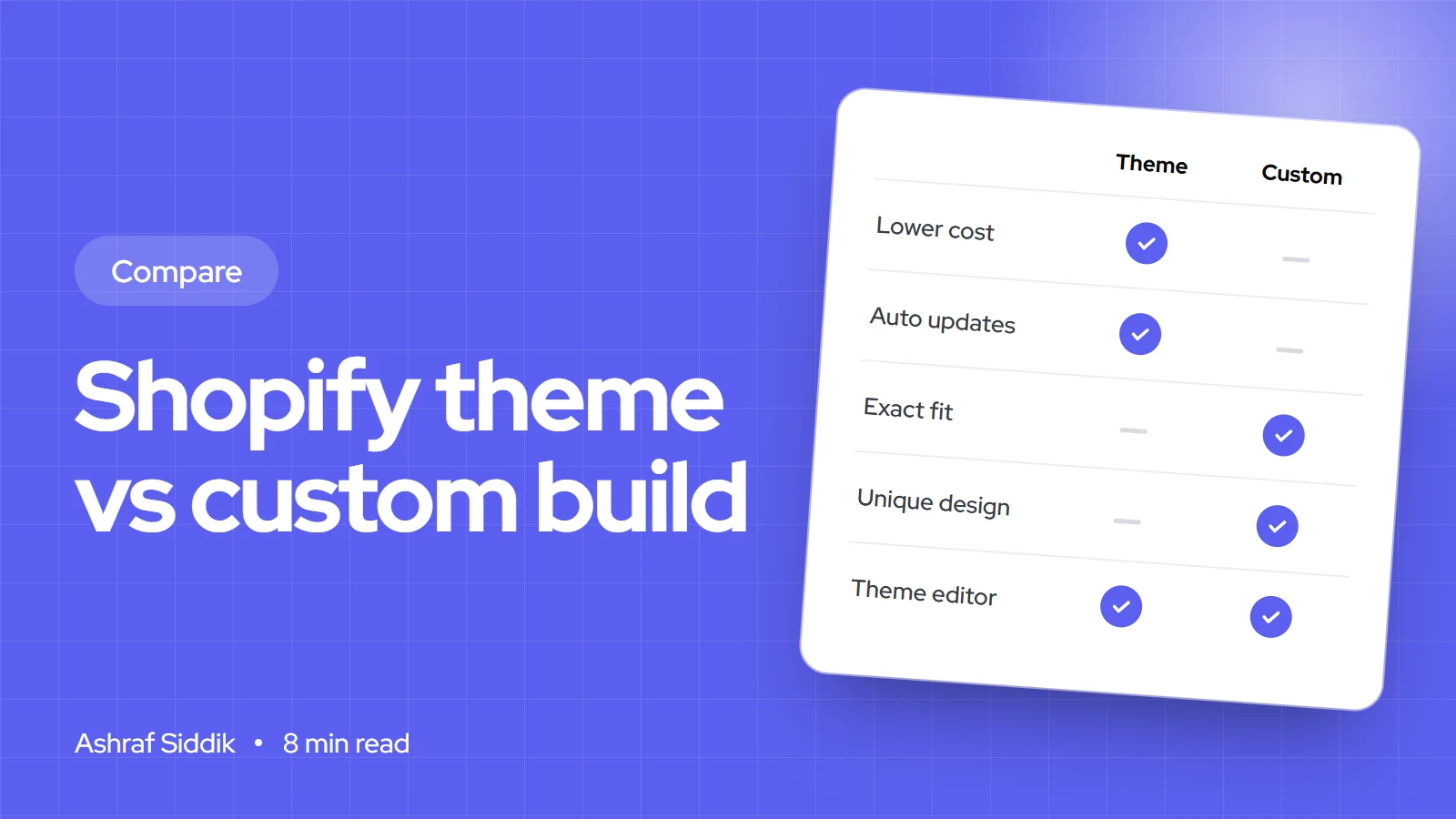
List the features you wish your theme had, then check how many a paid theme covers without apps. If the answer is fewer than three, stay on a free theme and put the money into your product pages. If you'd like help choosing or setting up a theme, see my Shopify development work, or read theme vs custom build if no theme fits.
Free tools
Check your own store
Free, no sign-up. Each one runs a part of this guide for you.
Frequently asked questions
Is Dawn good enough for a serious Shopify store?
Yes, for many stores. Dawn is designed and updated by Shopify and includes mega menus, filtering, color swatches, size charts and quick buy. It lacks some promotional features that paid themes include, such as countdown timers and stock counters.
How much does a premium Shopify theme cost?
The paid themes I saw on the Theme Store on 7 November 2026 ranged from $170 to $500, as a one-time payment licensed to one store. Check the listing on the day you buy, because prices change.
Is Horizon better than Dawn?
Horizon is Shopify's newer free theme and its listing highlights nested theme blocks, which give more layout freedom in the editor. Both are free and actively updated, so try both with your own products.
Do paid Shopify themes get updates?
Yes. Themes installed from the Theme Store get updates from their developer, and your theme editor customizations carry over when you update. Code edits are included where they don't conflict.
Can I try a paid theme before buying?
Yes. The Theme Store has a Try theme option that adds the theme to your store unpublished, so you can test it with your own content before paying.
Can I use a paid theme on more than one store?
No. Shopify's help center says a theme is licensed only to the store where it was bought. On Shopify Plus, each storefront needs its own licence.
Sources
- Shopify Theme Store: paid themes, Shopify
- Dawn theme, Shopify Theme Store
- Horizon theme, Shopify Theme Store
- Impulse theme, Shopify Theme Store
- Theme licensing and transfers, Shopify Help Center
- Theme Store requirements, Shopify.dev
Related services and work

I'm a Shopify developer and CRO specialist. I have built and improved Shopify stores since 2018, completed more than 1,000 projects, and hold a 4.96 average rating across 719 client reviews.
More guides
-
Shopify Basic vs Grow: Is the Upgrade Worth It?
Grow costs $30 a month more than Basic on yearly billing. Here is the sales level where it pays for itself, and the one feature that matters more than the card rate.
-
Custom Shopify Theme vs Template: Which Does Your Store Need?
Most stores do best with a good theme and a few custom sections. Here is how to tell if yours is one of the exceptions that needs a full custom build.
-
Shopify Markets vs Multiple Stores: How to Sell Abroad
Shopify Markets runs every country from one store. Separate stores give each country full independence, at the cost of more apps, more admin and no built-in sync.
-
Judge.me vs Okendo: Which Review App for Your Shopify Store?
Judge.me costs $15 a month at any size. Okendo starts at $19 and rises with your orders. Here is what the extra buys, and when it's worth it.