CompareCompare9 min read
Shopify vs Squarespace vs Wix: Pick the Right Builder for Your Store
All three can run a small store for about the same monthly cost. What separates them is what your website is for, and how far you plan to grow.

Key takeaways
- All three can run a good small store. The cheapest yearly plans that sell with no platform fee are Squarespace Core at $17 a month, Shopify Basic at $19 and Wix Core at $29.
- Squarespace's $12 Basic plan adds a 2% fee to every online sale, so above about $250 a month in sales, Core is cheaper.
- At $5,000 a month in sales the cheapest options land within $12 of each other. At $20,000 a month, Shopify Grow's lower card rate makes it the cheapest of the four plans I modelled.
- Choose Squarespace for a design-led site with a small catalog, Wix for a service business with bookings, and Shopify when the store is the business.
- Who it is for
- Small businesses choosing a website builder that can sell
- Time needed
- 10 minutes to read, 30 minutes to run your numbers
- What you need
- Your monthly sales, order count and must-have features
Shopify vs Squarespace vs Wix is really a question about what your website is for. I'm a Shopify developer, so take that into account. I have also told plenty of owners that Squarespace or Wix was the right tool for them, usually when the shop was one part of a bigger site. This page sets out where each one wins.
Prices and fees come from each company's official pages, checked on 7 November 2026. Wix shows local prices and says they vary by location, so I have used its US reference prices for yearly plans. Squarespace's pricing page doesn't list card processing rates, so I have stated my assumption where it matters. If you have already ruled out Wix, my Shopify vs Squarespace comparison goes deeper on those two.
The short answer
| Your situation | Better fit | Why |
|---|---|---|
| A portfolio, studio or brand site that sells a few products | Squarespace | Strong templates and the lowest price for a no-fee plan |
| A salon, coach, restaurant or studio that takes bookings and sells | Wix | Scheduling and services are part of its plans |
| A store where products are the main business | Shopify | Built around catalog, checkout and order management |
| Many variants, wholesale or a physical shop | Shopify | 2,048 variants per product, B2B tools and Shopify POS |
| Selling in several countries | Shopify | Shopify Markets handles currencies, languages and domains per country |
| You want to drag anything anywhere on the page | Wix | The most free-form editor of the three |
Shopify vs Squarespace vs Wix pricing
All three are cheaper per month if you pay for a year upfront. These are the plans that can take payments:
| Plan | Billed yearly | Billed monthly | Platform fee on store sales |
|---|---|---|---|
| Squarespace Basic | $12 a month | $19 a month | 2% |
| Squarespace Core | $17 a month | $27 a month | 0% |
| Squarespace Advanced | $25 a month | $36 a month | 0% |
| Wix Core | $29 a month | Not shown | None listed |
| Wix Business | $39 a month | Not shown | None listed |
| Wix Business Elite | $159 a month | Not shown | None listed |
| Shopify Basic | $19 a month | $25 a month | 0% with Shopify Payments, otherwise 2% |
| Shopify Grow | $49 a month | $65 a month | 0% with Shopify Payments, otherwise 1% |
| Shopify Advanced | $299 a month | $399 a month | 0% with Shopify Payments, otherwise 0.6% |
Wix's Light plan ($17) and Free plan can't take payments. Squarespace also charges a separate fee on digital content and memberships: 7% on Basic, 5% on Core and 0% on Advanced, which matters if you sell courses or gated content.
Trials differ too. Squarespace gives a 14-day free trial. Wix has a free plan for building and a 14-day money-back guarantee on your first upgrade. Shopify offered 3 days free, then $1 a month for three months. Squarespace's yearly plans and Wix's paid plans include a free domain for the first year.
Transaction fees and what a store really pays
The plan is the smallest part of the bill once a store sells. Card processing is the biggest part, and it is charged by the payment provider:
- Shopify Payments: the standard US online rates Shopify has quoted are 2.9% + 30¢ on Basic, 2.7% + 30¢ on Grow and 2.5% + 30¢ on Advanced.
- Wix Payments: 2.9% + 30¢ per US card that isn't Amex, 3.7% + 30¢ for Amex.
- Squarespace takes payments through Squarespace Payments, Stripe or PayPal, and its pricing page doesn't list their rates.
Monthly cost for a US store selling $5,000 from 100 orders
- Squarespace Core$192$17 plan, no platform fee, $175 card processing.
- Shopify Basic$194$19 plan, no platform fee with Shopify Payments, $175 card processing.
- Wix Core$204$29 plan, $175 card processing with Wix Payments.
- Squarespace Basic$287$12 plan, $100 platform fee (2%), $175 card processing.
The same store at $20,000 from 400 orders
- Shopify Grow$709$49 plan, $660 card processing at the lower Grow rate.
- Squarespace Core$717$17 plan, $700 card processing.
- Shopify Basic$719$19 plan, $700 card processing.
- Wix Core$729$29 plan, $700 card processing.
Three rules come out of this. Never stay on Squarespace Basic once you sell more than about $250 a month. Shopify Grow's lower rate pays for itself above about $15,000 a month. And between the no-fee plans, price is never the reason to choose. Apps, international fees and your time decide the real cost. You can model your own numbers in the Shopify fees calculator.
Shopify vs Wix vs Squarespace: store features
| Feature | Shopify | Squarespace | Wix |
|---|---|---|---|
| Variants per product | Up to 2,048 | Not stated on its pricing page | Up to 1,000 |
| Subscriptions | Through apps, including Shopify's free Subscriptions app | On every plan | Yes |
| Selling in person | Shopify POS; POS Pro $89 a month per location, billed yearly | Point of sale in the US and UK | Wix Retail POS and mobile POS |
| Wholesale and B2B | Built in, fullest on Plus, plus apps | No wholesale tools of its own | Not mentioned on its store pages |
| Marketplaces and social | Google, Meta, TikTok and marketplaces through channels and apps | Narrower options | Google, eBay, Etsy, Amazon, Facebook, Instagram, TikTok and Wish |
| Automatic tax | Yes | Core and Advanced, 100+ countries, 0.15% or 0.05% per order, capped at $0.99 | Sales tax and VAT based on customer location |
| Apps and extensions | The largest app store of the three | A small set of extensions | Wix App Market |
The pattern is clear. Squarespace and Wix include more of what a general website needs. Shopify goes much deeper on the store itself: catalog size, checkout, stock across channels and integrations.
Design and editing
Squarespace has the most polished templates and a structured editor that is hard to make look bad. It suits creative businesses that care most about how the site looks.
Wix's editor lets you place any element anywhere. That is great for owners who want full visual control, but it is also easy to build a page that works on desktop and looks awkward on a phone, so always check the mobile view.
Shopify themes are built from sections and blocks, and the theme editor changes most layouts without code. The difference is depth: any Shopify developer can change a theme in code without limits, which matters once you want a custom product page or a layout no template offers.
Checkout and growth
Checkout is where Shopify pulls ahead. Shop Pay saves a shopper's details across every Shopify store, so returning shoppers can pay in a couple of taps, and Shopify keeps refining its checkout across millions of stores. Squarespace and Wix both have clean checkouts with card payments, wallets and PayPal through their providers, and both send abandoned cart emails. They simply give you fewer ways to test and change checkout as you grow.
Growth is the other difference. On Squarespace and Wix, the ceiling is usually a missing feature: wholesale prices, a specific ERP connection, complex product options. On Shopify, there is almost always an app or an API for it.
Selling to other countries
Shopify Markets lets one store show local currencies, prices, languages and domains per country, managed from one admin. Wix offers a currency converter, multilingual sites and automatic tax by location, and its help center points to Business Elite for multiple languages and currencies. Squarespace's options for local currencies and languages are the most limited of the three.
- United States. All three work well. Watch Wix's 1.5% cross-border fee on foreign cards.
- United Kingdom. Squarespace Payments and Squarespace's point of sale both cover the UK. Wix Payments charges 2.1% + 20p and Shopify Basic 2% + 25p, which come to the same £1.25 on a £50 order.
- Netherlands and the EU. Squarespace Payments covers several European countries. Wix Payments charges 1.9% + €0.30 with no cross-border fee between EU countries. Make sure iDEAL and Bancontact are offered, and charge BTW correctly per country.
- Australia. Squarespace's pricing page doesn't list Australia for Squarespace Payments, and Wix's fee article doesn't list Australian rates, so check both before you build. Shoppers expect Afterpay, and you will want Australia Post labels.
When to choose each, and signs you've outgrown a builder
Choose Squarespace if design comes first and you sell tens of products, not hundreds. Choose Wix if bookings, services or a free-form site matter as much as the shop. Choose Shopify if products are the business or will be within a year.
Signs a store has outgrown Squarespace or Wix:
- You need an app that doesn't exist on your platform, such as wholesale pricing, bundles, loyalty or complex options.
- Managing products and stock has become slow, especially with many variants.
- You sell in other places, like a shop or marketplaces, and keep stock in step by hand.
- You sell abroad and want local currencies and languages on one store.
- You want to test and improve checkout, and the built-in options no longer stretch far enough.
How to decide in four questions
Shopify, Squarespace or Wix?
- 1
Are products the main part of your business?
Yes: ShopifyNo: next question
- 2
Do you need wholesale, several countries or a physical shop on one stock count?
Yes: ShopifyNo: next question
- 3
Do you take bookings or sell services alongside products?
Yes: Wix Core or BusinessNo: next question
- 4
Is a beautiful, design-led site with a small catalog the priority?
Yes: Squarespace CoreNo: Shopify Basic, for about the same price
For a deeper look at two of them, read Shopify vs Wix. To see what a competitor runs on, use the platform checker.
Moving from Squarespace or Wix to Shopify
The steps are the same for both builders:
- Export products. Both export products as a CSV file. Map it to Shopify's product CSV, check variants and re-upload images at full size.
- Export customers. Customer lists move by CSV. Passwords can't move, so plan an email asking account holders to set a new one.
- Rebuild pages. Templates don't transfer, so rebuild key pages in the Shopify theme and drop pages nobody visits.
- Map every URL. Add a redirect from each old product, collection and page URL to its new one in Shopify's URL redirects.
- Move the domain. Transfer it, or point its DNS to Shopify once the store is tested, and keep your email records intact.
- Test, launch, then watch. Place real test orders, check redirects and watch Search Console for a few weeks.
Redirects and product data carry most of the risk. If you want it done for you, my Shopify development work covers migrations with a fixed quote, and store builds start from $300. A free review is the easiest place to start.
Free tools
Check your own store
Free, no sign-up. Each one runs a part of this guide for you.
Frequently asked questions
Which is cheapest: Shopify, Squarespace or Wix?
On yearly billing, Squarespace Core is $17 a month, Shopify Basic $19 and Wix Core $29, and none of them adds a platform fee with its own payments. Squarespace Basic is $12 but adds 2% to every sale. Once card processing is included, the no-fee plans cost almost the same.
Which is best for a small online store?
For a design-led site with a few products, Squarespace. For a service business that takes bookings and sells, Wix. For a store where products are the business, or will be soon, Shopify.
Do Squarespace and Wix charge transaction fees?
Squarespace charges 2% on its Basic plan and nothing on Core or Advanced for store sales, with separate fees on digital content and memberships. Wix's pricing pages list no platform transaction fee. Both still charge card processing through their payment providers.
Is Shopify better than Squarespace and Wix?
For selling, usually yes: it has more variants per product, better checkout, wholesale tools, POS and far more apps. For a website where the shop is a small part, Squarespace or Wix can be simpler and just as good.
Can I move from Squarespace or Wix to Shopify later?
Yes. Products and customers export by CSV, pages are rebuilt in a Shopify theme, and every old URL gets a redirect. If you start on a builder, keep URLs tidy from day one and the move will be easier.
Which is best for selling internationally?
Shopify. Shopify Markets handles local currencies, prices, languages and domains from one store. Wix has a currency converter and multilingual sites, and Squarespace's options are the most limited.
Sources
- Squarespace pricing, Squarespace
- Plans and pricing, Wix
- Wix Payments: Service Fees, Wix
- Wix eCommerce website, Wix
- Shopify pricing, Shopify
- Shopify POS pricing, Shopify
Related services and work

I'm a Shopify developer and CRO specialist. I have built and improved Shopify stores since 2018, completed more than 1,000 projects, and hold a 4.96 average rating across 719 client reviews.
More guides
-
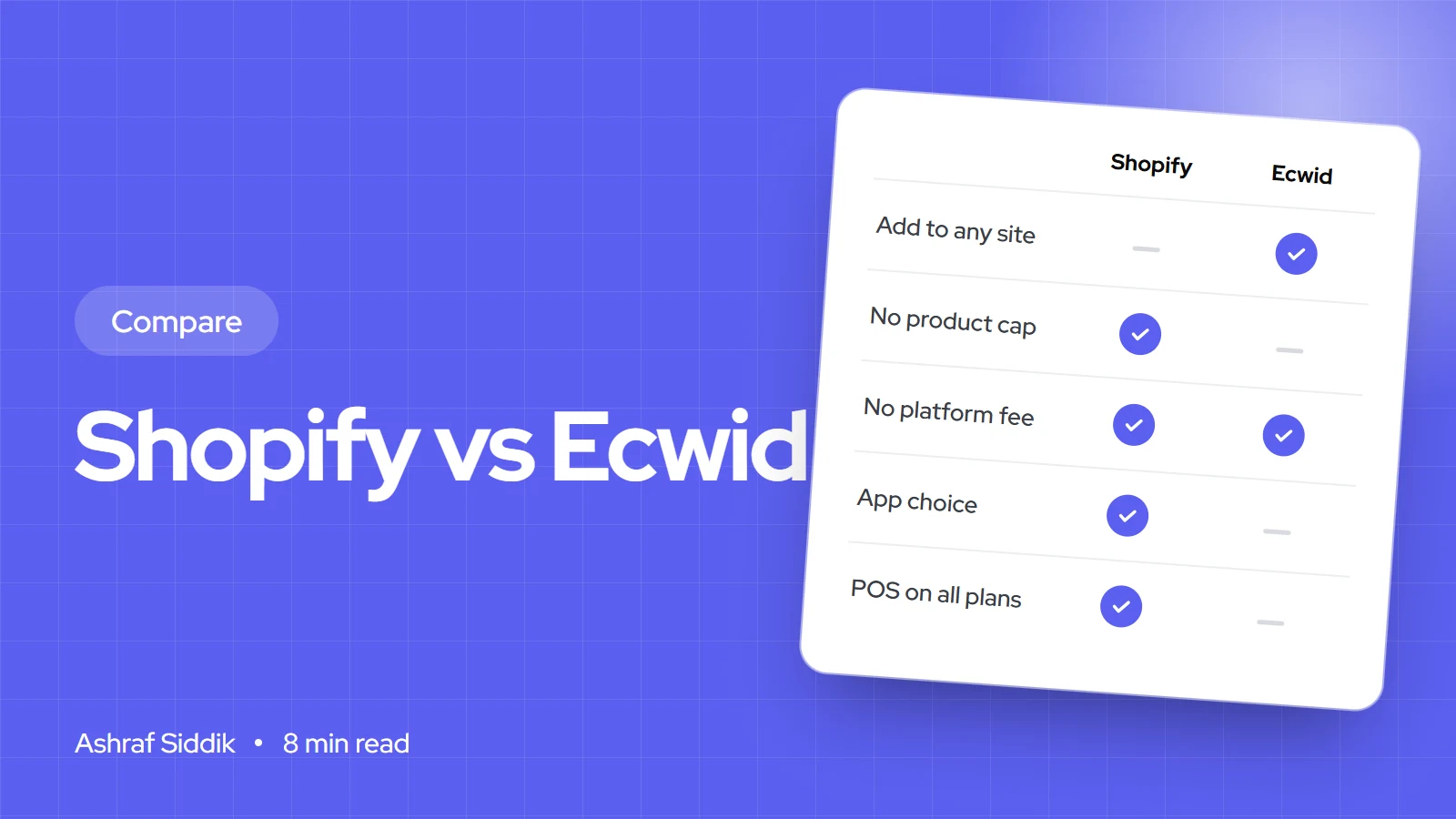
Shopify vs Ecwid: Which Is Right for Your Shop?
Ecwid adds a store to the website you already have. Shopify is the store itself, with far more room to grow.
-
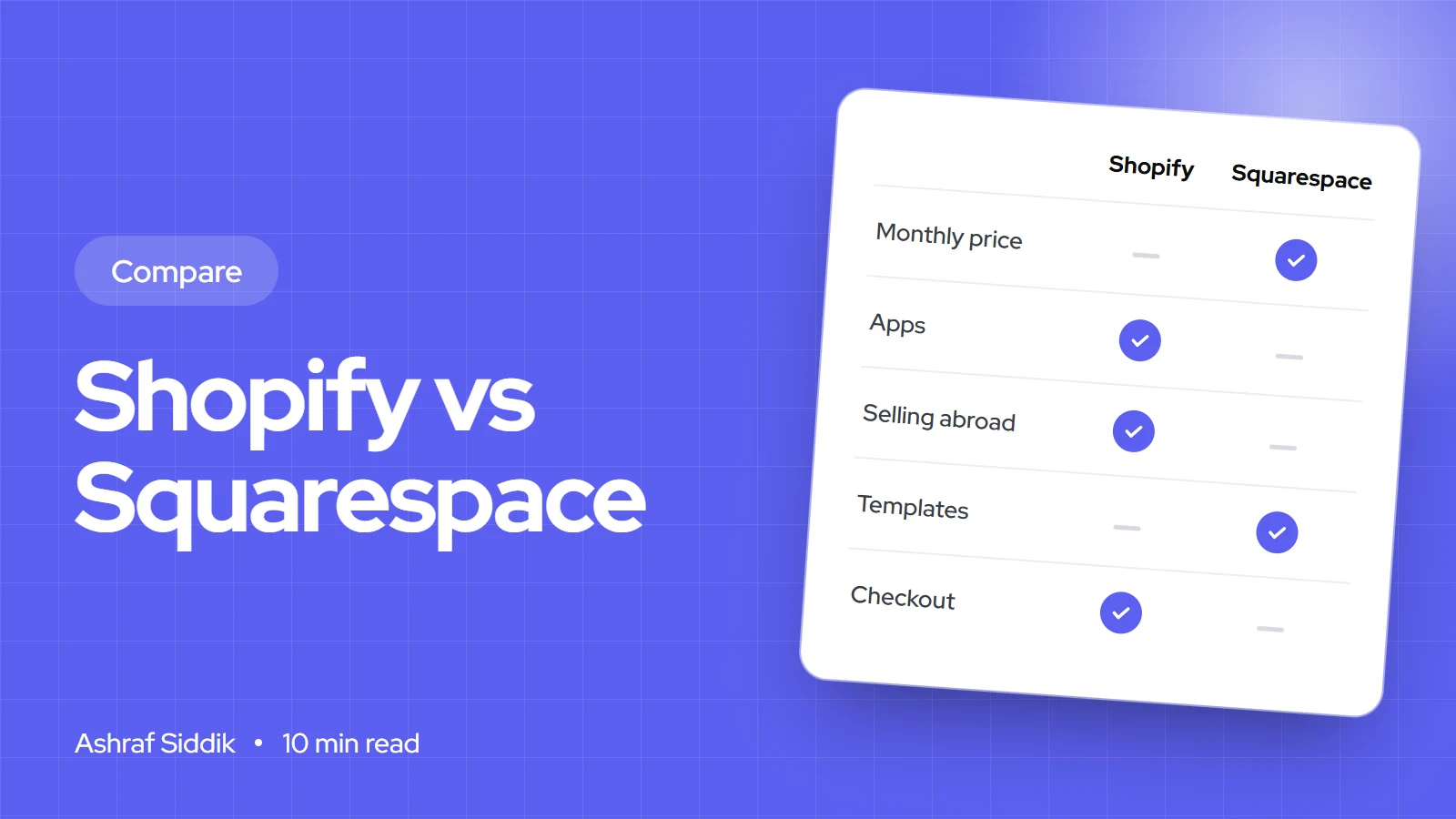
Shopify vs Squarespace: Which Is Better for Selling Online?
Squarespace is the simpler, cheaper way to sell a few products from a beautiful site. Shopify costs a little more and removes most of the limits.
-
Shopify vs BigCommerce: Costs, Features and the Right Fit
BigCommerce ties every plan to a sales limit, while Shopify ties its fees to your payment provider. Here is what that means for your monthly bill, and when each platform is the better fit.
-
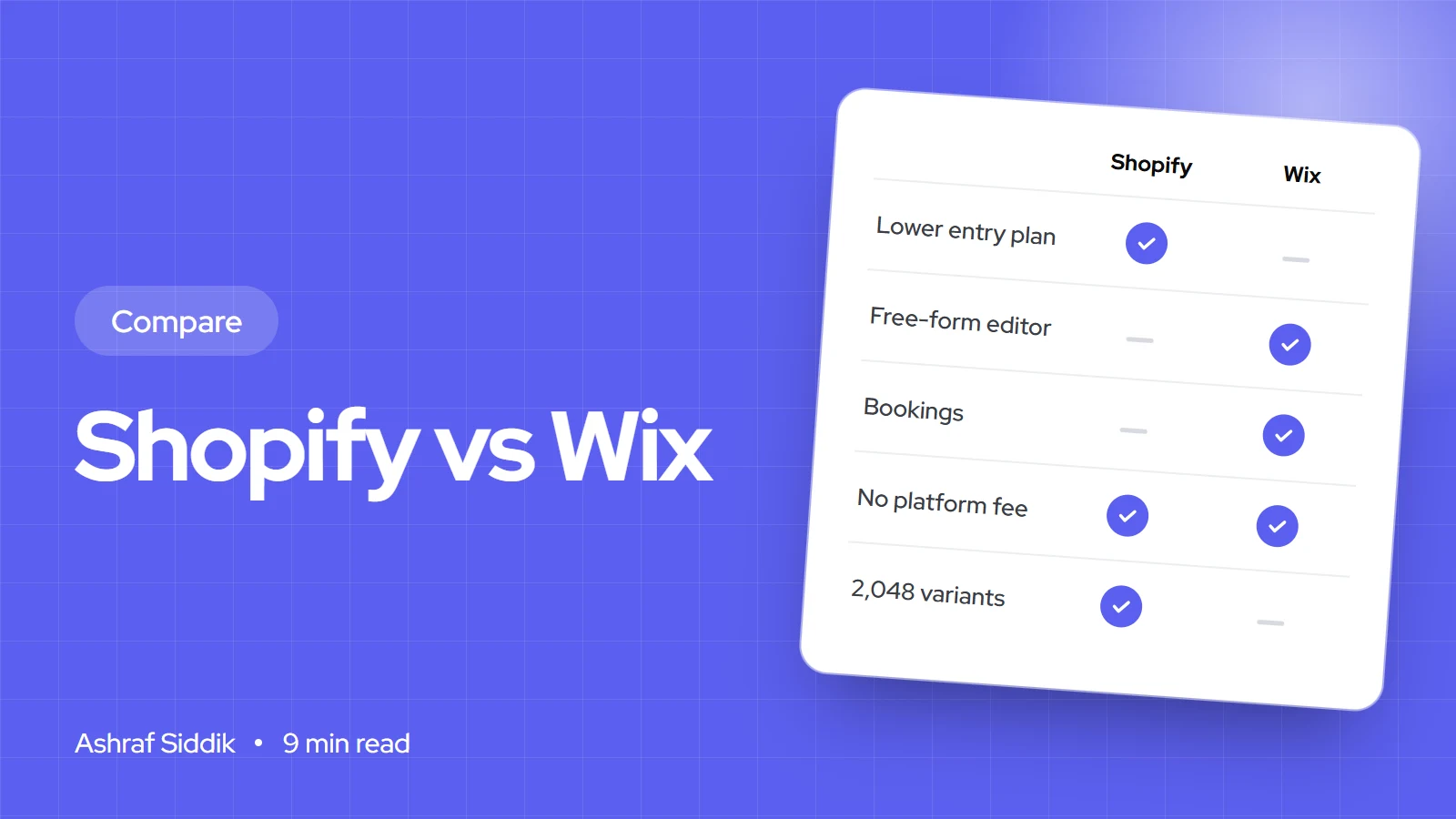
Shopify vs Wix for Selling Online: An Honest Comparison
Wix and Shopify cost almost the same for a small store, so price shouldn't decide it. Here is where each one is stronger, what each really costs, and how to pick.