Shopify guideGuide7 min read
Shopify Checkout Extensibility Explained
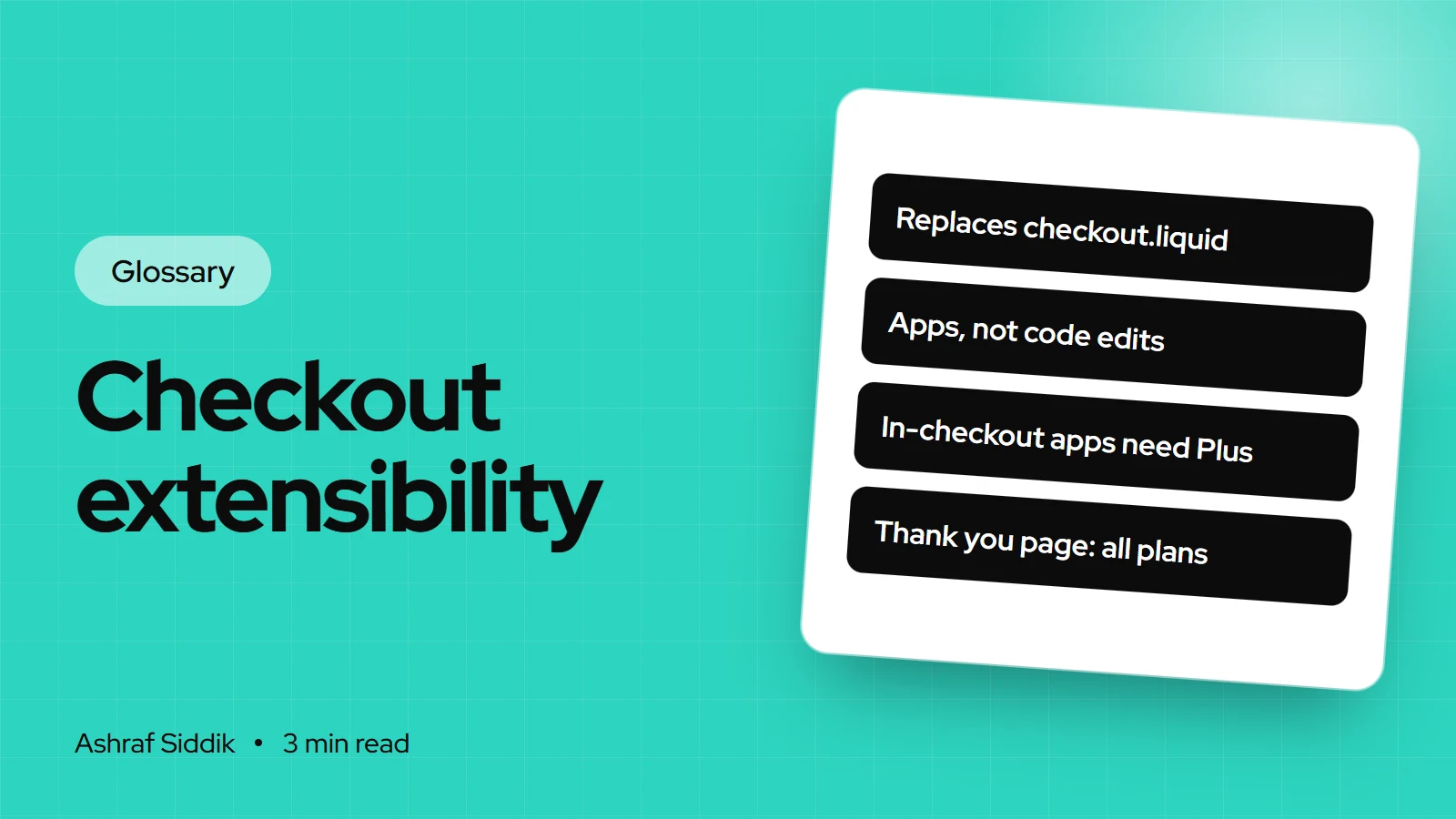
Checkout extensibility is the name for the tools that replaced checkout.liquid, additional scripts and Shopify Scripts. Here is what each part does, which plan it needs, and how to move tracking such as Google Tag Manager across.
Key takeaways
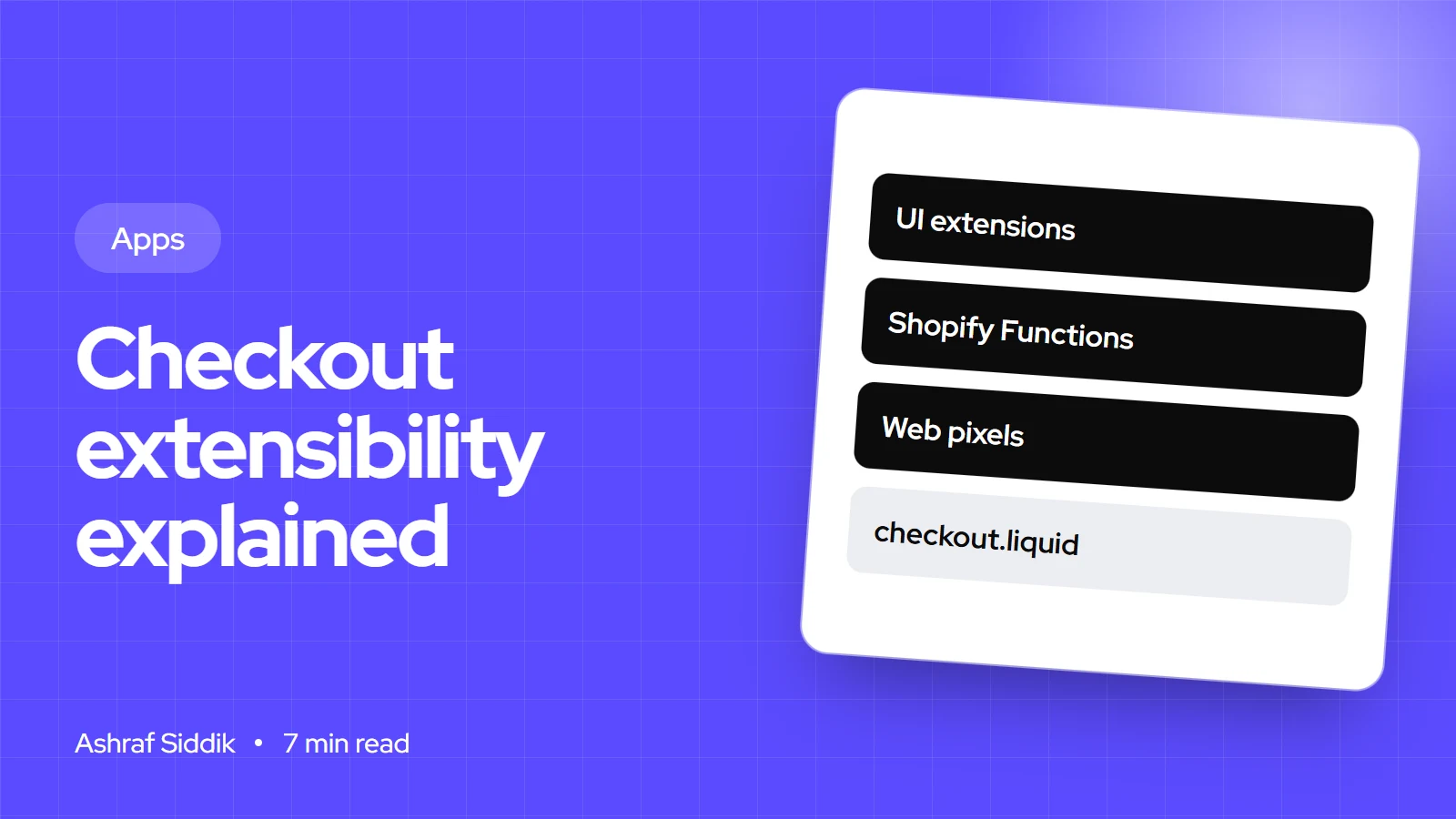
- Checkout extensibility is a set of upgrade-safe tools: the checkout and accounts editor, checkout UI extensions, Shopify Functions, the Branding API, web pixels and payments extensions.
- Checkout UI extensions in the information, shipping and payment steps need Shopify Plus. The thank you and order status pages are open to every plan.
- 26 August 2026 was the last date to upgrade the thank you and order status pages. Stores that hadn't upgraded were upgraded automatically.
- Google Tag Manager now runs as a custom pixel under Settings > Customer events, listening to Shopify's standard checkout events.
- Who it is for
- Store owners and developers after the upgrade
- Time needed
- 1 to 2 hours to audit
- What you need
- Admin access and your analytics
For years, customizing Shopify's checkout meant one of three things: editing checkout.liquid on Plus, pasting code into the additional scripts box, or writing Ruby in the Script Editor. All three are gone. What replaced them is called checkout extensibility, and most of the confusion I see comes from treating it as one feature. It's a toolkit, and each tool has its own job and its own plan rules.
This guide explains each part in plain terms, the deadlines that forced stores to move, what makes an app "checkout extensibility compatible", and how to rebuild Google Tag Manager tracking. Dates and plan rules were checked on shopify.dev and the Shopify Help Center on 7 November 2026.
What is Shopify checkout extensibility?
Checkout extensibility is Shopify's way of letting apps and developers change checkout without touching its code. Instead of editing a template, you add pieces that Shopify hosts and runs in defined places. Shopify describes the result as upgrade-safe: when Shopify improves checkout, your customizations keep working, and Shop Pay, express payments and new checkout features stay available.
The trade-off is control. You can't move the payment button or rewrite the page. You can add blocks where Shopify allows them, change logic through functions, style within the branding options, and track through pixels.
The parts of checkout extensibility
| Part | What it does | Plan notes |
|---|---|---|
| Checkout and accounts editor | Branding and placing app blocks | Basic and up |
| Checkout UI extensions | Custom blocks and fields | In-checkout steps: Plus |
| Shopify Functions | Discount, delivery, payment and validation logic | Public apps: any plan |
| Checkout Branding API | Detailed styling through GraphQL | Plus |
| Web pixels | Tracking through customer events | No plan rule published |
| Payments extensions | Payment provider integrations | Payment partners only |
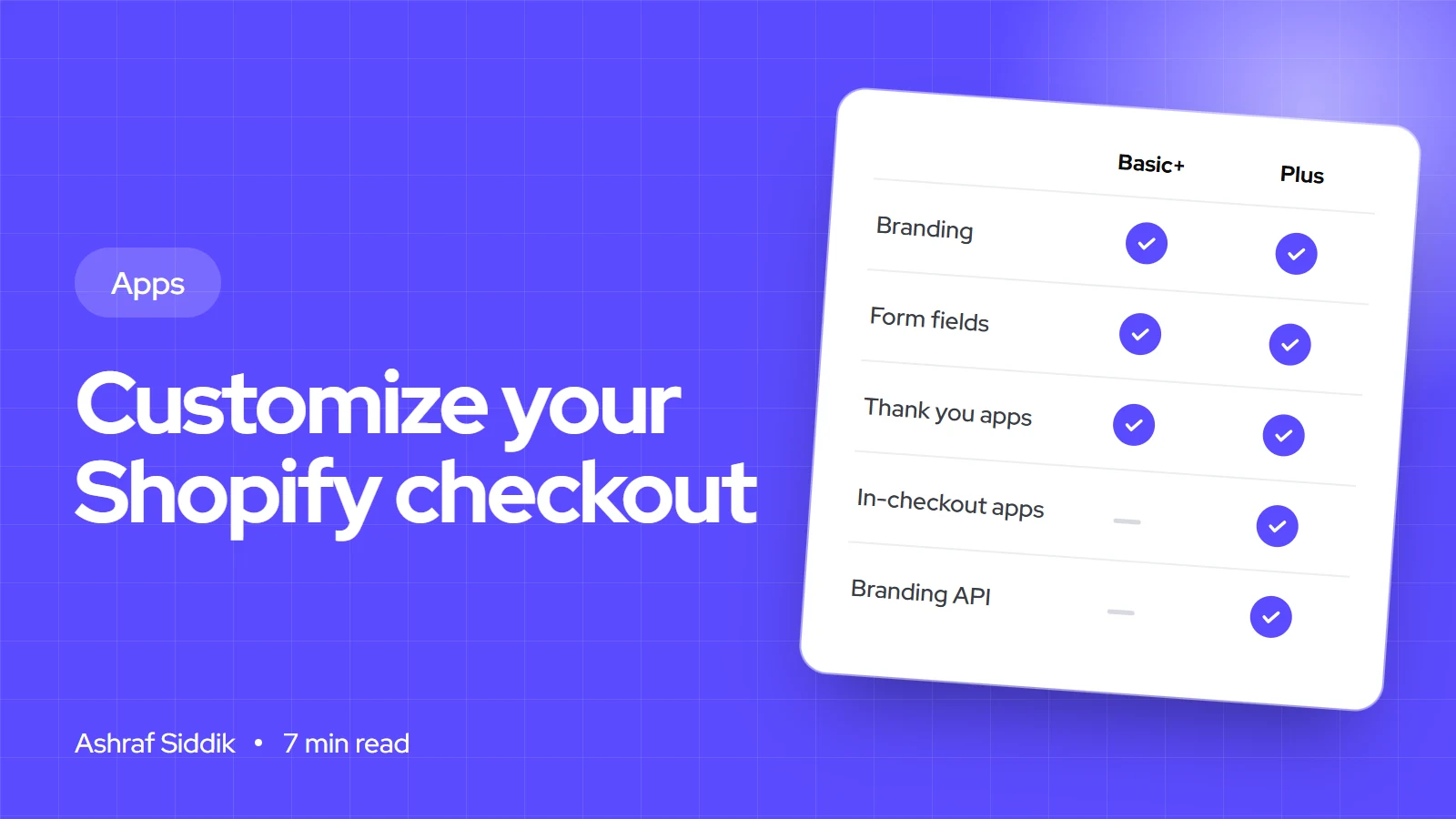
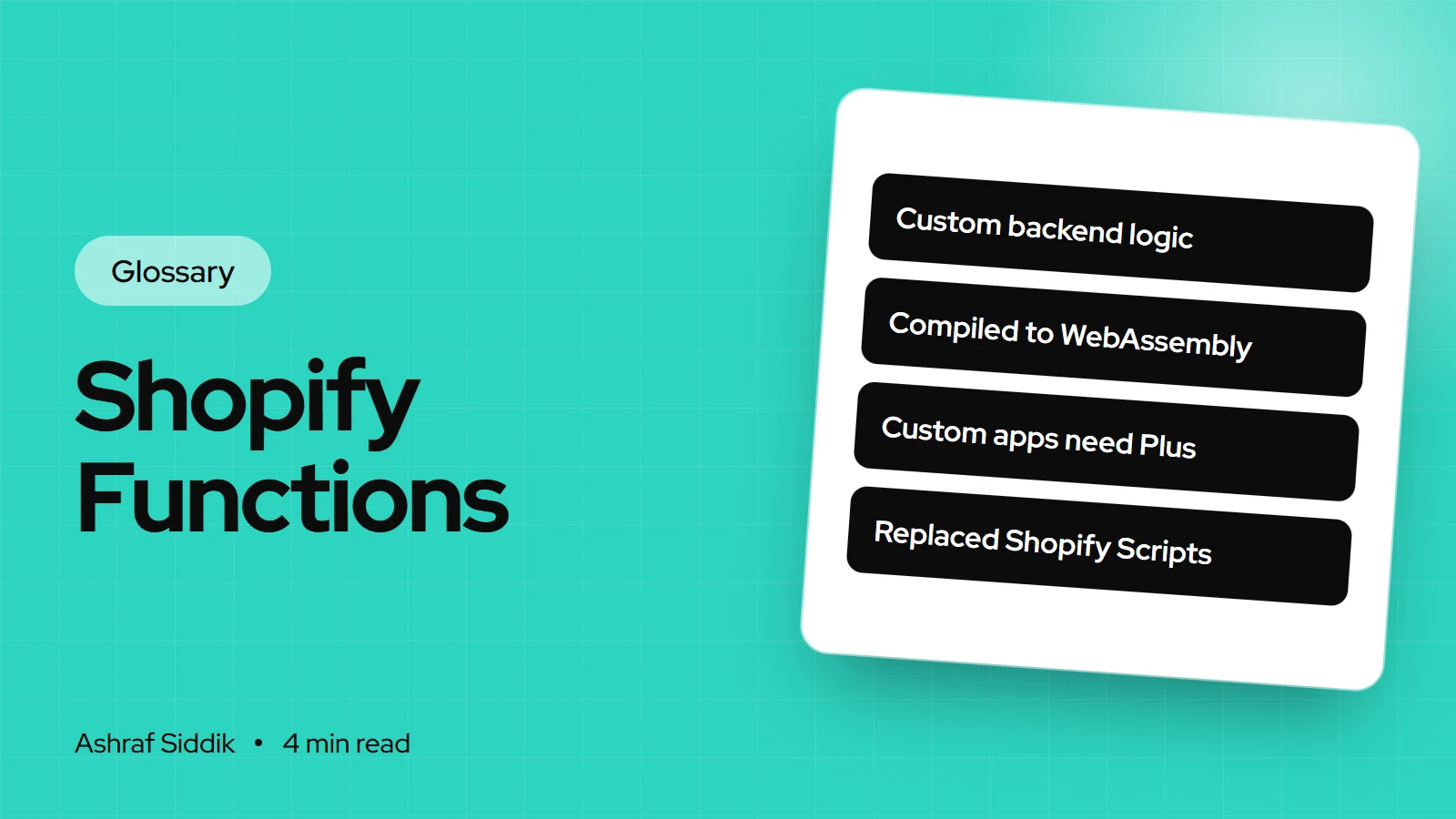
Two plan rules cause most of the surprises. First, checkout UI extensions on the information, shipping and payment steps are Plus only, while the thank you and order status pages are available from Basic up. Second, custom apps that contain Shopify Functions only work on Plus. Public App Store apps with functions work on any plan.
The deadlines that moved every store
checkout.liquid is now unsupported for the information, shipping and payment steps. The thank you and order status pages followed in two stages, and Scripts were retired separately:
Key checkout dates
- Plus: thank you and order status28 Aug 2025checkout.liquid, additional scripts and script tags sunset.
- Shopify Scripts30 Jun 2026Retired. Scripts no longer run on any store.
- All stores: upgrade deadline26 Aug 2026Non-Plus script tags sunset. Remaining stores auto-upgraded.
If your store was upgraded automatically, the risk isn't that checkout broke. It's that something stopped quietly: a conversion pixel in additional scripts, a script-based discount, a custom message on the thank you page. I cover how to audit that below.
What a "checkout extensibility app" is
An app is compatible with checkout extensibility when it customizes checkout through these official surfaces: a checkout UI extension, a function, a web pixel or the Branding API. Older apps that injected script tags into the thank you page no longer work there.
To see what an installed app actually adds:
- Open the app's page. Go to
Settings > Appsand click the app's name. - Check extensions and functions. The app's page lists its extensions and functions, and its pixel status.
- Check where blocks can go. In the checkout and accounts editor, open the Apps sidebar and click the plus icon next to a block to see which pages it supports.
- Check the plan. If a block only supports the information, shipping or payment steps, it needs Plus.
Before buying any checkout app on a non-Plus store, I ask the developer one question: which pages does this work on below Plus? Many listings show in-checkout screenshots that only apply to Plus stores.
Shopify checkout extensibility and GTM
Google Tag Manager can't sit in checkout's HTML any more. It runs inside a custom pixel, in a sandbox, and receives Shopify's standard events. Shopify's Help Center has a tutorial for this; the steps I follow are:
- Remove old GTM code. Delete GTM and duplicate tracking from
theme.liquidand anywhere else it was pasted, so events aren't counted twice. - Create the pixel. Go to
Settings > Customer events, enter a name and click Add pixel. - Set privacy. In Customer privacy, choose whether the pixel needs customer permission and for which purposes.
- Paste the GTM snippet. Copy GTM's head snippet, remove the
<script>tags and paste the JavaScript into the code window. - Subscribe to events. Push each Shopify event you need into the data layer.
- Save and connect. Click Save, then Connect pixel.
- Build the GTM side. In GTM, create custom event triggers with the same event names, and at least one tag. Shopify notes data won't flow without a tag and trigger.
The event subscription for a purchase looks like this:
analytics.subscribe("checkout_completed", (event) => {
  window.dataLayer.push({
    event: "checkout_completed",
    orderId: event.data?.checkout?.order?.id,
    value: event.data?.checkout?.totalPrice?.amount,
    currency: event.data?.checkout?.currencyCode
  });
});
The checkout events available are checkout_started, checkout_contact_info_submitted, checkout_address_info_submitted, checkout_shipping_info_submitted, payment_info_submitted and checkout_completed, alongside storefront events such as product_viewed and product_added_to_cart.
Where possible, I use the official app pixels from Google and Meta channels for standard conversion tracking, and keep a GTM custom pixel only for tags that have no app. Fewer tags in the sandbox means fewer things to break.
How developers build a checkout UI extension
- Generate it. Inside an app, run
shopify app generate extension --template checkout_ui. - Pick targets. A block target such as
purchase.checkout.block.renderlets merchants place the block in checkout.purchase.thank-you.block.rendertargets the thank you page, which works on every plan. - Build the UI. Extensions use Shopify's Polaris web components, with Preact in the templates. You can't inject arbitrary HTML or CSS, which is what keeps checkout consistent.
- Keep it small. The compiled bundle can't exceed 64 KB.
- Preview and deploy.
shopify app devpreviews on a development store, andshopify app deployreleases it. - Place it. The merchant adds the block in the checkout and accounts editor.
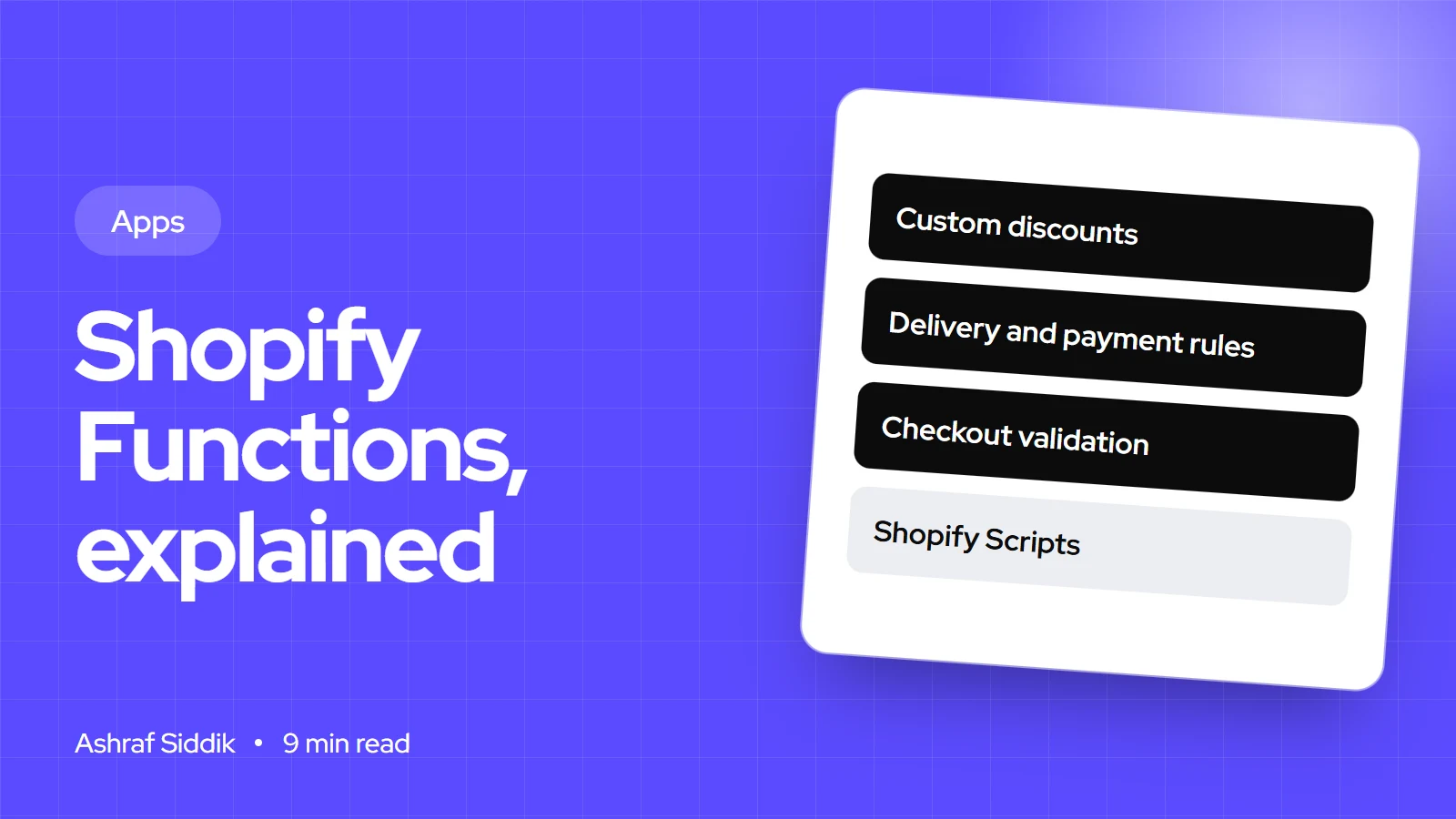
For logic rather than UI, such as hiding a delivery option, the right tool is a function. My Shopify Functions guide covers those.
How to audit a store after the upgrade
- List what the old checkout did. Check old theme backups, your additional scripts history if you saved it, and any Script Editor notes.
- Check tracking. Compare orders in Shopify with purchases recorded in GA4 and ad platforms for the same week. A big gap means a pixel is missing.
- Check discounts. Any discount that depended on Scripts stopped on 30 June 2026. Rebuild it with native discounts or a function-based app.
- Check post-purchase content. Surveys, upsells and messages on the thank you page need app blocks now.
- Check apps. Remove apps that only worked through old script tags.
Common mistakes
- Assuming auto-upgrade meant nothing changed. Tracking and script discounts are the usual casualties.
- Leaving GTM in the theme and adding a pixel. Storefront events then fire twice.
- Buying Plus-only checkout apps on Grow or Advanced.
- Ignoring consent settings on custom pixels in regions that need permission.
- Testing GTM with tools that don't support the sandbox.
Checkout extensibility checklist
| Area | Check | Done when |
|---|---|---|
| Old customizations | Listed and mapped | Each has a replacement |
| Branding | Checkout and accounts editor | Matches the store |
| Apps | Extensions and functions reviewed | Only supported apps remain |
| Discounts | Script logic replaced | Tested at checkout |
| Tracking | App pixels and custom pixels | Orders match analytics |
| Consent | Pixel permission settings | Set per pixel |
Next steps
Open Settings > Customer events and Settings > Apps today and write down what's connected. Then compare last week's orders with the purchases your analytics recorded. If the numbers match and your discounts work, the move is done. If not, the gap tells you where to look.
For hands-on changes, my guide on how to customize your Shopify checkout has the admin steps. If you need a checkout extension or pixel built, my app development service starts from $800.
Free tools
Check your own store
Free, no sign-up. Each one runs a part of this guide for you.
Frequently asked questions
What is Shopify checkout extensibility?
It's the set of upgrade-safe tools that replaced checkout.liquid, additional scripts and Shopify Scripts: the checkout and accounts editor, checkout UI extensions, Shopify Functions, the Checkout Branding API, web pixels and payments extensions.
Is checkout extensibility only for Shopify Plus?
No. Branding in the editor, apps on the thank you and order status pages, public apps with functions and pixels work from Basic up. Extensions in the information, shipping and payment steps, the Branding API and custom apps with functions need Plus.
What happened if I didn't upgrade my thank you page?
The deadline was 26 August 2026, and stores that hadn't upgraded were upgraded automatically. Customizations that relied on additional scripts or script tags on those pages stopped working and need replacing.
How do I add Google Tag Manager with checkout extensibility?
Create a custom pixel under Settings > Customer events, paste GTM's head snippet without the script tags, subscribe to Shopify's standard events and push them to the data layer. Then create matching custom event triggers and tags in GTM.
What is a checkout extensibility app?
An app that customizes checkout through official surfaces such as checkout UI extensions, functions, web pixels or the Branding API. You can see what an installed app adds on its page under Settings > Apps.
Can I still edit checkout.liquid?
No. checkout.liquid is unsupported for the information, shipping and payment steps, and was sunset on the thank you and order status pages. Customizations now go through extensions, functions and pixels.
Sources
- Checkout apps overview, Shopify.dev
- Checkout UI extensions, Shopify.dev
- Upgrading your Thank you and Order status pages, Shopify Help Center
- Create a Google Tag Manager custom pixel, Shopify Help Center
- Managing custom pixels, Shopify Help Center
- Web Pixels API, Shopify.dev
Related services and work

I'm a Shopify developer and CRO specialist. I have built and improved Shopify stores since 2018, completed more than 1,000 projects, and hold a 4.96 average rating across 719 client reviews.
More guides
-
What Is Checkout Extensibility? Shopify's Checkout Customization Explained
Checkout extensibility is how Shopify checkout is customized now: with apps and extensions instead of checkout.liquid code. Here is what it includes, what each plan can change, and what happened to the old way.
-
How to Customize Your Shopify Checkout
You can change more of Shopify's checkout than most store owners think, and less than most app listings imply. This guide shows exactly what each plan lets you customize, with the admin steps for each change.
-
What Are Shopify Functions? Custom Discount, Shipping and Checkout Logic
Shopify Functions let an app change how Shopify calculates discounts, shows delivery and payment options, and validates carts. Here is how they work, what they can change, and which plans can use them.
-
Shopify Functions: A Practical Guide for Merchants
Shopify Scripts stopped running on 30 June 2026, and Shopify Functions now handle custom discounts, shipping rules, payment rules and checkout validation. This is what they are, what each one does and how to get one onto your store.