Shopify glossaryGlossary4 min read
What Are Shopify Metaobjects? Custom Content Types Explained
Metaobjects let you create your own content types in Shopify, such as size charts or FAQs, and reuse them across products. Here is how they work, real examples, and how to set one up.
Key takeaways
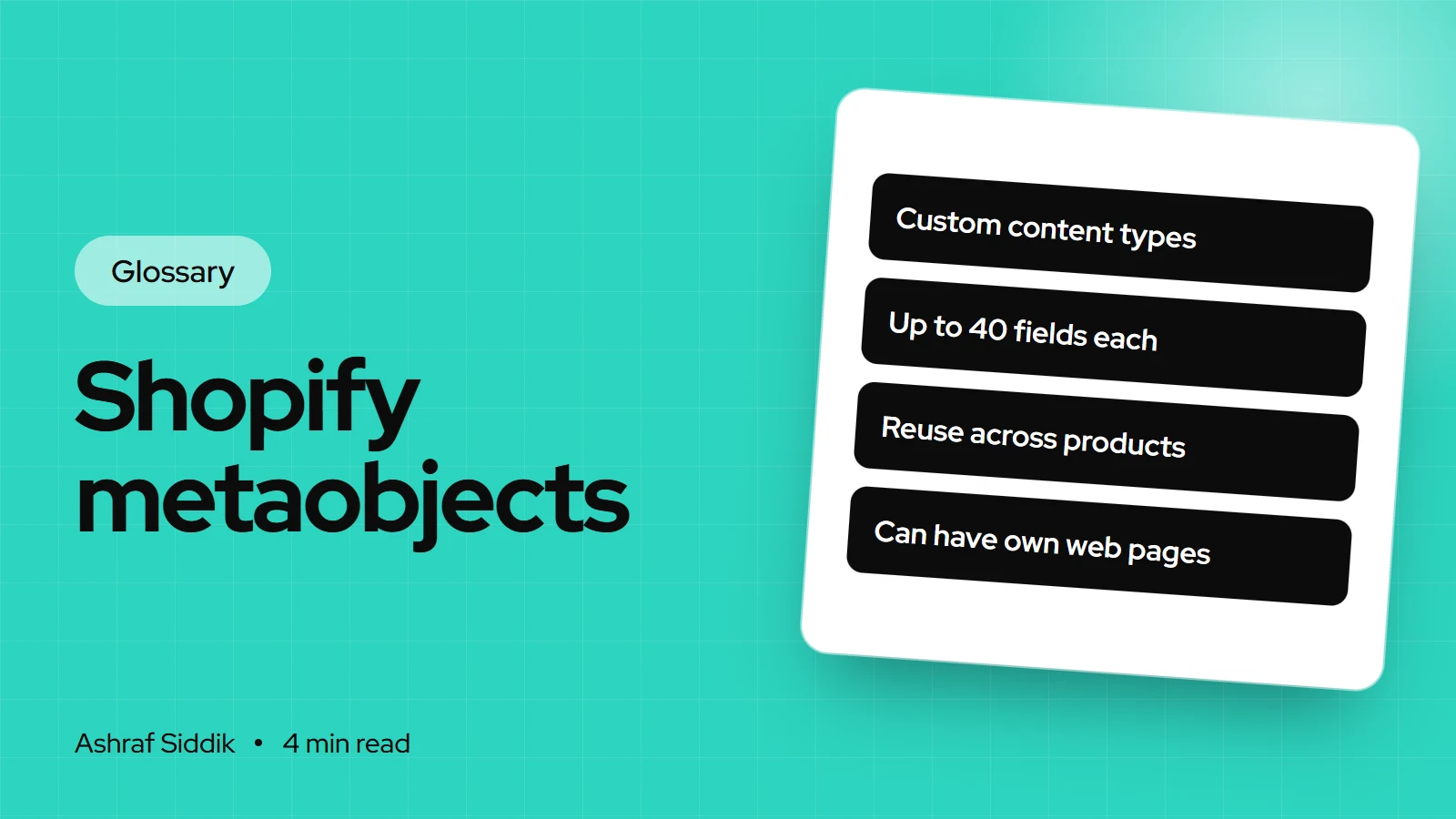
- Metaobjects are custom content types you define in Shopify, each with its own fields, such as a size chart, an FAQ or a designer profile.
- You create an entry once and reuse it, usually by linking it to products or collections through a metafield.
- Each definition can have up to 40 fields and up to 1,000,000 entries. Stores get 128 definitions, or 256 on Plus.
- Entries are managed under
Content > Metaobjectsand can even be published as their own web pages.
- Who it is for
- Store owners organizing content
- Time needed
- 4 minutes to read
- What you need
- An Online Store 2.0 theme
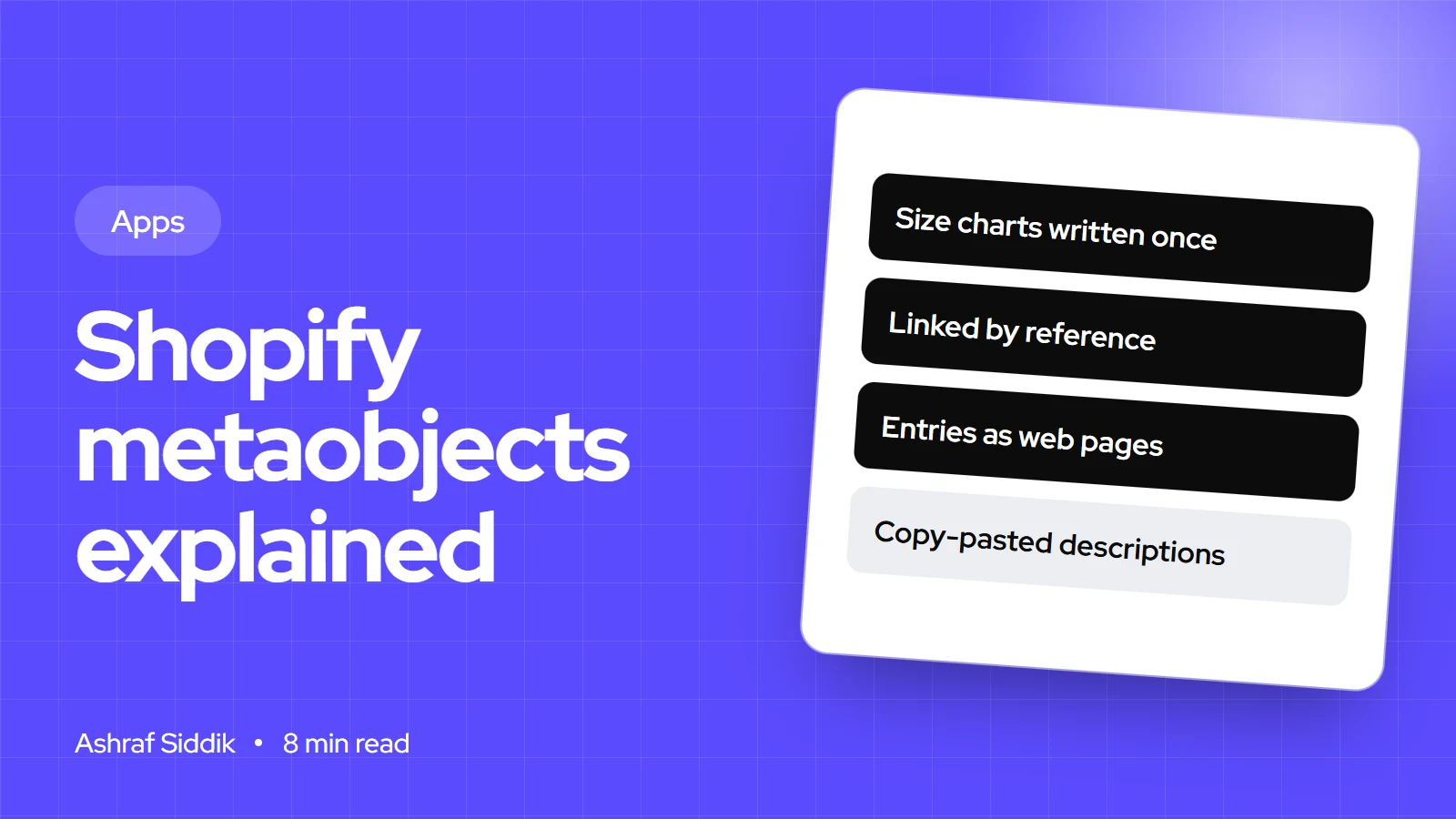
Shopify metaobjects are custom content types you define in the Shopify admin, each with its own set of fields, such as a size chart with a title, an image and a table, or an FAQ with a question and an answer. You create entries once and reuse them across products, collections, pages and theme sections.
Metaobjects solved a problem I used to work around with apps and duplicated metafields. The steps and limits below were checked on the Shopify Help Center and shopify.dev on 7 November 2026.
How metaobjects work
A metaobject has two layers:
- Definition: the structure. It has a name, a type identifier generated from the name, a list of fields with types and validation, and options for storefront access and web pages. One text field acts as the display name for each entry.
- Entries: the actual content. A "Size chart" definition might have entries for "Women's tops", "Men's tops" and "Shoes".
To show an entry on a product, you create a product metafield of the type metaobject reference and pick the right entry on each product. Forty T-shirts can point to one "Women's tops" chart. Change the chart once and every product updates.
Metaobjects vs metafields
| Aspect | Metafield | Metaobject |
|---|---|---|
| What it is | One extra field | A new content type |
| Belongs to | A product, customer, order | Itself, linked where needed |
| Fields | One value or a list | Up to 40 fields |
| Best for | Care guide, material | Size charts, FAQs, profiles |
Most stores use both together: the metaobject holds the content, and a metafield attaches it to the right products.
Shopify metaobjects examples
- Product highlights: an icon, title and short description, shown as feature badges on product pages.
- Size charts: one entry per fit, linked to every product that uses it.
- FAQs: question and answer pairs, shown in a dedicated theme section.
- Designer or influencer profiles: headline, image, description and a profile link.
- Events and stockists: name, location, date and description, each one a page if you want.
How to create one in Shopify
- Open the definitions. Go to
Content > MetaobjectsorSettings > Custom data, then clickAdd definition. - Name it. Shopify generates the type identifier from the name. Edit it now if you want, before saving.
- Add fields. Click
Add field, give it a label and choose a type, such as single line text or an image file. Mark required fields. - Set options. Keep Storefronts access on to use it in the theme, and tick Web pages if each entry should get its own page.
- Save and add entries under
Content > Metaobjects.
Themes read metaobjects through Liquid and apps through the API. In a section, Liquid reaches an entry by its type and handle:
{{ metaobjects.testimonials.homepage.title }}
{{ metaobjects['highlights']['washable'].image.value }}
Metaobject limits
- Definitions128256 on Plus and Enterprise.
- Fields40Per definition.
- Entries1,000,000Per definition, counted separately.
- List reference1,024Metaobjects one list metafield can point to.
Common mistakes and misconceptions
- Using a metaobject for one-off data. If a value belongs to one product only, a plain metafield is simpler.
- Forgetting Liquid render limits. A loop without
paginatereturns only 50 entries, and one page can look up 20 unique handles per type. - Draft entries that never show. If the publishable option is on, an entry stays hidden until its status is active.
- "Metaobjects need an app." They are built into Shopify. Apps can create their own, but you don't need one.
Related terms
- Metafields: single custom fields on existing resources, the usual way to link a metaobject.
- Dynamic sources: theme editor connections to custom data, such as metafields.
- Online Store 2.0: the theme architecture that makes connecting this data possible without code.
- Liquid: the theme language used to output metaobjects in custom sections.
What to do next
- Find repeated content in your product descriptions, such as size charts or care tables pasted into every product.
- Follow my guide to Shopify metaobjects to build your first definition step by step.
- Check your theme. An Online Store 2.0 theme makes it far easier to add a section that shows the data.
- Need a custom section to display them? I build those as part of Shopify development, with a fixed quote after a free review.
Free tools
Check your own store
Free, no sign-up. Each one runs a part of this guide for you.
Frequently asked questions
What are Shopify metaobjects?
Custom content types you define in the admin, each with its own fields. You create entries, such as one size chart per fit, and reuse them on products, collections and pages.
What is the difference between metafields and metaobjects?
A metafield adds one field to an existing resource, like a product. A metaobject is a new type of content with up to 40 fields, which you usually attach to products through a metaobject reference metafield.
What are some Shopify metaobjects examples?
Size charts, product feature highlights, FAQs, designer or influencer profiles, stockist lists and event listings. Anything you would otherwise repeat in many product descriptions is a good candidate.
How many metaobjects can I create?
Basic, Grow and Advanced stores can create 128 metaobject definitions, and Plus stores 256. Each definition can hold up to 1,000,000 entries and 40 fields.
Can metaobjects have their own pages?
Yes. Turn on the Web pages option in the definition, and each entry can be published as a stand-alone page using a metaobject template in your theme.
Sources
- Metaobjects, Shopify Help Center
- Building a metaobject, Shopify Help Center
- Metaobject limits, Shopify.dev
- metaobject object, Shopify.dev
Related services and work

I'm a Shopify developer and CRO specialist. I have built and improved Shopify stores since 2018, completed more than 1,000 projects, and hold a 4.96 average rating across 719 client reviews.
More guides
-
Shopify Metaobjects: What They Are and How to Use Them
Metaobjects let you build your own content types in Shopify, such as size charts, ingredients or designer profiles, and reuse them across products and pages. Here is how they work, with real examples and the exact admin steps.
-
What Are Shopify Functions? Custom Discount, Shipping and Checkout Logic
Shopify Functions let an app change how Shopify calculates discounts, shows delivery and payment options, and validates carts. Here is how they work, what they can change, and which plans can use them.
-
What Are Shopify Metafields? How to Add Custom Product Data
Metafields let you add your own fields to Shopify products, customers and orders. Here is how they work, how to add one in the admin, and how to show it on your store.
-
What Are Core Web Vitals? What They Mean for Your Shopify Store
Core Web Vitals are three Google metrics that score how fast a page loads, how quickly it responds and how stable it stays. Here is what each one means, the pass marks, and how to check them on a Shopify store.