Shopify guideGuide7 min read
How to Connect Australia Post to Shopify
Australia Post connects to Shopify through a free MyPost Business account, so you can buy labels and show rates in your admin. Here is the setup, step by step.
Key takeaways
- Australia Post connects to Shopify through a free MyPost Business account and a merchant token. eParcel contract accounts aren't supported by Shopify's built-in connection.
- Once connected, you can show Australia Post rates at checkout and buy labels in your Shopify admin. Shopify's help pages disagree on whether checkout rates need a higher plan, so check your own admin.
- Through the connection you get Parcel Post, Express Post and two international services, with a 22 kg and 105 cm limit per parcel. International services exclude the United States.
- Sendle stopped shipping on 11 January 2026 and is no longer a Shopify carrier. If Sendle rates are still in your checkout, remove them.
- Who it is for
- Australian Shopify stores
- Time needed
- About 30 minutes to connect and test
- What you need
- A MyPost Business account with a payment method
Plenty of Australian Shopify stores are setting up Australia Post right now for a simple reason: Sendle, which many used for cheap labels inside Shopify, ceased shipping operations on 11 January 2026. Shopify's own advice for stores with an Australian location is to buy labels from a local carrier outside Shopify, or to connect an Australia Post MyPost Business account. The second option keeps labels, tracking and customer emails inside your admin, which is why I'd start there.
This guide covers the whole connection: what you need, the two-part setup, checkout rates, the services you get, labels and voids, and the gaps where an app does a better job. Details come from Shopify's help center and Australia Post's business pages as I checked them on 7 November 2026.
Settings > Shipping and delivery.Three ways to use Australia Post with Shopify
| Route | What you get | Account needed | Best for |
|---|---|---|---|
| Built-in connection | Labels in Shopify, optional checkout rates | MyPost Business | Most small and mid-size stores |
| Shipping app | Labels, rules, several carriers, tracking pages | MyPost Business or a contract, per app | eParcel accounts or several carriers |
| Flat rates only | Your own prices, labels bought outside Shopify | Any | Very low volumes |
The built-in connection covers what most stores need. If you have an eParcel contract, ship with StarTrack or other couriers as well, or want automated shipping rules, a multi-carrier app is usually the better fit. Starshipit, for example, lists Australia Post, StarTrack and Aramex among its couriers on its App Store listing. Check that any app supports your exact account type before you install it.
What you need before you connect
- A MyPost Business account. It's free to join. Australia Post says it can save up to 40% on domestic and up to 35% on international shipping, with savings starting once you spend A$50 or more a week and five savings bands as your spend grows.
- A payment method saved in that account, because the merchant token step checks for one.
- An Australian fulfillment location in
Settings > Locations, with an exact address. - Weights on every variant and your real boxes saved under Packages in
Settings > Shipping and delivery, measured on the outside. Rates and label prices depend on them.
Step by step: connect Australia Post to Shopify
The connection has two parts: you generate a token in Australia Post, then paste it into Shopify.
- Log in to MyPost Business. Confirm a payment method is saved on the account.
- Generate a merchant token. Click
eCommerce Partners, find Shopify and clickConnect. Copy the merchant token it creates. - Open Shopify's carrier settings. In your Shopify admin, go to
Settings > Shipping and delivery. In the Carrier accounts section, clickConnect account, thenAustralia Post. - Paste the token. Enter the merchant token, select a payment method and click
Connect. - Test sample rates. In Carrier accounts, open the menu next to Australia Post and click
Calculate rates. Choose a package type, enter a size and weight, adjust the addresses and clickTest rates. These are sample rates and can differ slightly from checkout.
Show Australia Post rates at checkout
With the account connected, add calculated rates to the zones you ship to:
- Open your profile. In
Settings > Shipping and delivery, click the shipping profile, usually the General profile. - Pick or add a zone. For Australia, keep a zone that contains only Australia, so transit times work.
- Add the rate. Click
Add shipping option, chooseCarrier or app calculatedas the Rate type, clickChoose carrier and appsand select Australia Post. - Choose services. Tick the services to show, such as Parcel Post and Express Post. Ticking
Automatically include new services when they become availableis optional. - Add a handling fee. Enter a percentage or fixed amount to cover packaging, or a negative value to discount the rate.
- Save. Click
Done, thenSave, and place a test checkout to a metro and a regional postcode.
Two settings are worth adding while you're there. Tick Offer free shipping on the calculated rate and set a minimum, so orders above, say, A$100 ship free while smaller ones pay the live price. And plan for the rare moment live rates fail to load: Shopify then shows backup rates so the customer can still pay. Australia isn't one of the countries where Shopify uses a supported carrier for backups, so the backup is a country-specific rate based on historical data, weight and order value. To control that price yourself, add a flat rate to the same zone, keeping in mind that flat rates show alongside calculated ones whenever they're eligible.
A note on plans. Shopify's Australia Post carrier page says you can connect your account to show rates and buy labels on any plan, without third-party carrier-calculated shipping. Its carrier-calculated shipping page for Australia Post lists Advanced or Plus, or Grow with yearly billing or a monthly fee. If the option doesn't appear on your plan, flat or order amount rates based on your MyPost Business prices work on every plan, and you can still buy labels in Shopify. Compare plan costs in my Shopify Grow vs Advanced comparison if live rates tip the decision.
Services and parcel limits
| Service | Delivery time | Coverage |
|---|---|---|
| Parcel Post | 2 to 6 business days | All Australian addresses |
| Express Post | 1 to 3 business days | All Australian addresses |
| International Post Standard | 5 to 10 business days | 220+ destinations |
| International Post Express | 3 to 6 business days | 220+ destinations |
Shopify's page says the international services through this connection exclude the United States, so if you sell to US customers, plan another way to ship those orders. Each parcel can be up to 22 kg, no side longer than 105 cm, and no more than 0.25 cubic meters.
MyPost Business savings, as Australia Post describes them
- Domestic shippingUp to 40%Savings start from A$50 a week in spend.
- International shippingUp to 35%Five bands, based on spend over set periods.
Buying, voiding and getting support
You buy Australia Post labels on each order as you fulfill it, and the price comes from your own Australia Post account, not a Shopify rate. Pickups through MyPost Business are available in major metro areas only, cost extra and can be booked for up to 100 parcels at a time.
Voids work differently from other carriers. You can't void an Australia Post label in Shopify. Log in to MyPost Business, click Transactions, select the order and click Refund. If you pay with a Business Charge account, Shopify says to call the MyPost Business help desk on 13 11 18 instead.
Support is split too. Shopify Support helps with the connection and with labels bought in the admin. Australia Post handles anything about a parcel in transit and all claims. To disconnect, go to Settings > Shipping and delivery, click Manage carriers in Carrier accounts and choose Disconnect account next to Australia Post.
Common mistakes
- Trying to connect an eParcel account. The built-in connection needs MyPost Business. Use an app that supports eParcel instead.
- Leaving Sendle rates in checkout after the service closed.
- Mixing Australia and other countries in one zone, which stops transit times and delivery estimates working.
- Offering international calculated rates to US shoppers when the connection doesn't cover the United States.
- Measuring the inside of boxes, so checkout rates come out lower than the label.
- Trying to void labels in Shopify, then paying for unused labels because the refund was never requested in MyPost Business.
Australia Post setup checklist
- MyPost Business account open, with a payment method saved.
- Merchant token generated and Australia Post connected under Carrier accounts.
- Sample rates tested for your common parcels.
- Australia-only zone with Parcel Post and Express Post, or flat rates based on your MyPost Business prices.
- A separate plan for orders to the United States.
- Weights on every variant and outside box sizes saved.
- Sendle rates removed from every profile.
- Staff know to void labels in MyPost Business and to send claims to Australia Post.
- Test checkouts placed to a metro and a regional address.
Next steps
Open the MyPost Business account first, because the token step can't happen without it. Then connect, test sample rates and decide between live rates and flat rates. My guide to Shopify shipping rates and zones covers tiers and free shipping thresholds if you go the flat route.
I work with Australian stores on shipping, checkout and store builds through my Shopify developer Australia service. If you'd like your setup checked, send me your store for a free review.
Free tools
Check your own store
Free, no sign-up. Each one runs a part of this guide for you.
Frequently asked questions
How do I connect Australia Post to Shopify?
In MyPost Business, click eCommerce Partners, find Shopify and click Connect to get a merchant token. Then in Shopify go to Settings > Shipping and delivery, click Connect account in Carrier accounts, choose Australia Post, paste the token, pick a payment method and click Connect.
Can I use an Australia Post eParcel account with Shopify?
Not with Shopify's built-in connection, which needs a MyPost Business account. If you have an eParcel contract, use a shipping app that supports it, and check the app's listing before you install.
Which Shopify plan do I need for Australia Post rates at checkout?
Shopify's help pages differ. The Australia Post carrier page says you can show rates and buy labels on any plan, while the carrier-calculated shipping page lists Advanced, Plus, or Grow with yearly billing. Check your admin, and use flat rates if the option isn't there.
Can I void an Australia Post label in Shopify?
No. Log in to MyPost Business, click Transactions, select the order and choose Refund. If you use a Business Charge payment method, call the MyPost Business help desk on 13 11 18.
Is Sendle still available on Shopify?
No. Shopify says Sendle ceased shipping operations on 11 January 2026 and is no longer a supported carrier in Australia. Remove any Sendle rates from your checkout and use Australia Post or another carrier.
Does the Australia Post connection ship to the United States?
Shopify's page says the connection offers domestic and international services except to the United States. Plan a different carrier or buy those labels outside Shopify for US orders.
Sources
- Shipping with Australia Post, Shopify Help Center
- Activating calculated shipping with Australia Post, Shopify Help Center
- Shipping with Sendle, Shopify Help Center
- MyPost Business, Australia Post
- Starshipit, Shopify App Store
- Backup shipping rates, Shopify Help Center
Related services and work

I'm a Shopify developer and CRO specialist. I have built and improved Shopify stores since 2018, completed more than 1,000 projects, and hold a 4.96 average rating across 719 client reviews.
More guides
-
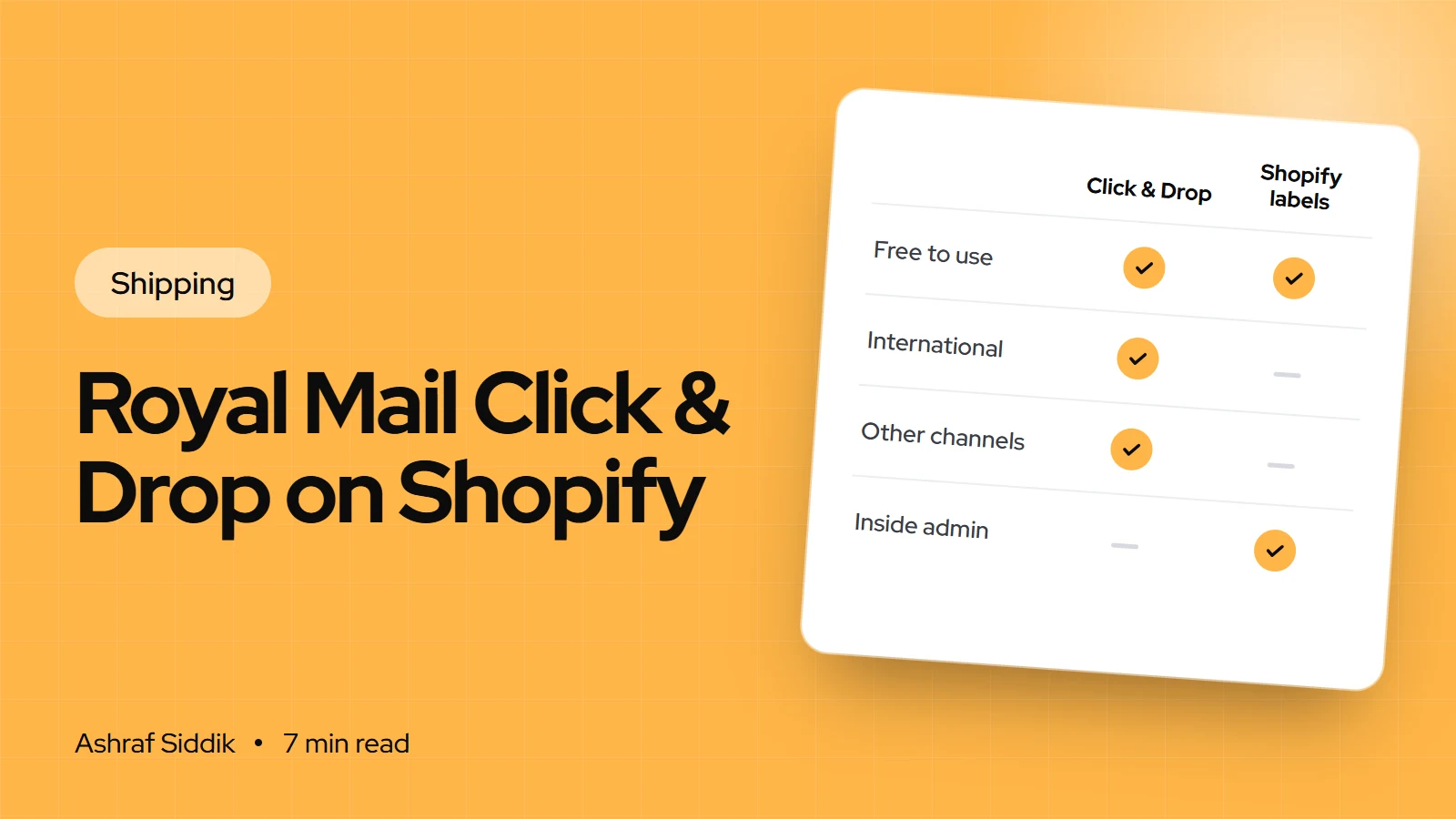
How to Connect Royal Mail Click & Drop to Shopify
Click & Drop pulls your Shopify orders into Royal Mail's free label platform and sends tracking back. Here is how to connect it, the three settings that matter, and when Shopify's own Royal Mail labels are the better choice.
-
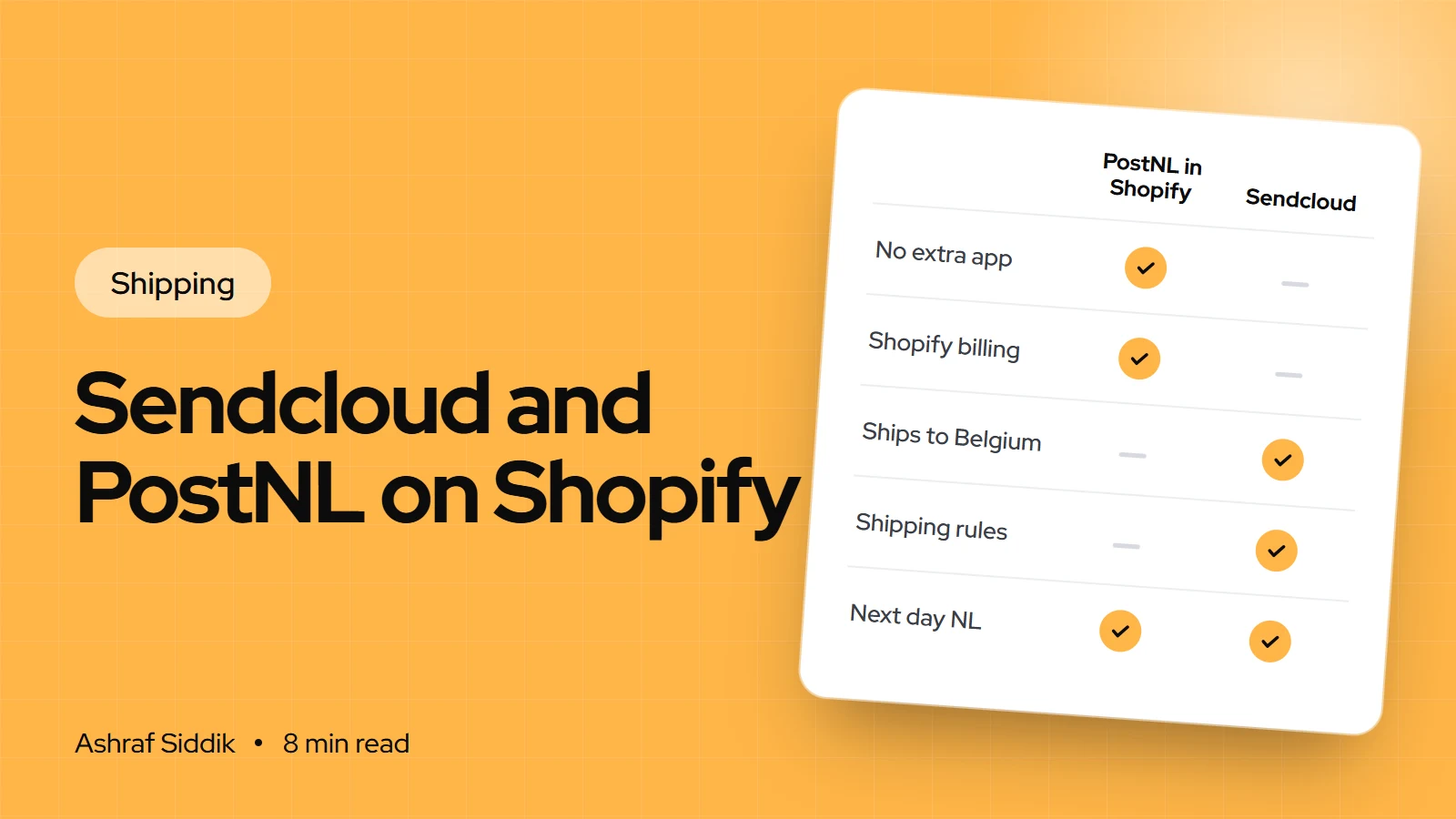
How to Connect Sendcloud and PostNL to Shopify
Dutch stores can ship PostNL from Shopify three ways, each with different limits. Here is how they compare and how to set up Sendcloud with PostNL step by step.
-
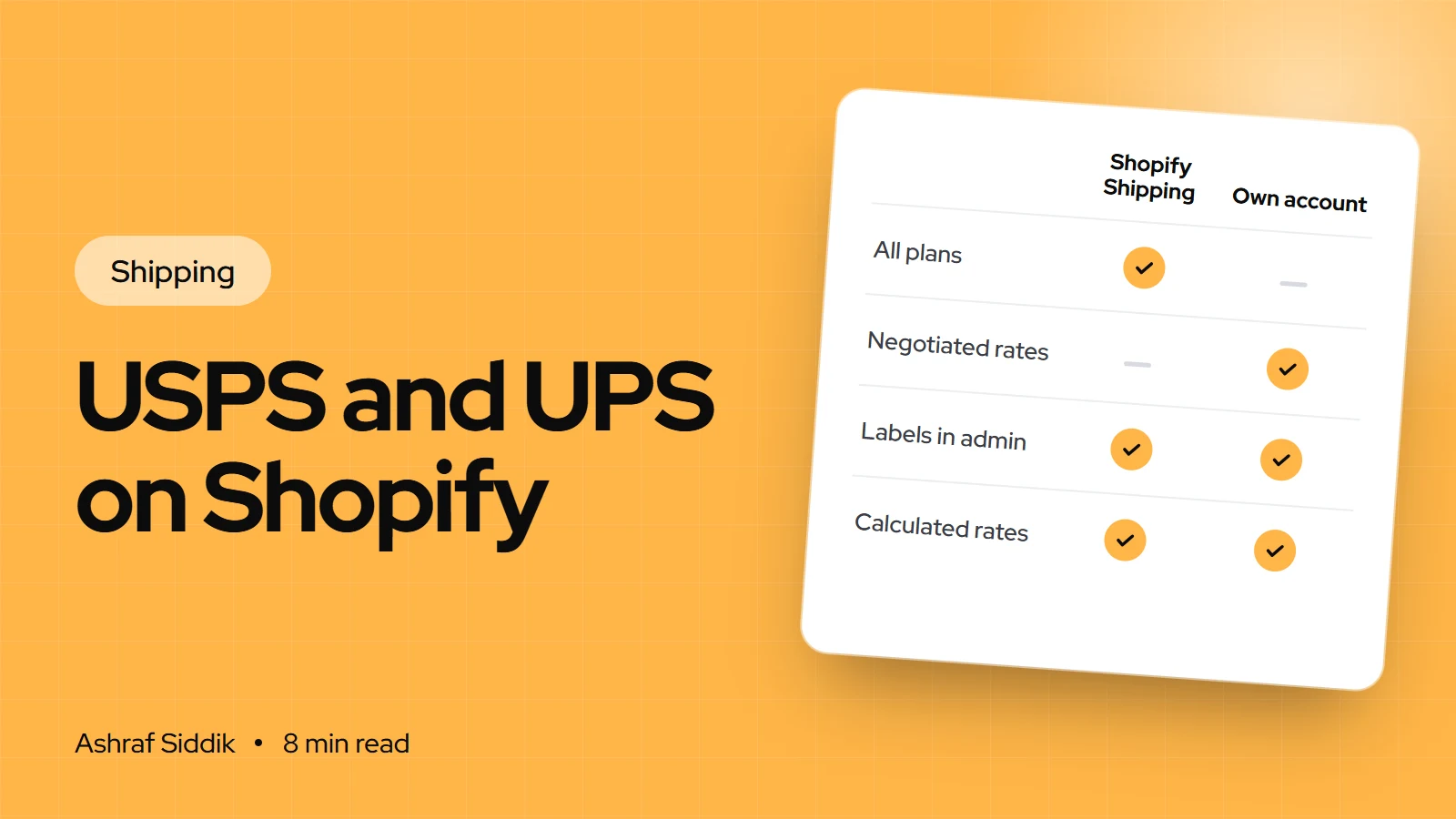
USPS and UPS Shipping on Shopify: Rates, Labels and Pickups
Shopify lets you show USPS and UPS rates at checkout and buy discounted labels from the same admin. Here is how to set both up, which plan you need for your own carrier account, and the mistakes that make rates wrong.
-
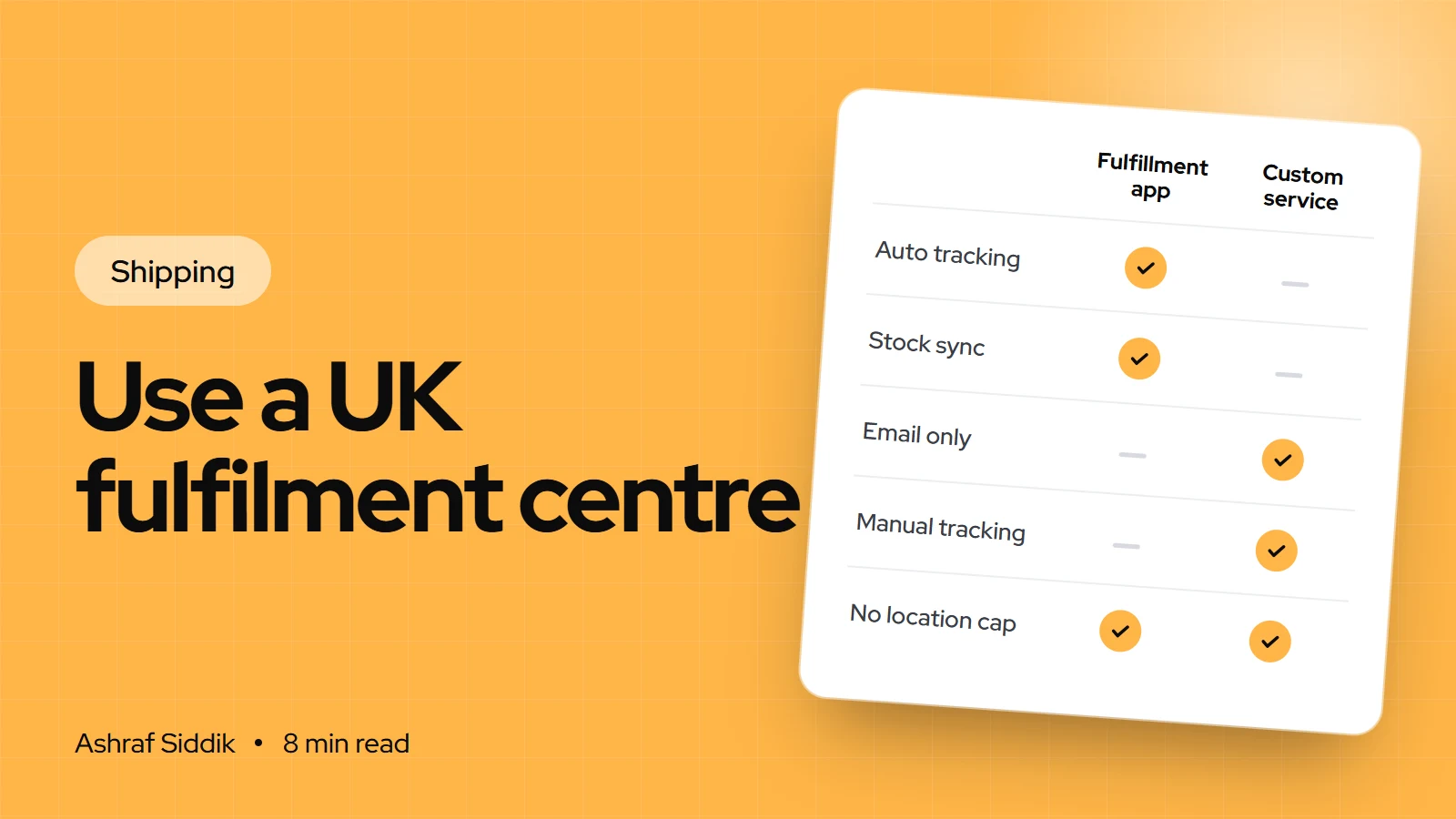
How to Use a UK Fulfilment Centre with Shopify
A UK fulfilment centre stores your stock and ships every order, while Shopify passes orders across and gets tracking back. Here is how to choose one and connect it properly.