Shopify guideGuide8 min read
How to Automate Shopify with n8n
n8n connects Shopify to almost any other tool, with logic Shopify Flow can't express. This guide covers the part most tutorials now get wrong, connecting your store after Shopify's 2026 app changes, then the workflows worth building.
Key takeaways
- n8n's Shopify node can create, delete, get, list and update orders and products. Its Shopify Trigger node subscribes to webhook topics such as
orders/createandproducts/update. - n8n's credential docs still describe creating a custom app in the Shopify admin. New admin-created custom apps can't be made since Shopify's change, so new setups start in the Dev Dashboard.
- For anything the Shopify node doesn't cover, use the HTTP Request node with the GraphQL Admin API.
- Self-hosted n8n runs free as the Community edition. n8n Cloud Starter was €20 a month billed annually, for 2,500 executions, on 7 November 2026.
- Who it is for
- Store owners and developers automating across tools
- Time needed
- About 2 hours for the first workflow
- What you need
- An n8n account and a Shopify app with API access
A client's warehouse system, a supplier's stock feed, a support inbox and a Slack channel: most Shopify stores I work with have at least three tools that need to know when something happens in Shopify. Shopify Flow handles jobs inside Shopify well. When the job crosses several outside systems, needs real branching logic or calls an AI model along the way, I usually build it in n8n.
This guide is a working setup: how n8n fits next to Flow, how to connect it to your store today, the nodes you'll use, example workflows and the mistakes that break them. n8n and Shopify details were checked against both companies' docs and n8n's pricing page on 7 November 2026.
What n8n does for a Shopify store
n8n is a workflow automation tool. A workflow is a chain of nodes: a trigger, then steps that transform data, make decisions and call other services. It has a node for Shopify and hundreds for other apps, plus a general HTTP Request node, code nodes and AI nodes.
| Job | Better tool | Why |
|---|---|---|
| Tag orders, hold risky ones | Shopify Flow | Free, inside Shopify, staff can edit it |
| Send orders to an ERP or 3PL | n8n | Transforms data and handles the other system's API |
| AI summaries of reviews or tickets | n8n | AI nodes and any model you choose |
| Daily report across several tools | n8n | Pulls from many sources in one run |
| Change checkout logic | Neither | Needs Shopify Functions |
The two work well together. On Grow and higher, Flow's Send HTTP request action can post to an n8n Webhook node, so you get Flow's Shopify triggers and n8n's reach in one chain.
n8n Cloud or self-hosted
n8n plans, billed annually
- Community (self-hosted)FreeRuns without a license key on your own server.
- Cloud Starter€20 a month2,500 executions a month, unlimited active workflows.
- Cloud Pro€50 a month10,000 executions a month.
Self-hosting is free in license terms but not in time: you look after the server, updates, backups and uptime. n8n's docs recommend Docker Compose for production setups. For most store owners, Cloud is the sensible start. Count executions honestly: a workflow triggered by every order runs once per order, so a store with 3,000 orders a month already passes Starter's limit with one workflow.
Connect n8n to Shopify in 2026
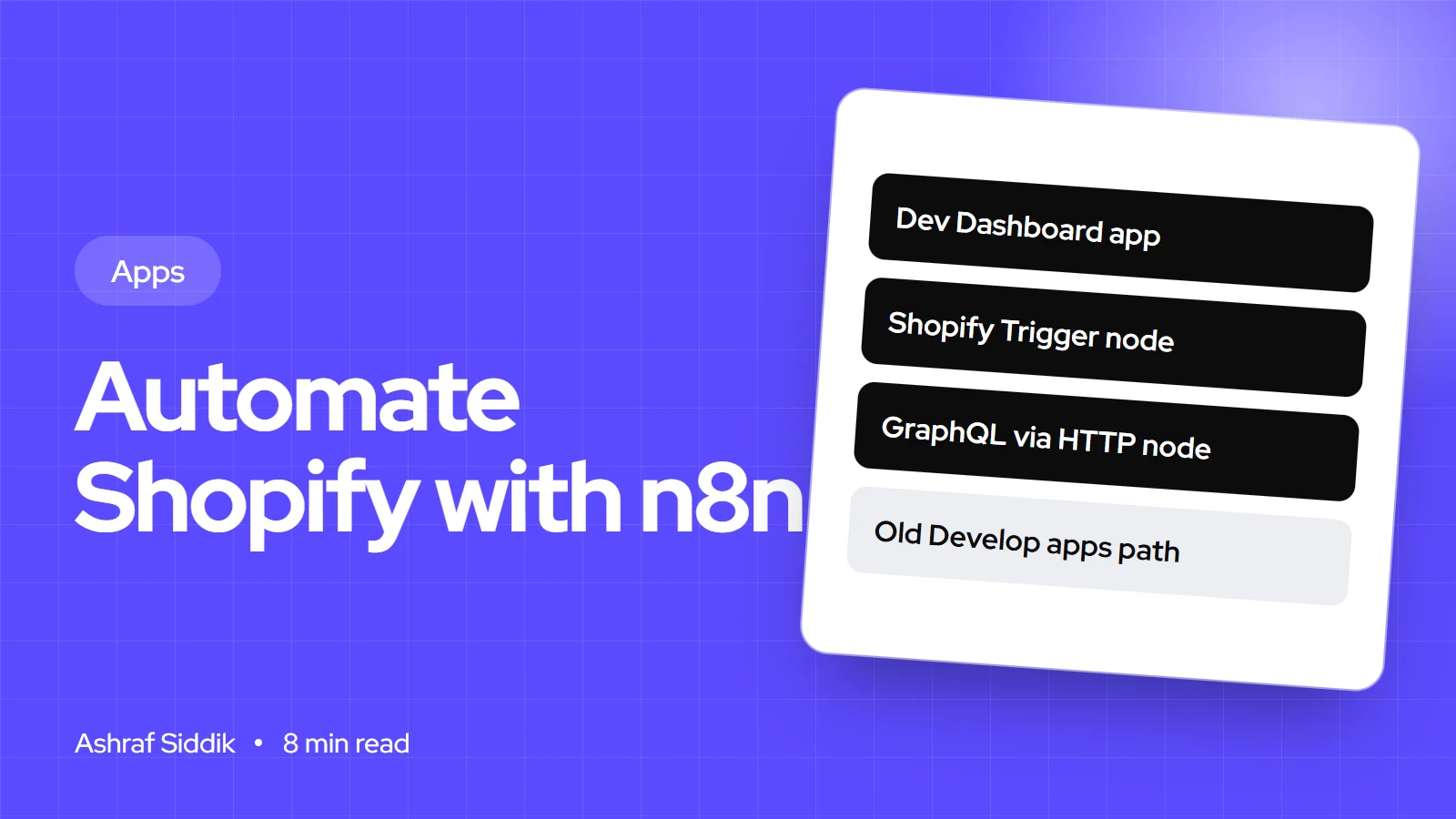
n8n's Shopify credential supports three methods: Access token (recommended by n8n), OAuth2, and API key, which n8n marks as deprecated. Its docs tell you to create a custom app in Settings > Apps and sales channels > Develop apps. That instruction is out of date for new apps: Shopify's own docs say admin-created custom apps can't be created any more, and those made before 1 January 2026 keep working as legacy apps.
So the route depends on what you have:
- You have a legacy custom app. Use n8n's Access Token credential with your shop subdomain (the part before
.myshopify.com), the Admin API access token and the app's secret key. Check its scopes include read and write access to orders and products if you'll use the Shopify node fully. - You're starting fresh. Create an app in the Dev Dashboard at
dev.shopify.com/dashboard: Create app, Start from Dev Dashboard, then on Versions set the scopes, such asread_orders,write_orders,read_productsandwrite_products, and click Release. Install it on your store from the Installs card. - Get tokens with the client credentials grant. In n8n, add an HTTP Request node at the start of each workflow that posts your client ID and secret to
https://your-store.myshopify.com/admin/oauth/access_tokenwithgrant_type=client_credentials. Pass the returnedaccess_tokento later nodes in theX-Shopify-Access-Tokenheader.
n8n's OAuth2 credential, with a client ID, client secret and shop subdomain, is the other option, using an app that has n8n's OAuth redirect URL in its allowed redirection URLs. My guide to building a custom Shopify app covers the Dev Dashboard and token rules in more detail.
Build your first workflow: new orders to a sheet and Slack
- Add the trigger. Create a workflow, add the Shopify Trigger node, choose your credential and pick the topic
orders/create. - Filter. Add an IF node, for example to keep only orders over a set total or orders with a certain tag.
- Shape the data. Add an Edit Fields node to keep only what you need: order name, total, customer email, shipping country.
- Send it on. Add a Google Sheets node to append a row, and a Slack node to post a message on the True branch.
- Test. Place a test order and check each node's output in n8n's execution view.
- Activate. Turn the workflow on. The Shopify Trigger registers its webhook with Shopify and removes it when the workflow is deactivated.
The trigger checks the HMAC signature on each webhook against the secret from your credential, and ignores requests that don't match or that arrive with a different topic. Other topics include orders/paid, orders/fulfilled, orders/cancelled, products/update, customers/create, inventory_levels/update, refunds/create and app/uninstalled.
Go beyond the Shopify node with GraphQL
The Shopify node only covers orders and products, and it was written against Shopify's REST Admin API, which Shopify made legacy on 1 October 2024. For customers, metafields, inventory, fulfillments or bulk work, n8n's docs suggest the HTTP Request node. I send GraphQL there:
POST https://your-store.myshopify.com/admin/api/2026-10/graphql.json
X-Shopify-Access-Token: {{ $json.access_token }}
Content-Type: application/json
{"query": "{ orders(first: 10, query: \"fulfillment_status:unfulfilled\") { nodes { name createdAt } } }"}
Pin the API version in the URL and update it on a schedule, since Shopify releases a new version each quarter. GraphQL also returns only the fields you ask for, which keeps executions small.
n8n Shopify workflows worth building
- Orders to a 3PL or ERP.
orders/paidtriggers a workflow that maps line items and addresses to the other system's format, posts them, and writes the external ID back to an order metafield. - Supplier stock sync. A schedule trigger reads a supplier's CSV or API every hour, compares stock and updates inventory through GraphQL.
- Review and ticket triage. New reviews or support emails go to an AI node that tags sentiment and topic, then low-star reviews go to a Slack channel with a suggested reply.
- Daily trading digest. Each morning, pull yesterday's orders, refunds and top products into one message for the team.
- Product data drafts. When a product is created with a short description, an AI node drafts a longer one into a metafield for a person to review. Never publish AI copy without a human check.
- B2B order alerts. Orders from a wholesale customer tag go to the account manager with the customer's history attached.
Most of these are a day or two of build time. If you'd rather have them built and documented, my Shopify AI and automation service starts from $600, and the AI automation cost guide explains the price drivers.
Make n8n workflows reliable
- Keep secrets in credentials, never in node fields or code nodes.
- Add an error workflow that emails or messages someone when any production workflow fails.
- Make writes idempotent. Shopify can deliver a webhook more than once. Check whether an order was already sent before sending it again.
- Batch large jobs. Use Shopify's bulk operations or paginate, rather than one API call per product in a loop.
- Log what you send. Store the order ID and the external system's response, so you can answer "did this order reach the warehouse" in seconds.
Common n8n Shopify mistakes
- Following old credential steps that start in the Shopify admin's Develop apps screen.
- Pasting a 24-hour token into a saved credential and finding everything broken the next day.
- Testing only with the test URL. Workflows must be active for the production webhook to receive orders.
- Underestimating executions on n8n Cloud. One order-triggered workflow uses one execution per order.
- Doing Flow's job in n8n. Simple tagging inside Shopify is free and visible to staff in Flow.
- No duplicate check on webhook-driven writes to other systems.
n8n Shopify integration checklist
| Step | Check | Done when |
|---|---|---|
| Fit | Flow can't do it alone | Reason written down |
| Hosting | Cloud or self-hosted | Executions estimated |
| App | Legacy app or Dev Dashboard app | Minimum scopes released |
| Tokens | Fresh token per run or cached | No expired-token failures |
| Trigger | Topic chosen, workflow active | Test order received |
| Errors | Error workflow | Failures reach a person |
| Duplicates | Idempotency check | Replayed webhook does nothing |
Next steps
Pick one job that today means copying data from Shopify into another tool by hand. Build it as your first n8n workflow, run it next to the manual process for a week, and compare. Once you trust it, switch off the manual step and add the next workflow.
If the integration is business-critical, such as orders to a warehouse, consider whether a small custom app is the better long-term home. My guide on custom apps vs subscriptions helps with that decision.
Free tools
Check your own store
Free, no sign-up. Each one runs a part of this guide for you.
Frequently asked questions
Does n8n integrate with Shopify?
Yes. n8n has a Shopify node for orders and products, a Shopify Trigger node for webhook topics such as orders/create, and an HTTP Request node for anything else in Shopify's GraphQL Admin API.
How do I connect n8n to Shopify?
If you have a legacy custom app, use n8n's Access Token credential with your shop subdomain, access token and app secret. For a new setup, create an app in Shopify's Dev Dashboard, install it, and get tokens with the client credentials grant, or use n8n's OAuth2 credential.
Why can't I find Develop apps in my Shopify admin?
Shopify stopped allowing new admin-created custom apps. Apps created before 1 January 2026 keep working. New apps are created in the Dev Dashboard or with Shopify CLI.
Is n8n free for Shopify automation?
The self-hosted Community edition is free to run, though you pay for and maintain the server. n8n Cloud Starter was €20 a month billed annually for 2,500 executions on 7 November 2026.
Should I use n8n or Shopify Flow?
Use Flow for jobs inside Shopify, such as tagging and holding orders, because it's free and staff can edit it. Use n8n when the job crosses outside systems, needs complex logic or calls AI models. They can work together through Flow's Send HTTP request action.
What Shopify triggers does n8n support?
The Shopify Trigger node supports webhook topics across orders, products, customers, inventory, fulfillments, refunds, collections, draft orders, themes and more, for example orders/create, orders/paid and products/update.
Sources
- Shopify node, n8n Docs
- Shopify credentials, n8n Docs
- n8n pricing, n8n
- Hosting n8n, n8n Docs
- Select a distribution method, Shopify.dev
- Client credentials grant, Shopify.dev
Related services and work

I'm a Shopify developer and CRO specialist. I have built and improved Shopify stores since 2018, completed more than 1,000 projects, and hold a 4.96 average rating across 719 client reviews.
More guides
-
Shopify Functions: A Practical Guide for Merchants
Shopify Scripts stopped running on 30 June 2026, and Shopify Functions now handle custom discounts, shipping rules, payment rules and checkout validation. This is what they are, what each one does and how to get one onto your store.
-
How to Customize Your Shopify Checkout
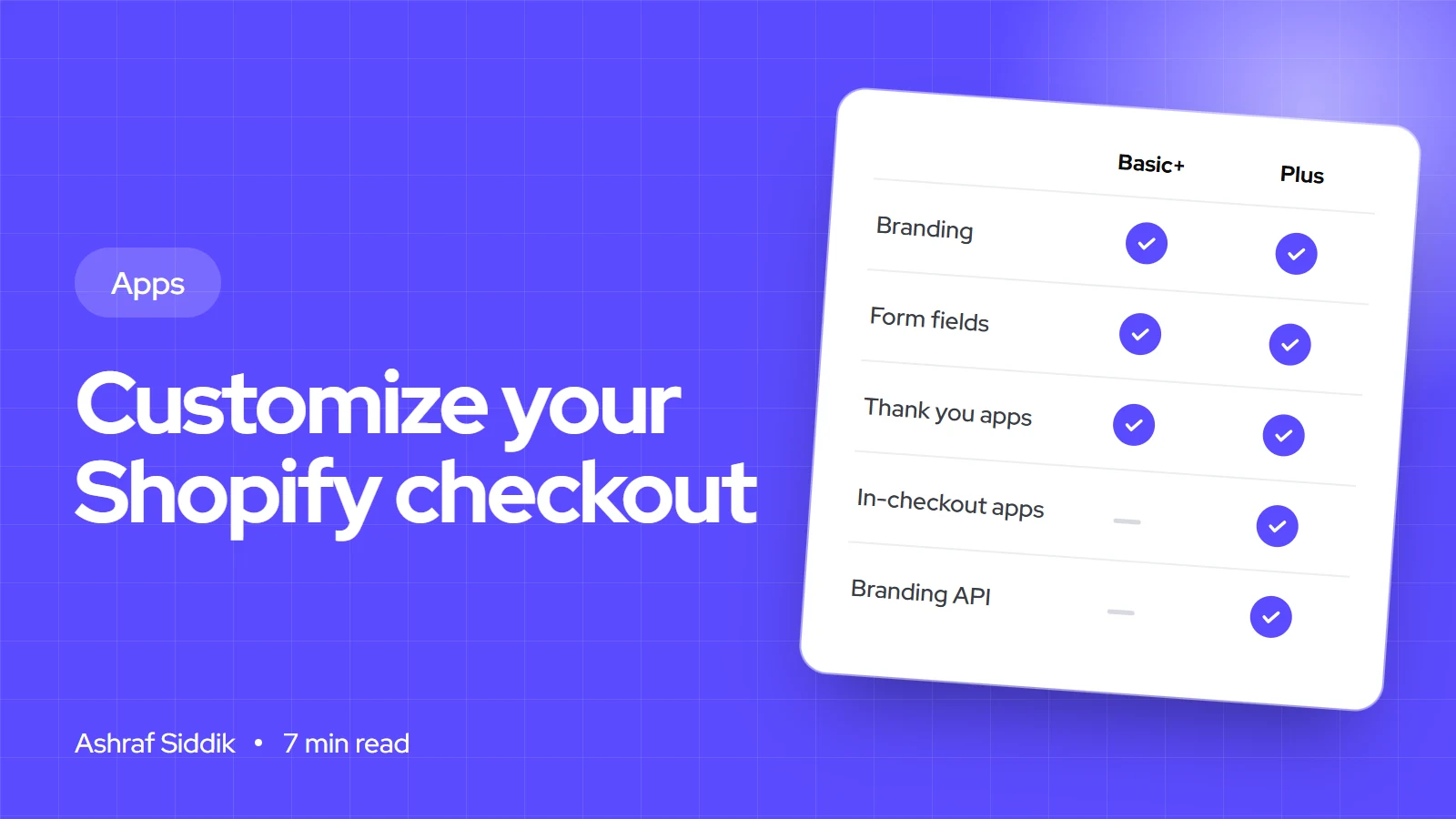
You can change more of Shopify's checkout than most store owners think, and less than most app listings imply. This guide shows exactly what each plan lets you customize, with the admin steps for each change.
-
Shopify Flow: Automations Every Store Should Run
Shopify Flow is free on every current plan and can take a surprising amount of admin work off your hands. Here is how it works, what each plan includes, and the workflows I set up first on most stores.
-
When to Build a Custom Shopify App Instead of Adding Another Subscription
Another subscription is the quickest fix, until you are paying for five apps that still don't match how your business works. Here is how to decide.