
Shopify questionAnswer3 min read
How Much Does a Shopify Store Audit Cost?
A Shopify audit can cost nothing. Here is what a free review covers, when paid work is worth it, my starting prices and the free tools to run before you pay anyone.
Key takeaways
- A Shopify audit can be free: I offer a free store review, and you can read a real example before you ask for one.
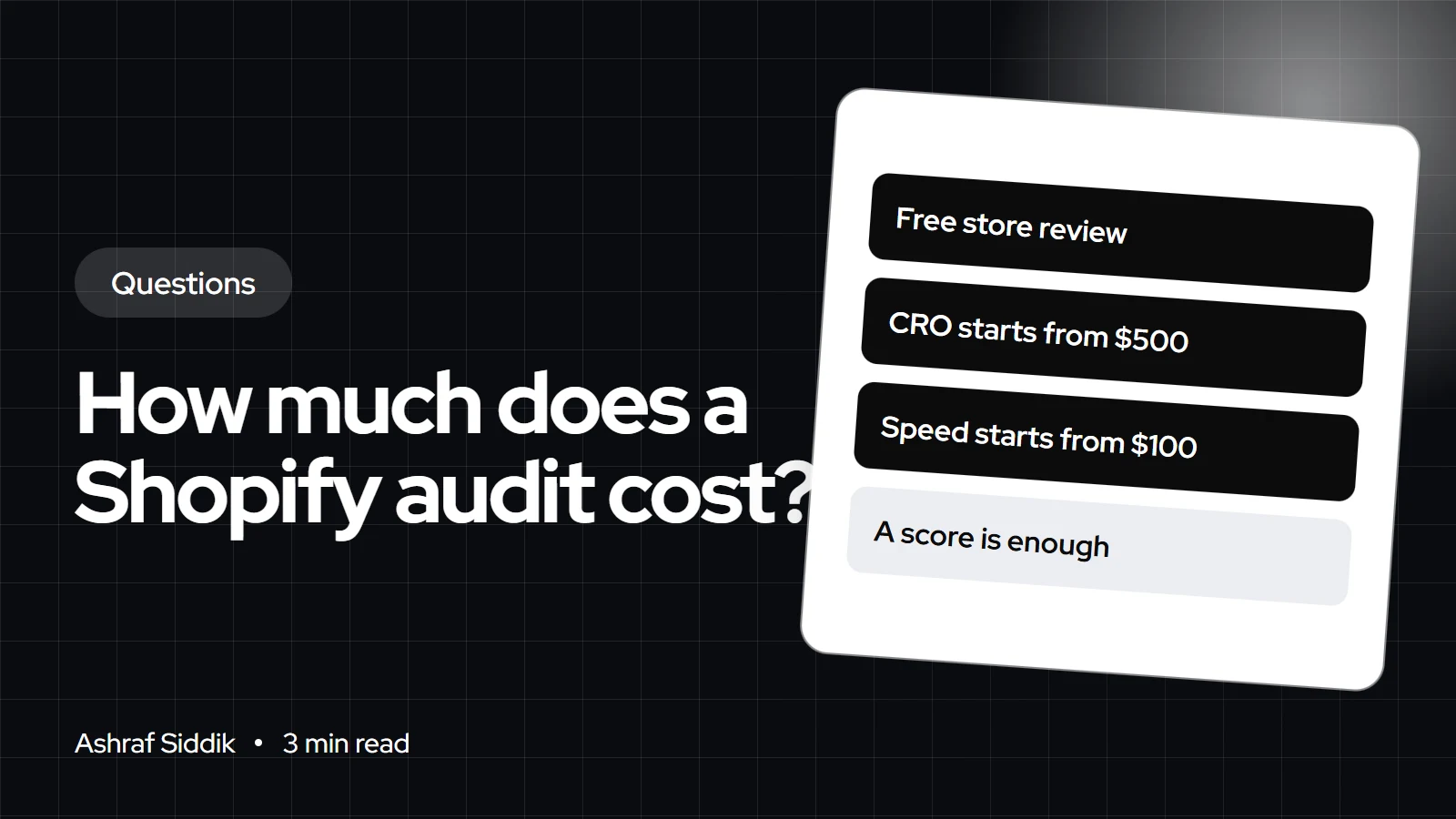
- Paid work from me starts from $500 for CRO, $200 for SEO and $100 for speed optimization, each with a fixed quote.
- Free tools cover a lot of groundwork. Microsoft Clarity is free with no traffic limits, and Shopify's own reports show Core Web Vitals from real visitors.
- A useful audit ends with a short, ranked list of fixes, not a score out of 100.
- Who it is for
- Store owners who want an outside view
- Time needed
- 4 minutes to read
- What you need
- Your store URL
A Shopify store audit can cost nothing, or whatever fee the auditor sets, because there is no standard price. I offer a free review that points out the biggest problems on your store, and if you want the fixes done, my CRO work starts from $500 with a fixed quote. Before paying anyone, run the free tools below so you know what a good audit should find.
Types of audit and what they cost
| Audit | What it checks | Cost with me |
|---|---|---|
| Free store review | Biggest conversion, speed and UX issues | Free |
| CRO | Product pages, cart, checkout flow, tests | Starts from $500 |
| Speed | Core Web Vitals, apps, scripts, images | Starts from $100 |
| SEO | Indexing, titles, structure, content | Starts from $200 |
The free review is a real review, not a sales call. You can see exactly what one looks like in my free review example. The paid work is where I fix what the review finds, and each job gets a fixed quote.
What you can check yourself for free
- Microsoft Clarity. Free forever with no traffic limits, according to Microsoft, as checked on 7 November 2026. Its heatmaps and session recordings show where visitors click, scroll and give up.
- Shopify's web performance reports. Show loading speed (LCP), interactivity (INP) and visual stability (CLS) from real visitor data over the past 30 days. Data can lag by up to 36 hours.
- My free tools. The Shopify store checker gives a quick health check, and my Shopify CRO audit checklist lists what to look at page by page.
What a good audit includes
- Evidence. Screenshots, recordings or numbers for every issue, not opinions.
- Priority. Issues ranked by likely impact and effort, so you know what to fix first.
- Mobile first. Most stores get most of their traffic on phones, so the audit should start there.
- Specific fixes. Each issue comes with what to change, not just what's wrong.
When a paid audit is worth it
Paying for a deeper audit makes sense when something specific has changed and the free tools don't explain it:
- Sales dropped while traffic stayed steady, which points to a store problem rather than a marketing one.
- Conversion fell after a redesign, a theme update or a batch of new apps.
- You're about to spend real money on ads and want the landing pages to hold up first.
- You're planning a redesign and want to know which parts of the current store are worth keeping.
If your store gets very little traffic, hold off. There isn't enough data to test changes properly, and the money does more good bringing visitors in. In that case, a free review plus the checklist is the right level of audit, and you can come back to paid work once visitors and orders give the numbers some weight.
Audit red flags
- A score with no explanation of what to change.
- Promises of a guaranteed revenue increase. No honest auditor can promise that.
- Recommendations that are mostly new apps to install, which often slow the store down.
- No access requested at all for a paid audit, which means nobody looked at your data.
UK and EU stores
In the UK and the EU, cookie consent banners mean part of your traffic is never recorded in analytics until visitors accept. A good audit checks the consent setup before trusting conversion numbers, or it will compare figures that aren't like for like. The price of my work is the same in every country.
What to do next
- Run the free tools. Install Clarity and check Shopify's performance report.
- Work through the checklist. Fix the obvious issues yourself.
- Ask for a free review. Send your store through my free review form for a second pair of eyes.
- Decide on paid work. If the review finds bigger issues, my CRO service starts from $500 with a fixed quote.
Free tools
Check your own store
Free, no sign-up. Each one runs a part of this guide for you.
Frequently asked questions
Is a free Shopify audit worth it?
It can be, if it gives you specific issues with evidence rather than a generic score. Look at an example before you ask, so you know what you'll get.
How much does a Shopify CRO audit cost?
There's no standard price across providers. My CRO work starts from $500, and every project gets a fixed quote after a free review.
What does a Shopify store audit include?
A good one covers mobile product pages, navigation, cart and checkout flow, page speed, apps and tracking. Each issue should come with evidence and a recommended fix, ranked by priority.
Can I audit my own Shopify store?
Yes, for the basics. Use Microsoft Clarity for recordings and heatmaps, Shopify's web performance reports for speed, and a CRO checklist for the page-by-page review.
Do I need to give an auditor admin access?
Not for a first review, which can work from the public store. For paid work, add a collaborator account and limit its permissions to what the job needs.
How often should I audit my Shopify store?
I suggest after any redesign, after adding several apps, and otherwise once a year. Traffic changes and new apps can undo earlier fixes.
Sources
- Microsoft Clarity, Microsoft
- Web performance dashboard, Shopify Help Center
- Collaborator accounts, Shopify Help Center
Related services and work

I'm a Shopify developer and CRO specialist. I have built and improved Shopify stores since 2018, completed more than 1,000 projects, and hold a 4.96 average rating across 719 client reviews.
More guides
-
How Much Does Shopify POS Hardware Cost in the UK?
You can start selling in person with Shopify for £0 using Tap to Pay, or £59 with a card reader. Here is every UK hardware price and what a full shop counter costs.
-
How Much Does It Cost to Add a New Feature to a Shopify Store?
A new feature can cost nothing if Shopify or a free app already does it. Here is the order I check things in, what common requests really need, and my starting prices.
-
How Much Does a Shopify Store Redesign Cost?
A Shopify redesign can mean a restyle, a new theme or a custom build, and each has a different budget. Here is what drives the cost and how to redesign without losing sales.
-
How Much Does a Premium Shopify Theme Cost?
Premium themes on the Shopify Theme Store cost $170 to $500, paid per store. Here are real prices, what the license covers and what the theme really costs once it's set up.


