Shopify guideGuide7 min read
How to Launch a New Product on Shopify: A Launch Strategy
Most launches fail before launch day, or never get reviewed after it. Here's the four-phase plan I use to launch new products on Shopify, with the admin steps.
Key takeaways
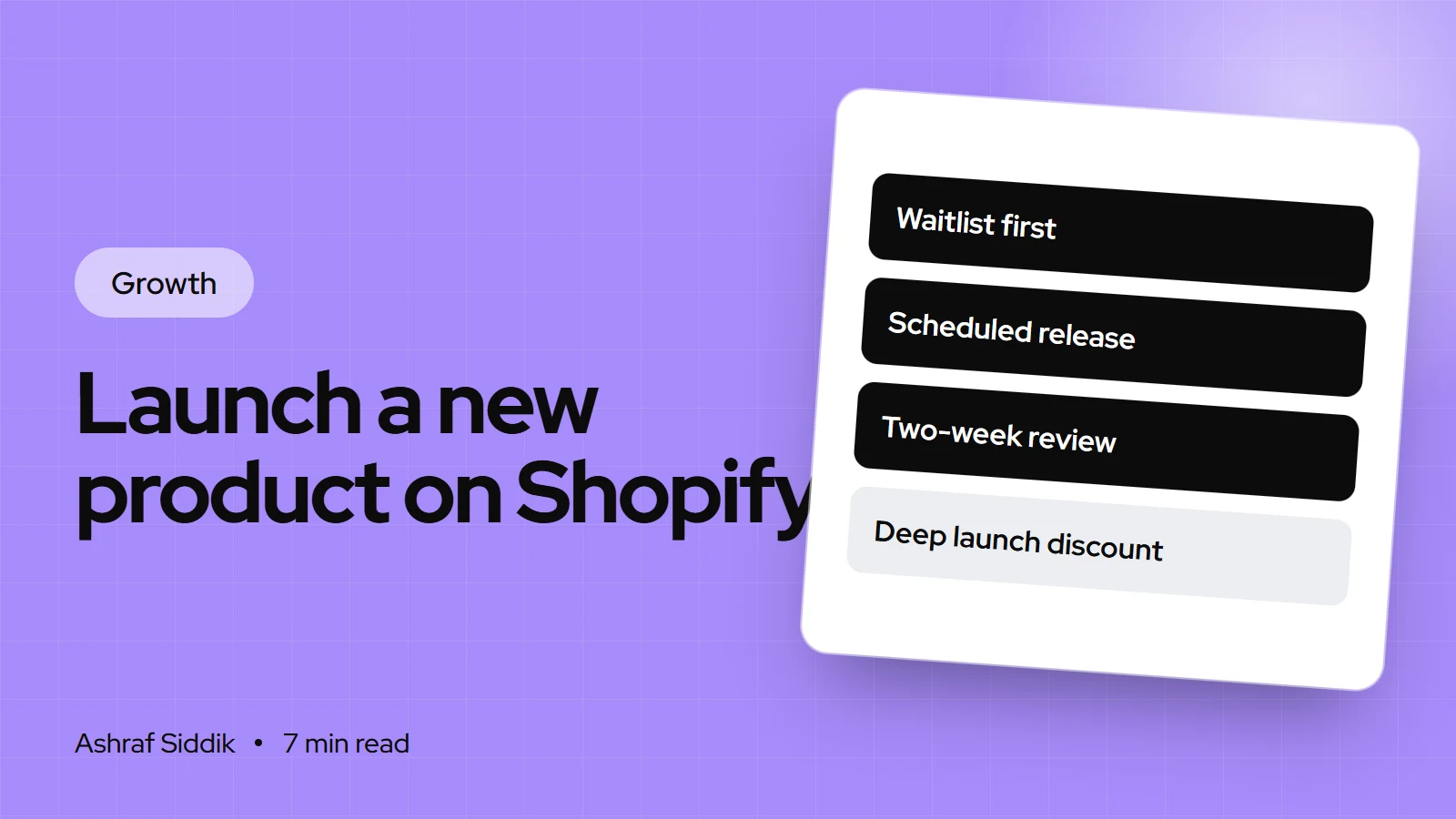
- A product launch strategy has four phases: prepare (6 to 4 weeks out), build demand (4 weeks to launch), launch week, and review (2 weeks after). Most failed launches skip the first or the last.
- Collect a waitlist before launch. Shopify Forms is free and tags sign-ups, and Shopify Messaging includes 10,000 free emails a month, then $1 per 1,000.
- Shopify's future publishing lets you schedule a product to go live at a set date and time, but only for products in Active status, and not for individual variants or the Shop app.
- Judge the launch on add to cart rate, conversion and refunds over two weeks, not on first-hour sales alone.
- Who it is for
- Stores launching a new product or range
- Time needed
- Three to six weeks of planning
- What you need
- Product, photos and a sign-up form
A new product launch is one of the few moments when you have a story worth telling, an audience paying attention and a reason for people to act now. It's also when stores break: the product goes live with a wrong price, the waitlist email links to a 404, or the stock runs out in an hour and nobody can take pre-orders.
This guide is the launch plan I use with Shopify stores: a phase-by-phase framework, a worksheet template, the Shopify features that do the heavy lifting, and a launch day run sheet. Features and prices come from Shopify's Help Center and App Store, as checked on 7 November 2026.
The product launch framework
| Phase | Timing | Goal | Key tasks |
|---|---|---|---|
| Prepare | 6 to 4 weeks out | Product and page ready | Stock, photos, page, pricing, testing |
| Build demand | 4 weeks to launch | A warm waitlist | Teasers, sign-up form, early access |
| Launch | Launch week | First orders, fast | Scheduled release, emails, posts |
| Review | 2 weeks after | Learn and adjust | KPIs, feedback, fixes, restock |
For a small add-on to an existing range, you can compress this into three weeks. For a new hero product or a new brand, give it the full six.
Start with a one-page launch brief
Write this before anything else. It keeps everyone, including freelancers and suppliers, working to the same plan.
- Product: name, variants, price, cost per item and margin.
- Who it's for: the customer and the problem it solves, in one sentence.
- Why now: the reason someone should buy in launch week rather than later.
- Launch date and time, in your store's time zone.
- Stock: units available, reorder lead time, and whether you'll take pre-orders.
- Offer: early access, a launch bundle, or a gift with purchase. Avoid a deep discount on a product nobody has tried.
- Channels: email, social, existing customers, partners.
- Success measures: the numbers you'll check after two weeks.
Phase 1: prepare the product and the page
- Create the product as a draft. In
Products, add the product with full details: title, description, every variant, price, compare-at price only if genuine, and cost per item. Leave it in Draft while you work. - Shoot the photos and video. A clean main image, the product in use, scale, close-ups of materials, and a short video if the product moves or has a feature that's hard to photograph.
- Write the product page. Lead with the benefit and the "why now". Put shipping, returns and delivery time near the add to cart button.
- Set up inventory. Enter stock at each location, and decide what happens when it runs out: stop selling, or continue as a pre-order. My pre-order guide covers the options.
- Add it to collections and menus, so it appears in the right places the moment it goes live.
- Test everything. Preview the product, place a test order, check the confirmation email, and run through my pre-launch testing checklist.
Phase 2: build demand before launch day
The single most useful asset at launch is a list of people who've asked to hear about it. Build one for at least two weeks before launch.
- Add a waitlist form. Shopify Forms is free and adds inline forms and pop-ups that capture email and SMS sign-ups and tag new customers. Put a form on a teaser page and on related product pages, and tag sign-ups with the product name.
- Create a teaser page. In
Online Store > Pages, add a page with the product's story, a few images and the form. Link it from your homepage and social bios. - Warm up the list. Send two or three emails before launch: the problem, a behind-the-scenes look, then the date and time. Shopify Messaging, Shopify's email and SMS tool, includes 10,000 free emails a month, then from $1 per 1,000.
- Offer early access. Give the waitlist a head start, such as 24 hours before everyone else. It rewards sign-ups and spreads the load on stock and support.
- Post the countdown. Show the product in use, the making of it, and the launch date. Point every post to the teaser page, not your homepage.
Schedule the release in Shopify
Shopify's future publishing hides a product until a set date and time, so you don't need to be at a laptop at launch.
- Open the product in
Products. - Set the status to Active. Future publishing only works for Active products.
- Pick the date. In the Publishing section, click the calendar icon next to Online Store and choose the date and time. Set dates for other sales channels if needed.
- Save. Click Schedule publishing, then Save.
- Schedule the teaser and launch pages too. For pages and blog posts, use the calendar icon in the Visibility section, under
Online Store > PagesorContent > Blog posts.
Two limits to know: you can't schedule individual variants, and future publishing isn't available for the Shop app. On Shopify Plus, Launchpad can also schedule and automate sales and promotions around a launch.
Phase 3: launch day run sheet
| Time | Task | Owner |
|---|---|---|
| Launch −1 hour | Check stock, price, page and checkout | You |
| Launch | Product goes live on schedule | Shopify |
| Launch +5 minutes | Place a live order and refund it | You |
| Launch +15 minutes | Email to waitlist and past buyers | You or your email tool |
| Launch +1 hour | Social posts and stories | Social lead |
| End of day | Check orders, stock, questions | You |
| Day 3 | Reminder email to non-buyers | Email tool |
Keep someone on customer questions for the first 48 hours. Launch-day questions about sizing, delivery and compatibility are the cheapest product research you'll ever get, and quick answers save sales.
Phase 4: review after two weeks
Look at these numbers for the new product, compared with your typical product:
- Add to cart rate on the product page: is the offer landing?
- Conversion rate from the waitlist email, and from other traffic.
- Gross margin, from the profit reports, once costs are in.
- Refunds and returns, and the reasons given.
- Questions asked, which tell you what the page didn't answer.
Then update the product page with the answers to the top questions, add the first reviews, and decide on restock quantities. I explain how to read these numbers in the ecommerce KPIs every store owner should track.
Launch strategy examples by store type
- Limited drop (apparel, art prints): fixed quantity, early access for the waitlist, clear sold-out messaging, no restock promise unless you mean it.
- New flavor or variant (food, coffee, skincare): email past buyers first, offer a mixed bundle with the old favorite, and sample in existing orders.
- New hero product (a new category for the brand): the full six-week plan, a story-led teaser page, and pre-orders if stock is tight.
- Seasonal or gift product (holiday sets, gift boxes): launch early enough to beat shipping cut-offs, show the last order date for delivery on the product page, and add gift messaging before launch, not after the first request.
- B2B product (a new part or trade line): send a spec sheet to existing trade customers before launch, set quantity rules and trade prices in advance, and let key accounts order first.
Common mistakes
- Launching to nobody. No waitlist means launch day is just another day.
- Deep launch discounts, which train people to wait for the next sale.
- Not testing the live product after it publishes.
- Selling out with no plan, so demand you worked for goes to waste.
- Judging on the first hour. Many buyers come back days later.
- No review. Every launch should make the next one easier.
Product launch checklist
- One-page launch brief written and shared.
- Product built in Draft with price, cost per item and every variant.
- Photos, video and product page finished and checked on mobile.
- Stock entered, with a plan for selling out.
- Waitlist form live for at least two weeks, with sign-ups tagged.
- Pre-launch emails sent, and early access set for the waitlist.
- Product set to Active and scheduled in the Publishing section.
- Launch day run sheet assigned.
- Two-week review booked in your calendar.
Next steps
Pick your launch date, count back six weeks, and write the brief today. If your product pages are the weak link, my Shopify CRO service starts from $500, and I'm happy to review your store for free before you launch.
Free tools
Check your own store
Free, no sign-up. Each one runs a part of this guide for you.
Frequently asked questions
What is a product launch strategy?
It's the plan for preparing a product, building demand before it goes on sale, launching it and reviewing the results. For a Shopify store, that means a finished product page, a waitlist, a scheduled release and a two-week review.
How far ahead should I plan a product launch?
For a new hero product, start about six weeks out: two weeks to prepare the product and page, four weeks to build a waitlist. A small new variant can launch in about three weeks.
Can I schedule a product to go live on Shopify?
Yes. Set the product to Active, then in the Publishing section click the calendar icon next to Online Store, choose a date and time, click Schedule publishing and save. You can't schedule individual variants, and it doesn't apply to the Shop app.
How do I build a waitlist on Shopify?
Add a sign-up form with the free Shopify Forms app on a teaser page and related products, tag sign-ups with the product name, and email them with Shopify Messaging or your email platform before launch.
Should I discount a new product at launch?
Usually not deeply. Early access, a launch bundle or a gift with purchase rewards early buyers without teaching everyone to wait for a sale.
How do I measure if a product launch worked?
After two weeks, compare the product's add to cart rate, conversion rate, gross margin and refund rate with your typical product, and review the questions customers asked.
Sources
- Future publishing, Shopify Help Center
- Shopify Forms, Shopify App Store
- Shopify Messaging, Shopify App Store
- Shopify Plus plan, Shopify Help Center
Related services and work

I'm a Shopify developer and CRO specialist. I have built and improved Shopify stores since 2018, completed more than 1,000 projects, and hold a 4.96 average rating across 719 client reviews.
More guides
-
How to Write an About Us Page That Builds Trust (With Examples)
Shoppers open your About page to check you're real before they pay. Here's the structure, template and examples I use to make that page earn trust.
-
How to Sell on TikTok Shop UK from Shopify
TikTok Shop syncs with Shopify, so you can sell in videos and fulfill from one admin. Here's how to set up TikTok Shop UK step by step, and avoid the common sync errors.
-
How to Set Up Subscriptions on Shopify (Step by Step)
Subscriptions turn one-off buyers into repeat orders, if the setup is right. Here's how I set them up with Shopify's free app, and when a paid app is worth it.
-
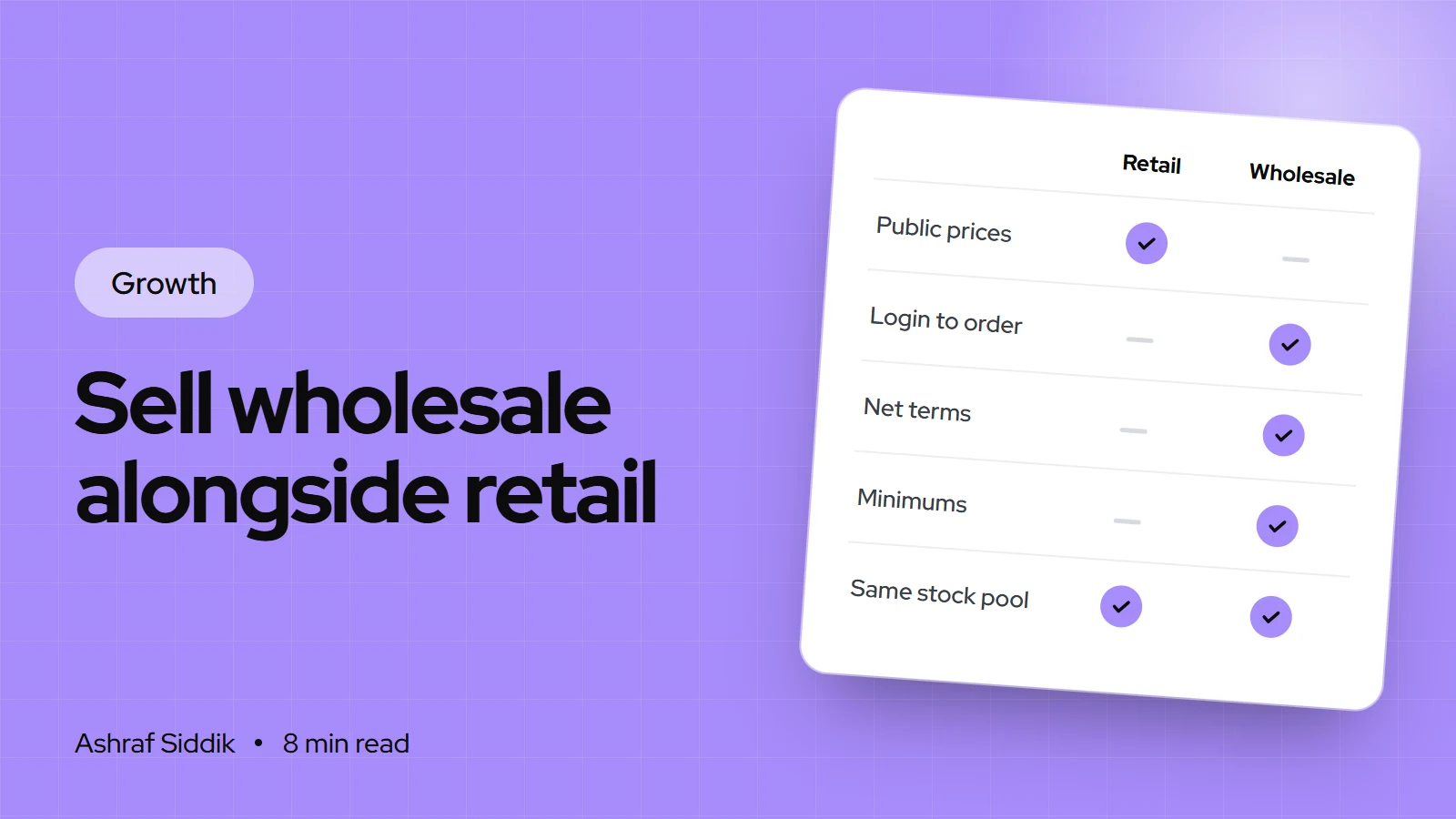
How to Sell Wholesale Alongside Retail on Shopify
Wholesale can sit inside the same Shopify store as your retail sales, with trade prices that only approved buyers see. Here is how to price it, set it up step by step and find your first retailers.