Shopify questionAnswer4 min read
How Do I Print Shipping Labels from Shopify in the UK?
You can buy and print a Royal Mail, DPD or Evri label from any order in a couple of minutes. Here are the steps, the printers that work, and the rules to know.
Key takeaways
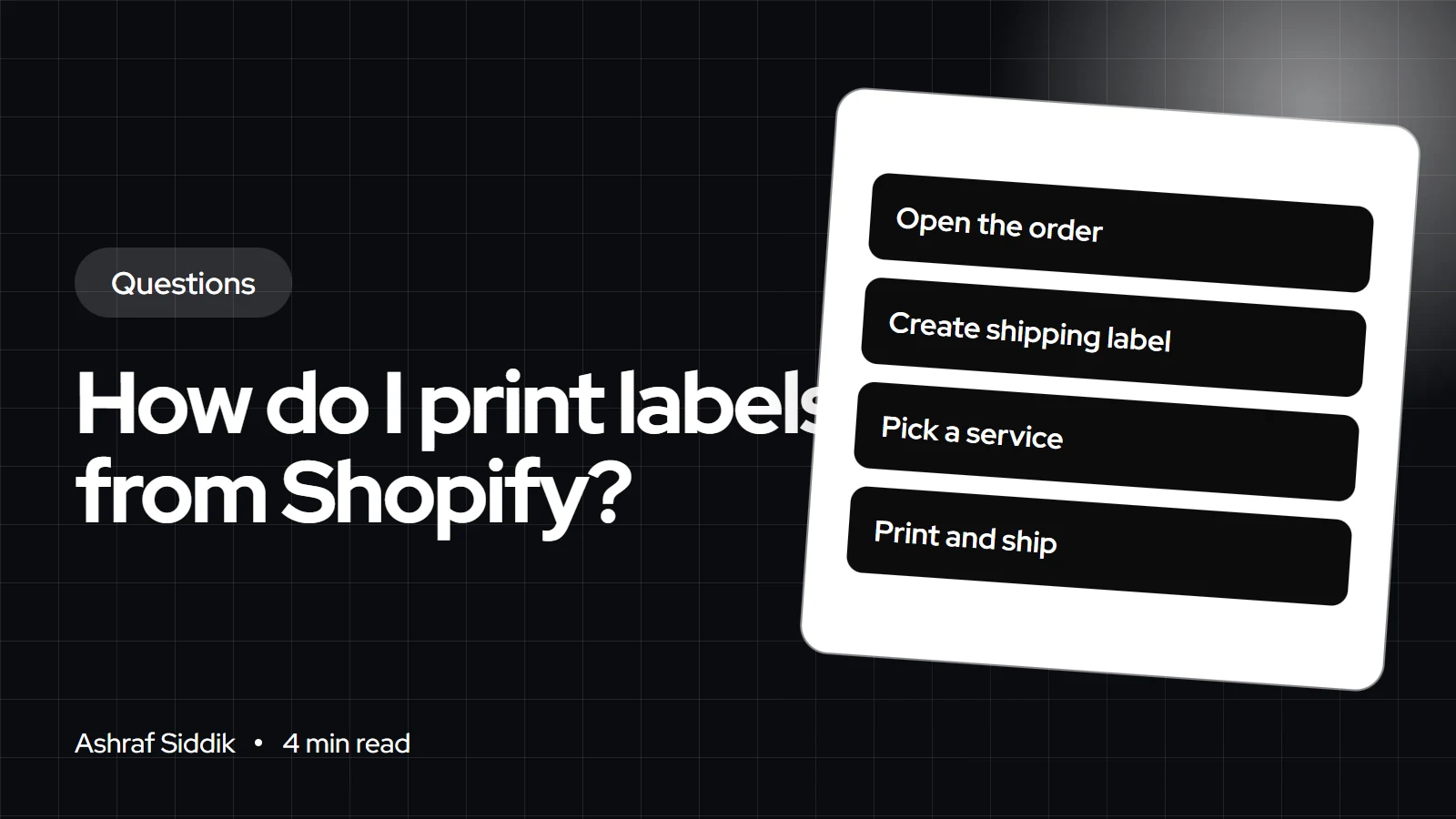
- Open an unfulfilled order, choose to create a shipping label, confirm the package and weight, pick a service and buy it. Then print the label and any packing slip.
- UK fulfillment locations can buy labels from Evri, DPD, Royal Mail, InPost UK and DHL Express Europe through Shopify's carrier accounts.
- Labels are billed to your Shopify account, and inaccurate package details can lead to a price adjustment.
- Royal Mail labels must be used within 7 days and can only be voided after 11 days.
- Who it is for
- UK stores fulfilling their own orders
- Time needed
- 4 minutes to read
- What you need
- A UK fulfillment location and a printer
To print a shipping label from Shopify in the UK, open the order in your admin, choose to create a shipping label, confirm the package and weight, pick a Royal Mail, DPD, Evri, InPost UK or DHL Express Europe service, and buy it. Then print it on a desktop or label printer and attach it to the parcel. The cost goes on your Shopify bill, and you need a UK fulfillment location to buy these labels.
I set up fulfillment for UK Shopify stores, and getting the first label right saves a lot of re-prints later. The steps and rules below come from Shopify's help center, checked on 7 November 2026.
How to buy and print a label
- Open the order. Go to
Ordersand open an order with unfulfilled items. - Create the label. In the Unfulfilled section, choose the option to create a shipping label.
- Check items and weight. Confirm the item count and edit weights if needed. You can save corrected weights back to the product.
- Pick the package. Choose a saved package or add a new one with real dimensions.
- Choose the service. Your preferred services show first; click to see all eligible ones.
- Add options. Add signature confirmation where the service offers it, and set the shipping date.
- Buy it. Review the summary and complete the purchase. Your card issuer may ask you to verify.
- Print. Choose whether to print with packing slips, then print your documents.
Shopify also lets you buy labels in bulk when you're fulfilling several orders at once, which saves time on busy days.
Which printer to use
A desktop printer works on plain paper, but Shopify notes you'll need a plastic sleeve or packing tape to attach the label. A label printer uses adhesive labels that stick straight on. Shopify lists these as tested for labels bought in Shopify:
- Dymo LabelWriter 4XL, Wireless and 550 series
- Rollo, Brother QL and Bixolon label printers
- Zebra ZD421, ZD220 and ZSB series
Choose your printer during the label purchase or on the Shipping and delivery settings page.
Carrier rules that affect labels
| Carrier | Hand-over | Key rule |
|---|---|---|
| Royal Mail | Your usual Royal Mail route | Use within 7 days; void after 11 |
| DPD | DPD drop-off location | No pickups; claims within 10 days |
| Evri | Evri ParcelShop | 15 kg max; claims within 23 days |
All three are UK domestic only through Shopify. For a side-by-side view of price, speed and coverage, see my Royal Mail vs Evri vs DPD comparison, and for picking between Royal Mail's two tracked services, my answer on Tracked 24 or Tracked 48.
Other ways to print labels
| Option | Best for | Worth knowing |
|---|---|---|
| Shopify Shipping | Getting started | No carrier account needed |
| Royal Mail Click & Drop app | Your own Royal Mail account | Free app; rated 1.6 from 90 reviews |
| Parcel2Go app | Comparing couriers | Free app; rates from £2.20 |
App ratings were checked on the Shopify App Store on 7 November 2026. Click & Drop imports orders and prints batches of labels; my guide to integrating Royal Mail Click & Drop covers the setup.
Outside the UK
The steps are the same in every country, but the carriers change with your fulfillment location: US stores see services such as USPS and UPS, Australian stores Australia Post and Sendle, and Dutch stores carriers such as PostNL. US locations can also add shipping insurance on the label screen.
Mistakes that cost money
- Guessing weights. Shopify warns that inaccurate details can lead to a price adjustment.
- Buying too early. A Royal Mail label left more than 7 days can't be used, and can't be voided for 11.
- Wrong location. If your fulfillment location address is wrong, the label and collection details are too.
What to do next
- Add real weights and box sizes before your first label.
- Buy one test label on a real order and check how it prints.
- Read how Shopify Shipping works overall in my answer on Shopify Shipping in the UK.
Free tools
Check your own store
Free, no sign-up. Each one runs a part of this guide for you.
Frequently asked questions
How do I print a shipping label on Shopify?
Open an unfulfilled order, choose to create a shipping label, confirm the package and weight, pick a service and buy it. Then print it with or without a packing slip.
Which carriers can UK Shopify stores buy labels from?
Shopify lists Evri, DPD, Royal Mail, InPost UK and DHL Express Europe for UK fulfillment locations.
Can I print Shopify labels on a normal printer?
Yes. A desktop printer works, but you'll need a plastic sleeve or packing tape to attach the label. Label printers use adhesive labels instead.
How do I pay for Shopify shipping labels?
The label cost and tax are billed through your Shopify account after purchase.
Can I cancel a Royal Mail label bought in Shopify?
Shopify says Royal Mail labels can only be voided after 11 days from purchase, and must be used within 7 days.
Is Royal Mail Click & Drop better than Shopify Shipping?
Click & Drop suits stores with their own Royal Mail account. Shopify Shipping is simpler to start with because it uses Shopify's carrier accounts.
Sources
- Buying shipping labels, Shopify Help Center
- Setting up shipping labels, Shopify Help Center
- Supported label printers, Shopify Help Center
- Shipping with Royal Mail, Shopify Help Center
- Click & Drop, Shopify App Store
Related services and work

I'm a Shopify developer and CRO specialist. I have built and improved Shopify stores since 2018, completed more than 1,000 projects, and hold a 4.96 average rating across 719 client reviews.
More guides
-
How Does Shopify Shipping Work in the UK?
Shopify Shipping does two jobs: it sets what customers pay at checkout and lets you buy labels in your admin. Here is how both work for UK stores.
-
Is Dropshipping Still Worth It in the UK?
It can be, but not in the form most courses sell. Here is what UK rules, fees and delivery times do to a dropshipping margin, and when it still works.
-
The Complete Guide to Shopify Shipping for UK Stores
Shopify shipping covers checkout rates, discounted labels and delivery options, all from one admin. Here is how each part works for a UK store, what it costs and how to set it up.
-
USPS and UPS Shipping on Shopify: Rates, Labels and Pickups
Shopify lets you show USPS and UPS rates at checkout and buy discounted labels from the same admin. Here is how to set both up, which plan you need for your own carrier account, and the mistakes that make rates wrong.