Shopify glossaryGlossary4 min read
What Is Shopify Markets? Selling to Several Countries From One Store
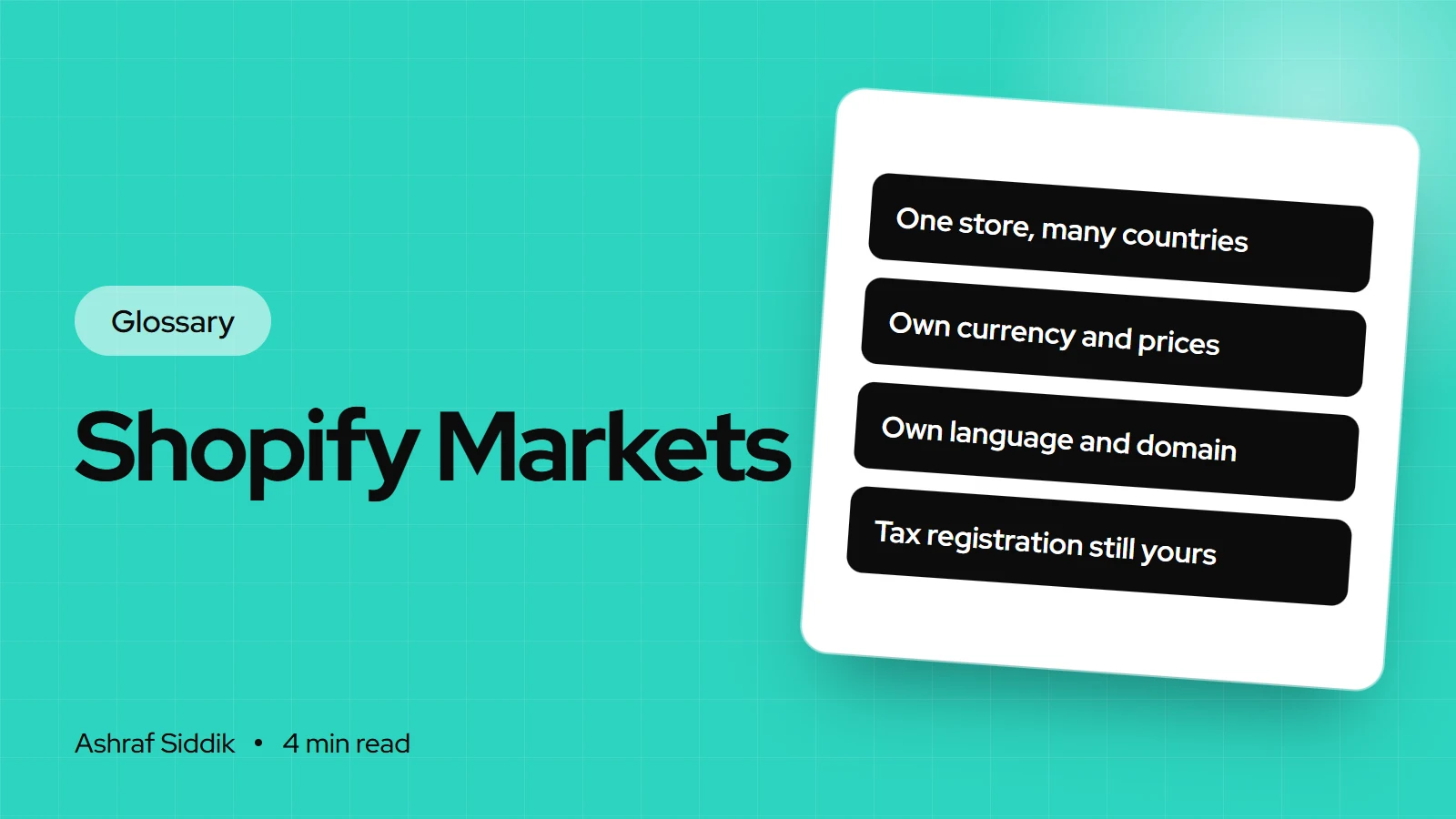
Shopify Markets is the part of your Shopify admin that lets one store give different countries or buyer groups their own currency, prices, language and domain. Here is what a market is, what you can change per market, and where Managed Markets fits.
Key takeaways
- Shopify Markets is a set of international selling tools built into Shopify. A market is a group of buyers you give a specific buying experience.
- Per market you can control settings such as currency, product availability, theme content, domains, languages and taxes.
- Markets aren't only countries. Shopify can also match buyers by the retail location they shop at or the company location they buy for.
- Managed Markets is a separate, Global-e powered option where Global-e becomes the merchant of record and handles tax registration and duties.
- Who it is for
- Stores selling abroad
- Time needed
- 4 minutes to read
- What you need
- A list of target countries
Shopify Markets is the set of tools in your Shopify admin for selling to different countries or customer groups from one store, with each group getting its own currency, prices, languages, domain and product range. In Shopify's developer docs, a market is a group of buyers that a merchant targets with a specific buying experience.
I set up international Shopify stores for merchants in the US, UK, the Netherlands and Australia, and Markets is usually the first thing I configure. The details below were checked on Shopify's help center and developer docs on 7 November 2026.
How Shopify Markets works
Each market has conditions that decide which buyers belong to it, most often the country they are in. When a visitor arrives, Shopify matches them to a market and shows that market's settings. A buyer can match more than one market, and Shopify applies the most specific match. Visitors who match no active market fall back to the backup region.
| Setting | What it controls | Example |
|---|---|---|
| Currency | Prices and checkout currency | £ for the UK market |
| Catalog and prices | Which products, at what price | EU prices 10% higher |
| Product availability | Hides excluded products | Leave oversized items out abroad |
| Languages | Storefront language | Dutch for the Netherlands |
| Domain | Domain, subdomain or subfolder | yourstore.com/en-gb |
Products excluded from a market's catalog are hidden from that market's storefront, left out of search results and can't be added to the cart there.
A worked example
Say a US store sells a $40 product and adds a Europe market.
- Create the market and add the EU countries you ship to.
- Set the currency to €, so prices convert automatically.
- Adjust prices with a price list. A catalog can raise prices by a percentage, say 10% to cover shipping and duties, or set fixed prices for individual variants.
- Add languages and a domain, such as a /de or /fr subfolder with translated content.
- Hide products you can't ship to the EU by leaving them out of the market's catalog.
The $40 product now shows a € price based on $44 for EU visitors, while US visitors still see $40. My guide to setting up Shopify Markets for EU customers covers VAT and duties for that case.
Where to find Markets in Shopify
You manage markets from the Markets page in your Shopify admin, where you create markets, choose market types and set localization. Related settings live in their own areas: languages and translations, domains, shipping zones and taxes. Shipping options by market only appear if your store supports them.
Shopify Markets vs Managed Markets
| Aspect | Shopify Markets | Managed Markets |
|---|---|---|
| Merchant of record | You | Global-e |
| Tax registration abroad | Your job | Handled by Global-e |
| Duties and import tax | Your setup | Managed by Global-e |
| Who can use it | Any Shopify store | Continental US, some Canada and UK stores |
Shopify renamed Markets Pro to Managed Markets in June 2024. Shopify doesn't list its fees on the help page I checked, so confirm them in your admin before you decide.
Common misconceptions
- Markets handles tax registration for me. Only Managed Markets does. With standard Markets, you still register for VAT, GST or sales tax where the law requires it.
- Translation is automatic. A market can show a language, but you still need translated content, checked by someone who knows the language.
- Compare-at prices show everywhere. Shopify hides compare-at prices by default for non-EEA primary markets reaching EEA customers, although you can switch them back on.
- I need a separate store per country. Usually not. I compare the two approaches in Shopify Markets vs multiple stores.
Related terms
- Catalog: the products and prices assigned to a market.
- Merchant of record: the business legally responsible for the sale and its taxes.
- Omnichannel retail: connecting every channel, including other countries. See omnichannel retail.
- Backup region: the market used for visitors who match no other market.
What to do next
- Pick one new market where you already get orders or traffic, rather than adding every country at once.
- Check your tax position in that country before you switch it on.
- Set prices deliberately with a price list, instead of relying on raw currency conversion.
- Budget the setup. My international store cost guide lists what it involves, and every project gets a fixed quote after a free review.
Free tools
Check your own store
Free, no sign-up. Each one runs a part of this guide for you.
Frequently asked questions
What is Shopify Markets?
Shopify Markets is a set of tools built into Shopify for selling to different countries or buyer groups from one store. Each market can have its own currency, prices, product range, languages and domain.
Is Shopify Markets free?
Shopify Markets is part of the Shopify admin, and the help pages I checked list no separate charge for it. Managed Markets, the Global-e powered option, is different, so check its fees in your admin.
What is the difference between Shopify Markets and Markets Pro?
Markets Pro is the earlier name for what Shopify now calls Managed Markets. With it, Global-e becomes the merchant of record and handles tax registration, local payment methods and duties. With standard Markets, you remain the seller.
Can I use different domains for each market?
Yes. Shopify lets a market use its own domain, subdomain or subfolder, such as yourstore.com/en-gb, which also helps search engines show the right version in each country.
Do I still need to register for VAT if I use Shopify Markets?
Yes, where the law requires it. Standard Markets shows local prices and taxes, but registration and filing stay your responsibility. Only Managed Markets moves that to Global-e.
Sources
- About Shopify Markets, Shopify.dev
- Markets, Shopify Help Center
- Managed Markets, Shopify Help Center
- International sales tools, Shopify Help Center
- Markets Pro is now Managed Markets, Shopify Changelog
Related services and work

I'm a Shopify developer and CRO specialist. I have built and improved Shopify stores since 2018, completed more than 1,000 projects, and hold a 4.96 average rating across 719 client reviews.
More guides
-
Selling to the Netherlands and Europe with Shopify Markets
Dutch shoppers want prices in €, iDEAL, their own language and no bill at the door. Here is how to set up Shopify Markets for the Netherlands and the EU, including VAT and the new customs duty.
-
International Selling Checklist for Shopify Stores
Use this checklist once for every new country you open. It covers Shopify Markets, currency, payments, language, shipping, duties, tax rules and returns, with the admin path for each check.
-
Can You Hire Someone to Fix Just One Thing on Shopify?
Yes. Plenty of Shopify work is one small fix, and a good developer will quote it as a fixed job. The trick is describing it well and giving access safely.
-
How to Set Up Shopify Markets to Sell Across Europe
Shopify Markets lets one store sell in €, in local languages and with the right tax display across Europe. Here is the setup step by step for UK stores, including VAT, IOSS and duties.