Webflow to Shopify migration

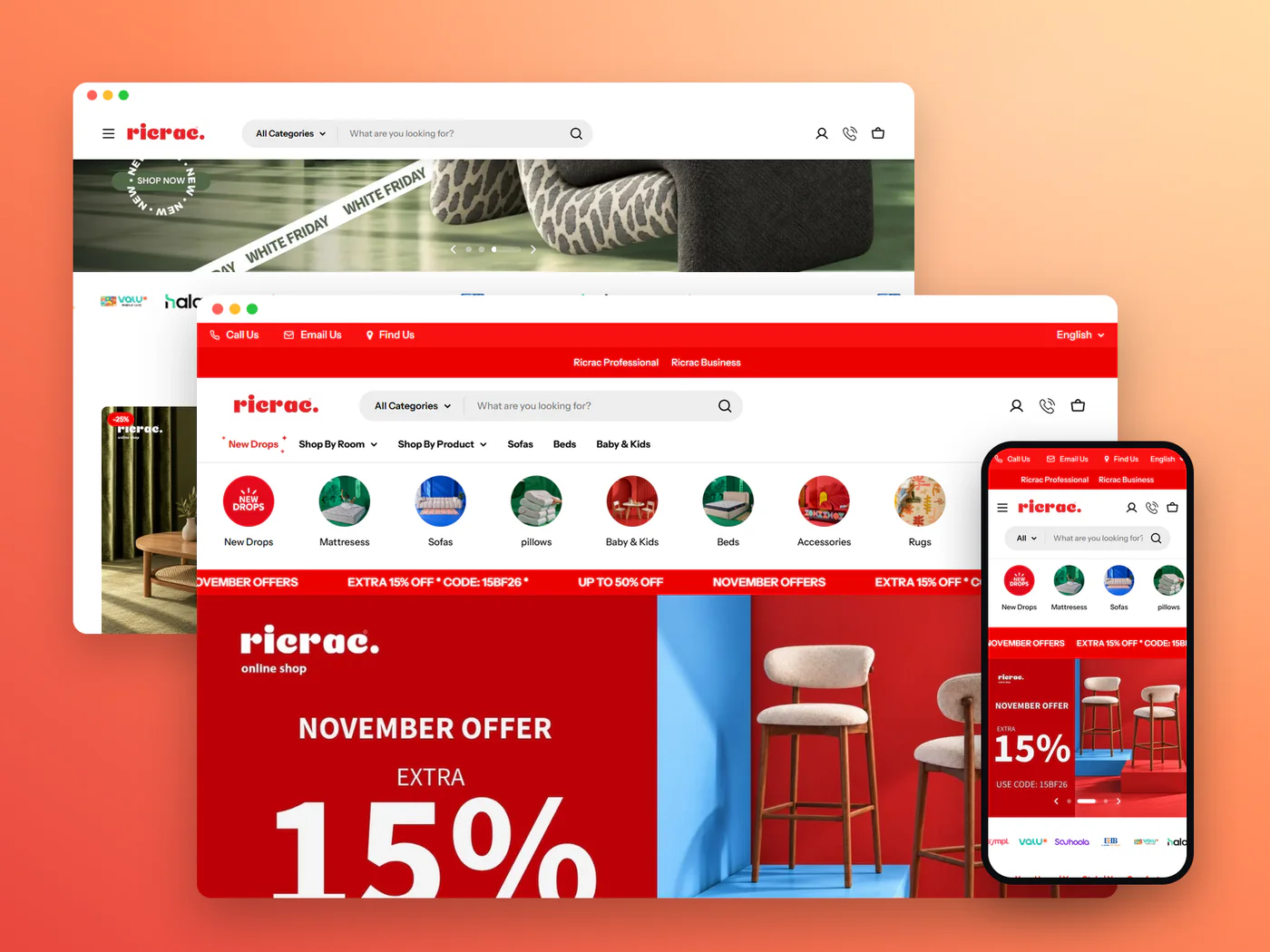
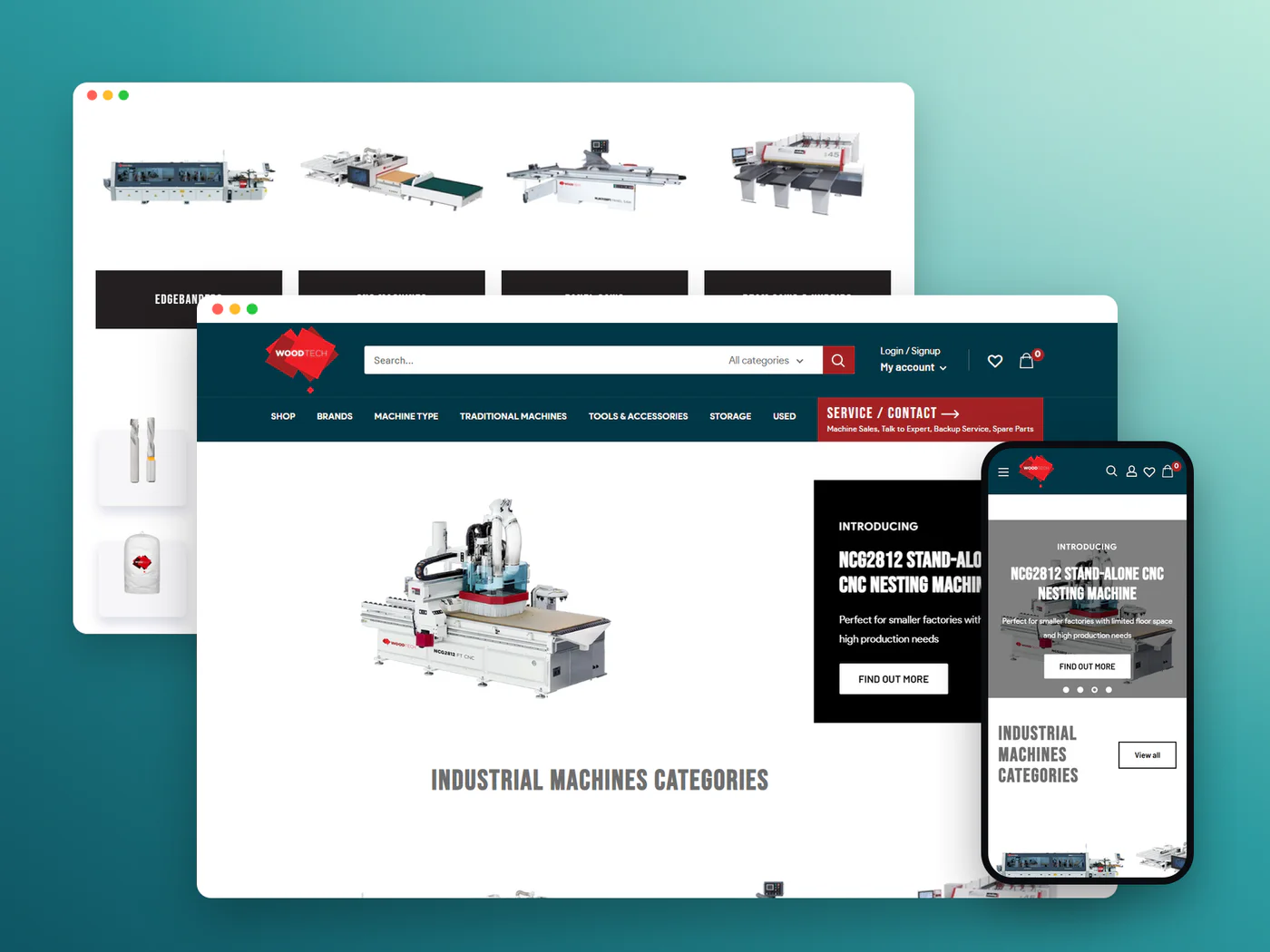
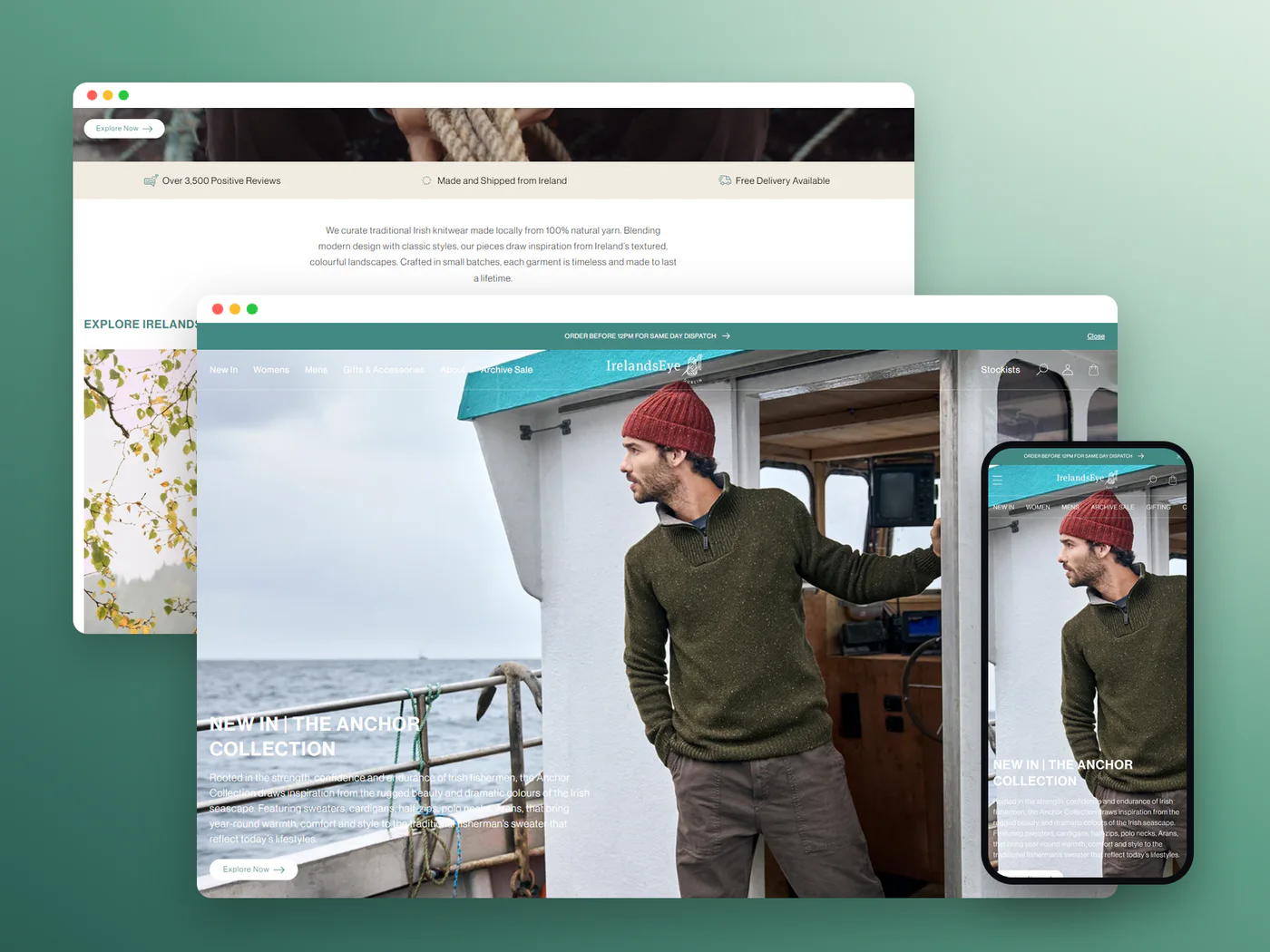
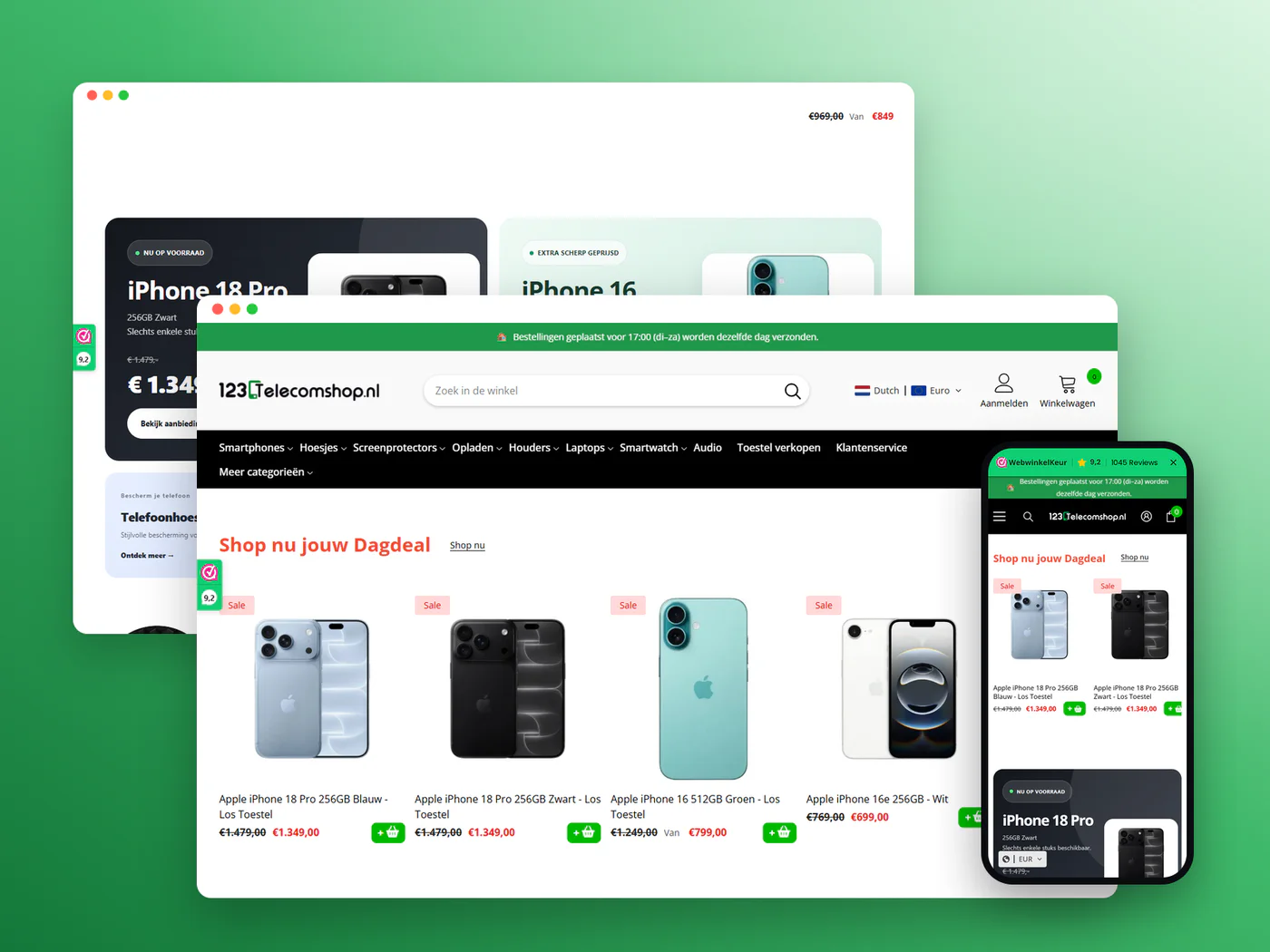
I move Webflow sites to Shopify and rebuild the design as a Shopify theme your team can edit, with CMS content, products and customers carried across and every old URL redirected.

Working to a budget?

Tell me what you can spend and I’ll fit the scope to it. For first-time clients, the consultation and plan are free.

Discuss your budget
  • Shopify Select Partner
  • 4.96 average from 719 reviews
  • 1,000+ Shopify projects delivered
  • Redirects and SEO handled

Pricing

Fixed quote

Get an exact quote

Keep the design, gain the store

People usually leave Webflow for its commerce, not its design. The design is often the best thing about the site, so the job is to keep it while moving the store to a platform built for selling. Shopify's Store Migration app doesn't list Webflow as a source, as checked on 7 November 2026, so nothing here is a one-click import.

Webflow's code export doesn't solve it either. Webflow's own help center says CMS, user accounts and Ecommerce content aren't included in exported code, and code export only comes with Workspace plans. What Webflow does offer is a CSV export of CMS Collection items, user accounts and products. I use those files as the source, reshape them into Shopify's import formats and bring the images across from Webflow's asset URLs.

The design is rebuilt, not copied. Webflow's HTML and class-based CSS don't map onto Shopify's Liquid themes, so I rebuild each layout as theme sections and blocks. Interactions and animations are rebuilt in light CSS and JavaScript, and I keep the ones that help people buy. Your team then edits text, images and sections in Shopify's theme editor, with no developer needed for everyday changes.

The URLs change too. Shopify puts products under /products/, collections under /collections/ and posts under /blogs/, so every Webflow CMS and product URL gets a 301 redirect, imported before the domain moves. Customer passwords can't be migrated, but on Shopify's customer accounts customers sign in with an emailed 6-digit code. Every Webflow move gets a fixed quote after a free 3‑point review.

Signs it's time to move

  • You need a selling feature Webflow Ecommerce doesn't offer, and no integration covers it.
  • You want Shop Pay and the wider Shopify app ecosystem.
  • Your catalog is growing and managing it in the CMS feels slow.
  • You sell in more than one country and need local currencies and languages.
  • You want your brand site and your store on one platform.

What the migration includes

Design rebuilt as a Shopify theme

Your Webflow layouts, type and colors rebuilt as Shopify sections and blocks, so the store looks like your site and stays editable.

CMS content moved

CMS Collection items exported to CSV and imported as blog articles, pages or metaobjects, depending on what each collection holds.

Products and customers

Products, variants and customer records exported from Webflow and reshaped into Shopify's import format, with images hosted on Shopify.

Interactions rebuilt with care

Animations that help people buy are rebuilt in light CSS and JavaScript, and heavy ones are dropped to keep pages fast.

301 redirects

Every Webflow page, CMS item and product URL mapped to its Shopify address and redirected before launch.

SEO settings carried over

Page titles, meta descriptions and image alt text moved field by field, not left at Shopify's defaults.

Why move Webflow with me

01

Design and data, one team

The theme rebuild and the data move are done by the same specialist team, led by me, so nothing falls between a designer and a developer.

02

Speed kept in check

I also do Shopify speed optimization, so rebuilt interactions are tested for load time on mobile, not only for looks.

03

Shopify Select Partner, 7+ years

More than 1,000 Shopify projects and a 4.96 rating from 719 reviews. A specialist team, led by me, does the work, and you deal with me throughout.

How the migration works

  1. 1

    Free review and fixed quote

    I review your Webflow site, CMS collections and ecommerce setup, send three points on what needs care, then a fixed quote.

  2. 2

    Design rebuild

    Your pages are rebuilt as Shopify theme sections and compared side by side with the Webflow site on mobile and desktop.

  3. 3

    Content and data import

    CSV exports are mapped and imported, and the redirect list is built from every URL in your Webflow sitemap.

  4. 4

    Launch and check

    The domain moves to Shopify, redirects go live and I check pages, forms and checkout on the live store.

Is this migration right for you

A good fit

  • You built your brand site in Webflow and now sell enough to need a proper store.
  • You want to keep your design and gain Shopify's checkout and apps.
  • You sell in several countries or need integrations Webflow doesn't have.
  • Your team edits the site and wants to keep doing that without a developer.
  • Your site has search traffic, and every URL needs a redirect.

Not the right fit

  • You don't sell online, or sell a handful of items: Webflow may suit you better.
  • You need every Webflow interaction kept exactly as it is.
  • You want the move done without rebuilding the design.

What moves, and what changes

AspectOn WebflowOn Shopify
DesignWebflow DesignerShopify theme sections
CMS contentCMS CollectionsBlog, pages or metaobjects
ProductsWebflow EcommerceProducts and variants
Product URLsWebflow collection paths/products/item-name
AnimationsWebflow InteractionsRebuilt in CSS and JavaScript
Customer sign-inPasswordEmailed 6-digit code
HostingWebflow site planIncluded in the Shopify plan

What you get at handover

Redirect map

Every old Webflow URL, its new Shopify address and its redirect status, checked on the live store.

Design sign-off

Key pages on Webflow and Shopify side by side, on mobile and desktop, approved by you before launch.

Theme editing guide

How to change text, images, sections and products in Shopify's theme editor, written for your team.

Speed and SEO check

Load times and Search Console status for your key pages after launch, with any fixes listed.

Why brands choose to work with me.

More about Ashraf
Ashraf Siddik

A specialist team, led by me

I lead every project personally, and a team of Shopify specialists helps me deliver faster across CRO, design, development, apps and automation.

1,000+Shopify projects completed

Decisions backed by data

Changes start from customer behaviour, analytics and recordings, not guesswork.

Built around revenue

Design and code are judged by what they do for conversion and order value.

Direct communication

You work with me directly, with working-hour overlap with the US, UK and Europe.

Shopify Select Partner

Listed at Select tier in the Shopify Partner Directory, with 7+ years on the platform.

Trusted by brands in 35 countries

355+ clients and a 4.96 average rating from 719 reviews.

Start a project

What store owners say.

4.96 from 719 reviews
  • I am writing to highly recommend Ashraf, who I had the pleasure of working with on Fiverr. Ashraf is an exceptional worker who consistently delivers high-quality work with excellent attention to detail.

    I hired Ashraf to code something in my website. Throughout the project, he demonstrated exceptional communication skills and was always responsive to my inquiries and concerns. He also was proactive in seeking my feedback and ensuring that the final product met my expectations.

    joerismash

    Netherlands

    Shopify Custom Coding & CRO
  • Ashraf is an outstanding developer who transformed my website beyond my expectations. He not only delivered on every request promptly but also enhanced the site with his expertise. Communication was excellent throughout the process, and the delivery was impressively fast, showcasing Ashraf's commitment to customer satisfaction. I highly recommend Ashraf for anyone seeking a skilled and reliable developer to elevate their website.

    gleamify_be

    Belgium

    Shopify Store Design & Redesign
  • Extraordinarily great work. Very fast and even added some extra details. Ashraf's dedication and attention to detail are truly impressive. He ensured that every aspect of the website was polished and functional, going above and beyond to deliver a product that exceeded my expectations. Communication was smooth and efficient, making the entire process a breeze. I highly recommend his services!

    jens1905

    Netherlands

    Shopify Custom Coding & CRO

Migration questions, answered.

What store owners ask before moving to Shopify.

Ask me about your store
Can I convert my Webflow design into a Shopify theme?

Not automatically. Webflow's exported HTML and CSS don't work as a Shopify theme, so I rebuild the design as Liquid sections and blocks. The result looks like your site and can be edited in Shopify's theme editor.

Is there an app that migrates Webflow to Shopify?

Shopify's own Store Migration app doesn't list Webflow as a source. Some third-party apps do, but I work from Webflow's CSV exports and the API, so every field is checked rather than assumed.

Does Webflow let me export my CMS content?

Yes. Webflow lets you export CMS Collection items, user accounts and products as CSV files. Its code export leaves out CMS, user account and Ecommerce content, so the CSV files are what the migration works from.

Will my rankings drop after the move?

They can dip for a while after any platform change. To limit that, every old URL gets a 301 redirect and your titles, descriptions and alt text move with the content. I check Search Console after launch for 404s and indexing issues.

How much does a Webflow to Shopify migration cost?

There's no set price. It depends on how many page templates need rebuilding, how many CMS collections and products you have, and which interactions you want to keep. I review the site for free, then send one fixed quote that covers design, data and redirects.

Will my Webflow animations survive the move?

The ones worth keeping are rebuilt in CSS and JavaScript. I drop or simplify anything that slows the page on mobile, and I show you the trade-off before deciding.

Can my team still edit the site after launch?

Yes. Pages are built from Shopify theme sections, so your team can change text, images and the order of sections without code.

What happens to my Webflow forms?

Shopify themes include a contact form that sends to your store email. Anything more involved, such as multi-step or file-upload forms, moves to a form app. I list each Webflow form during the review and agree where its submissions should go.

Free 3‑point store review

Three fixes for your store, free.

  1. 1
    Send your storeTakes about a minute
  2. 2
    I review it by handOn mobile and desktop, not by a tool
  3. 3
    Get three ranked fixesBy email, free, with no obligation

“Very professional and deep understanding of the Shopify ecosystem. Friendly and proactive communication. Delivered on time with good quality”

Verified client, United Kingdom
4.96 from 719 client reviews

Get your free review

Takes about a minute. No obligation.

Your email is used only to reply about your store. No newsletter, never sold. Privacy note